SmartHomesAE
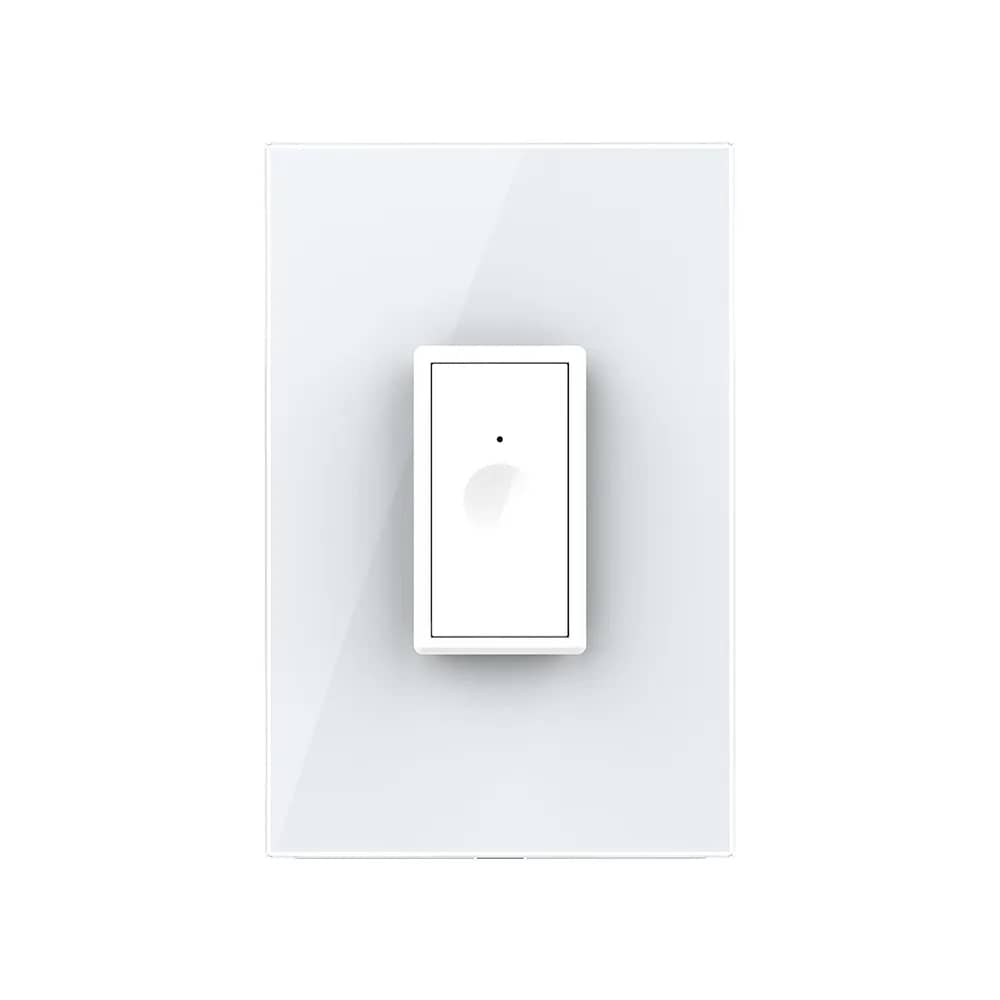
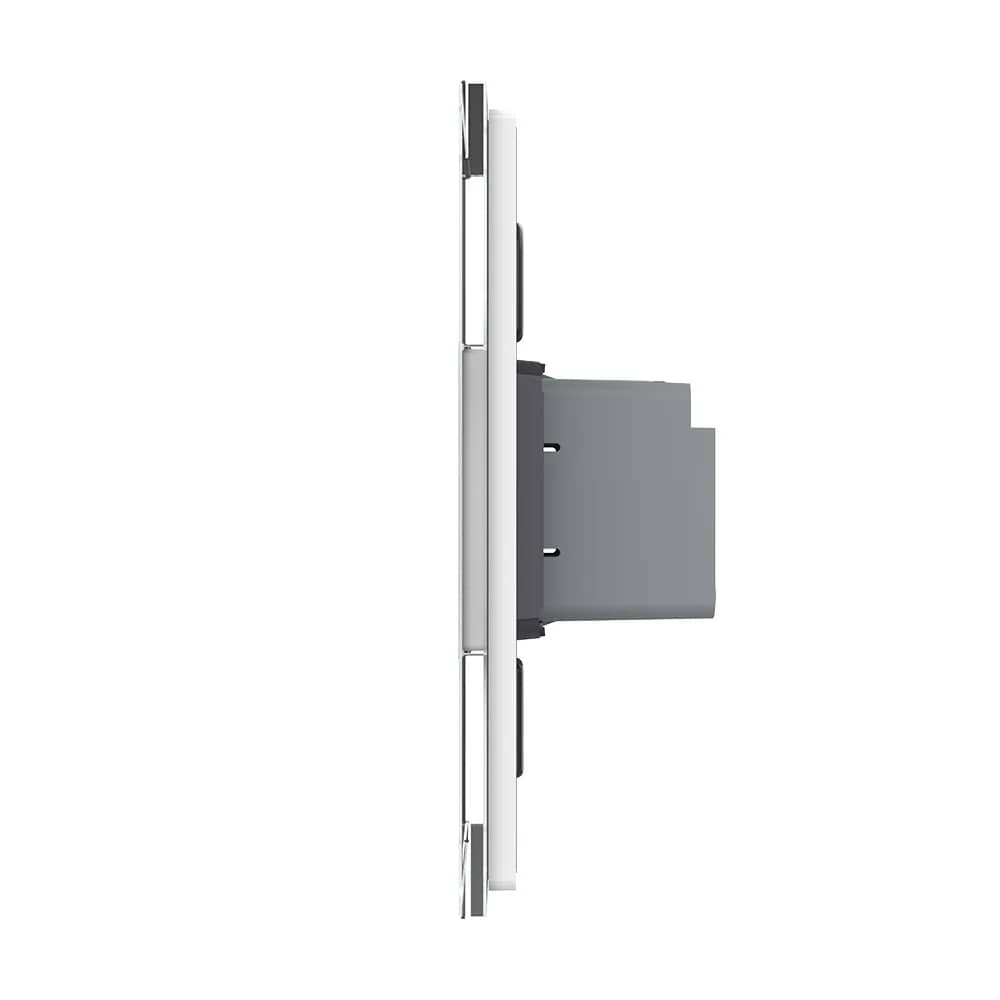
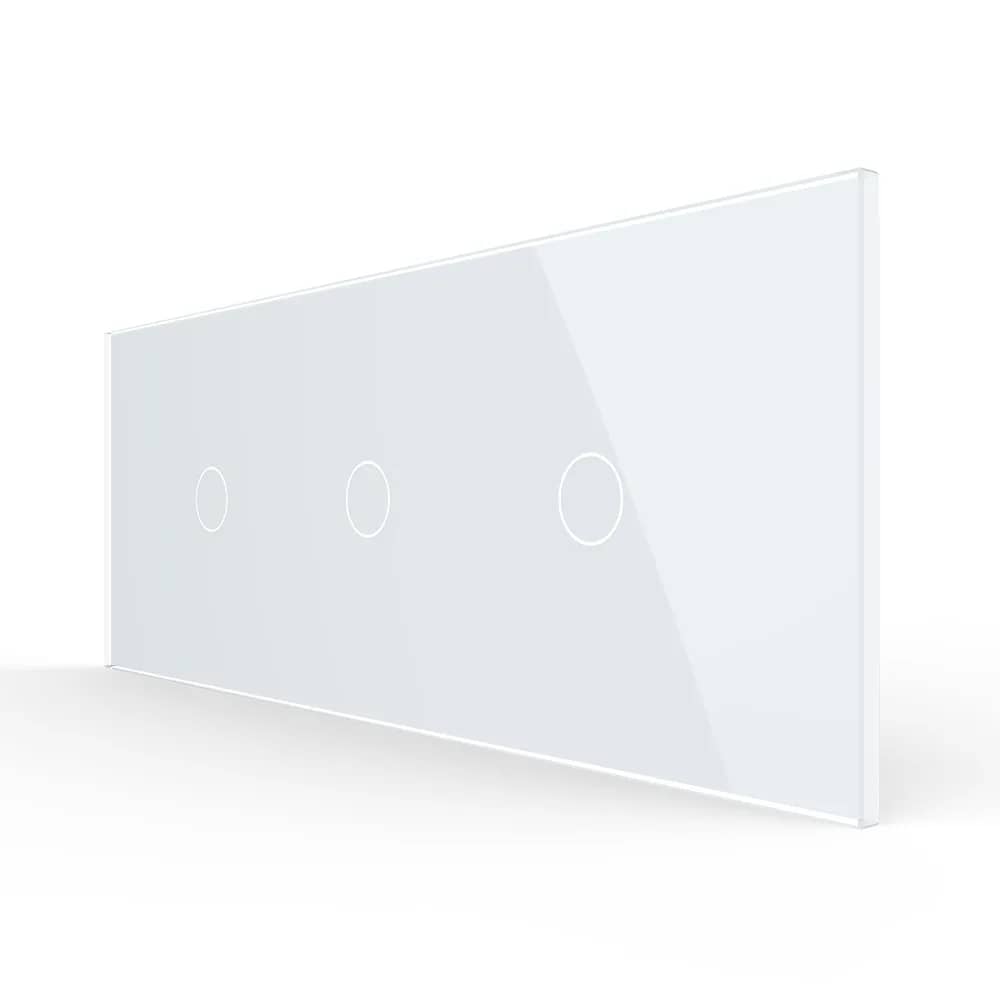
Livolo Glass Touch Light Switch – 2 Gang, ZigBee EC Protocol – White — image 1
Livolo Glass Touch Light Switch – 2 Gang, ZigBee EC Protocol – White — image 2
Livolo Glass Touch Light Switch – 2 Gang, ZigBee EC Protocol – White — image 3
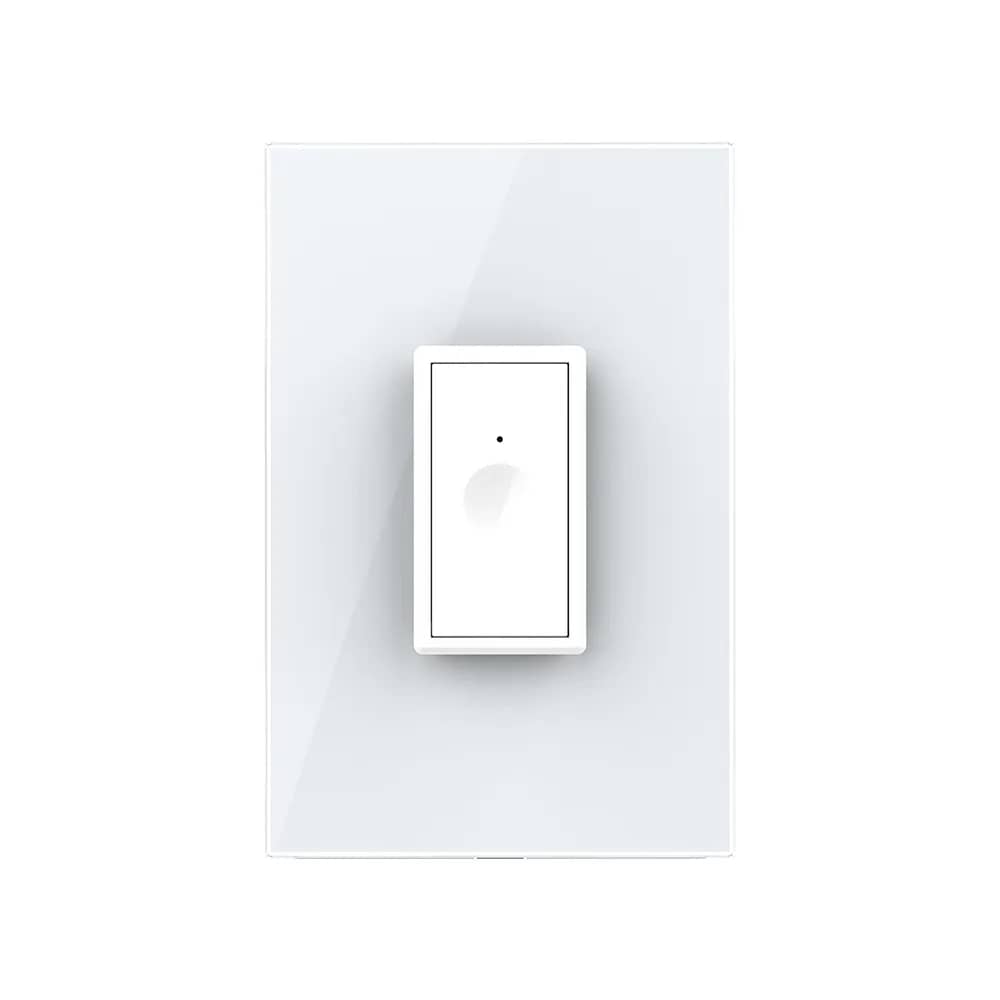
Livolo Glass Touch Light Switch – 2 Gang, ZigBee EC Protocol – White — image 4
1/4
Livolo

Livolo Glass Touch Light Switch – 2 Gang, ZigBee EC Protocol

SKU: VL-FC2Z2-2G-2W

AED 105

In stock

Colour: White
1
  • Delivery across all seven emirates. Free on orders over AED 750.
  • Order now, we confirm availability and delivery with you before you pay.

Livolo 2 gang glass touch light switch with ZigBee EC protocol – control by touch, smartphone app or voice via the Livolo ZigBee EC Hub.

Product details

Livolo 2 gang touch light switch with ZigBee EC protocol, resistant to moisture and dust. Give your home an extra touch of refinement and comfort.

It can be operated:

– Directly at the switch, on/off by touch;

– From your smartphone via the Livolo app using the Livolo ZigBee EC Hub (hub sold separately);

– By voice with Google Home or Amazon Alexa. To connect the switch to Google Home or Amazon Alexa, you need the Livolo ZigBee EC Hub.

Highlights

Livolo Glass Touch Light Switch – 2 Gang, ZigBee EC Protocol – Change Your Home's Atmosphere at the Touch of a Button
01

Change Your Home's Atmosphere at the Touch of a Button

Open the Livolo app to customise the lighting in your home just the way you like it.

Livolo Glass Touch Light Switch – 2 Gang, ZigBee EC Protocol – Important: ZigBee Compatibility
02

Important: ZigBee Compatibility

Livolo switches with the ZigBee protocol work only with the Livolo ZigBee hub.

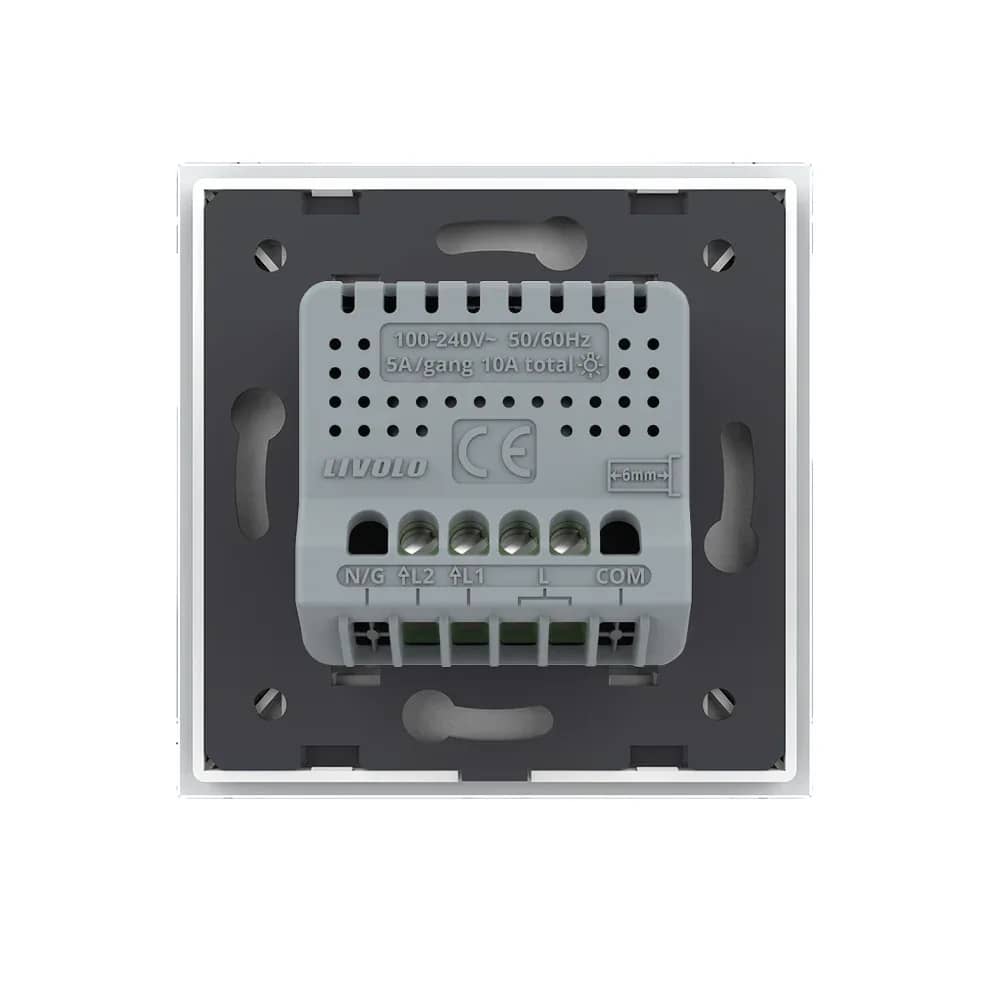
Livolo Glass Touch Light Switch – 2 Gang, ZigBee EC Protocol – Wiring Diagram
03

Wiring Diagram

Connect the live wire (L) to the L terminal of the switch. Each light is connected between its output terminal (L1 or L2) and the neutral wire (N).

  • Terminals: N/G, L2, L1, L, COM
  • Rating: 100-240V~ 50/60Hz
  • Load: 5A/gang, 10A total
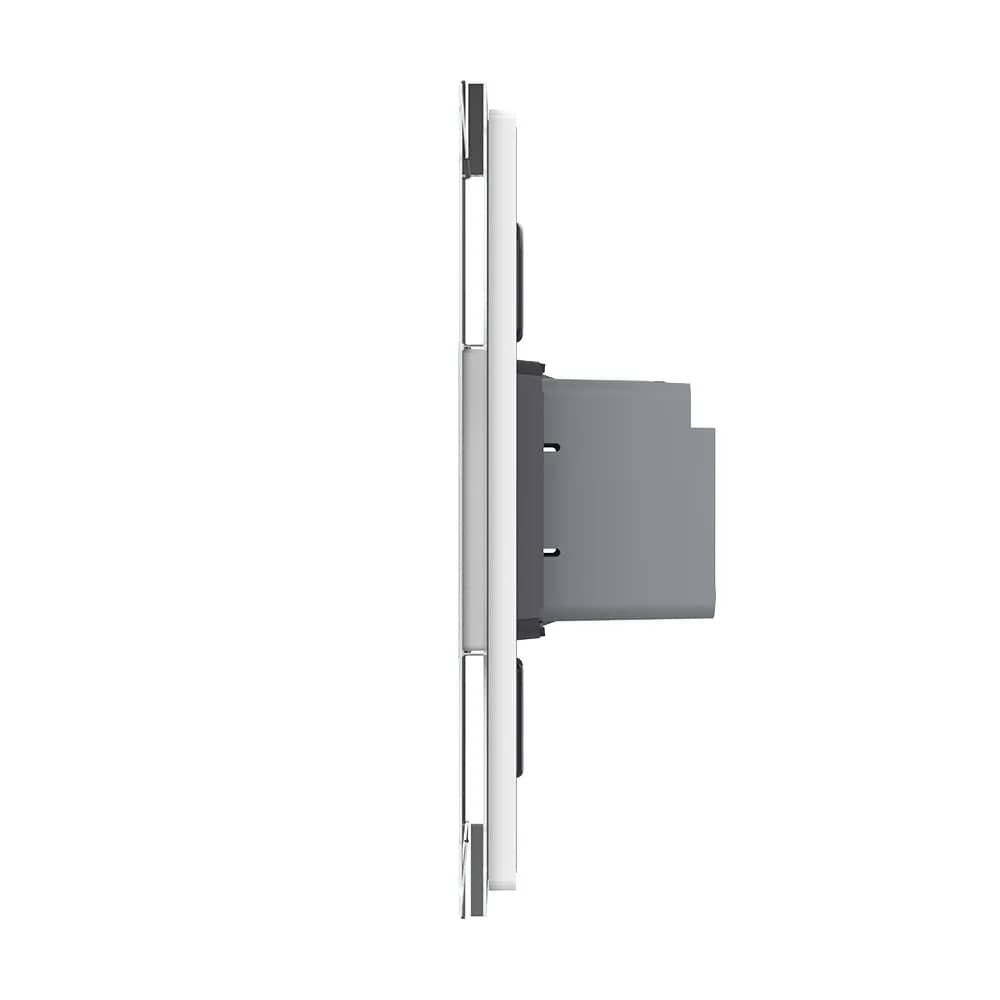
Livolo Glass Touch Light Switch – 2 Gang, ZigBee EC Protocol – Installation Steps
04

Installation Steps

  • 1. Open the package.
  • 2. Connect the cables and tighten the screws.
  • 3. Use the 2 screws to fix the frame.
  • 4. Fit the front panel (it clicks into place).