SmartHomesAE
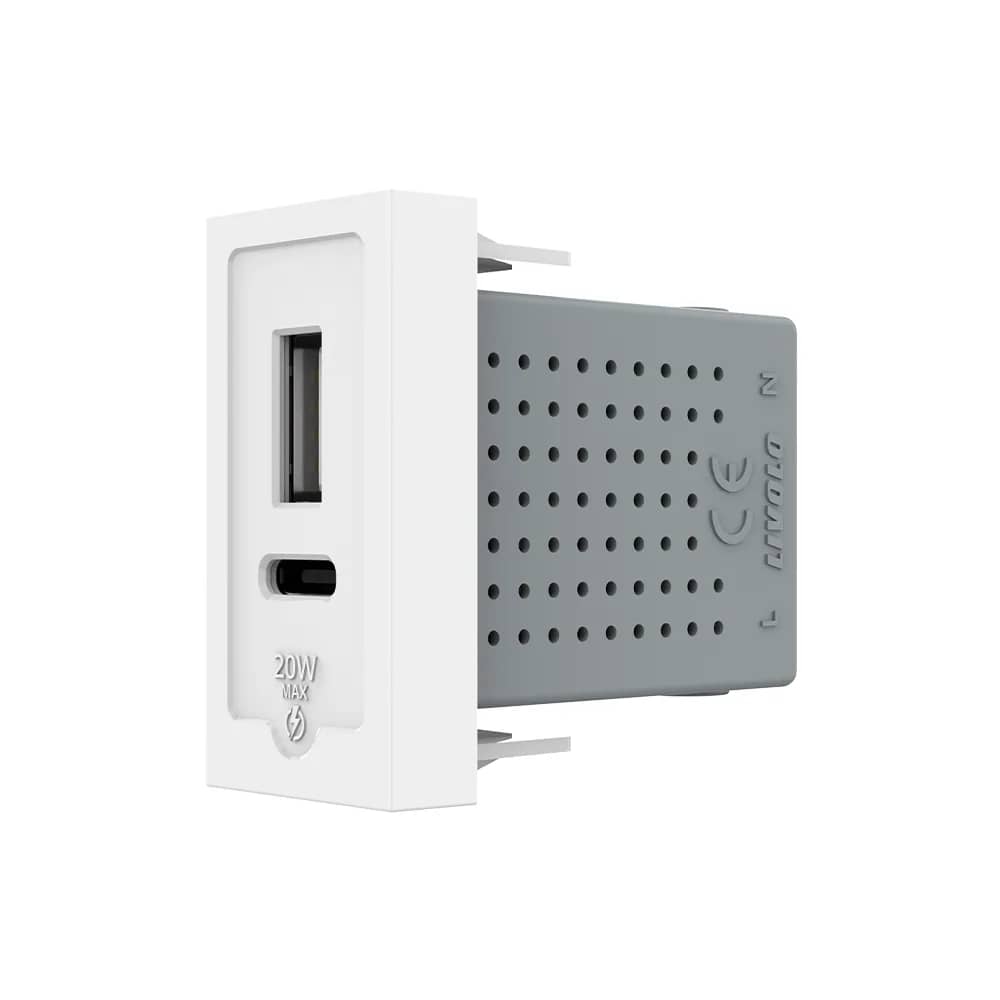
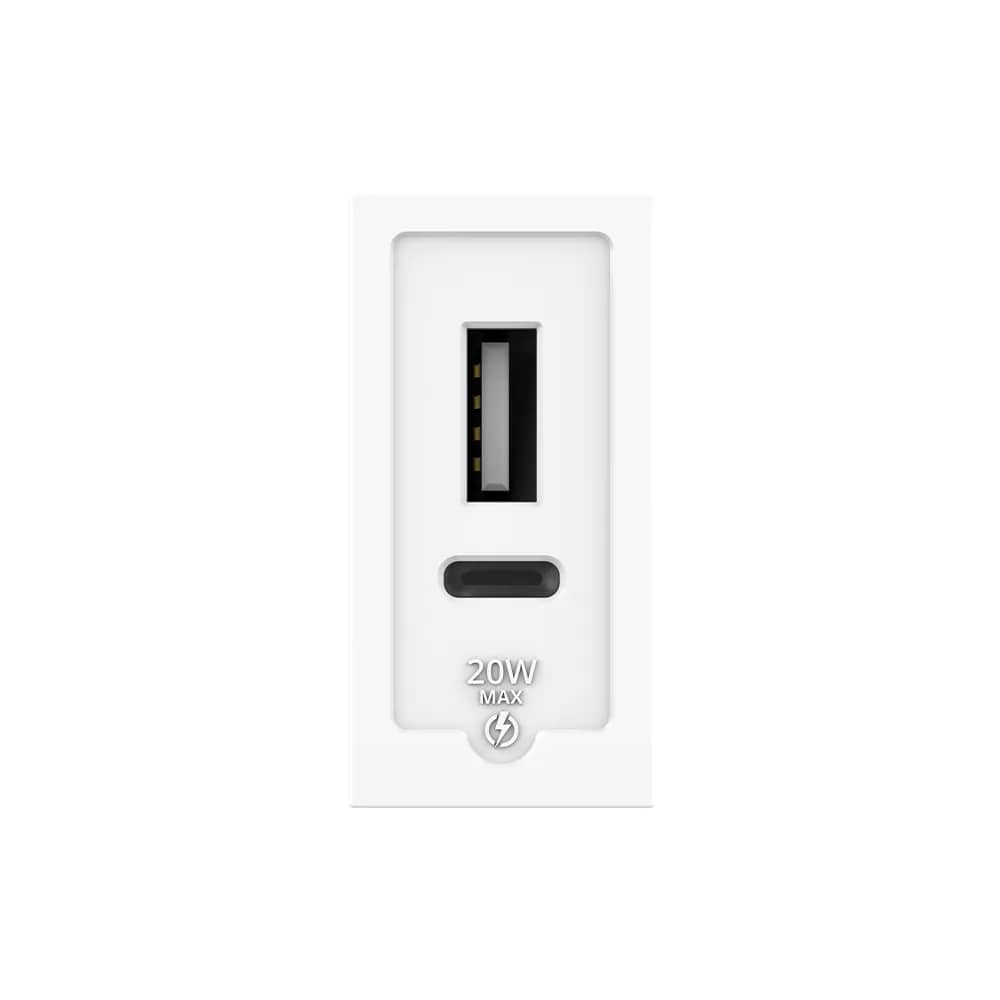
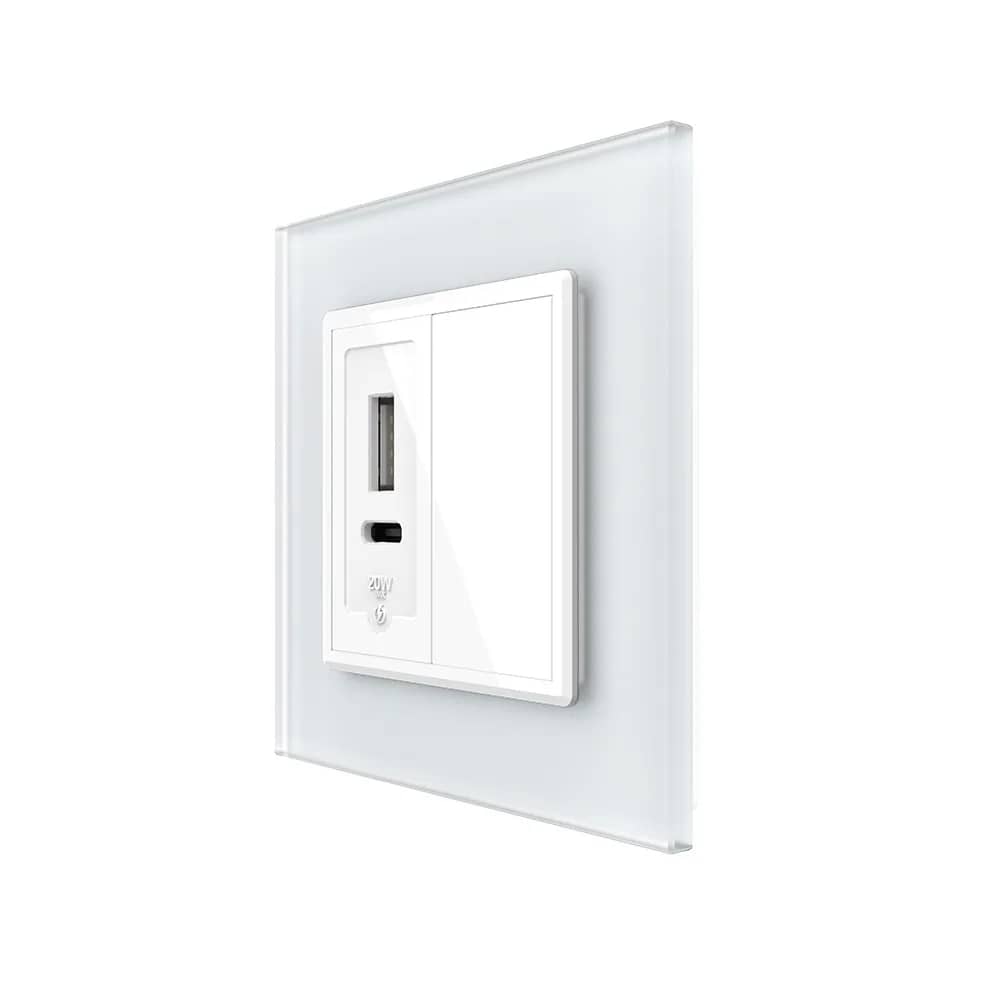
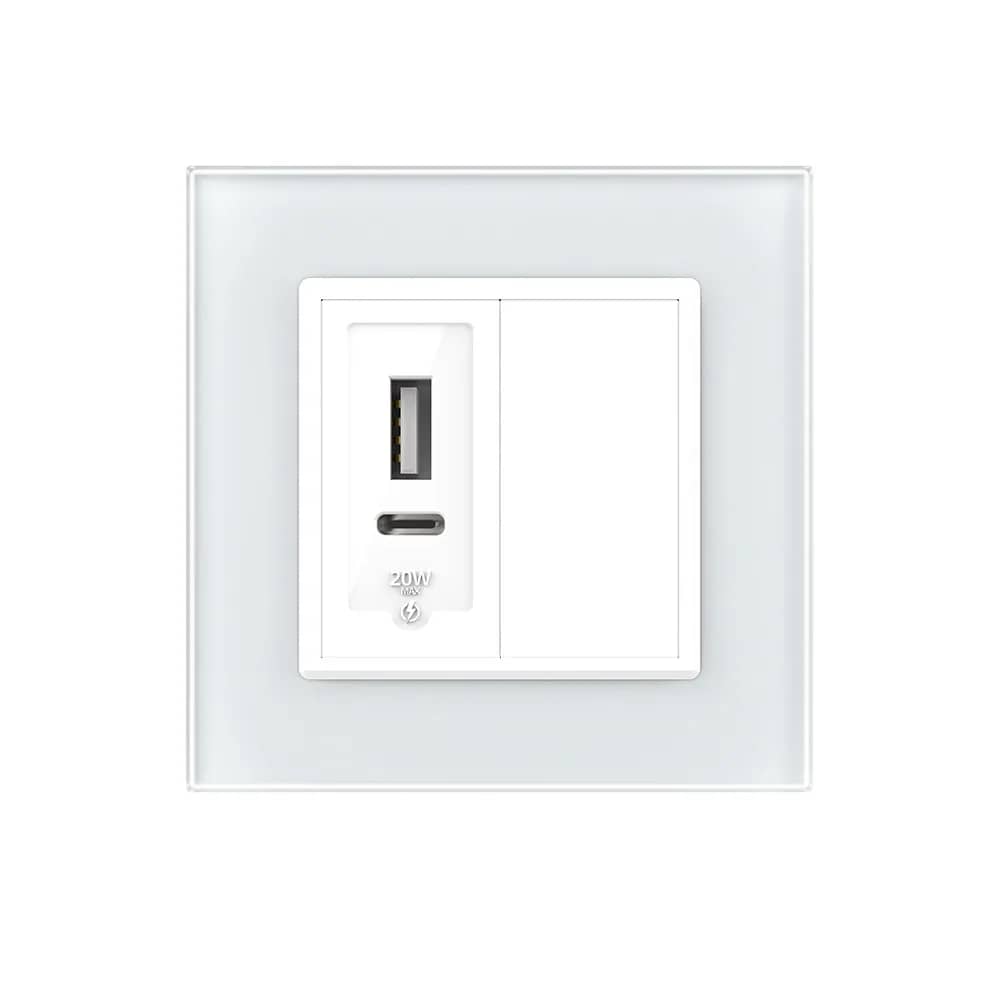
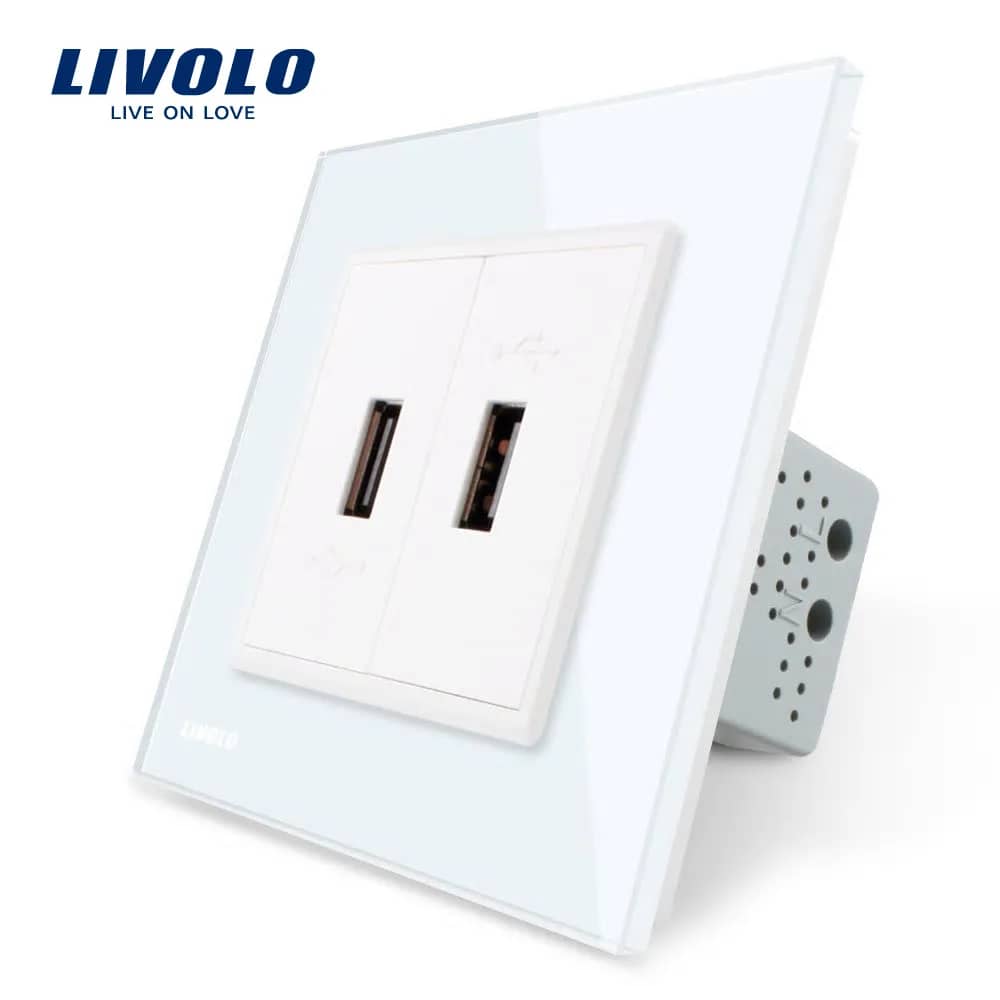
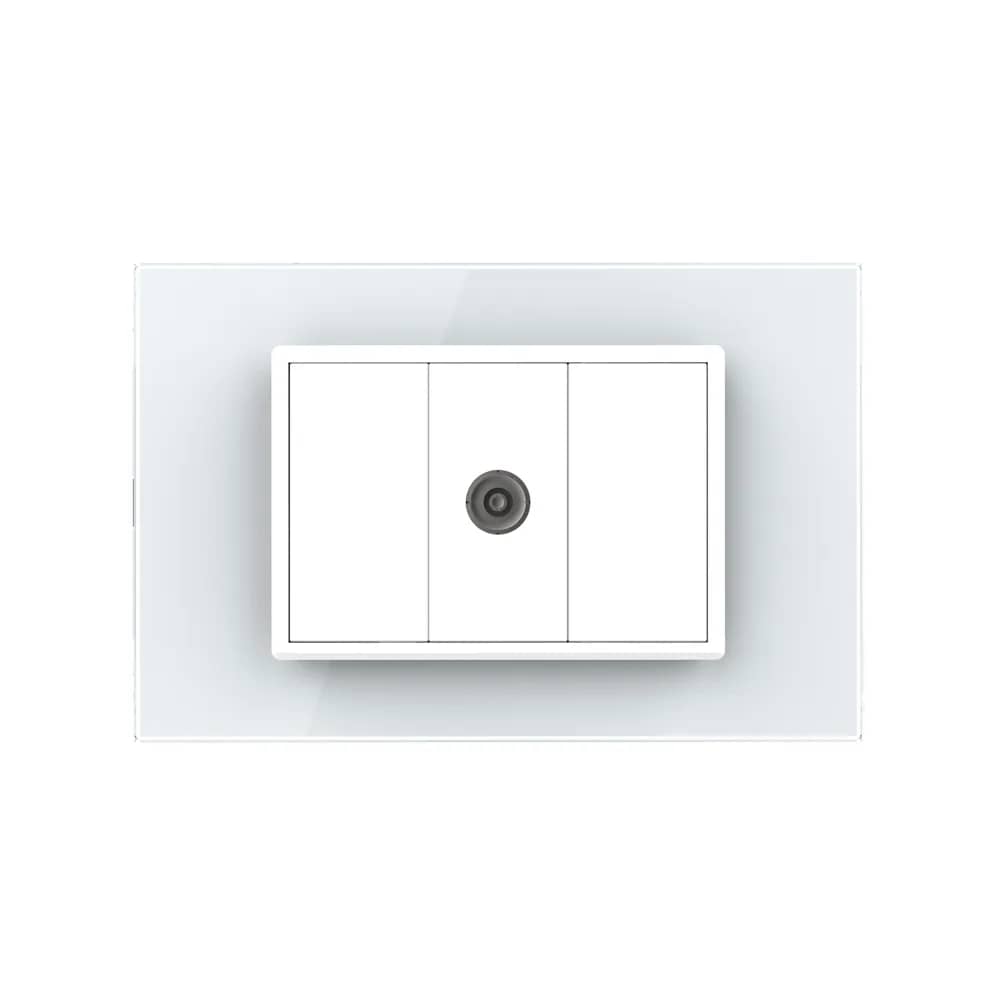
Livolo Quintuple Wall Socket + TV/Internet Media Socket with Glass Frame – White — image 1
Livolo

Livolo Quintuple Wall Socket + TV/Internet Media Socket with Glass Frame

SKU: VL-C7C5EU/VC-11

AED 180

In stock

Colour: White
1
  • Delivery across all seven emirates. Free on orders over AED 750.
  • Order now, we confirm availability and delivery with you before you pay.

Livolo glass-frame panel combining five Schuko wall sockets with a TV and internet media socket for a clean, cable-free look.

Plug type: this socket is the European Schuko type (CEE 7/3). Most UAE homes use BS 1363 (Type G) sockets — please check that it suits your installation and appliances, or ask us before ordering.

Product details

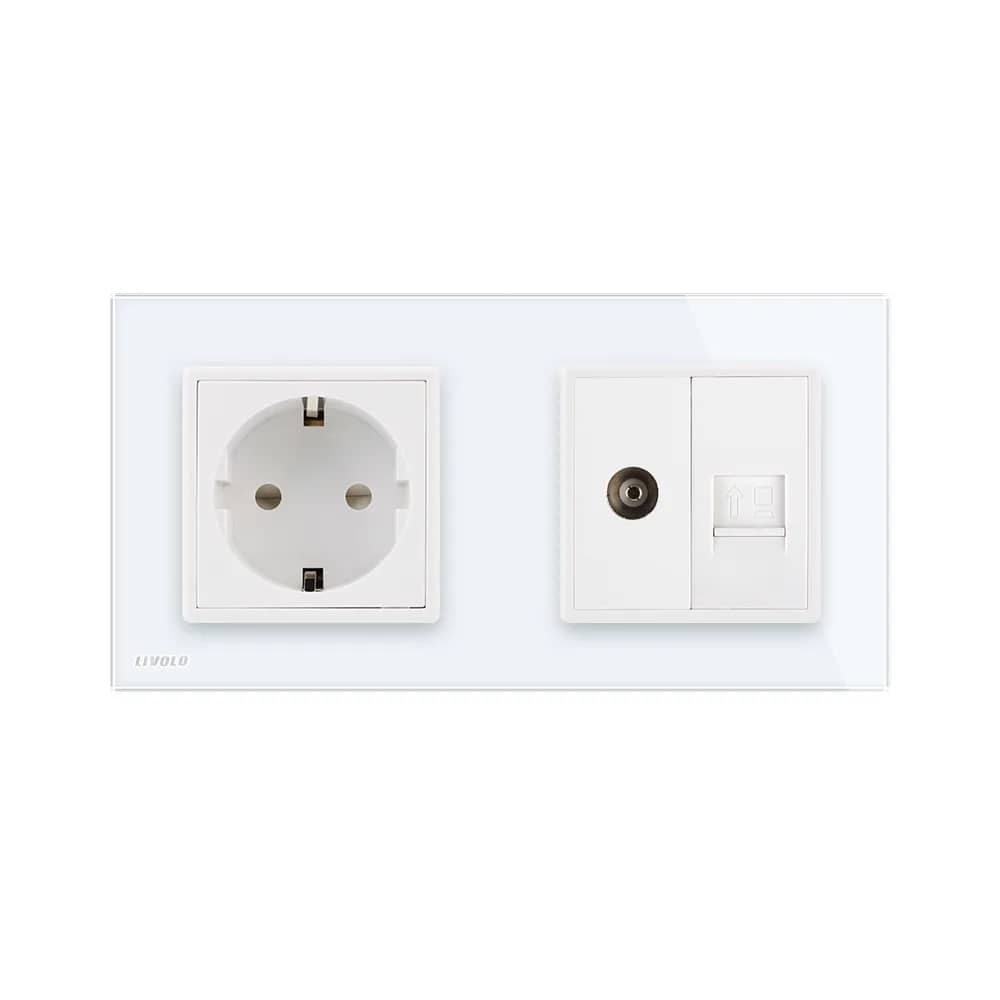
This wall socket with a glass frame combines practicality – you can have Schuko sockets and media sockets on the same frame – with aesthetics – it can be mounted directly into the wall, so you avoid unsightly cables.

The Livolo socket with glass frame brings elegance to your home, giving you Schuko, TV and internet sockets on the same frame.

Highlights

Livolo Quintuple Wall Socket + TV/Internet Media Socket with Glass Frame – A Variety of Products
01

A Variety of Products

You will find the products you need. The glass frame is shown in several colour finishes.

Livolo Quintuple Wall Socket + TV/Internet Media Socket with Glass Frame – Dimensions
02

Dimensions

  • Width: 364mm
  • Height: 80mm
  • Depth: 4mm + 8mm
03

Front and Rear Panel

The front panel features four power sockets and a combined TV and internet media socket, set in a single glass frame. The rear panel shows the socket modules and the TV/internet connection module.

  • 4 power sockets
  • 1 TV socket
  • 1 internet socket
04

Socket Wiring Instructions

Connect the neutral, live and earth wires to the corresponding terminals and link them across all sockets as shown in the wiring diagram.

  • Neutral (N)
  • Live (L)
  • Earth
05

Internet Socket Wiring

  • Strip 20mm of insulation from the cable
  • Remove the dust protection cover
  • Insert the wires into the matching slots according to their colour coding (A/B)
  • Fit the protective cap
06

TV Socket Wiring

  • Strip 15mm from the outer sheath of the coaxial cable and fold back the wire braid around the cable
  • Strip 12mm of the inner insulation and fit the metal ring
  • Insert the connector piece between the braided wire and the insulation, then crimp the metal parts with pliers to secure them
  • Screw the wired connector into the TV socket
07

Installation Steps

Installation box not included.

  • Open the panel with a screwdriver
  • Connect the wires and tighten the screws
  • Use two screws to fix the mounting bracket
  • Clip the panel back on and connect to the power supply
08

Easy and Convenient

Livolo makes your life easier.