Do European Smart Devices Work in the UAE? Voltage & Plugs
Most European smart devices run happily on UAE mains, because both use roughly 230 V at 50 Hz. The real differences are the plug, your Wi-Fi band and the app account region, and each one is easy to check before you order.
By the SmartHomes.ae team · Updated 17 October 2026
Short answer: Yes, most European smart devices work in the UAE. UAE mains is nominally 230 V / 50 Hz, which is the same band as Europe.
What to check: UAE wall sockets are mostly Type G (British-style, BS 1363), while our wall sockets and most of our smart plugs are European Schuko (Type F). Many smart devices also need a 2.4 GHz Wi-Fi network, and your app account should be set to the right region.
If you are wondering whether European electronics work in the UAE, the answer is usually yes, at least where voltage is concerned. The UAE grid is nominally 230 V at 50 Hz, and European equipment is designed for the same 220–240 V, 50 Hz range. A Wi-Fi relay, smart plug or sensor built for Europe will not be damaged by UAE mains.
The practical differences are elsewhere. Most UAE homes have Type G (BS 1363) sockets, while European plugs are Schuko (Type F). Many smart devices also connect only to 2.4 GHz Wi-Fi, and their apps ask you to choose a country or region. This guide covers each point, so you can tell what will plug straight in, what needs an adapter, and what needs an electrician.
UAE mains: 230 V, 50 Hz
Electricity in the UAE is supplied at a nominal 230 V and 50 Hz. Continental Europe uses the same nominal values, so you do not need a voltage converter or transformer for European devices.
This applies to everything in our smart home range: relays, plugs, thermostats, sensors and glass-frame wiring accessories are all designed for European mains. The one exception is a device built only for 110–120 V markets. Those are rare in a European catalogue, but you should still check the rating label (see below).
Plug type is the real difference
Most UAE sockets are Type G, the three rectangular-pin British style to BS 1363. Some older buildings still have Type C or D sockets. Our products are European:
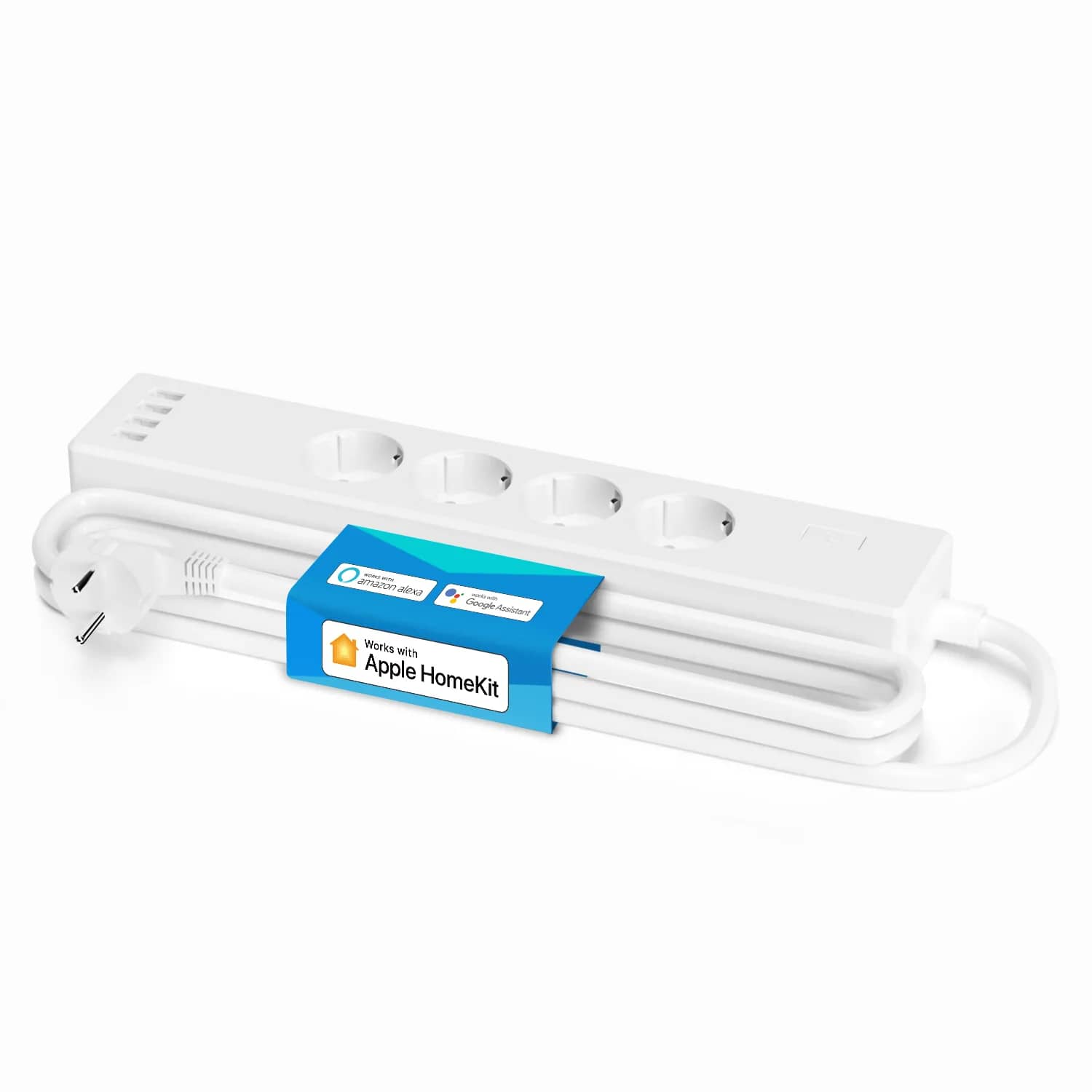
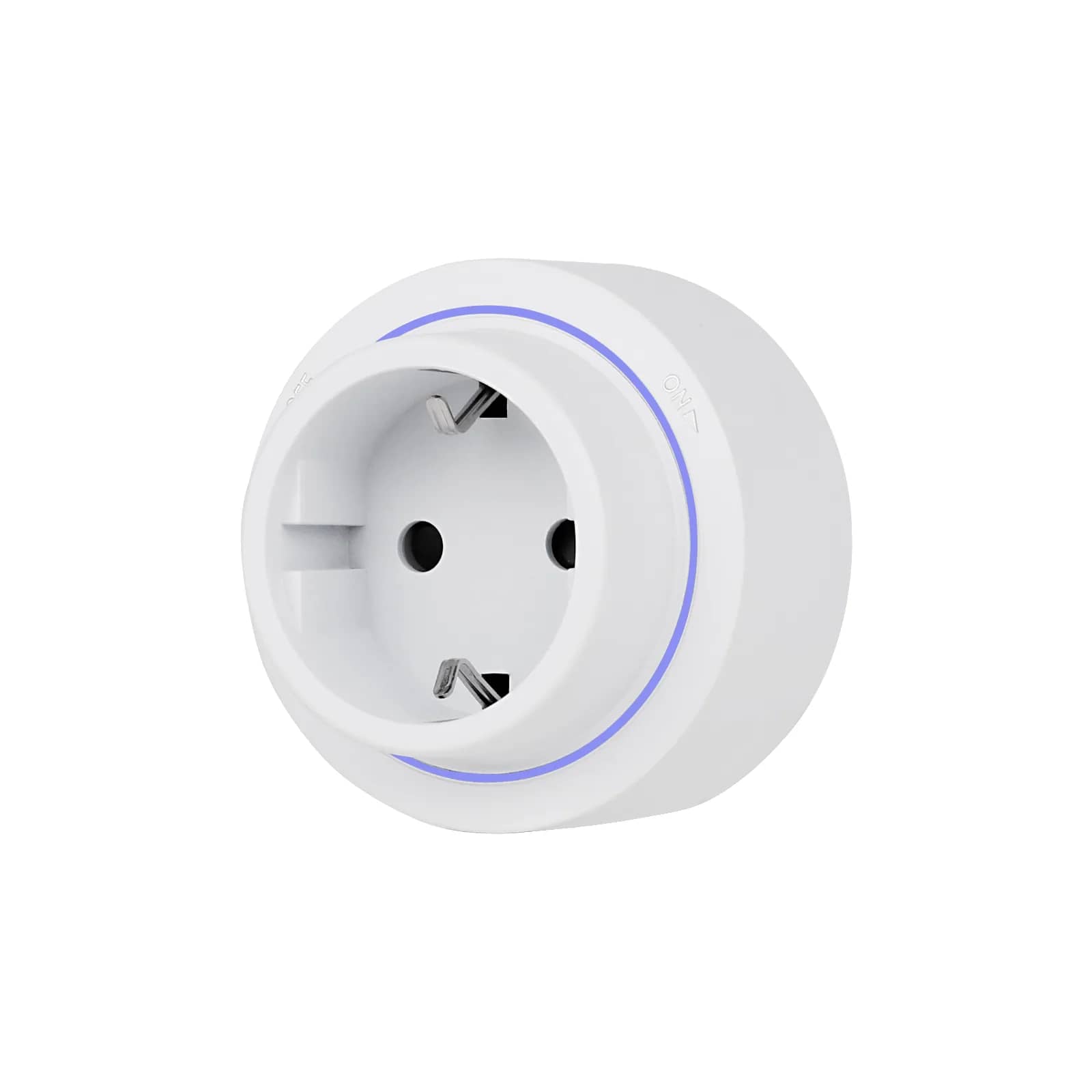
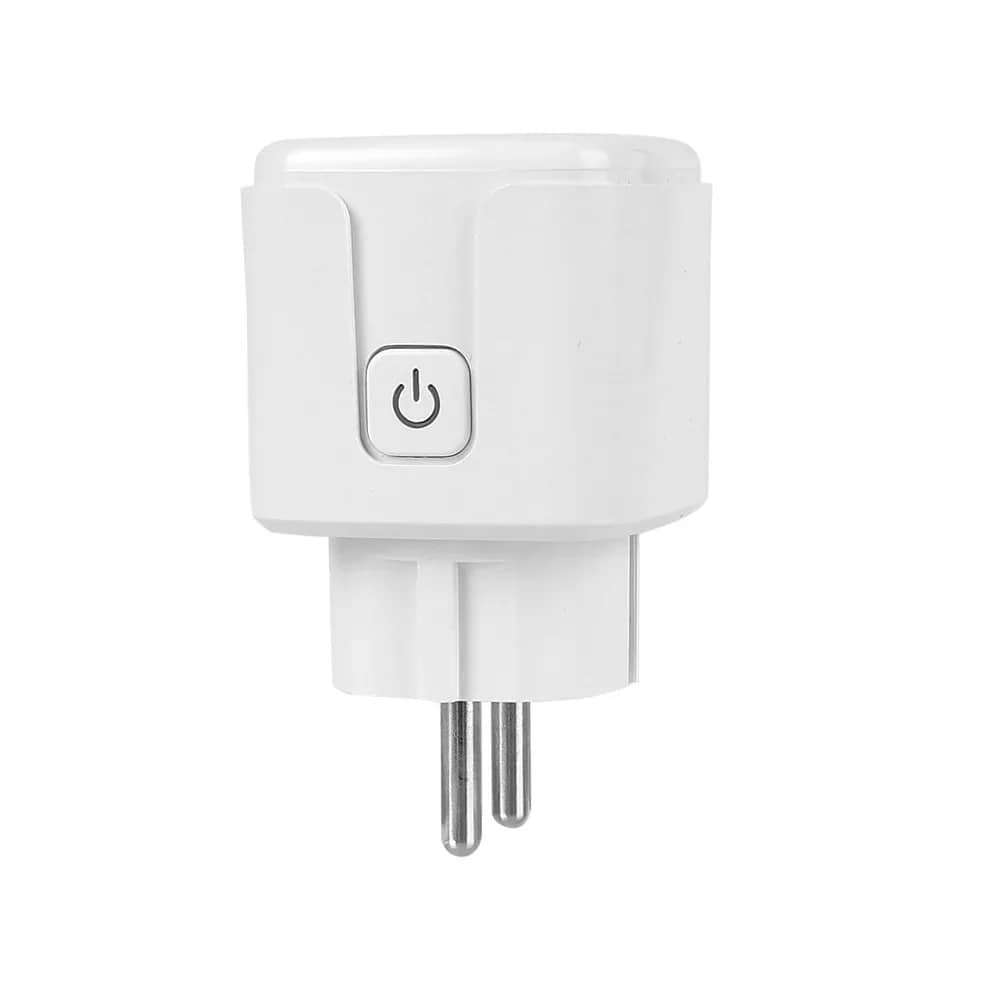
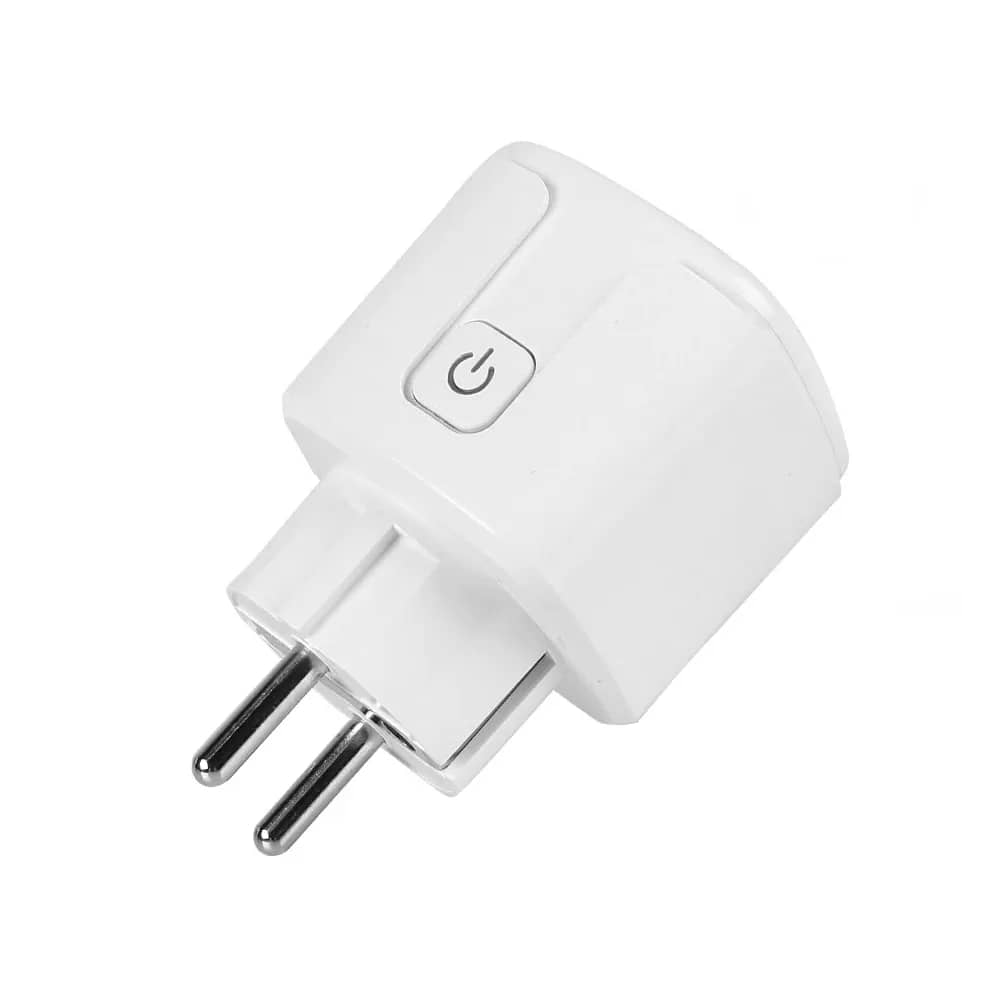
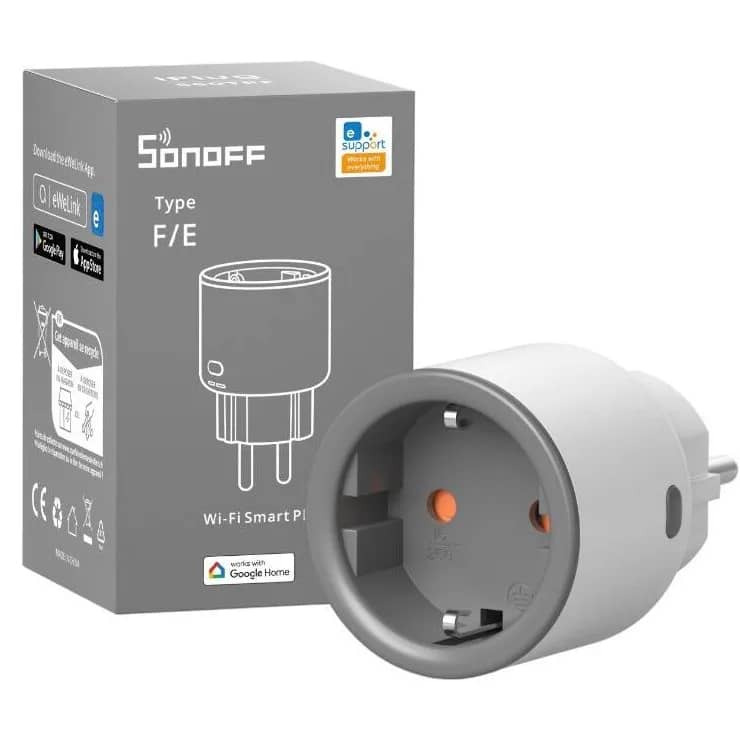
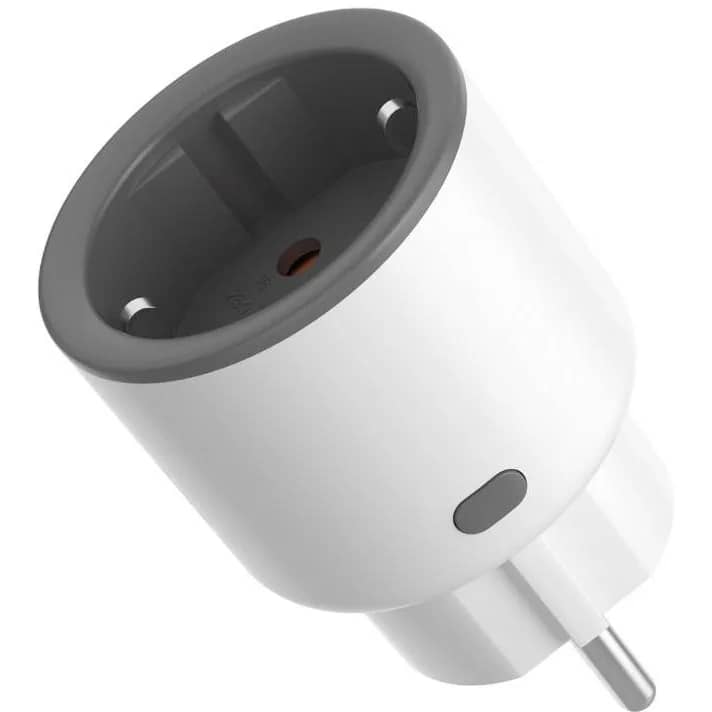
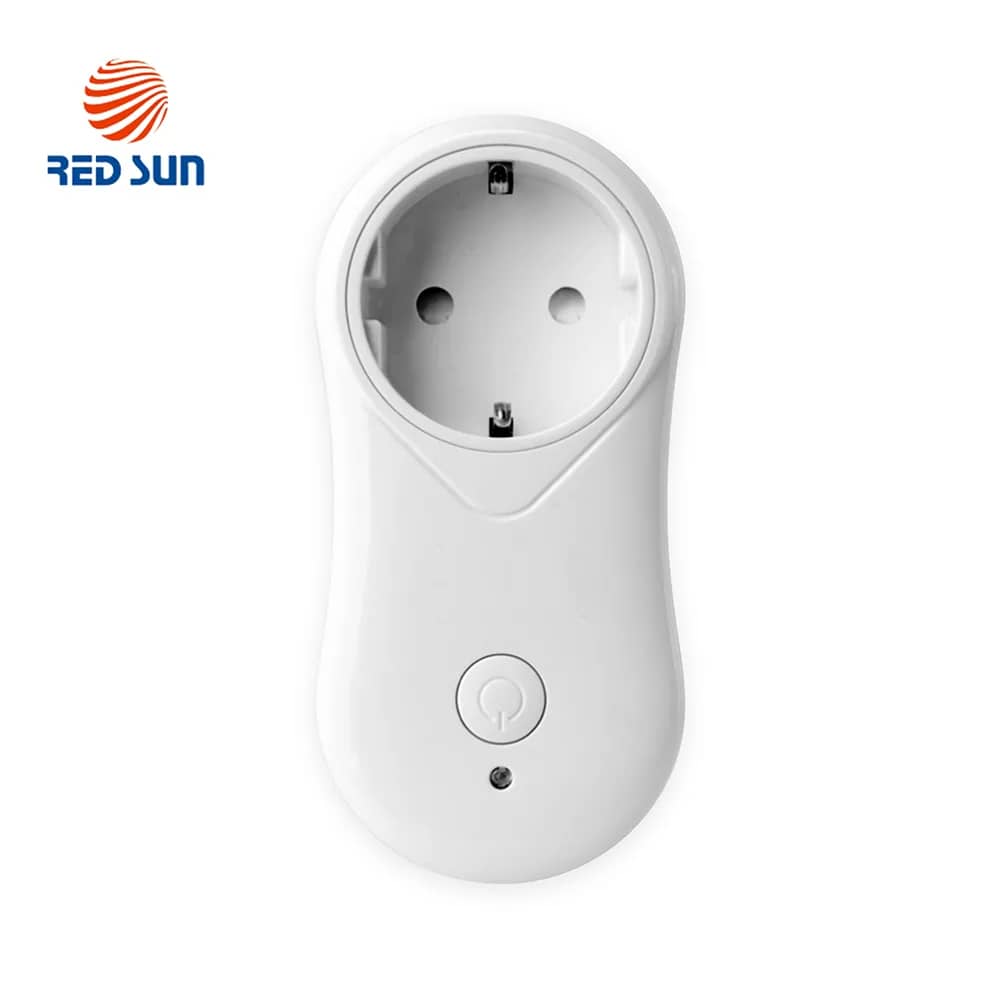
- Smart plugs and power strips such as the Luxion 16A Wi-Fi Smart Plug (from AED 47) and the Meross MSS425F smart power strip (from AED 102 4 Schuko sockets) have EU plugs. They will not fit a UAE Type G socket directly.
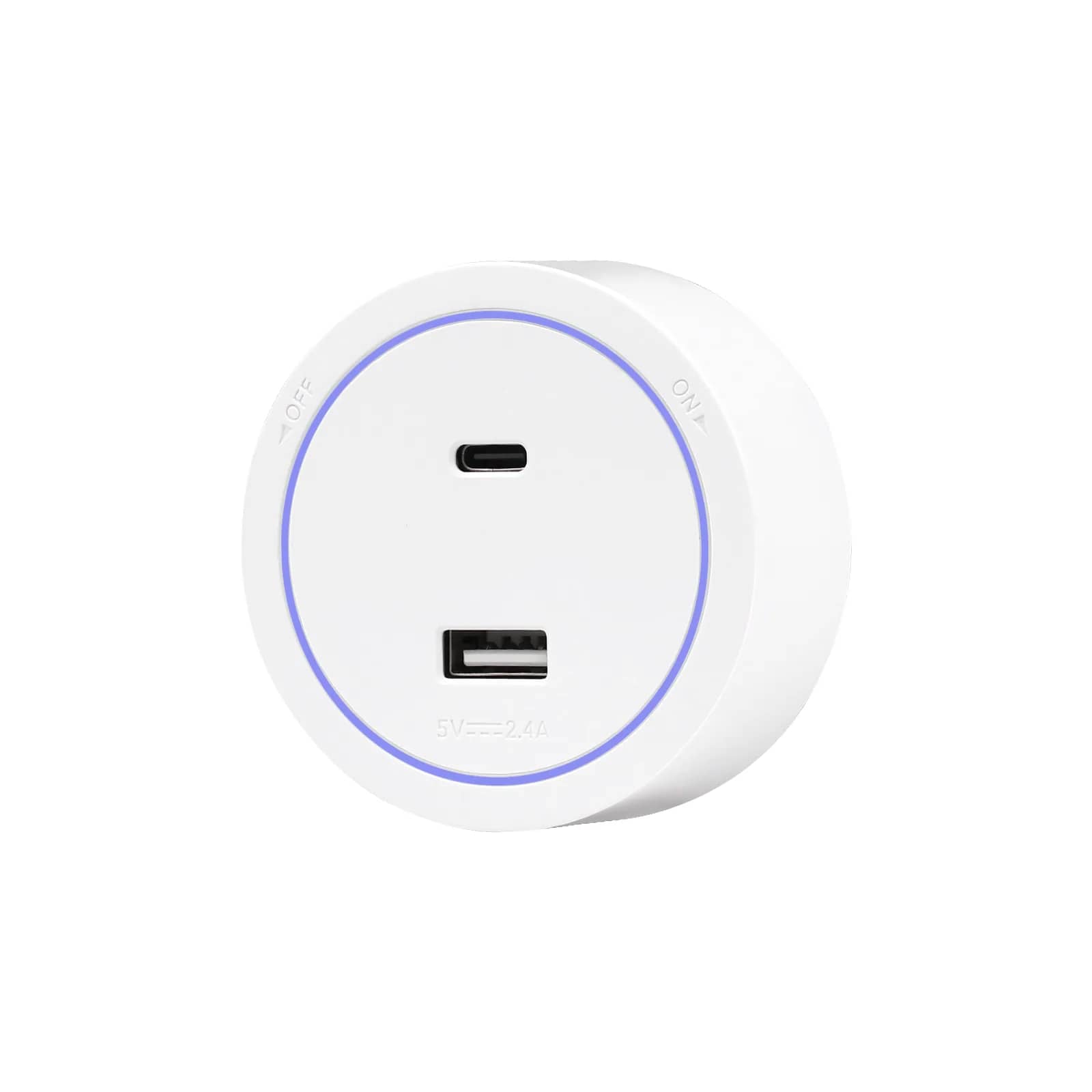
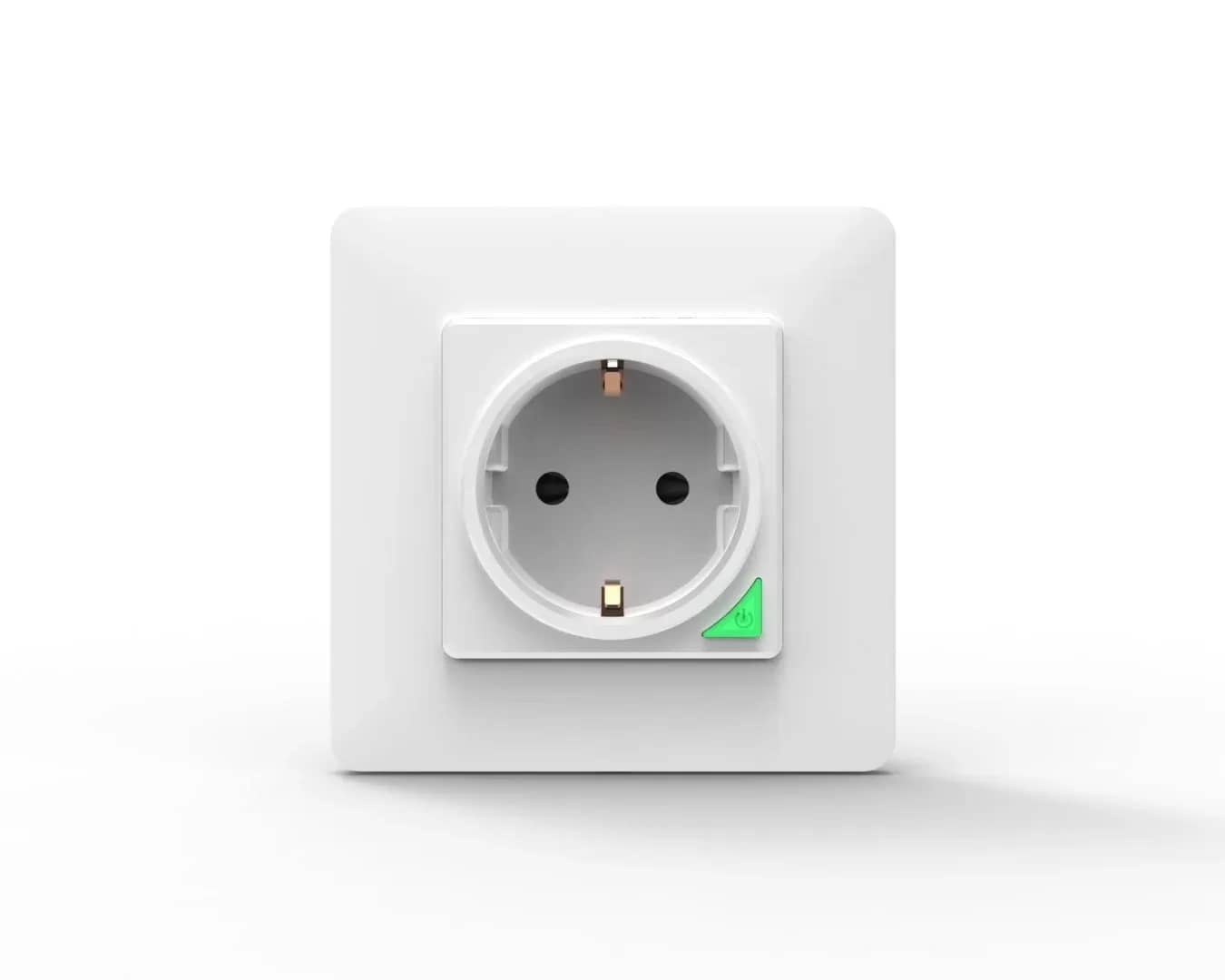
- Wall sockets in our glass wall sockets range, such as the Luxion Schuko Socket with USB A+C (from AED 73), are Schuko outlets. They are not BS 1363 sockets, so UAE-plug appliances will not fit them without an adapter.
- Hard-wired devices have no plug at all, so the plug type does not apply. Examples are Wi-Fi relays such as the Luxion Mini-Smart Wi-Fi Relay (from AED 47) and the Sonoff Mini-Dim (from AED 120). These are wired into the circuit by an electrician.
Using a Type G adapter safely
To use an EU-plug smart plug in a UAE socket you need an EU-to-UK (Type G) adapter. Choose carefully:
- Use a well-made, fused adapter that is properly rated for the load. Avoid loose, unbranded travel adapters.
- Check the earth. Schuko plugs earth through side clips rather than a pin. Make sure the adapter actually connects the earth for any appliance that needs it.
- Respect the lowest rating in the chain. A BS 1363 plug fuse is at most 13 A. A smart plug marked 16 A therefore cannot safely carry more than the adapter and fuse allow.
- Avoid high, continuous loads through adapters, such as heaters, kettles and irons. Never stack adapters or daisy-chain power strips.
- Watch for warning signs. If an adapter feels hot, buzzes or fits loosely, stop using it.
Whether a particular plug or adapter is permitted for sale or permanent use in the UAE depends on current local rules, and these have changed over the years. If you are unsure, ask your electrician or your local authority.
Fixed wiring: always use an electrician
Replacing a wall socket with a Schuko or glass-frame socket, or fitting a relay behind a switch, is fixed wiring work. It must be done by a qualified electrician and must follow your local authority's rules, such as DEWA in Dubai, ADDC/AADC in Abu Dhabi or SEWA in Sharjah. Tenants should also get the landlord's written approval before making any alterations.
Back boxes are another point to check. UAE homes typically use square BS 4662 boxes, while many of our glass-frame products are Italian-standard modular plates. Before you buy, compare the frame and fixing dimensions on the product page with your existing box, and confirm the fit with your electrician.
Reading a device rating label
Every mains device has a rating label, either on the device or in its manual. Look for:
| Marking | What it means | OK for UAE mains? |
|---|---|---|
| 220–240 V ~ 50 Hz | Standard European rating | Yes |
| 100–240 V ~ 50/60 Hz | Universal input, common on chargers and hubs | Yes |
| 110–120 V only | Built for North American or Japanese mains | No, not without a converter |
| 10 A / 16 A, or W | Maximum current or power | Keep your load below this and below any adapter or fuse rating |
| ~ or AC symbol | Alternating current input | Yes |
For smart plugs and relays, the current rating is the important figure. Add up the wattage of whatever you are switching and keep a comfortable margin below the lowest rating in the chain: the device, the adapter, the plug fuse and the circuit.
2.4 GHz Wi-Fi and router settings
Many Wi-Fi smart devices, especially plugs, relays and sensors, connect only to the 2.4 GHz band, not 5 GHz. The product page or manual will usually say which bands are supported. Most UAE broadband routers broadcast both bands, often under a single network name, and this can confuse the pairing process.
- Check whether your router combines the bands under one name (often called band steering or smart connect). If pairing fails, temporarily split the bands or switch off 5 GHz during setup.
- Connect your phone to the 2.4 GHz network while adding the device.
- Use WPA2 security if the device will not join a WPA3-only network.
- Check the signal where the device will sit. Relays behind switches and units in thick-walled villas may need a mesh node or extender nearby.
- Keep the Wi-Fi password simple during pairing. Some devices struggle with unusual special characters.
Devices that use Zigbee or RF instead of Wi-Fi need their own hub or gateway, which then connects to your router. Check what each product needs before you order.
Apps and cloud regions
Most of our Wi-Fi devices use a manufacturer app. Many Luxion products work with Tuya / Smart Life, while Sonoff uses its own app. When you create an account, the app asks for your country or region, and your devices are registered to that region's servers.
- Choose the UAE (or your actual region) when you sign up, and keep all your devices on the same account. Devices on different regions usually cannot see each other.
- Voice assistants: Amazon Alexa launched officially in the UAE in December 2021, with English and Khaleeji Arabic. Check the "Works with" details on each product page. For example, the Luxion Wi-Fi Smart Gas Sensor (from AED 158) lists Tuya / Smart Life.
- Region settings must match between your smart home app and your voice assistant account, or the linking step may fail.
Prices are shown in AED from our current catalogue; tables with totals are examples. The product page always shows the live price.
Frequently asked questions
Is UAE voltage the same as Europe?
Yes, in practice. UAE mains is nominally 230 V / 50 Hz, the same band European devices are designed for.
What socket type does the UAE use?
Mostly Type G (British-style, BS 1363). Some older buildings have Type C or D. Our sockets and most of our smart plugs are European Schuko (Type F).
Can I use an EU smart plug with an adapter in the UAE?
Yes, with a well-made, fused adapter that is rated for the load and connects the earth. Avoid high continuous loads and never stack adapters.
Why won't my smart device connect to Wi-Fi?
Many smart devices support only 2.4 GHz. Connect your phone to the 2.4 GHz network, or temporarily split or disable 5 GHz while pairing.
Does Alexa work in the UAE?
Yes. Alexa launched officially in the UAE in December 2021, with English and Khaleeji Arabic. Check each product page for compatibility.
Who should install wall sockets or relays?
A qualified electrician, following your local authority's rules, such as DEWA, ADDC/AADC or SEWA.