SmartHomesAE
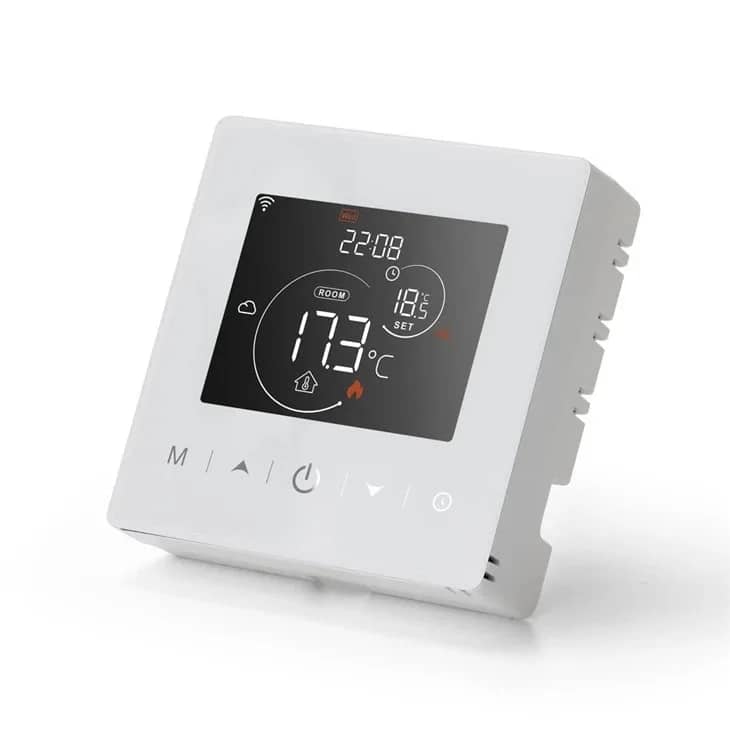
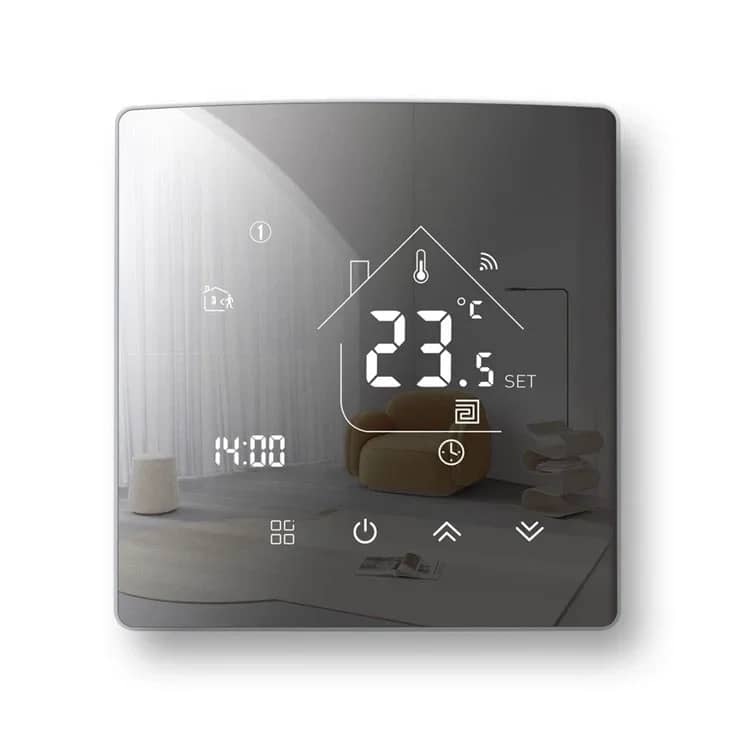
BeOk BOT-313WiFi Wi-Fi Thermostat for Gas Boilers and Underfloor Heating – Smart Life App – White — image 1
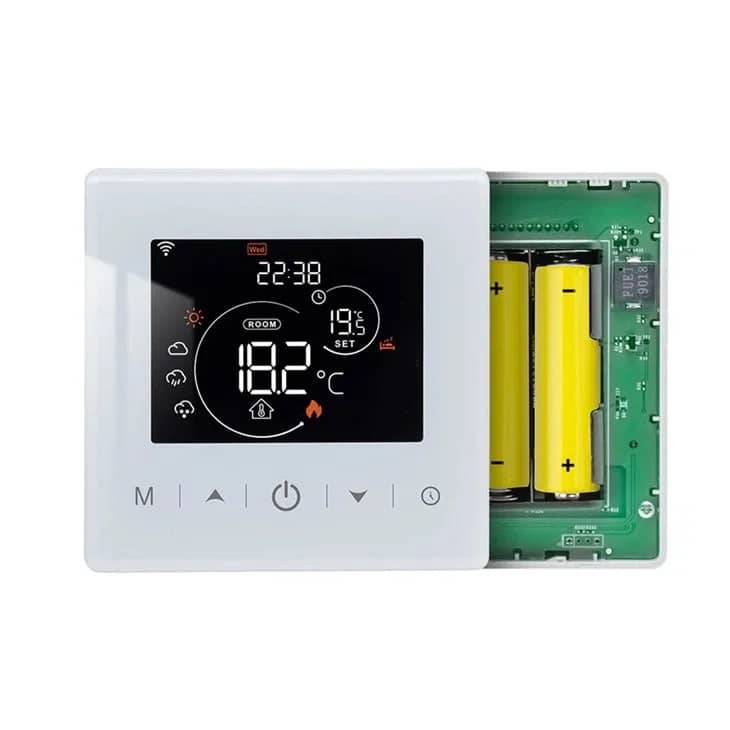
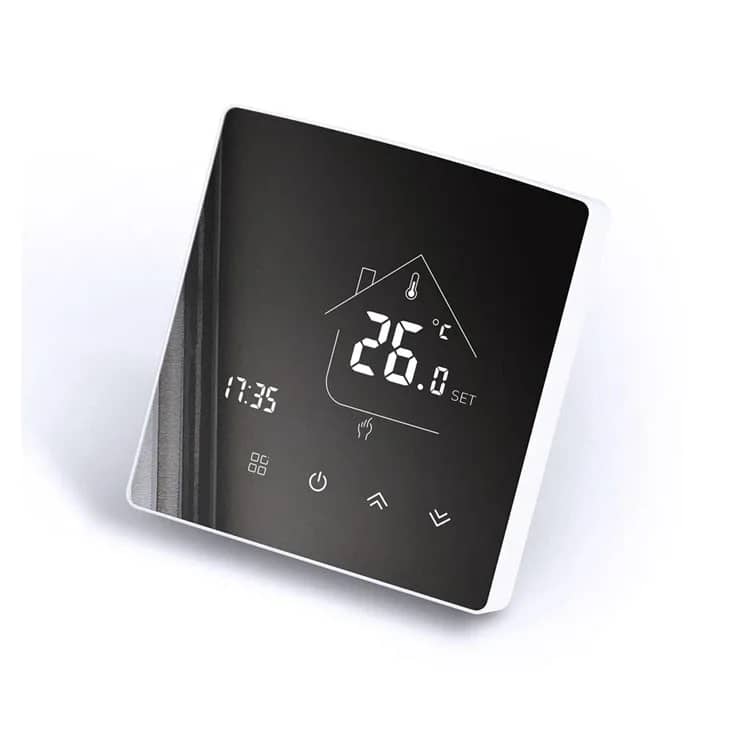
BeOk BOT-313WiFi Wi-Fi Thermostat for Gas Boilers and Underfloor Heating – Smart Life App – White — image 2
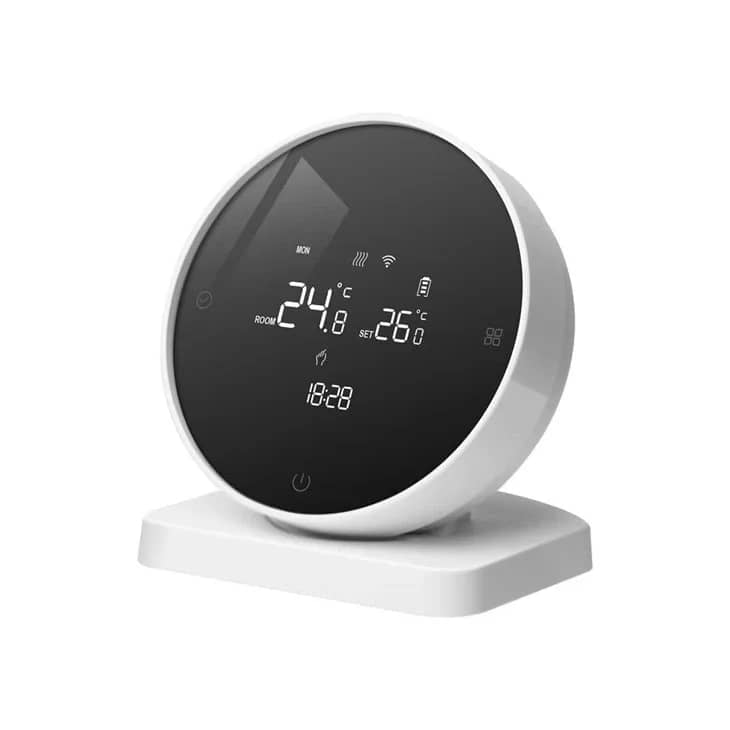
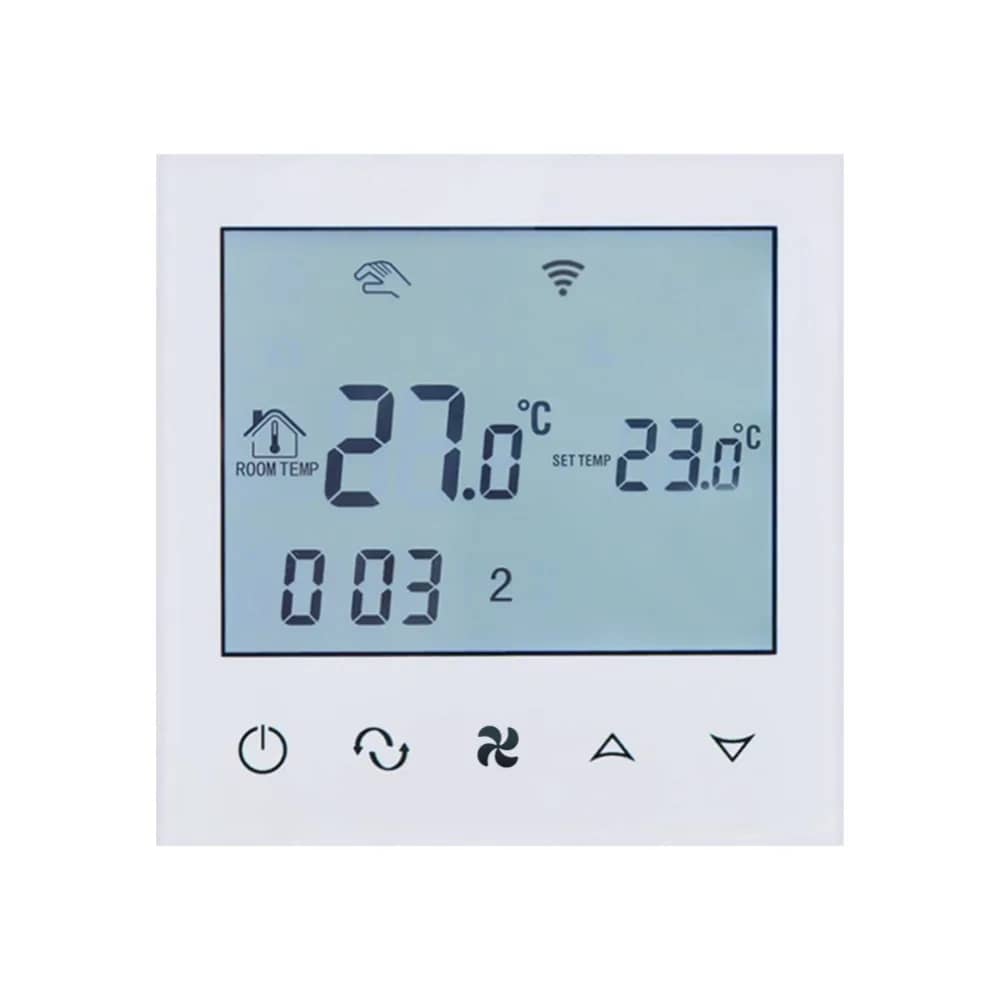
BeOk BOT-313WiFi Wi-Fi Thermostat for Gas Boilers and Underfloor Heating – Smart Life App – White — image 3
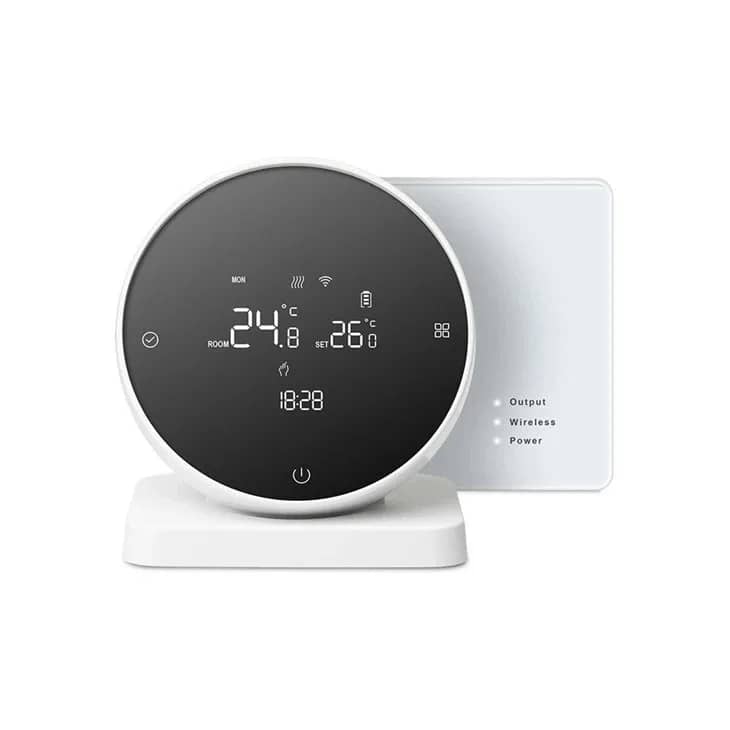
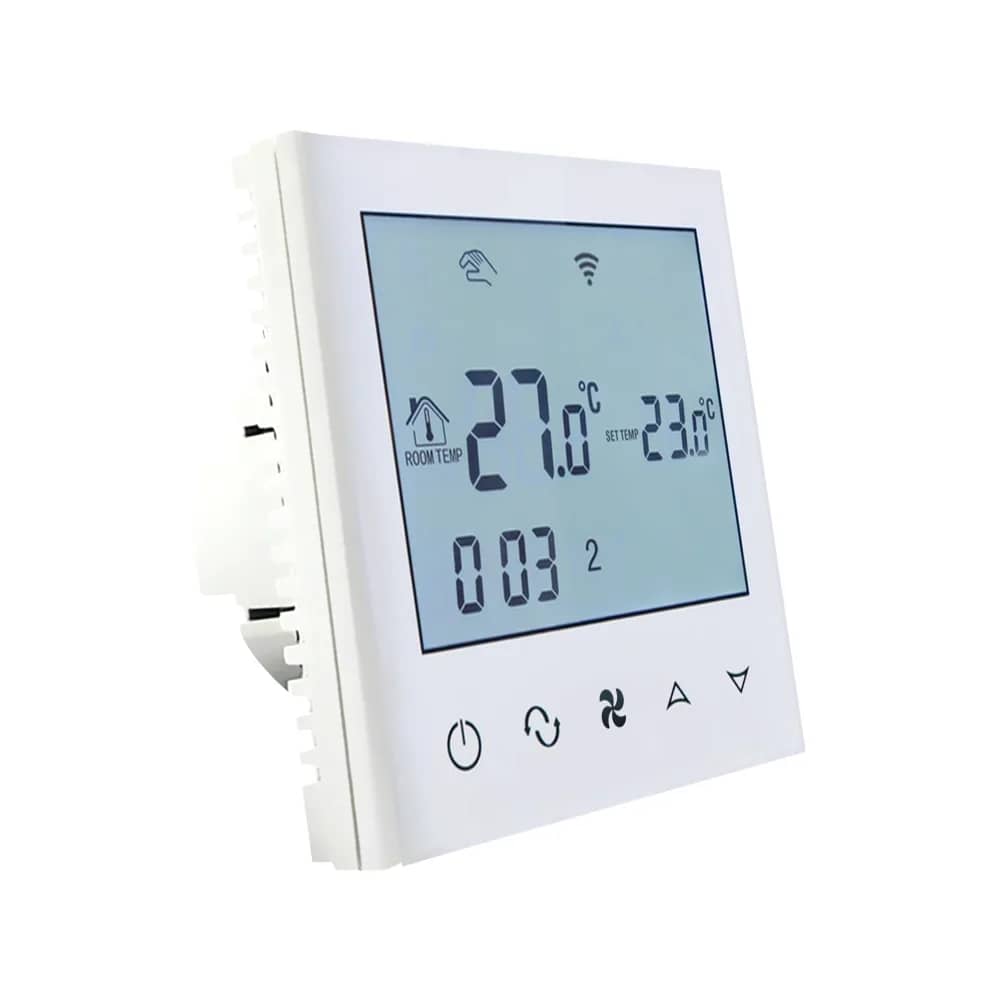
BeOk BOT-313WiFi Wi-Fi Thermostat for Gas Boilers and Underfloor Heating – Smart Life App – White — image 4
1/4
BeOk

BeOk BOT-313WiFi Wi-Fi Thermostat for Gas Boilers and Underfloor Heating – Smart Life App

SKU: BOT313WiFi-WH

AED 205

In stock

1
  • Delivery across all seven emirates. Free on orders over AED 750.
  • Order now, we confirm availability and delivery with you before you pay.

Smart Wi-Fi thermostat for gas boilers and water-based underfloor heating, controlled on the unit or via the Smart Life/Tuya app.

Product details

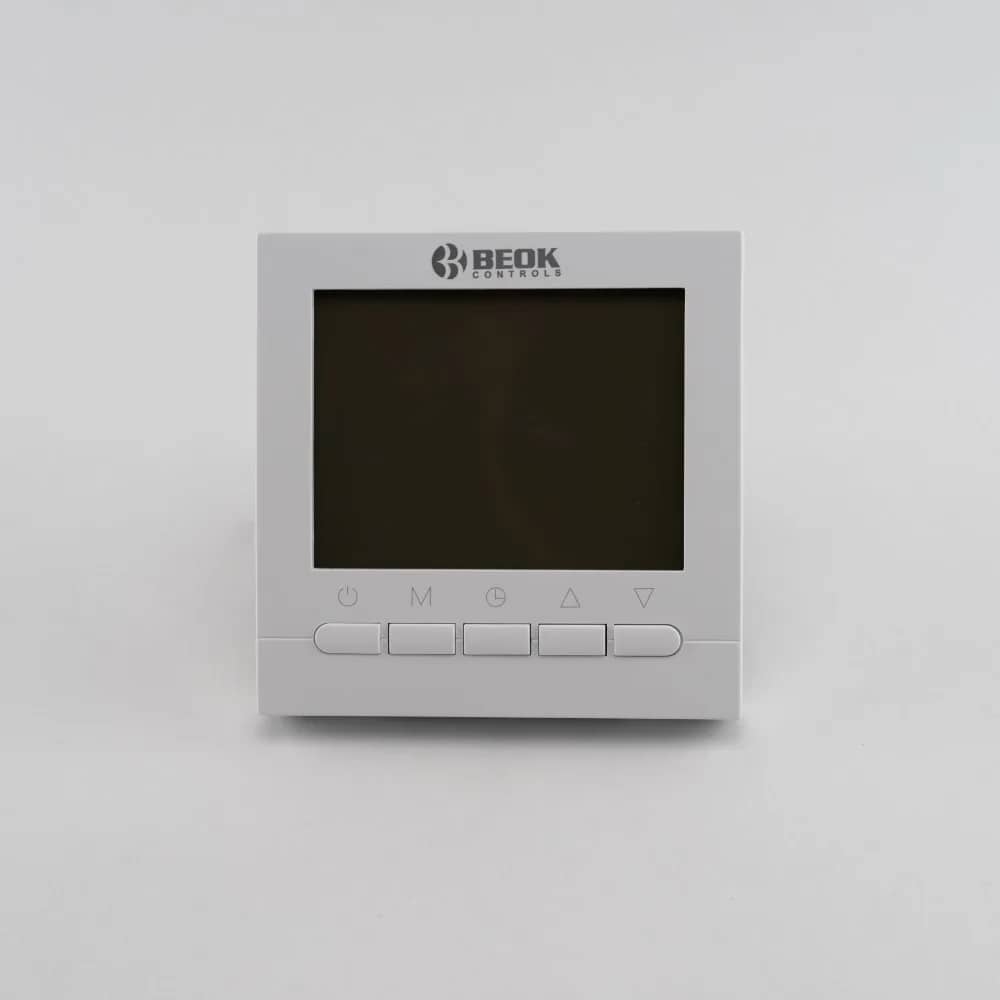
The Beok BOT313WiFi is a smart thermostat for boilers and water-based underfloor heating systems. The thermostat can be operated either directly via its interface or from your smartphone using the Smart Life/Tuya app.

The thermostat is available with 2 display colour options: white and blue.

Note: This thermostat is installed in a wall back box! It must be powered at 220V and must be wired to the boiler.

Highlights

BeOk BOT-313WiFi Wi-Fi Thermostat for Gas Boilers and Underfloor Heating – Smart Life App – Beok BOT313WiFi Smart Thermostat
01

Beok BOT313WiFi Smart Thermostat

The Beok BOT313WiFi is a smart thermostat for boilers and water-based underfloor heating systems. It can be operated directly from its interface or from your smartphone using the Smart Life app, available on Google Play and the App Store.

BeOk BOT-313WiFi Wi-Fi Thermostat for Gas Boilers and Underfloor Heating – Smart Life App – Key Features
02

Key Features

  • Memory function: all settings are saved, so there is no need to reset the thermostat after a power cut
  • Programming function: schedule temperatures as you wish, e.g. 22°C from 9:00–17:00 and 25°C from 17:00–9:00
  • Wi-Fi connection: simple installation and Wi-Fi setup, easy to programme and use via the Smart Life mobile app
  • Saves energy: programme it not to run when you are away from home
BeOk BOT-313WiFi Wi-Fi Thermostat for Gas Boilers and Underfloor Heating – Smart Life App – App Control from Your Smartphone
03

App Control from Your Smartphone

Open the Smart Life app and control your home's temperature however you like. The thermostat can be easily calibrated directly from the app.

  • Operating range settings: 5–35°C
  • Set and lock a minimum and maximum operating temperature, e.g. 18–22°C
BeOk BOT-313WiFi Wi-Fi Thermostat for Gas Boilers and Underfloor Heating – Smart Life App – Thermostat Display
04

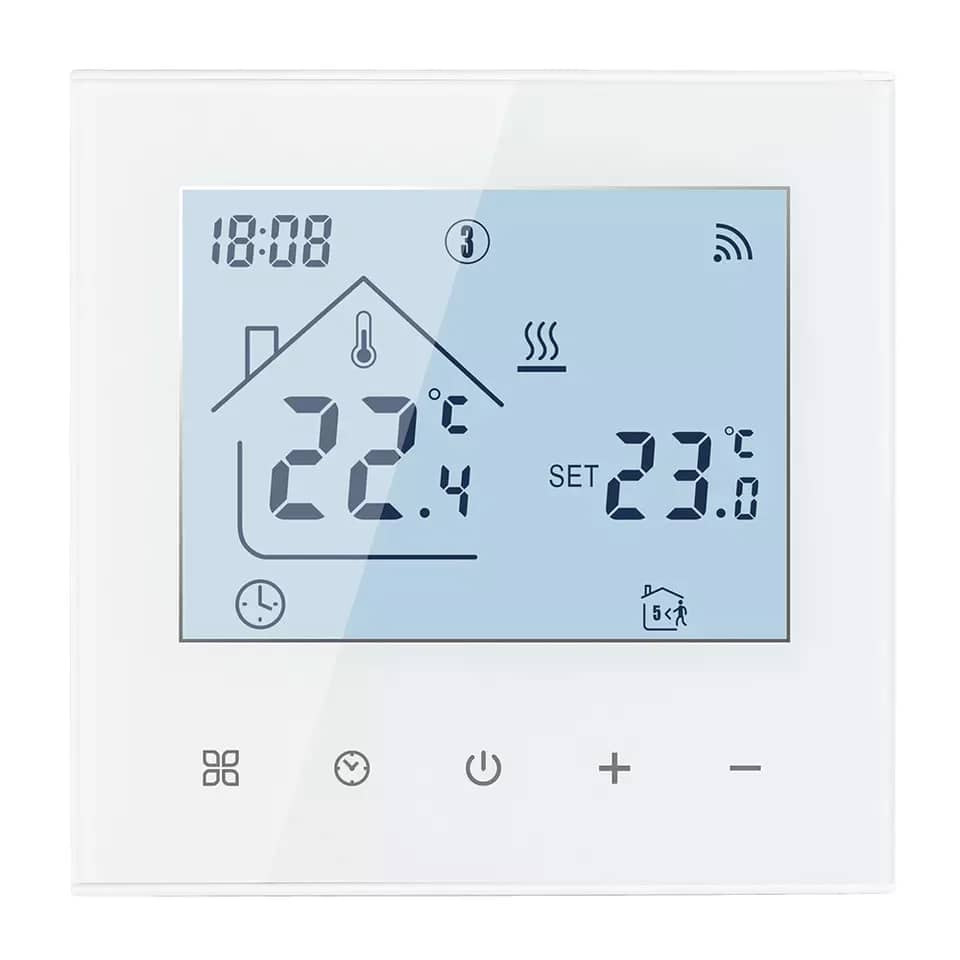
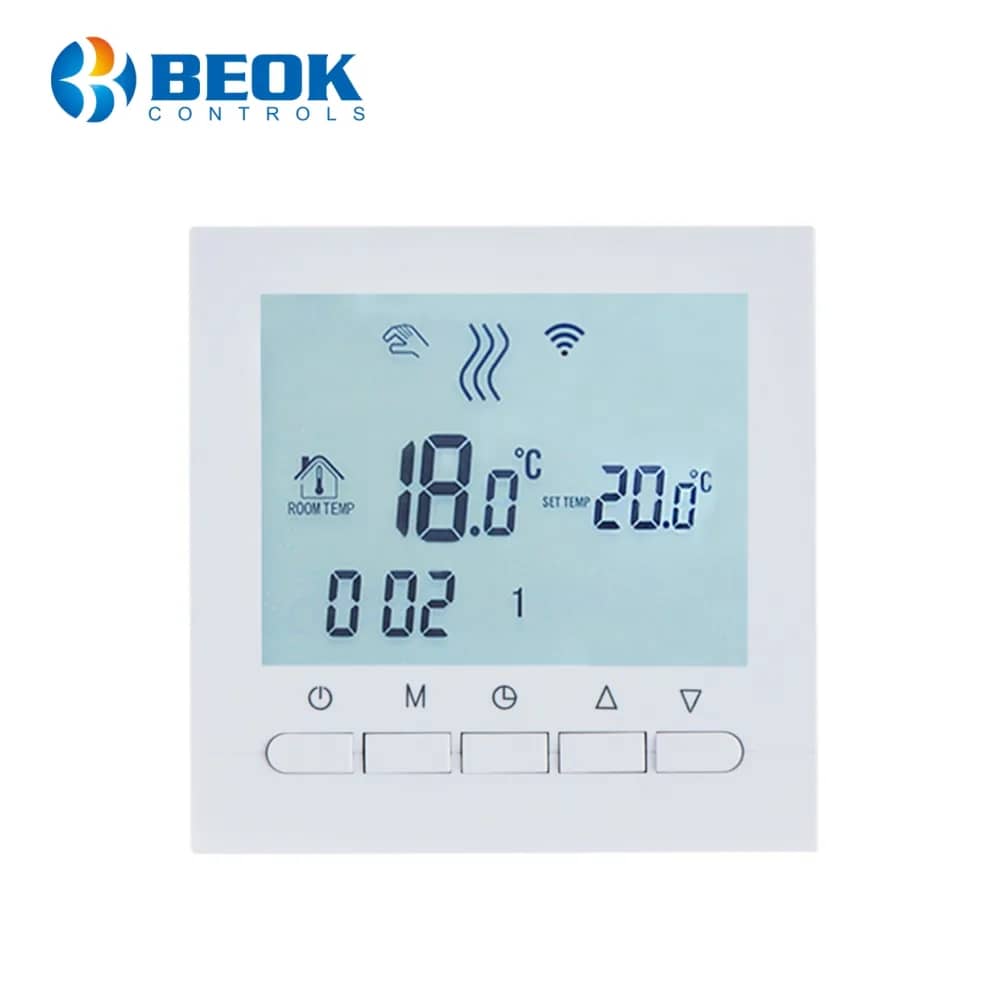
Thermostat Display

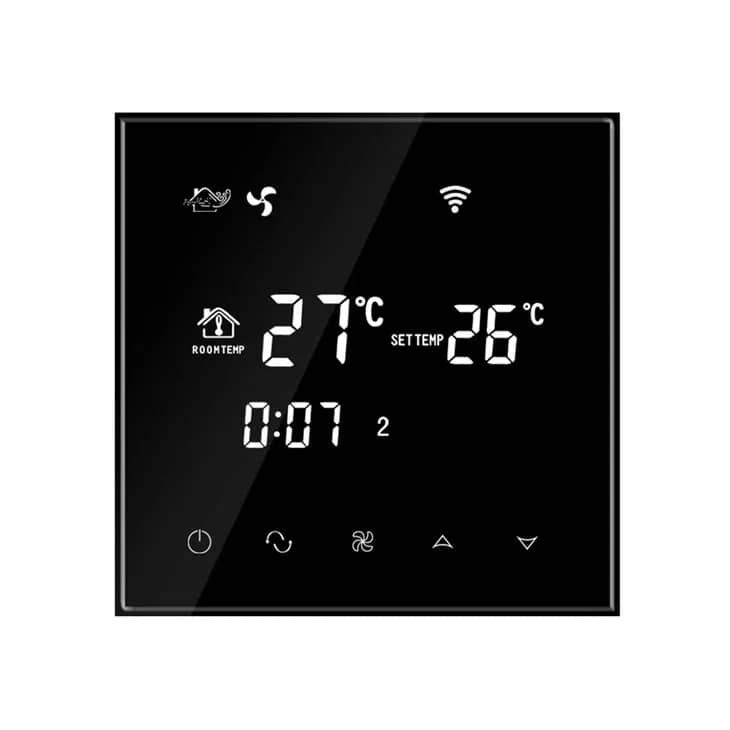
  • Manual mode
  • Heating
  • Wi-Fi symbol
  • Anti-freeze
  • Lock
  • Room temperature
  • Set temperature
  • Period
  • Clock
  • Day of the week (1–7)
  • Buttons: on/off, menu, clock setting, up, down
BeOk BOT-313WiFi Wi-Fi Thermostat for Gas Boilers and Underfloor Heating – Smart Life App – Dimensions
05

Dimensions

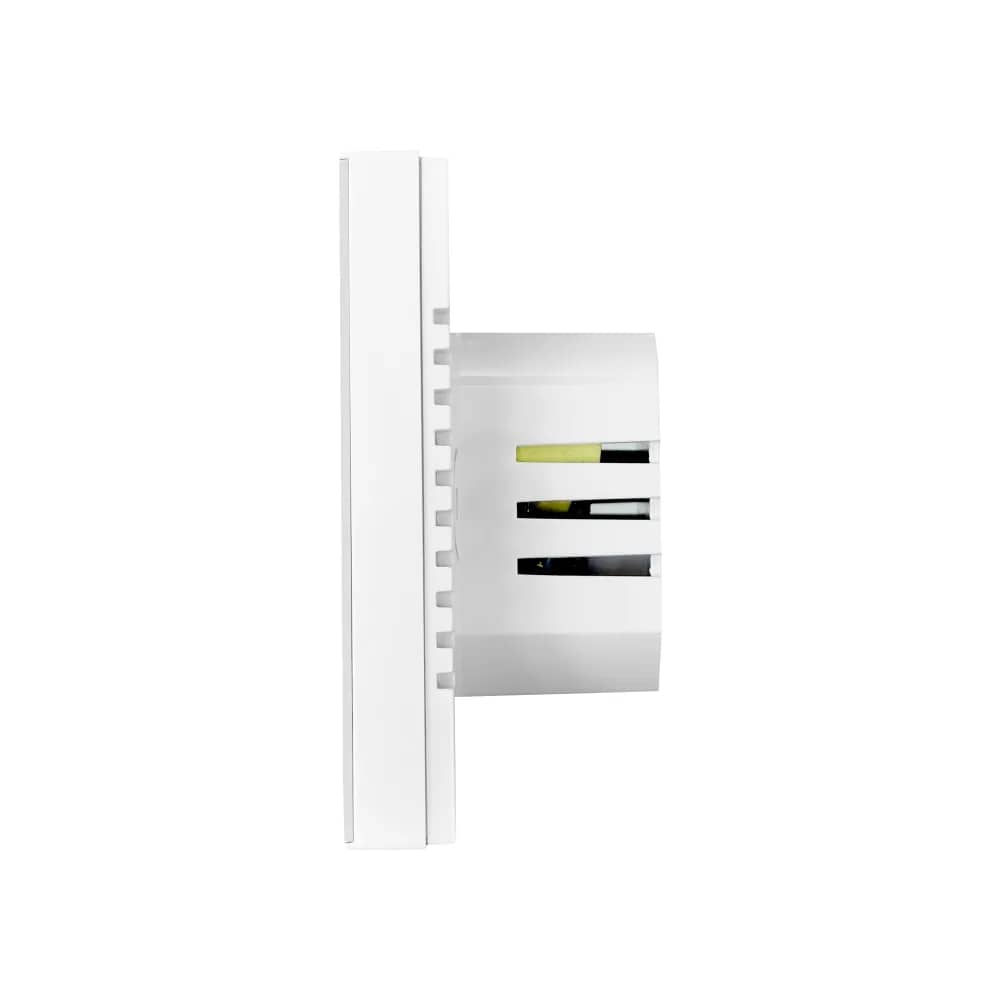
  • Width: 86 mm
  • Height: 86 mm
  • Depth: 40 mm
BeOk BOT-313WiFi Wi-Fi Thermostat for Gas Boilers and Underfloor Heating – Smart Life App – Installation
06

Installation

  • 1. Gently open the panel with a screwdriver
  • 2. Connect the power wires according to the wiring diagram and fix the bracket with two screws
  • 3. Refit the front panel
  • 4. Press the power button to switch the thermostat on
07

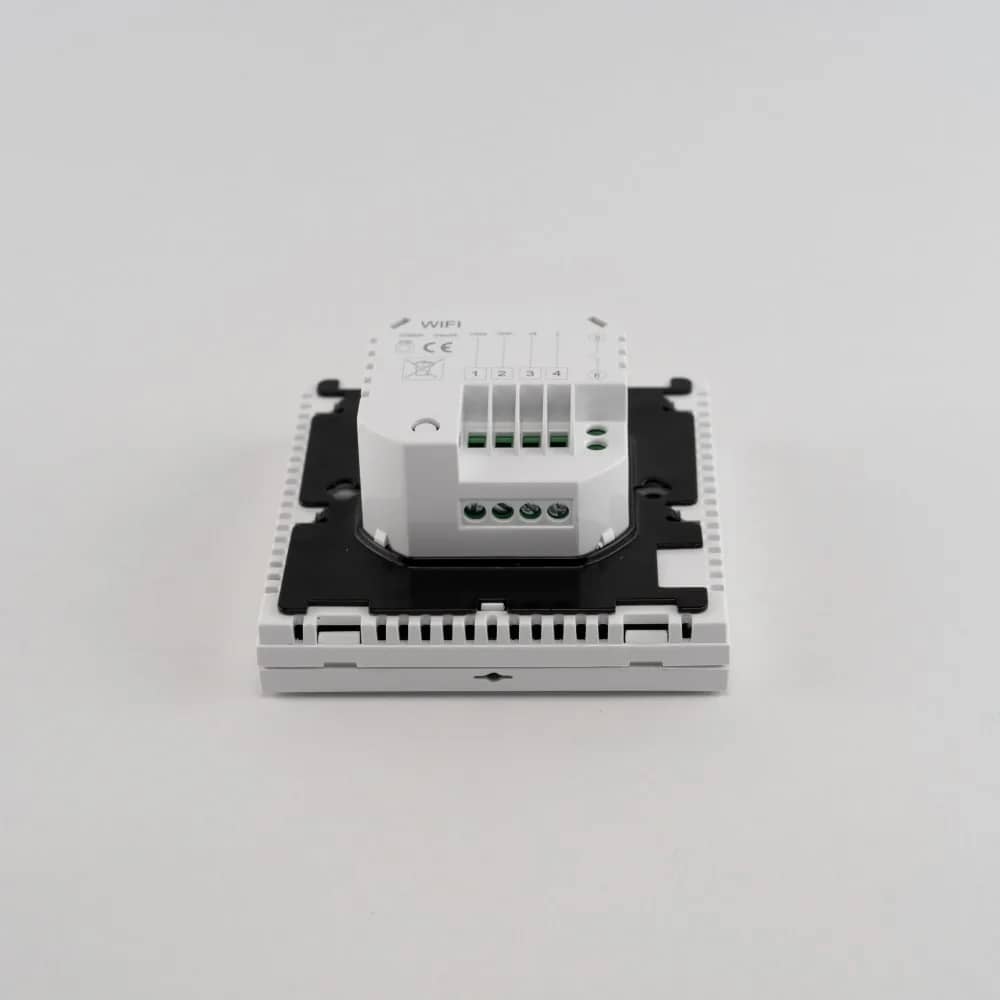
Wiring Diagram

Terminals 1 and 2 are used for water-based underfloor heating, terminals 3 and 4 for the mains power supply, and terminals 5 and 6 for connecting the gas boiler sensor.

  • 1: Closed
  • 2: Open
  • 3: Live
  • 4: Neutral
  • 5–6: Boiler sensor connection
  • Warning: do not use terminals 1 and 2 to connect the gas boiler sensor – incorrect wiring may damage the boiler's main board