SmartHomesAE
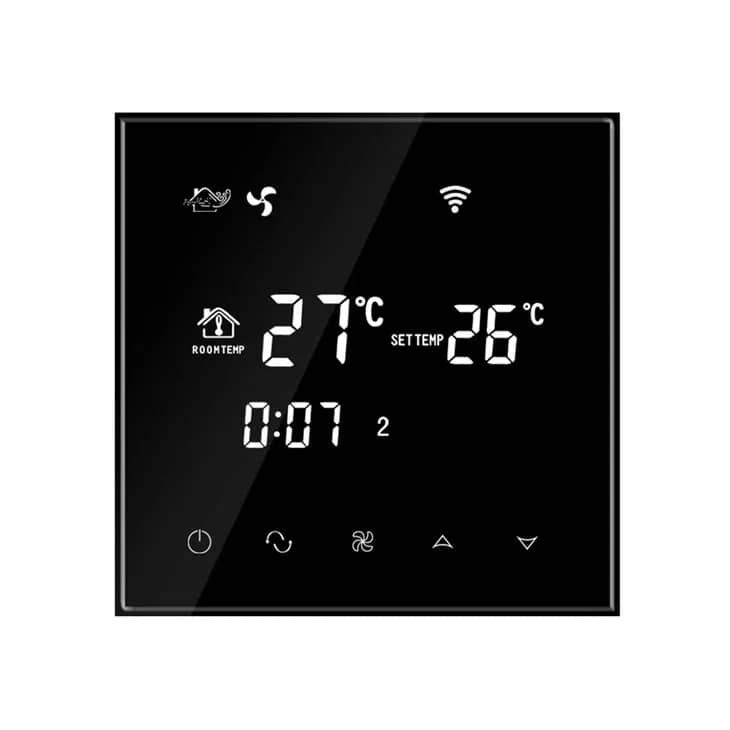
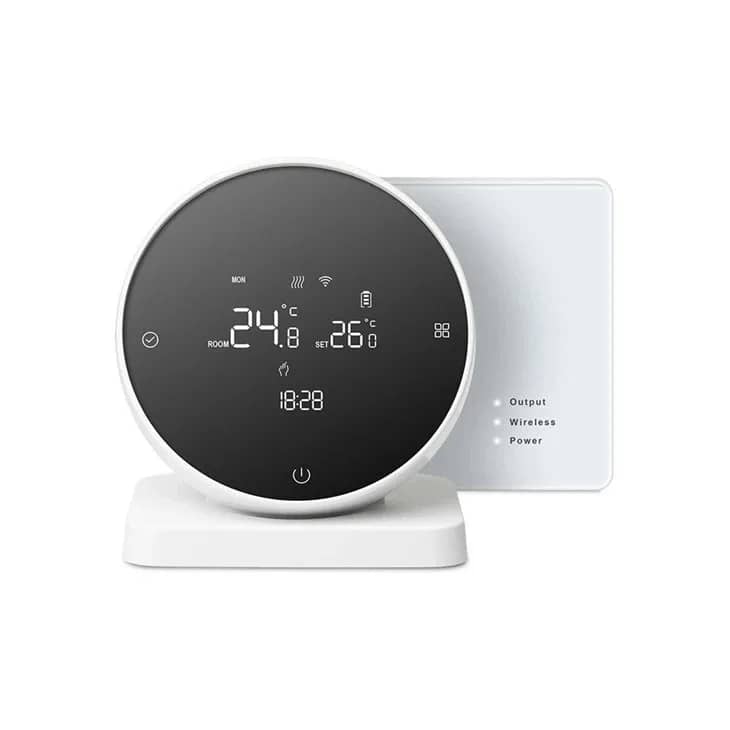
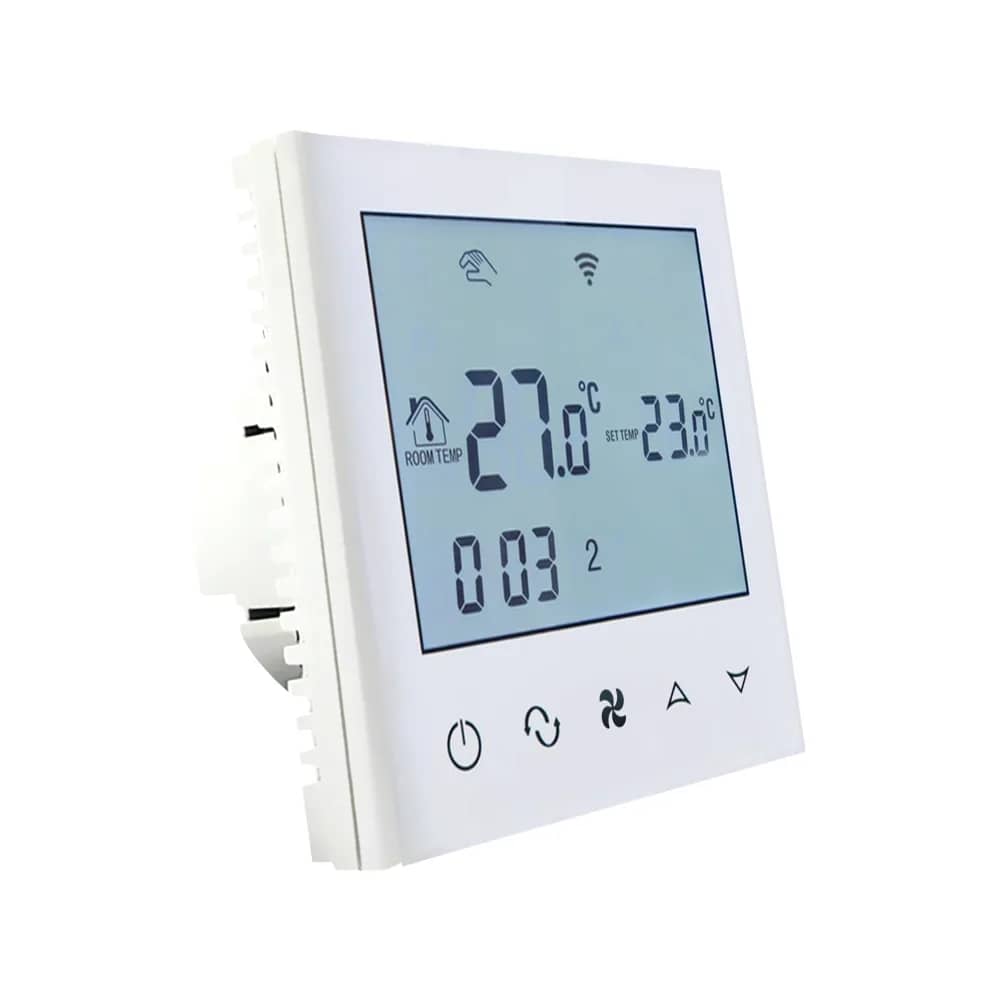
BeOk Wi-Fi Thermostat for Gas Boiler Heating – TGW60-WIFI-WPB – White — image 1
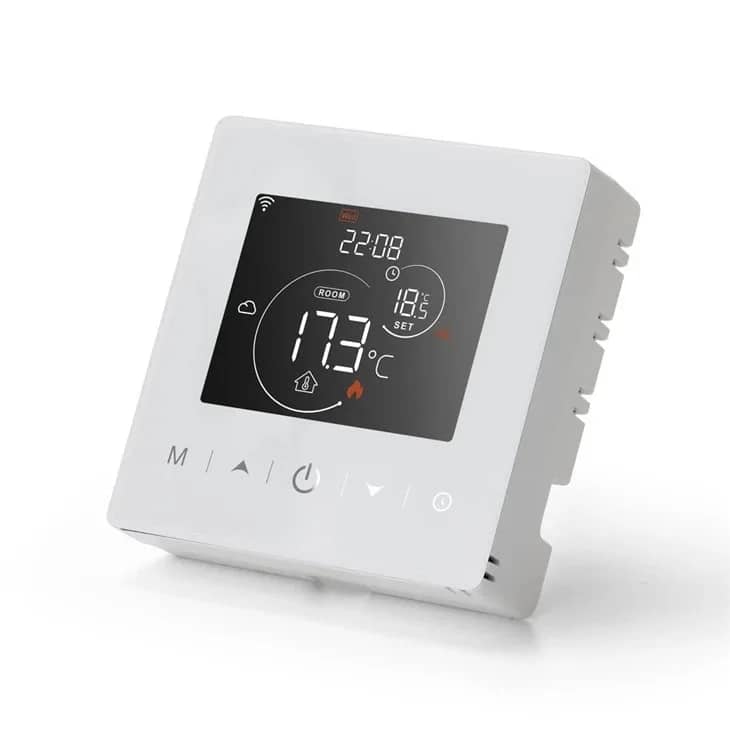
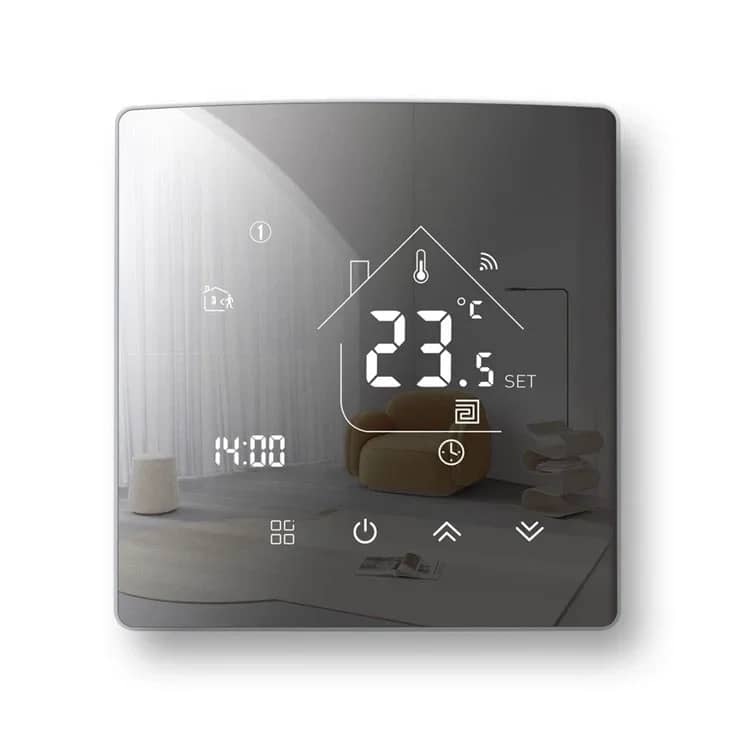
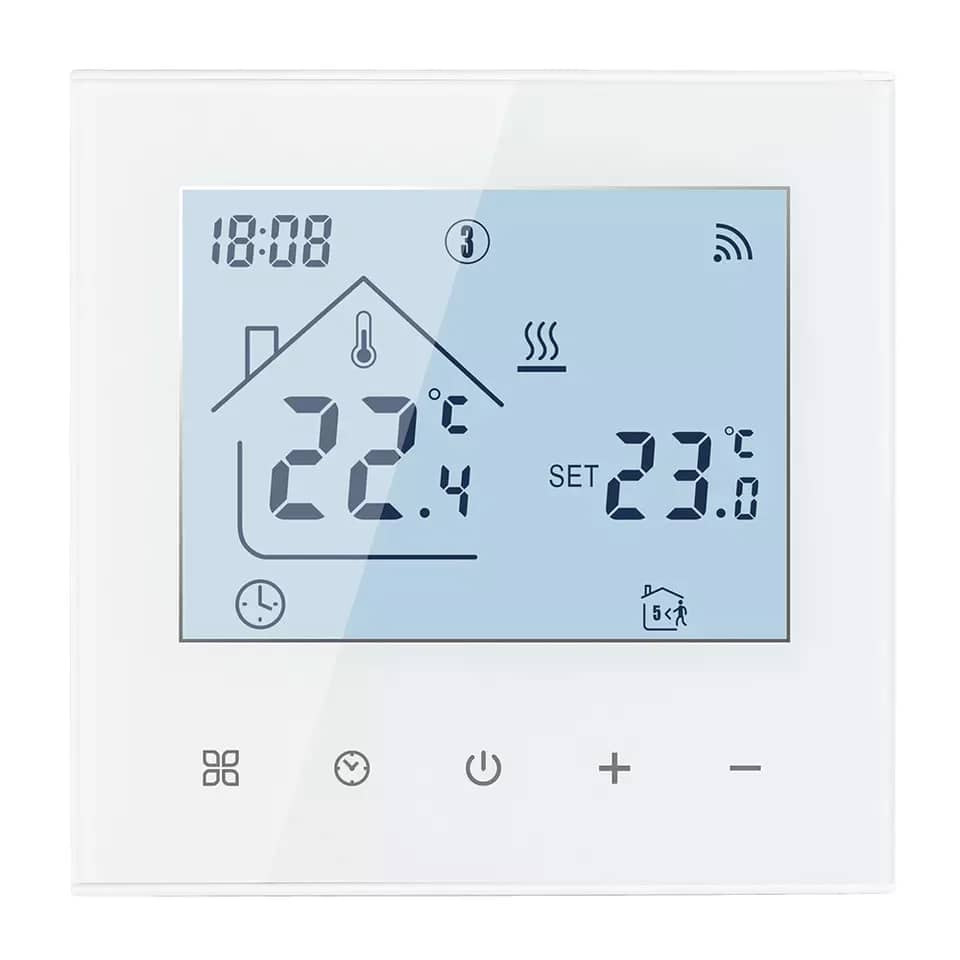
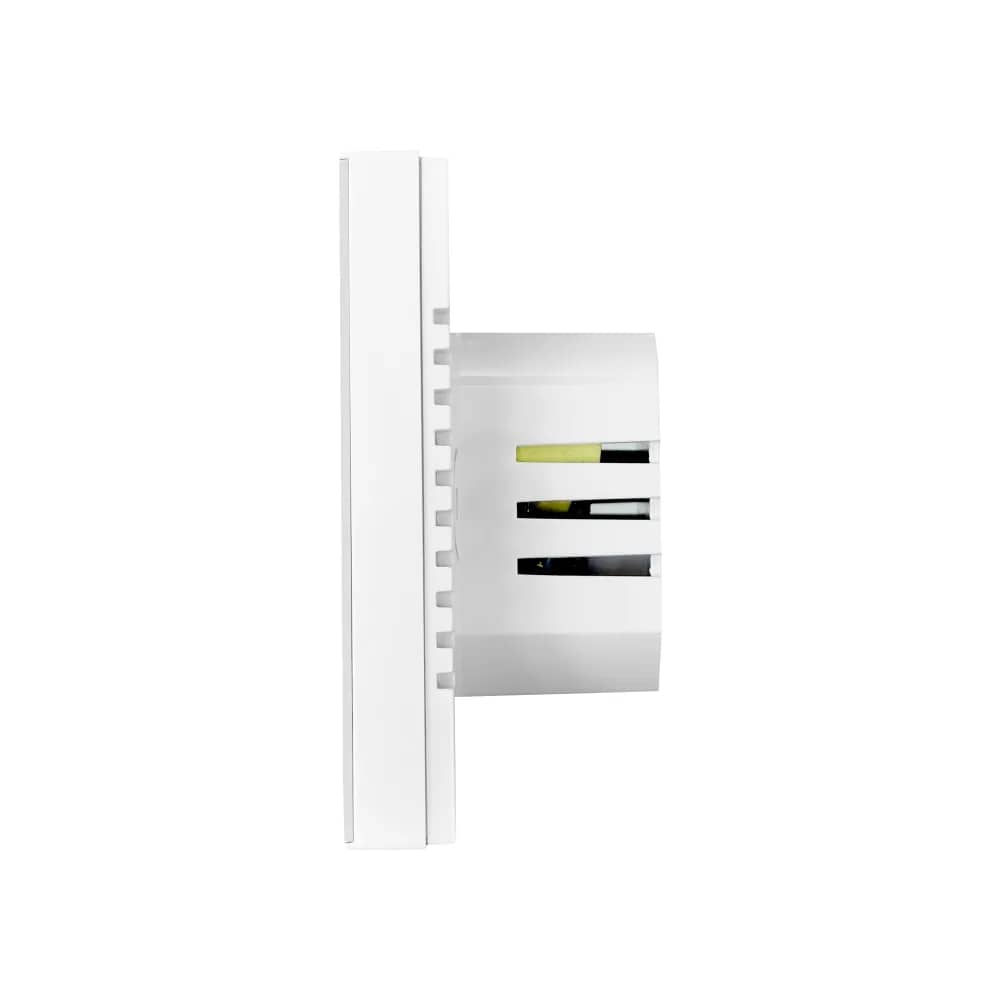
BeOk Wi-Fi Thermostat for Gas Boiler Heating – TGW60-WIFI-WPB – White — image 2
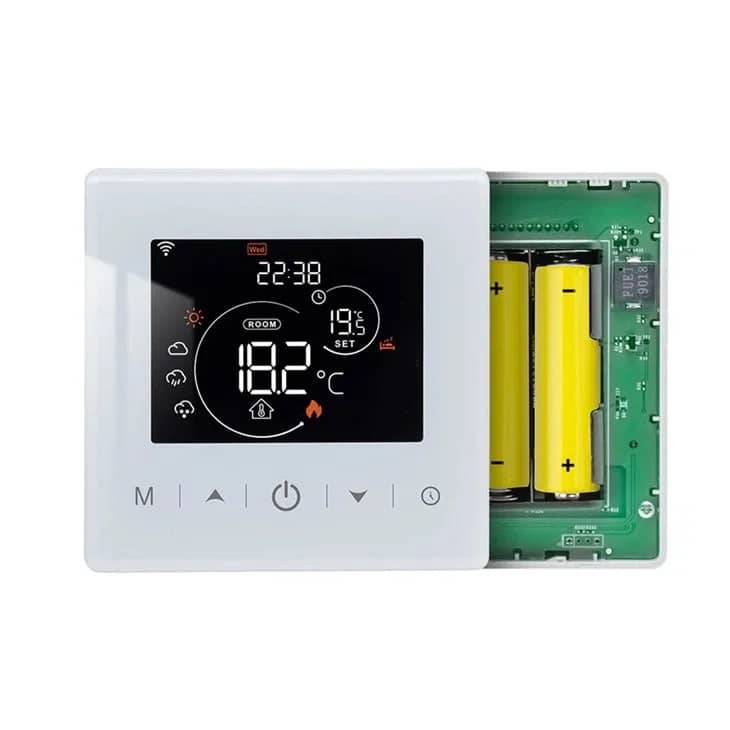
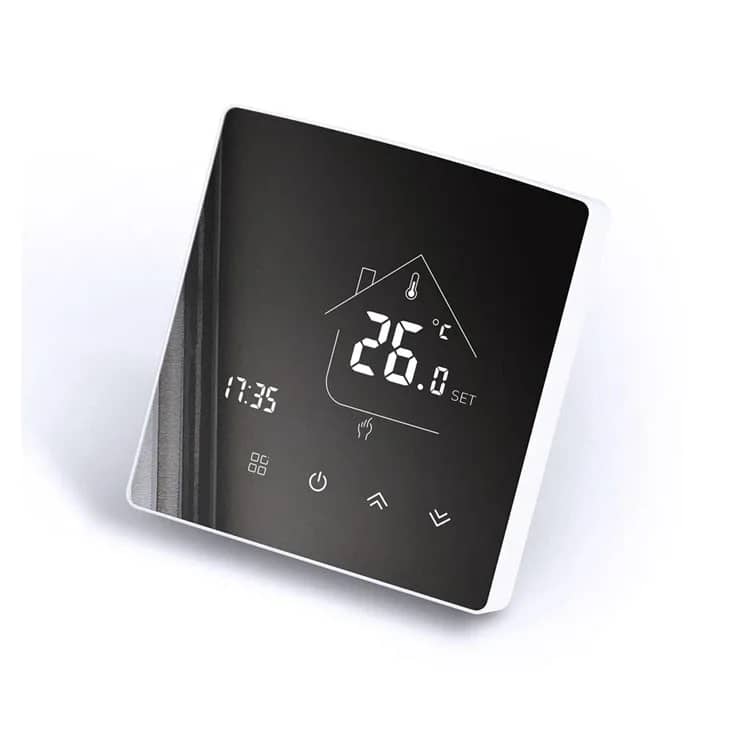
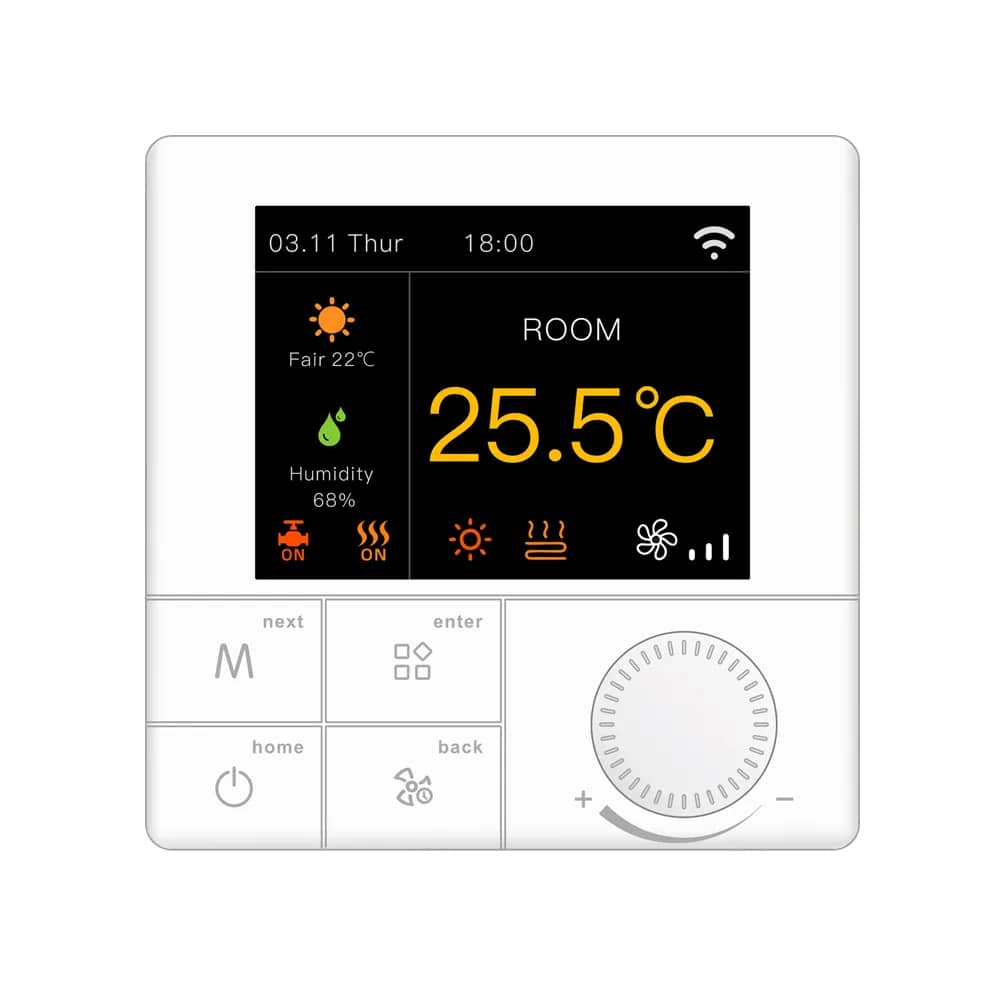
BeOk Wi-Fi Thermostat for Gas Boiler Heating – TGW60-WIFI-WPB – White — image 3
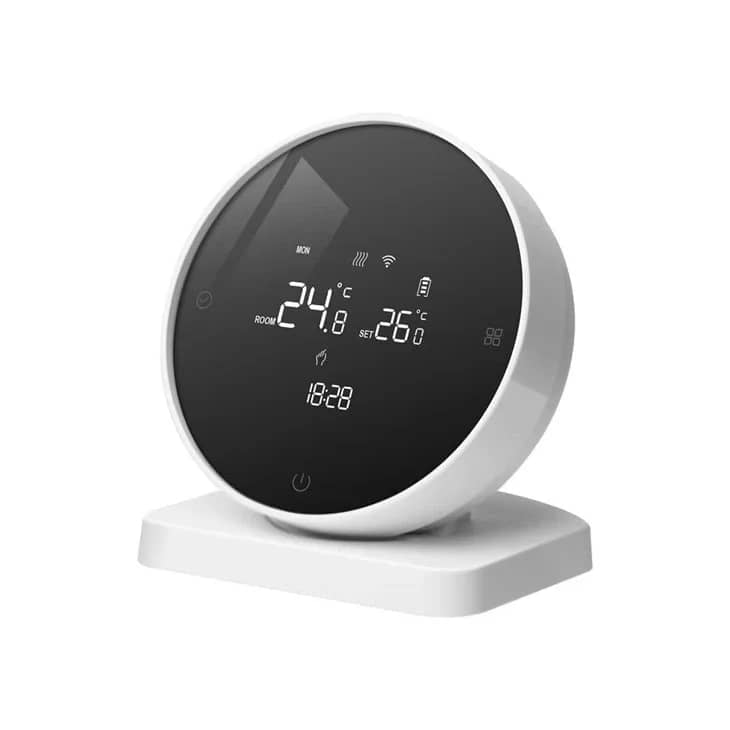
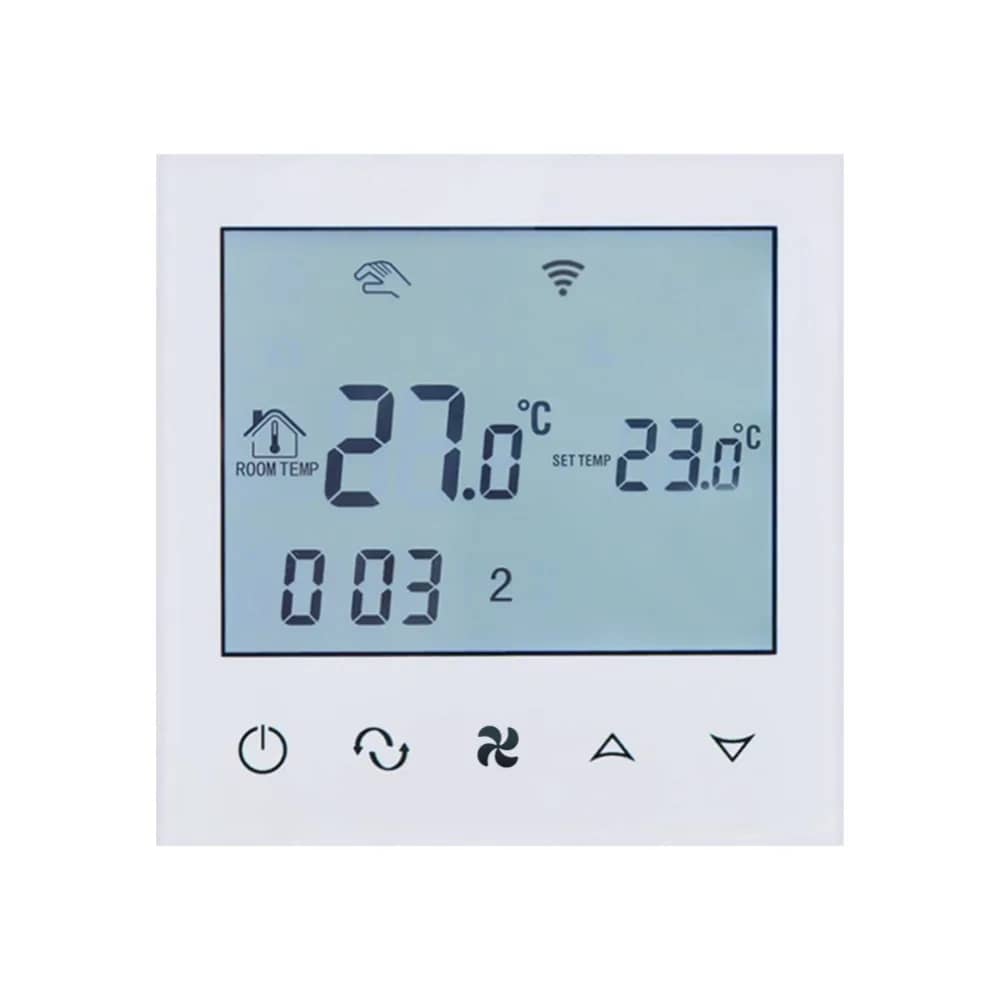
BeOk Wi-Fi Thermostat for Gas Boiler Heating – TGW60-WIFI-WPB – White — image 4
BeOk Wi-Fi Thermostat for Gas Boiler Heating – TGW60-WIFI-WPB – White — image 5
BeOk Wi-Fi Thermostat for Gas Boiler Heating – TGW60-WIFI-WPB – White — image 6
1/6
BeOk

BeOk Wi-Fi Thermostat for Gas Boiler Heating – TGW60-WIFI-WPB

SKU: TGW60W-WIFI-WPB

AED 168

In stock

Colour: White
1
  • Delivery across all seven emirates. Free on orders over AED 750.
  • Order now, we confirm availability and delivery with you before you pay.

BeOk TGW60-WIFI-WPB Wi-Fi thermostat for gas boiler heating with frost protection and Smart Life app control, in White or Black.

Product details

With the BeOk TGW60-WIFI-WPB thermostat for gas boiler heating, you can save energy intelligently and customise the settings to suit your own needs. It features frost protection and other smart functions. The device continuously reduces energy consumption and prevents wasted heat. Download the Smart Life app to access the thermostat's functions directly from your smartphone.

Highlights

BeOk Wi-Fi Thermostat for Gas Boiler Heating – TGW60-WIFI-WPB – BeOk TGW60 WIFI WPB Wi-Fi Thermostat for Gas Boilers
01

BeOk TGW60 WIFI WPB Wi-Fi Thermostat for Gas Boilers

A Wi-Fi thermostat designed to control gas boiler heating, with a touch screen and smartphone app control.

  • App control
  • Touch screen
  • Weekly programming
  • Child lock
  • Wi-Fi connection
BeOk Wi-Fi Thermostat for Gas Boiler Heating – TGW60-WIFI-WPB – Memory Function
02

Memory Function

The thermostat remembers all your settings, so if the power goes off you will not need to reset it when the power returns.

BeOk Wi-Fi Thermostat for Gas Boiler Heating – TGW60-WIFI-WPB – Weekly Programming
03

Weekly Programming

Programme the thermostat to suit your routine, for example 22°C during the day from 9:00 to 17:00 and 24°C from 17:00 to 9:00. It offers 5+2-day programming with 6 time periods per day.

  • 5+2-day programmable schedule
  • 6 time periods per day
  • Separate weekday and weekend settings
BeOk Wi-Fi Thermostat for Gas Boiler Heating – TGW60-WIFI-WPB – Frost Protection
04

Frost Protection

The anti-freeze system of the Beok TGW60 monitors the room temperature and, when it drops below 10°C, automatically switches on the heating to prevent the water in the heating system from freezing.

BeOk Wi-Fi Thermostat for Gas Boiler Heating – TGW60-WIFI-WPB – Thermostat Lock
05

Thermostat Lock

The Beok TGW60 WIFI has a lock function, so children cannot access or change the settings.

BeOk Wi-Fi Thermostat for Gas Boiler Heating – TGW60-WIFI-WPB – App Control
06

App Control

Control the thermostat from your smartphone using the "Smart Life" app, available on Google Play and the App Store.

  • Set the temperature remotely
  • Configure weekday and weekend schedules
  • Enable anti-frozen protection in the app
BeOk Wi-Fi Thermostat for Gas Boiler Heating – TGW60-WIFI-WPB – Display Details
07

Display Details

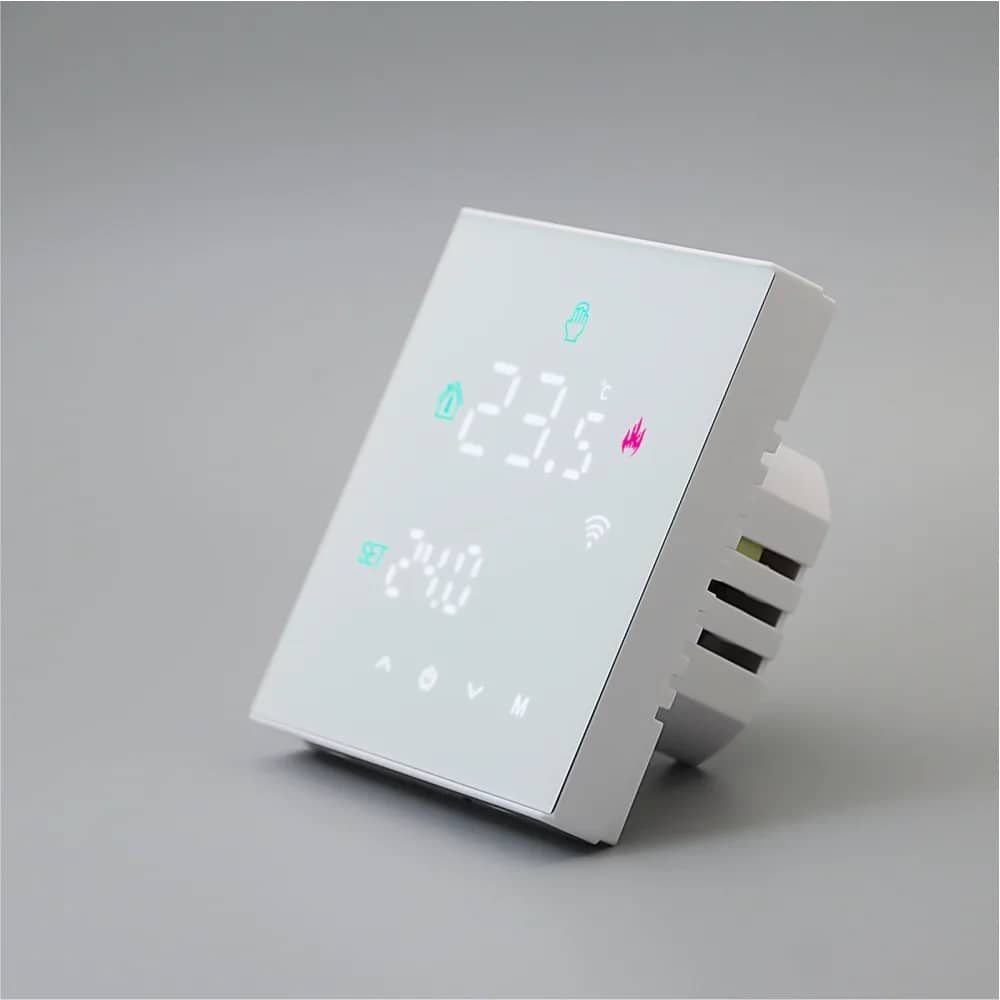
  • Mode
  • Room temperature
  • Set temperature
  • Heating indicator
  • Wi-Fi indicator
  • Thermostat lock indicator
  • Menu button
BeOk Wi-Fi Thermostat for Gas Boiler Heating – TGW60-WIFI-WPB – Technical Data
08

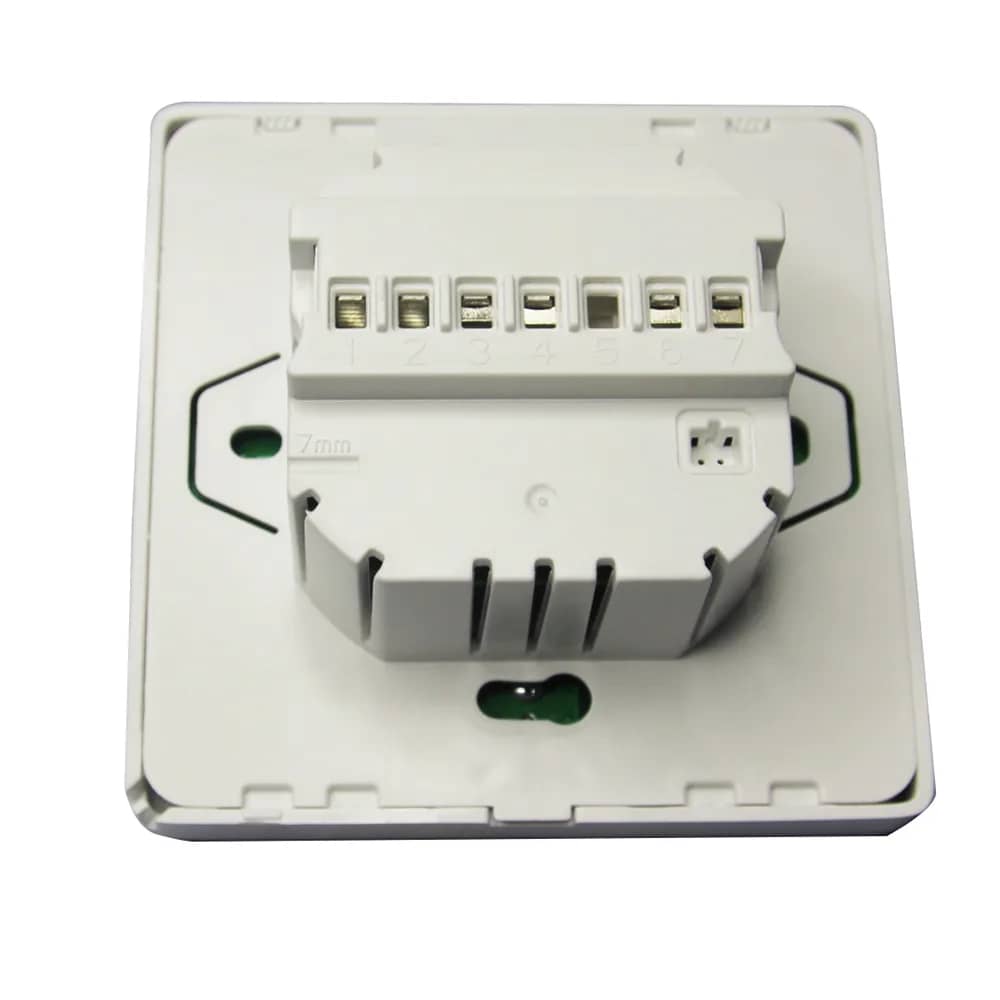
Technical Data

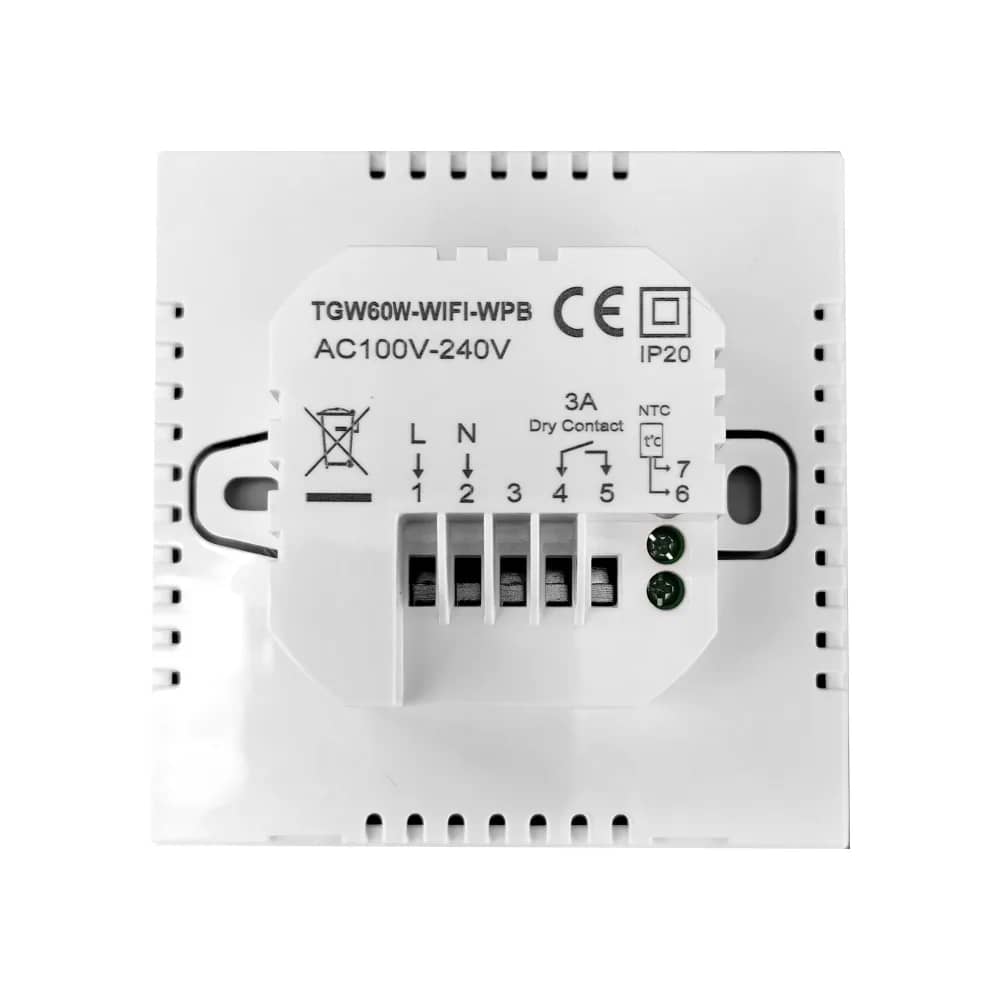
  • Model: TGW60B-WIFI-WPB
  • Power supply: AC100V-240V
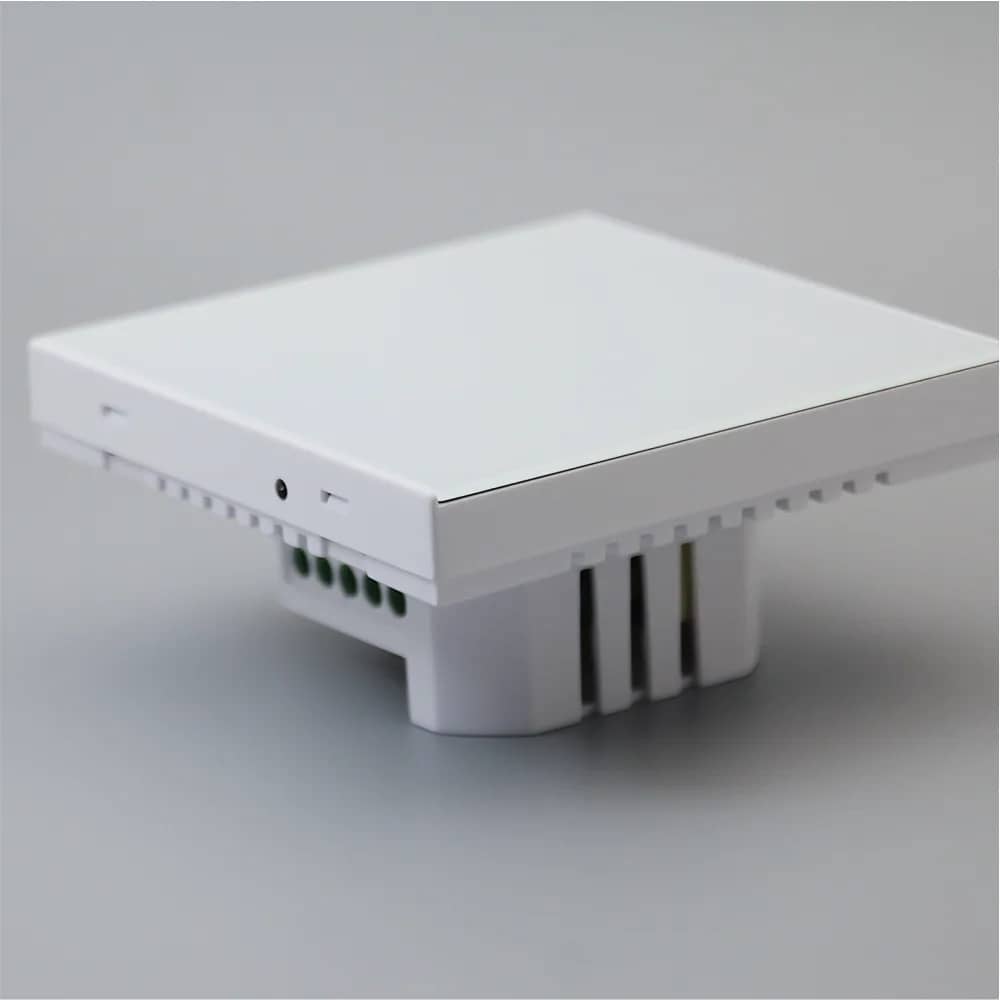
  • Output: 3A dry contact (terminals 4 and 5) for the boiler
  • Power terminals: L (1), N (2)
  • NTC sensor terminals: 6, 7
  • Protection rating: IP20
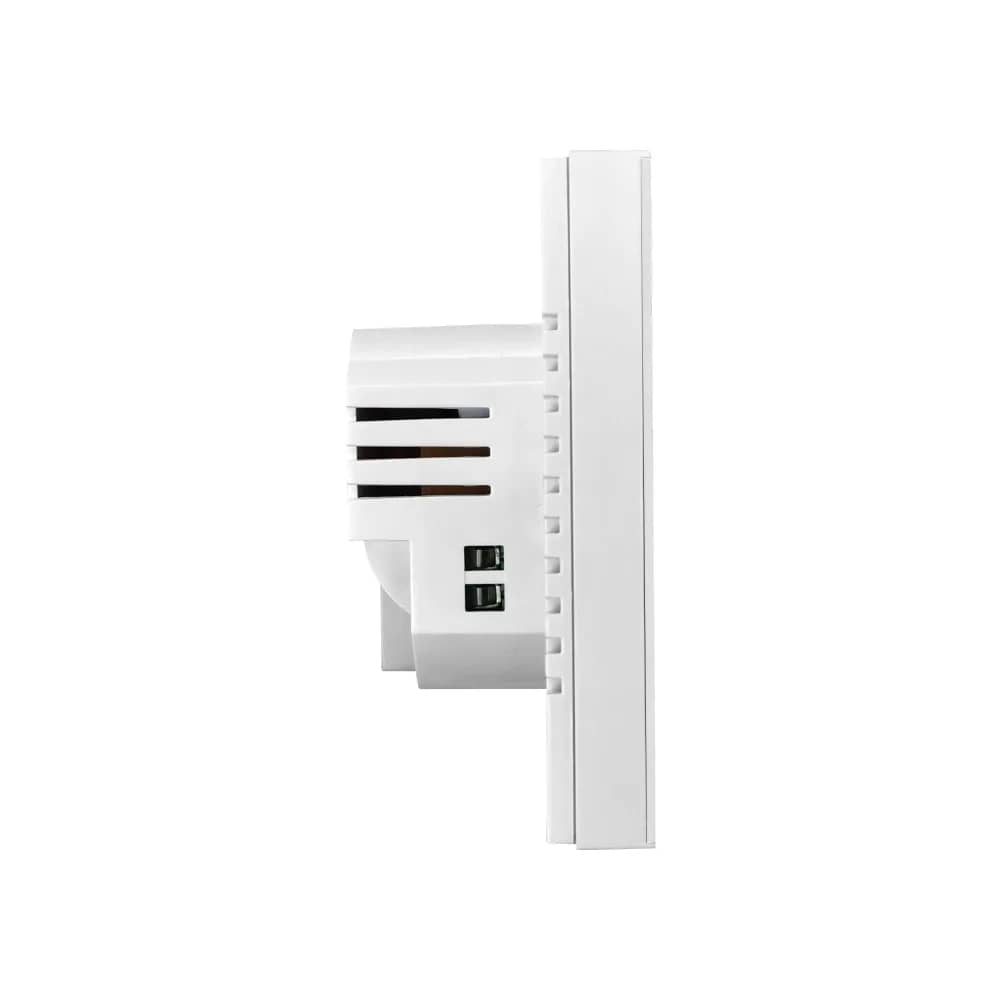
  • Front dimensions: 86 x 86 mm
  • Rear module: 50 x 50 mm
  • Mounting hole spacing: 60 mm
  • Rear depth: 26 mm
  • Front panel depth: 19 mm
BeOk Wi-Fi Thermostat for Gas Boiler Heating – TGW60-WIFI-WPB – Installation
09

Installation

  • 1. Gently open the panel with a screwdriver.
  • 2. Carefully disconnect the cable from the touch panel.
  • 3. Use the two screws to fix the mounting bracket.
  • 4. Connect the cable, then attach the touch panel.