Alexa in the UAE: Languages, Setup and Compatible Devices
Alexa has been officially available in the UAE since December 2021, in English and Khaleeji Arabic. This guide covers account setup, app linking and which devices in our range list Alexa support.
By the SmartHomes.ae team · Updated 17 October 2026
In short: Amazon launched Alexa officially in the UAE in December 2021, with English and Khaleeji Arabic. Local skills, including one from DEWA, were available from launch.
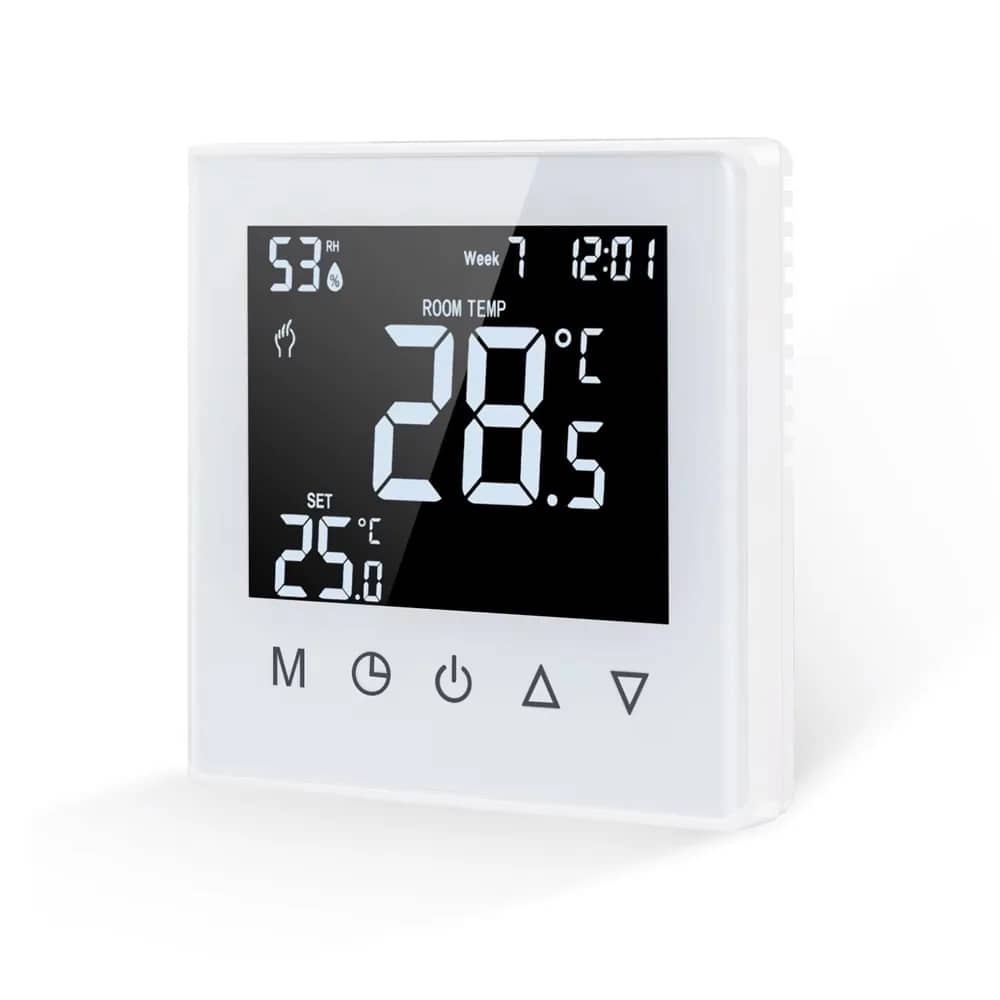
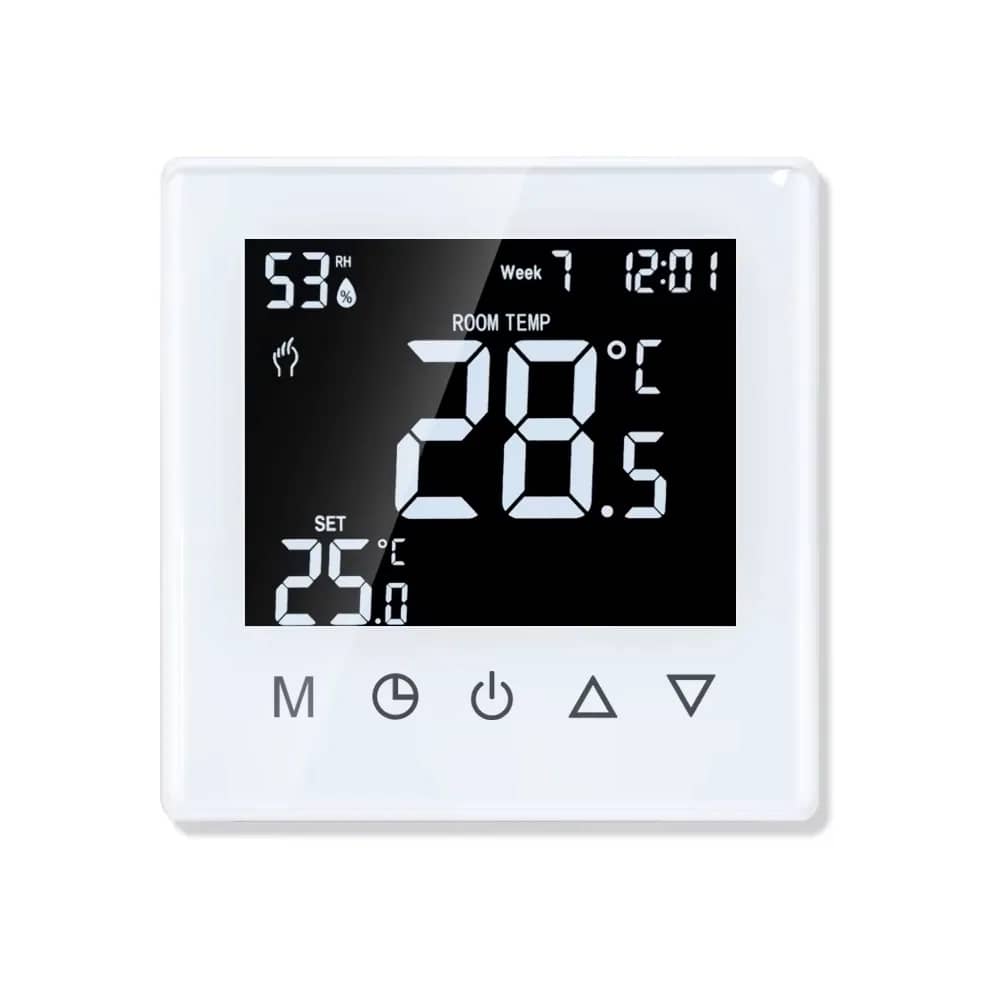
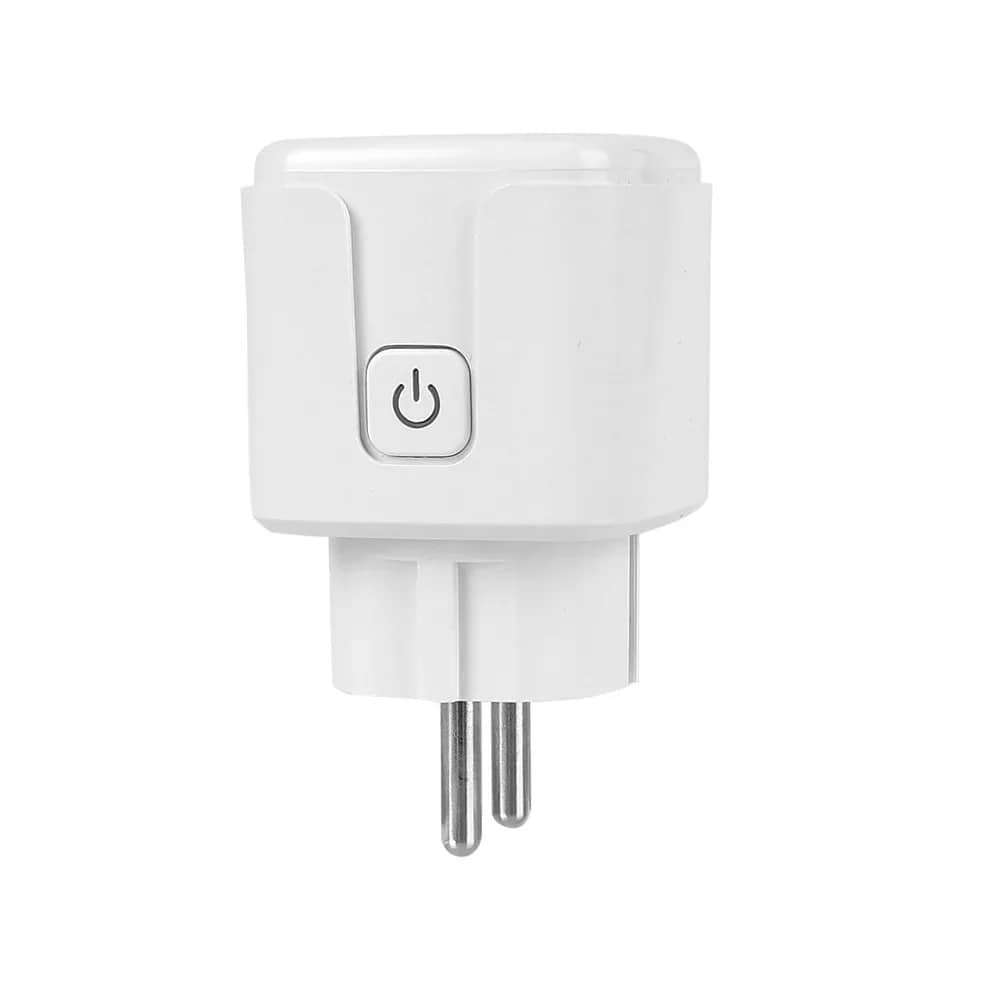
Most Wi-Fi devices in our range connect to Alexa through their own app's skill, usually Smart Life (Tuya) or eWeLink (Sonoff). Products that list Alexa support include the Luxion 16A smart plug, the Luxion and Sonoff Wi-Fi relays, the Luxion underfloor heating thermostat and the Luxion all-in-one control panel.
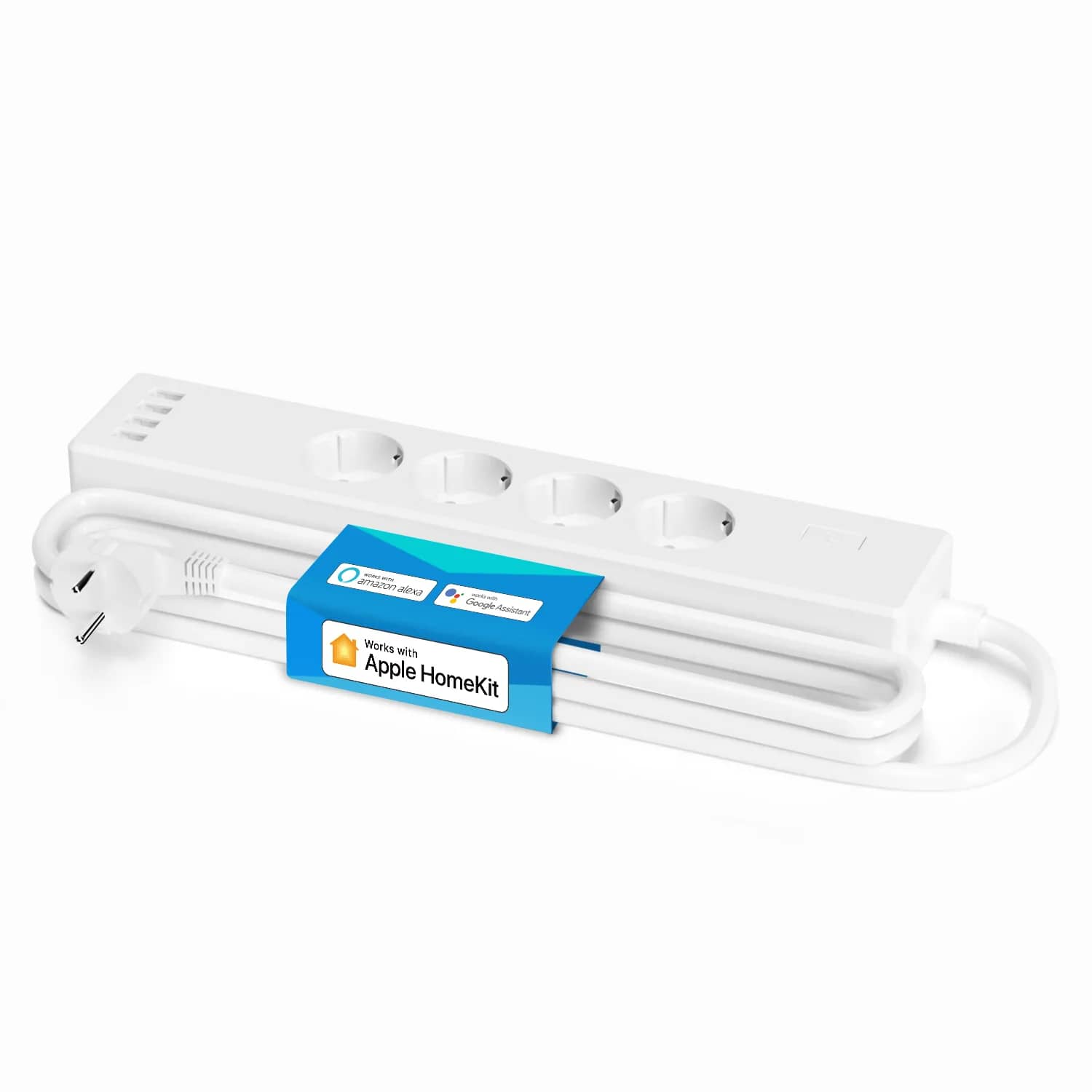
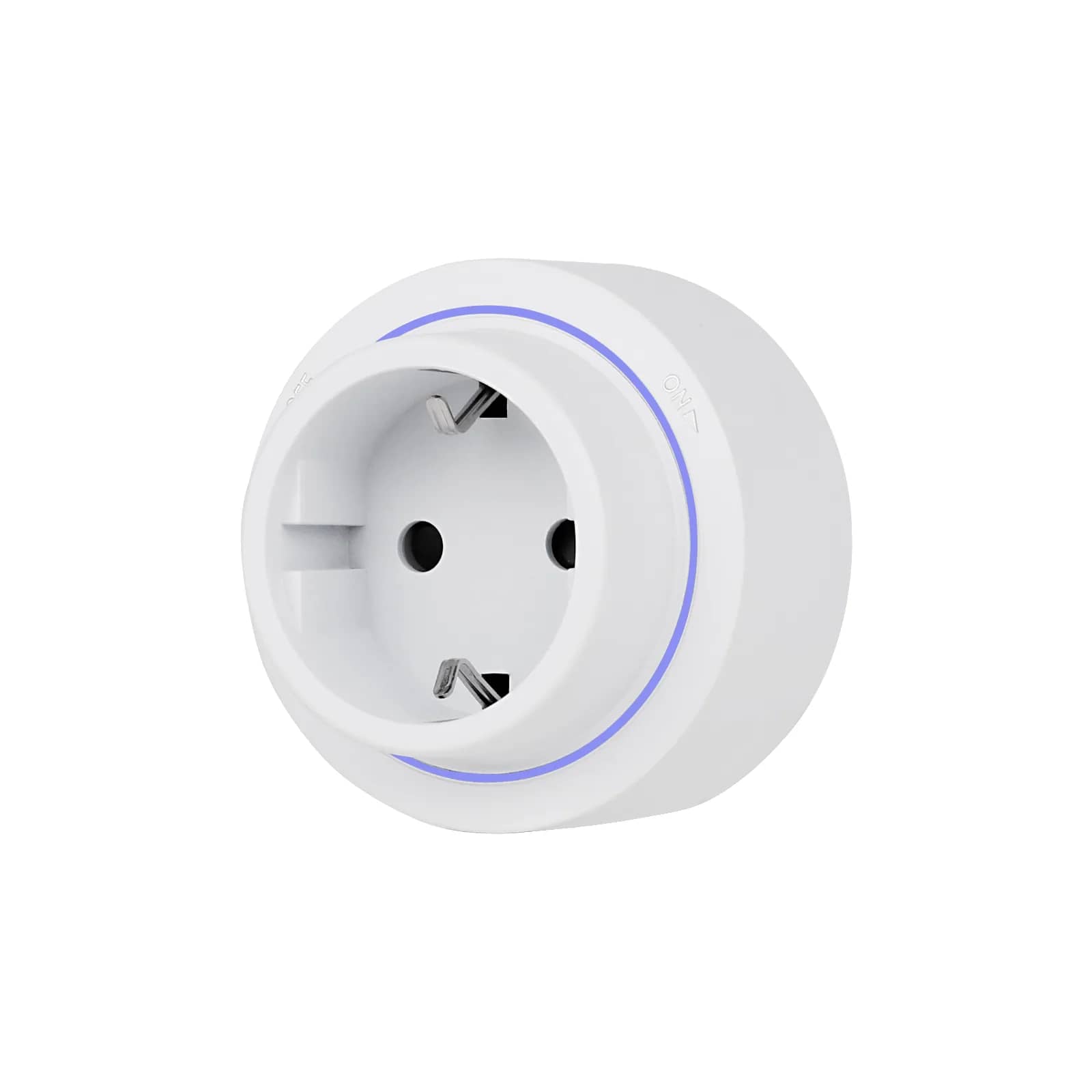
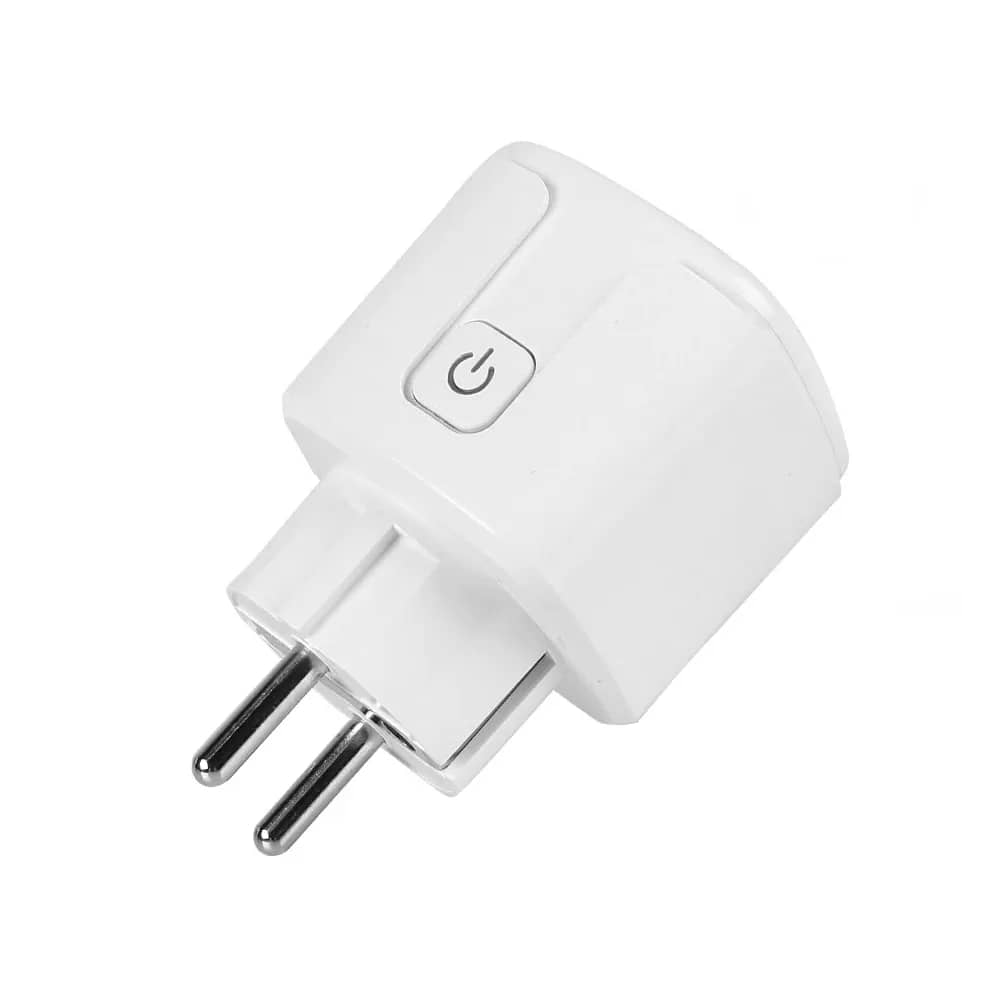
Our smart plugs are European Schuko (Type F), not UK-style BS 1363. Fixed wiring work must be done by a qualified electrician.
Yes, Alexa works in the UAE. Amazon launched it officially in December 2021 with support for English and Khaleeji (Gulf) Arabic, and local skills were available from launch. To use it with smart home devices, set your Amazon account and Alexa app to the UAE, install your device's companion app, then enable that app's Alexa skill so Alexa can discover your devices.
Not every smart device supports Alexa, so check the product listing before you buy. In our range, Alexa support is listed for several Luxion devices that use the Tuya/Smart Life platform and for the Sonoff Mini-Dim relay. The sections below explain the setup, the languages and what to check if something doesn't appear.
Alexa in the UAE: what is officially available
Since the December 2021 launch, UAE users can buy Echo devices locally and set up the Alexa app with a UAE region. That gives you UAE-relevant skills and content. The DEWA skill was one of the local skills available at launch.
For smart home control, the most important part is the skills library. Each device brand, or the platform it runs on, provides a skill that connects its cloud account to Alexa. If a skill is not offered in your account's region, the device can't be linked. Before you rely on a brand, search for its skill in the Alexa app with your UAE account.
English or Khaleeji Arabic
Alexa in the UAE understands English and Khaleeji Arabic. You can change the language for each Echo device in the Alexa app under the device's settings. This means different rooms or household members can use different languages.
A few practical points:
- Device names matter. Alexa matches what you say against the names in your device apps. If you speak Arabic, give devices names you will naturally say in Arabic, or test that the English names are recognised.
- Keep names short and distinct. 'Majlis lights' and 'kitchen lights' work better than two devices both called 'Light 1'.
- Check routines after switching language. Routines usually keep working, but re-test the trigger phrases you use most.
Linking device apps (Smart Life, eWeLink, brand apps)
Most Wi-Fi smart devices don't talk to Alexa directly. They connect to their maker's cloud, and Alexa reaches them through a skill. The typical process:
- Install the device's app (for example Smart Life or Tuya Smart for Luxion devices, eWeLink for Sonoff) and create an account.
- Add the device in that app and confirm you can switch it on and off from your phone.
- In the Alexa app, find and enable the matching skill (Smart Life, eWeLink or the brand's own skill).
- Sign in with the same account you used in step 1 and allow access.
- Run 'Discover devices'. Then group devices into rooms so commands like 'turn off the bedroom' work.
Some devices offer Matter as an alternative. According to its listing, the Sonoff Mini-Dim Wi-Fi smart dimmer relay supports Matter for Apple Home, Google Home and Alexa. Adding it to Alexa through Matter requires an Echo that can act as a Matter controller, so check your Echo model before choosing that route.
Hub-based systems work slightly differently. The Livolo Zigbee EC Wi-Fi hub (from AED 101) lets you control Livolo Zigbee EC touch switches from a smartphone. Its listing does not state Alexa support, so check the Livolo app's integration options before buying it for voice control.
Which of our devices work with Alexa
The table below covers only products whose listings state Alexa support. If a product isn't listed here, that doesn't mean it won't work. It means Alexa support isn't confirmed, so check the manufacturer's information before you buy.
| Product | Type | Listed compatibility | Price |
|---|---|---|---|
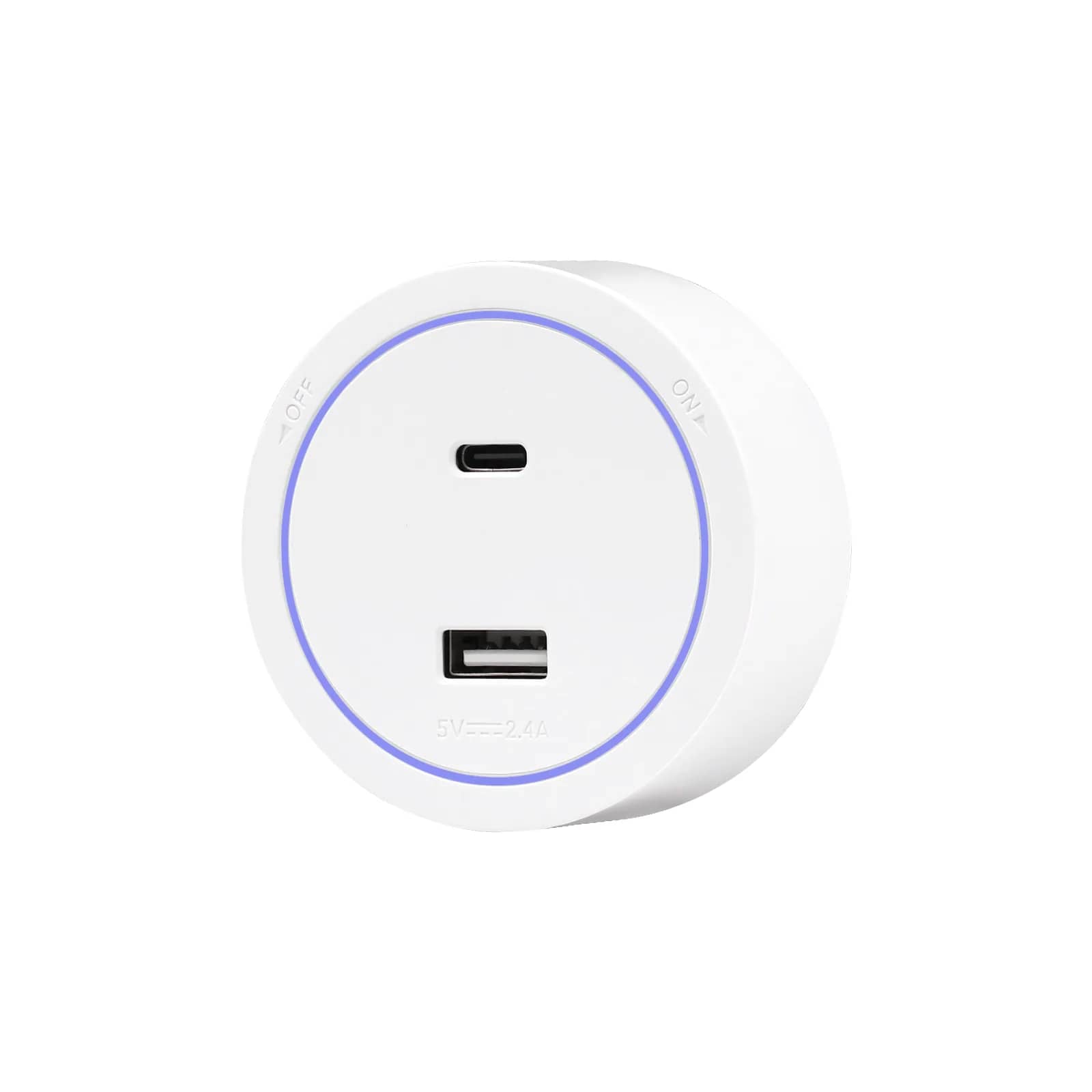
| Luxion 16A Wi-Fi Smart Plug | Plug-in smart plug with energy monitoring | Amazon Alexa, Google Home, Tuya / Smart Life | from AED 47 |
| Luxion Mini-Smart Wi-Fi Relay | In-wall relay | Amazon Alexa, Google Home | from AED 47 |
| Sonoff Mini-Dim | In-wall dimmer relay | Amazon Alexa, Google Home (Matter) | from AED 120 |
| Luxion LXD-WF-86WK thermostat | Underfloor heating thermostat | Amazon Alexa, Google Home, Tuya / Smart Life | from AED 181 |
| Luxion All-in-One Control Panel | 4-inch touchscreen panel (Wi-Fi, Zigbee) | Amazon Alexa, Google Home | from AED 725 |
Smart plugs: the plugs in our smart plugs range are European Schuko (Type F) / EU type. Most UAE homes have UK-style Type G sockets, so these plugs will not fit them directly. Check your socket type before ordering.
Relays and switches: relays from our Wi-Fi relays range fit behind an existing switch or appliance and add app and Alexa control. If you want touch panels, browse our touch light switches and check each listing for its app and voice assistant support, neutral wire requirement and back box size. Relays, thermostats, switches and control panels are fixed wiring. That work must be done by a qualified electrician and must follow your local authority's rules, such as DEWA in Dubai, ADDC/AADC in Abu Dhabi or SEWA in Sharjah. Tenants should also note that the unified Ejari contract does not allow alterations without the landlord's written approval.
For more devices, see our smart home category.
Google Home and Home Assistant alternatives
Several of the devices above also list Google Home support. We could not find official information on Google Assistant's availability and language support in the UAE. If you prefer Google, check in the Google Home app with your own account that your devices link and the features you need are available.
Home Assistant is an open-source platform you run on your own hardware. It suits people who want local control and one dashboard for several brands. Integration with Tuya, eWeLink or Matter devices varies, so check the Home Assistant documentation for each device. Expect more setup work than with Alexa.
Troubleshooting region and account issues
- Skill not found: check the country/region in your Amazon account and the Alexa app. Accounts created abroad often keep their original region, which can hide UAE skills or show different ones.
- Device not discovered: confirm the device works in its own app first. Then disable and re-enable the skill and run discovery again.
- Wrong account linked: the skill must use the same login as the device app. Households with two Smart Life accounts often hit this problem.
- Device won't pair to Wi-Fi: many Wi-Fi smart devices only use 2.4 GHz. Check the device's specification and your router settings.
- Device shows as offline in Alexa: this usually means the device has lost its connection to its own cloud. Check power and Wi-Fi signal before changing anything in Alexa.
- Voice command misunderstood: rename the device in its app, then re-run discovery so Alexa picks up the new name.
Prices are shown in AED from our current catalogue; tables with totals are examples. The product page always shows the live price.
Frequently asked questions
Is Alexa officially available in the UAE?
Yes. Amazon launched Alexa officially in the UAE in December 2021, with local skills available from launch.
Which languages does Alexa support in the UAE?
English and Khaleeji (Gulf) Arabic. You can set the language for each Echo device in the Alexa app.
How do I connect a Smart Life device to Alexa?
Add the device in the Smart Life app, enable the Smart Life skill in the Alexa app, sign in with the same account and run device discovery.
Will your smart plugs fit UAE wall sockets?
Our smart plugs are European Schuko (Type F) / EU type, not UK-style BS 1363. Most UAE homes have Type G sockets, so check your socket type before ordering.
Can I install a Wi-Fi relay or thermostat myself?
These are fixed wiring products. Installation must be done by a qualified electrician and must follow your local authority's rules, such as DEWA, ADDC/AADC or SEWA.