SmartHomesAE
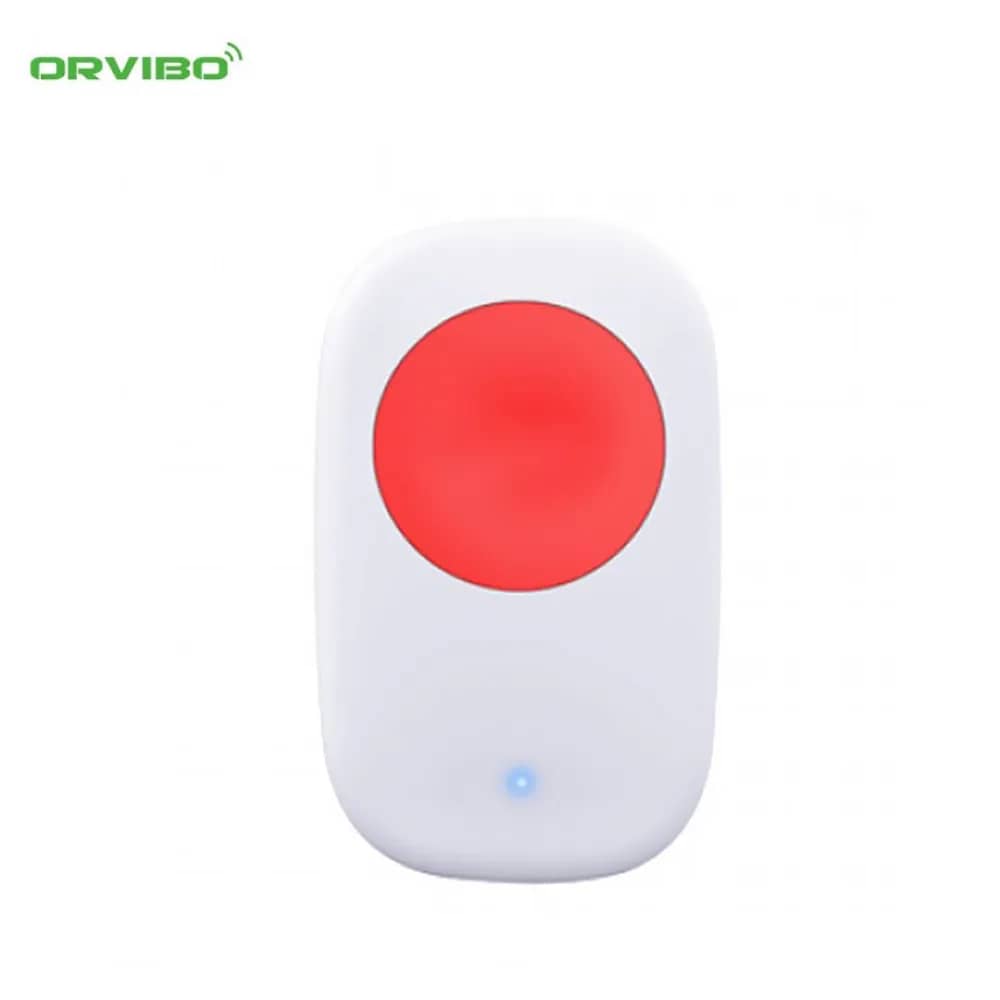
Orvibo Zigbee Emergency Button SE20-OE — image 1
Orvibo

Orvibo Zigbee Emergency Button SE20-OE

SKU: SE20-OE

AED 80

In stock

1
  • Delivery across all seven emirates. Free on orders over AED 750.
  • Order now, we confirm availability and delivery with you before you pay.

Orvibo smart emergency button that sends alert signals when needed, with low-power Zigbee wireless for very long battery life.

Product details

This smart alert button can send emergency signals whenever they are needed. Low power consumption thanks to Zigbee wireless technology gives the battery a very long service life.

Highlights

Orvibo Zigbee Emergency Button SE20-OE – Smart SOS Emergency Button
01

Smart SOS Emergency Button

This smart alarm button can send emergency signals at any time when needed. Thanks to wireless Zigbee technology, power consumption is low and the battery lasts a very long time.

  • Works only together with ZigBee modules
  • Suitable for homes, offices, hospitals, beds, guard posts and other places that need extra protection
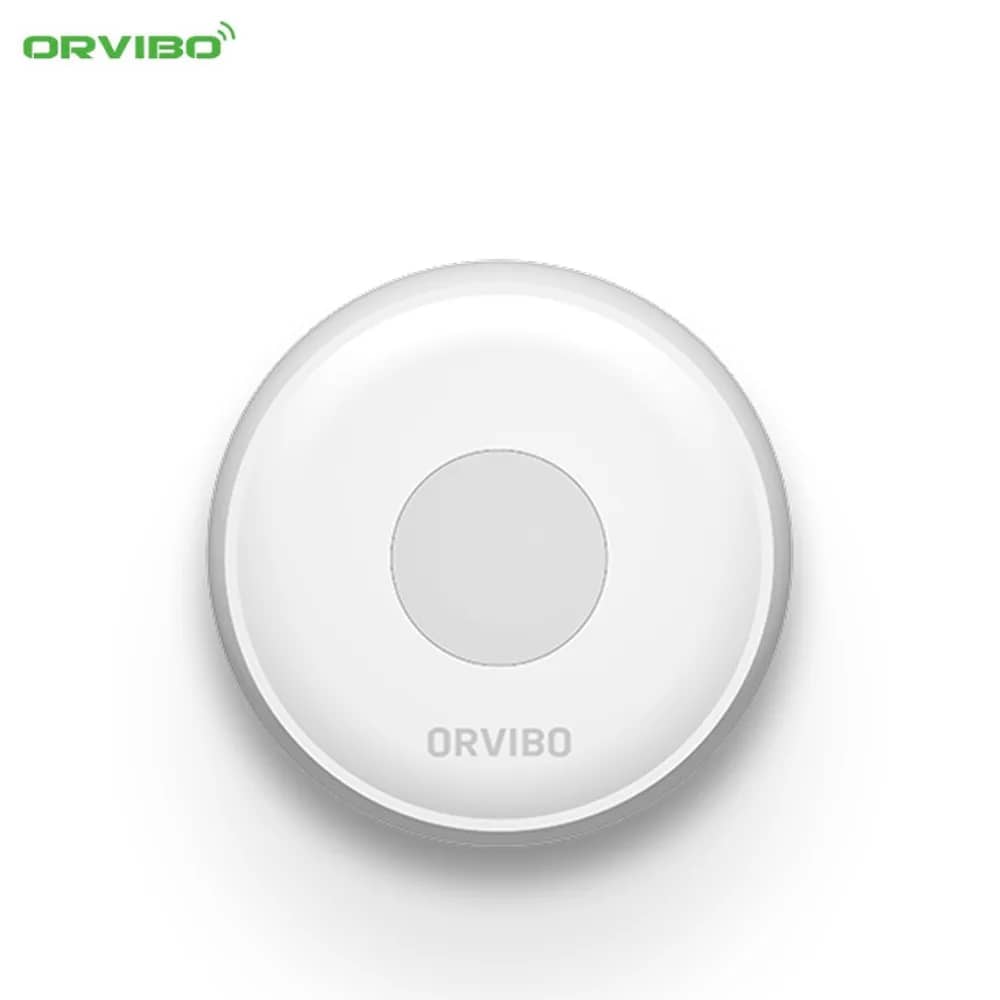
Orvibo Zigbee Emergency Button SE20-OE – Small and Lightweight
02

Small and Lightweight

A compact, lightweight button that fits easily in the hand.

03

Button Layout

  • Network signal button
  • SOS button
  • Status indicator
04

Installing the Mobile App

Search for and install the "HomeMate" app from the App Store or Google Play. Open the app and add the sensor by following the specified steps.

  • Remove the battery insulation strip to power on the sensor
  • After installing the app, press and hold the sensor's network button for 2 seconds until the green LED lights up; the app will then notify you that the sensor has been added successfully
  • If the network button is pressed for 5 seconds after the network has been changed, the LED will light up for 3 seconds
05

Replacing the Battery

The battery must be replaced correctly, following the markings on the device.