SmartHomesAE
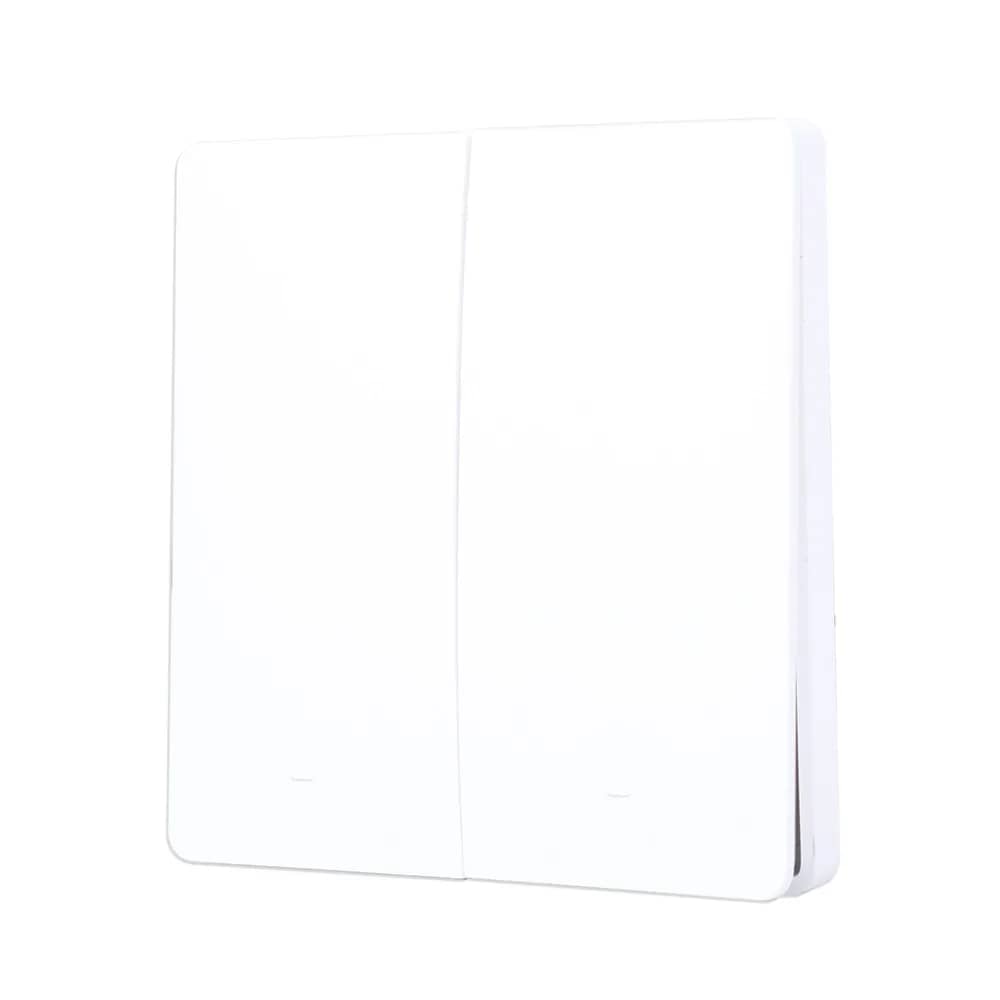
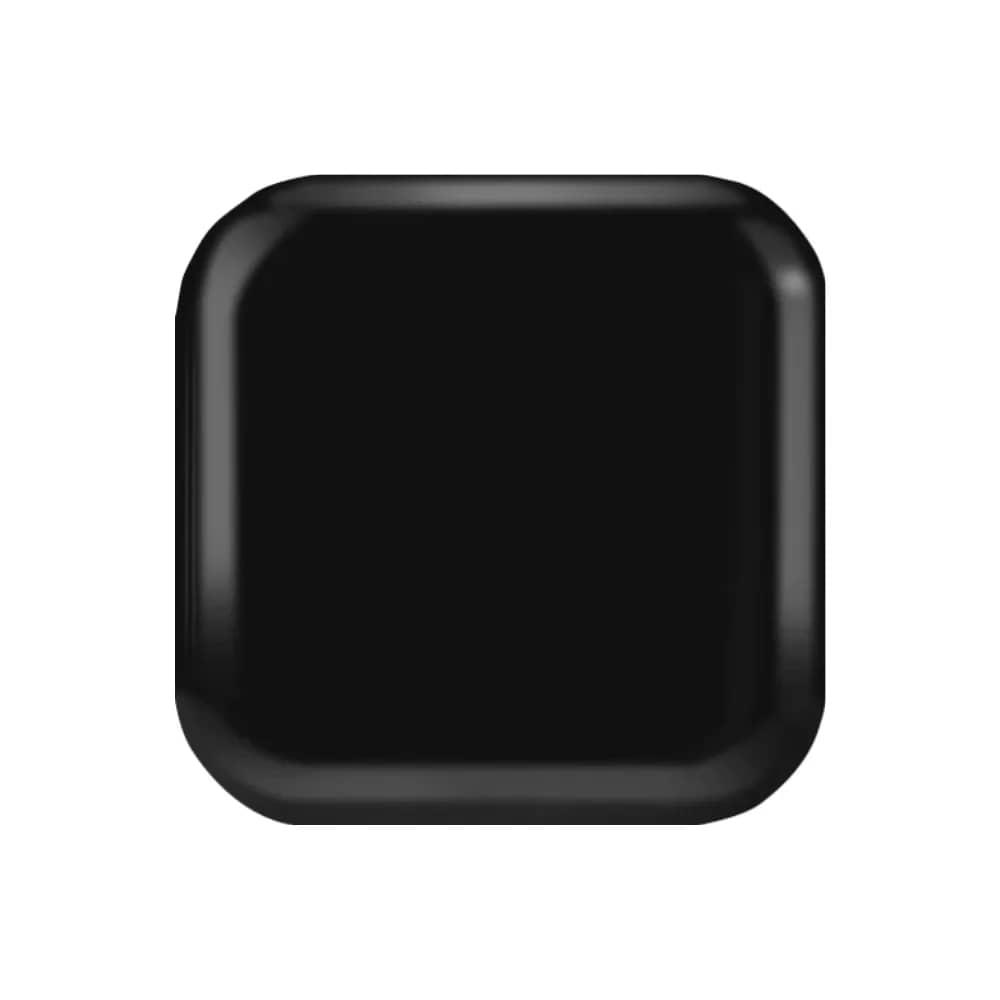
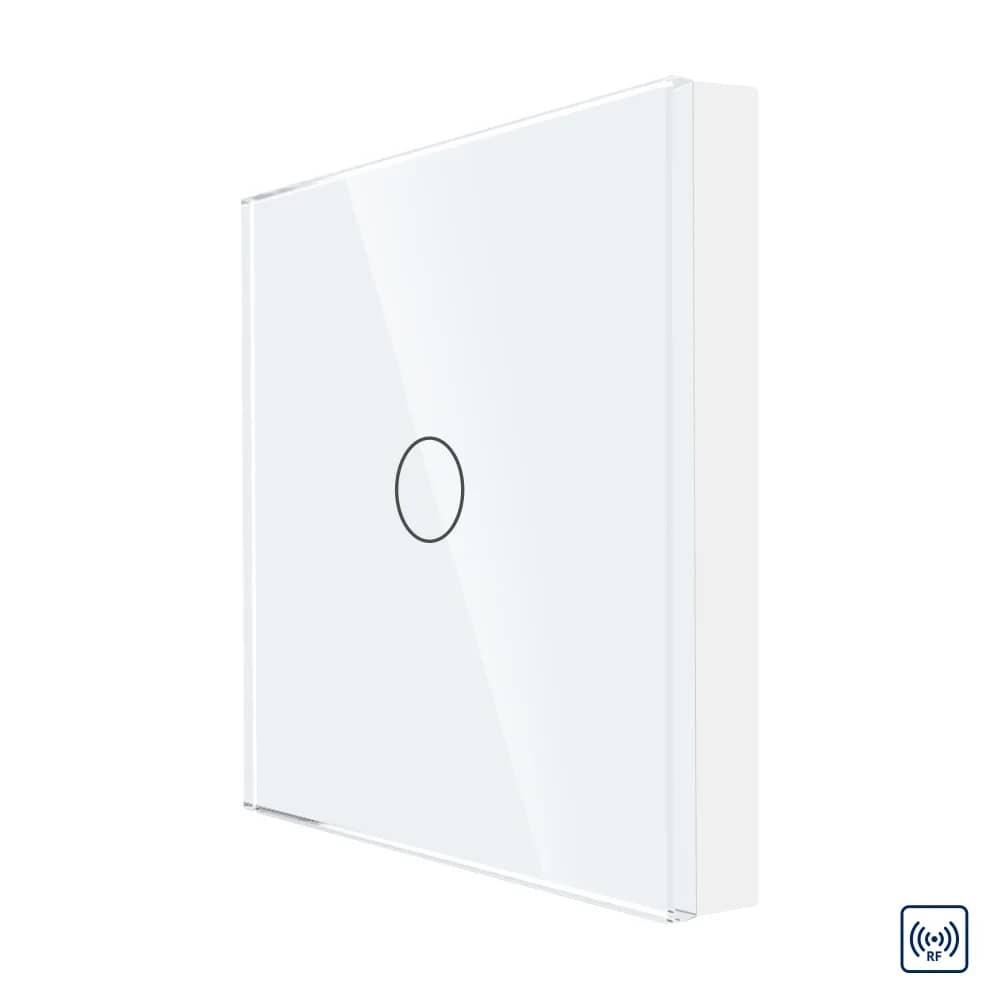
Luxion Touch Screen Remote Control – 1 Channel RF433 – White — image 1
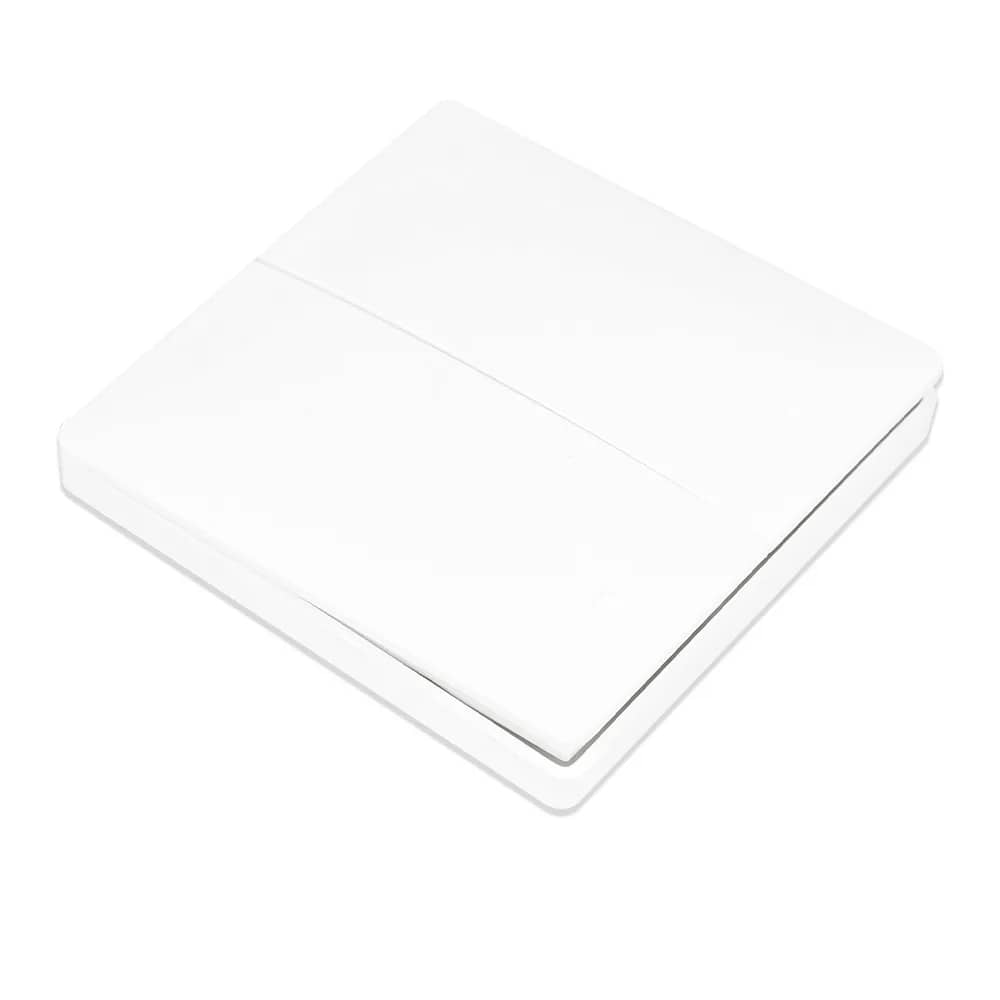
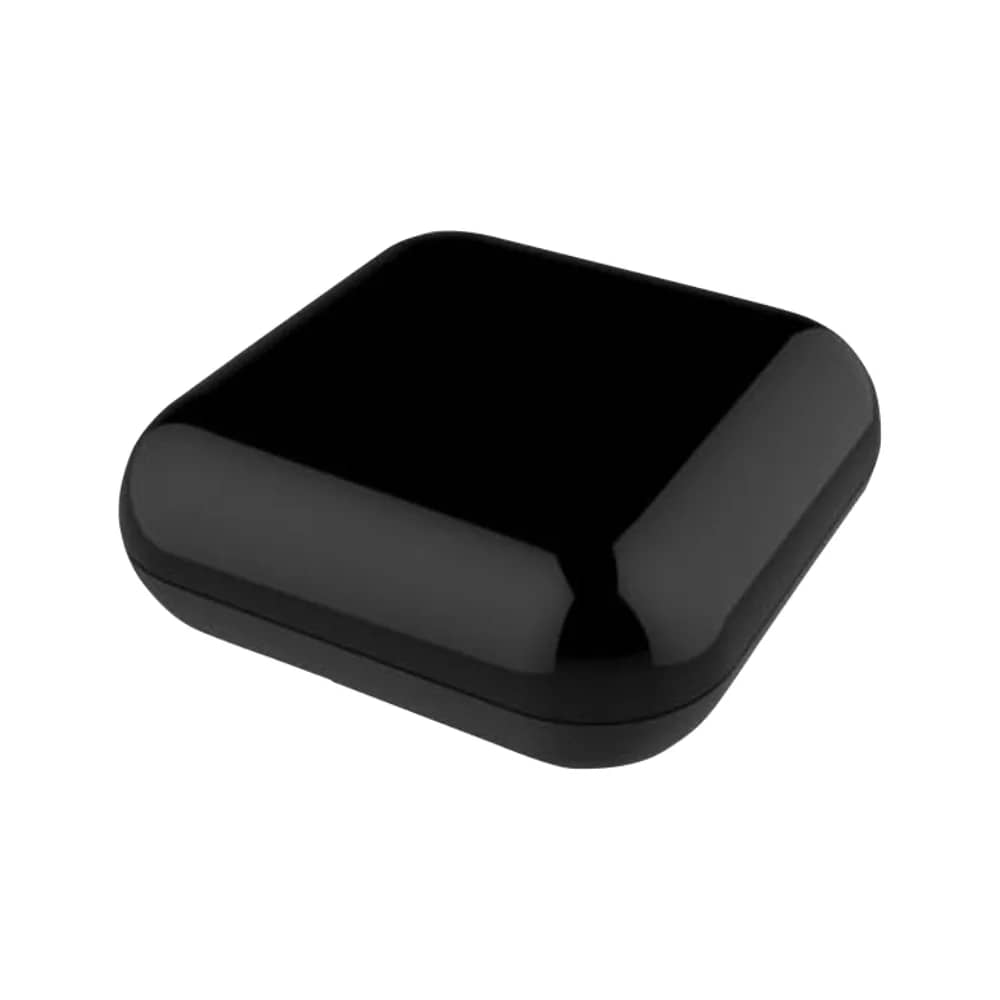
Luxion Touch Screen Remote Control – 1 Channel RF433 – White — image 2
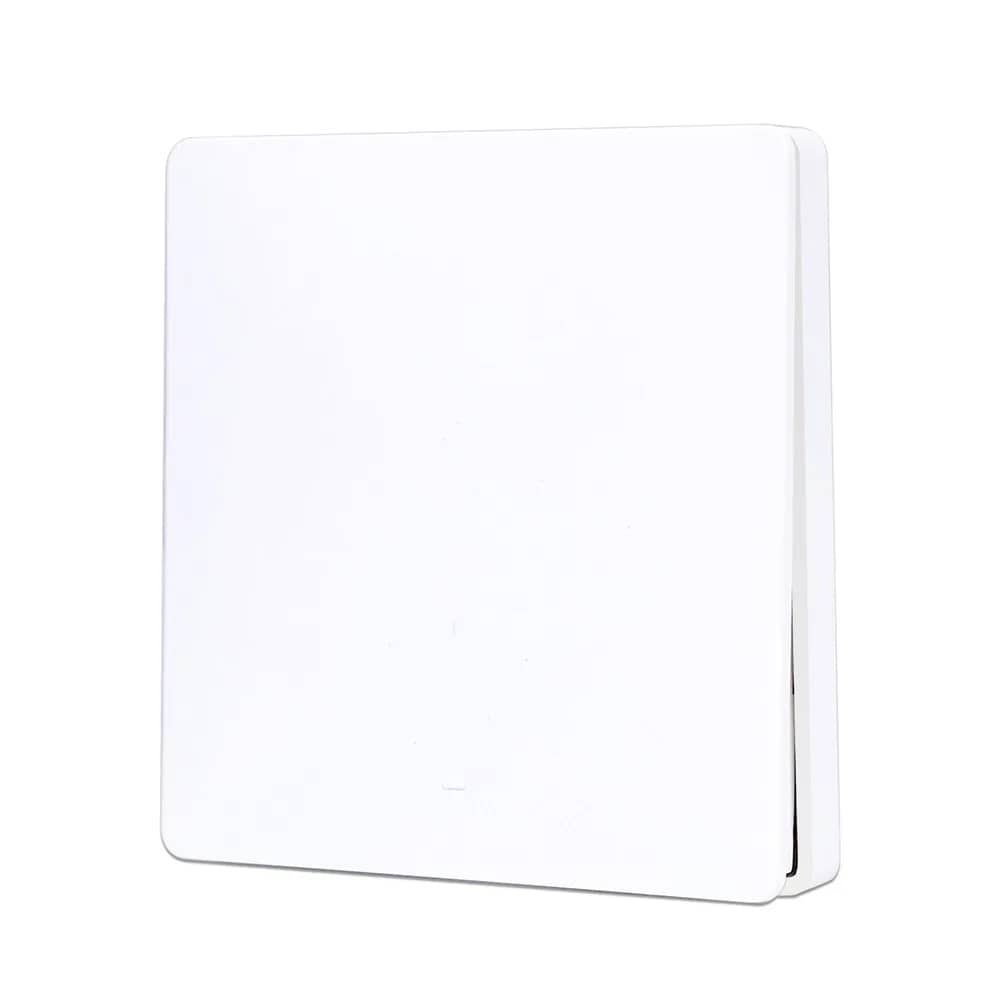
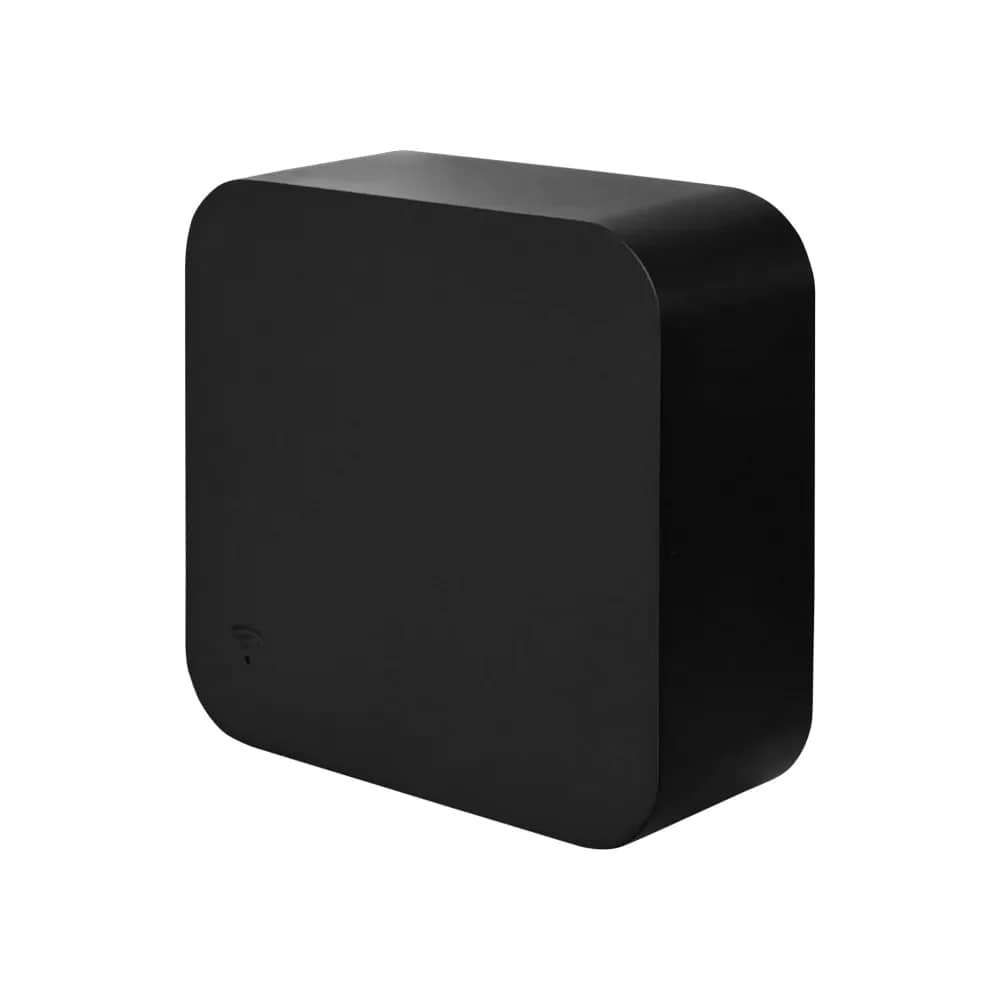
Luxion Touch Screen Remote Control – 1 Channel RF433 – White — image 3
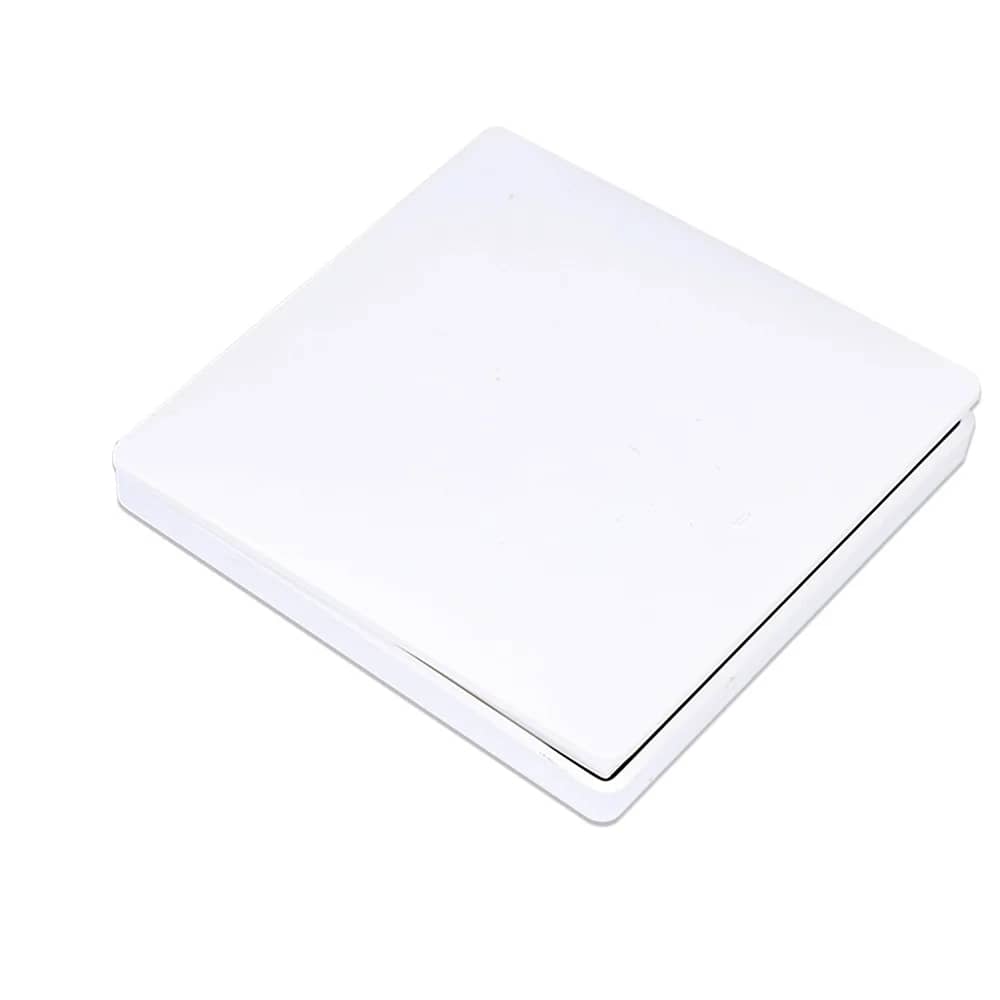
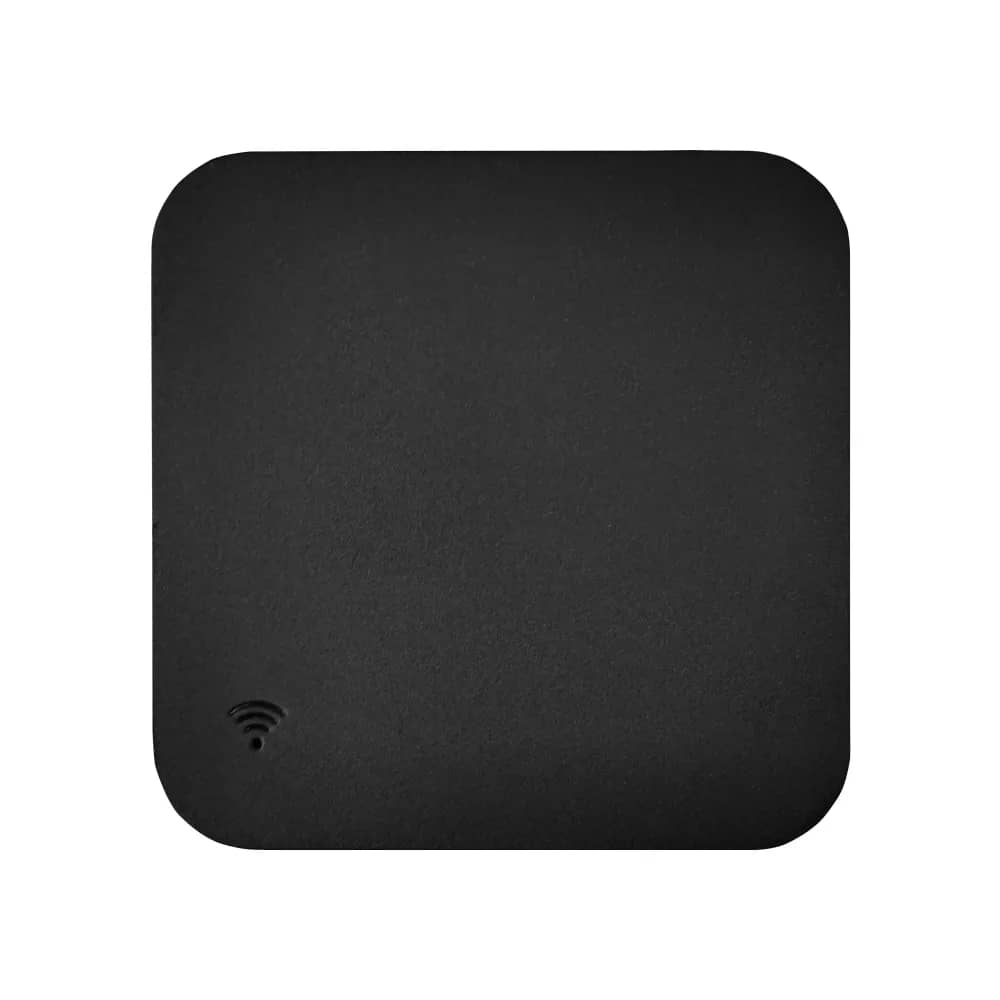
Luxion Touch Screen Remote Control – 1 Channel RF433 – White — image 4
1/4
Luxion

Luxion Touch Screen Remote Control – 1 Channel RF433

SKU: LX-W1-WL1G-W

AED 57

In stock

Colour: White
1
  • Delivery across all seven emirates. Free on orders over AED 750.
  • Order now, we confirm availability and delivery with you before you pay.

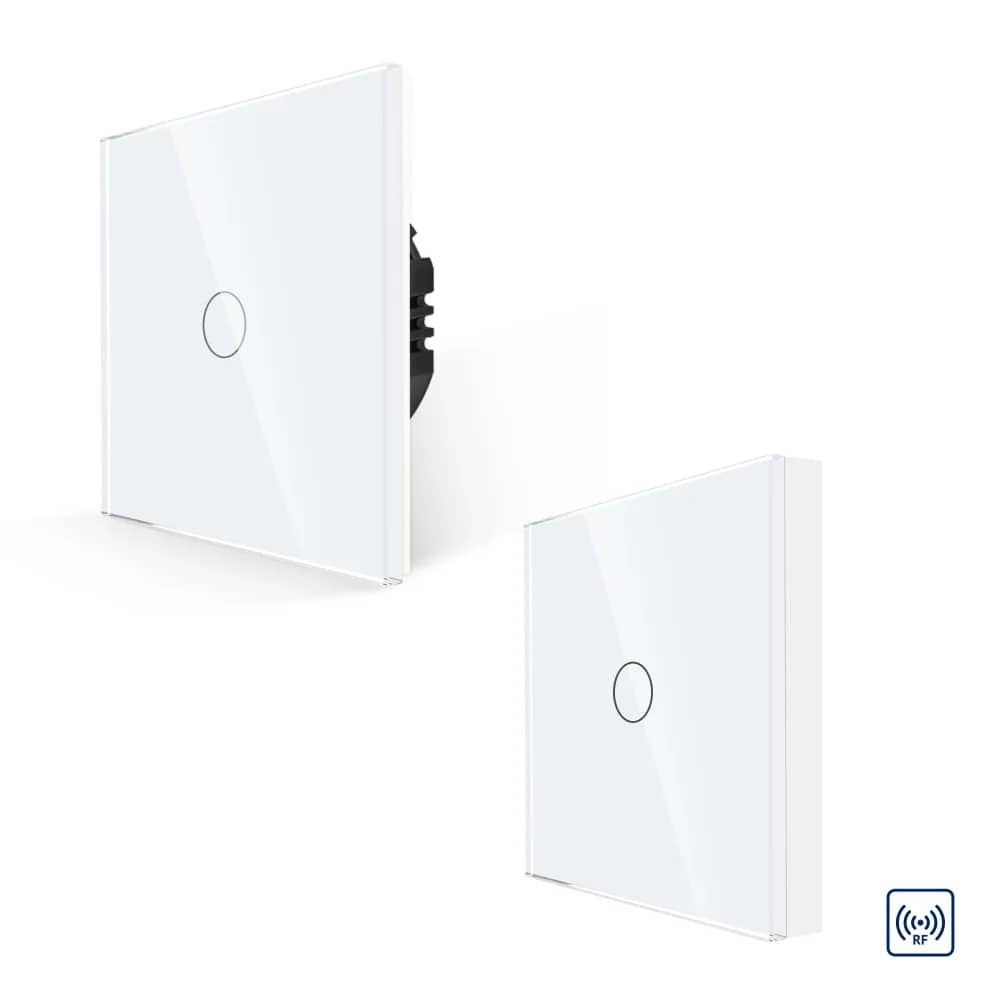
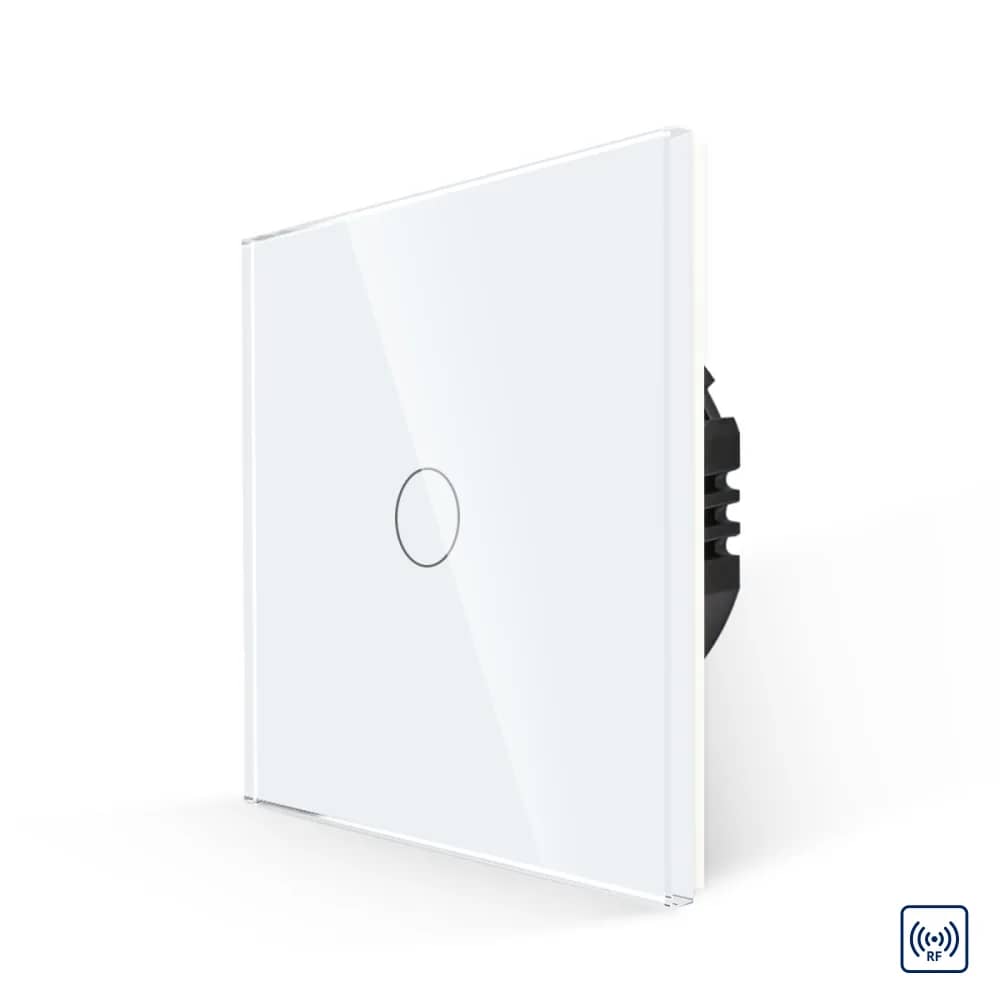
Minimalist Luxion 1-channel RF433 touch remote control with smartphone-grade precision, compatible only with Luxion RF433 light switches.

Product details

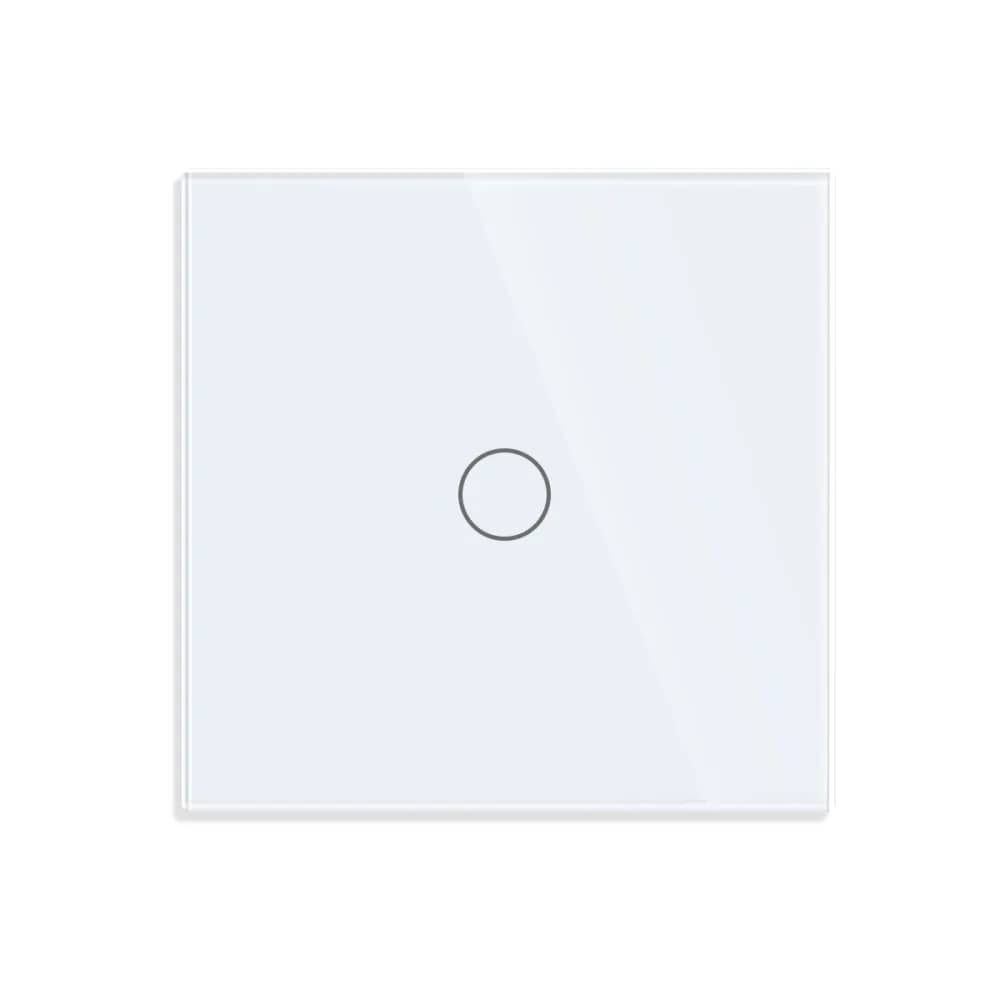
The Luxion 1-channel RF touch screen remote control features a minimalist, elegant design, and its touch sensor is highly precise – identical to the sensor in a smartphone. It works and pairs only with Luxion RF433 light switches.

The touch sensor is not illuminated

Requires one CR2032 battery (not included).

Highlights

Luxion Touch Screen Remote Control – 1 Channel RF433 – Compact, Elegant and Minimalist Design
01

Compact, Elegant and Minimalist Design

Luxion one-channel RF433 touch remote control. Enjoy the versatility of the new smart devices.

  • 1 channel
  • RF433 wireless control
  • Available in white, black, gold and grey
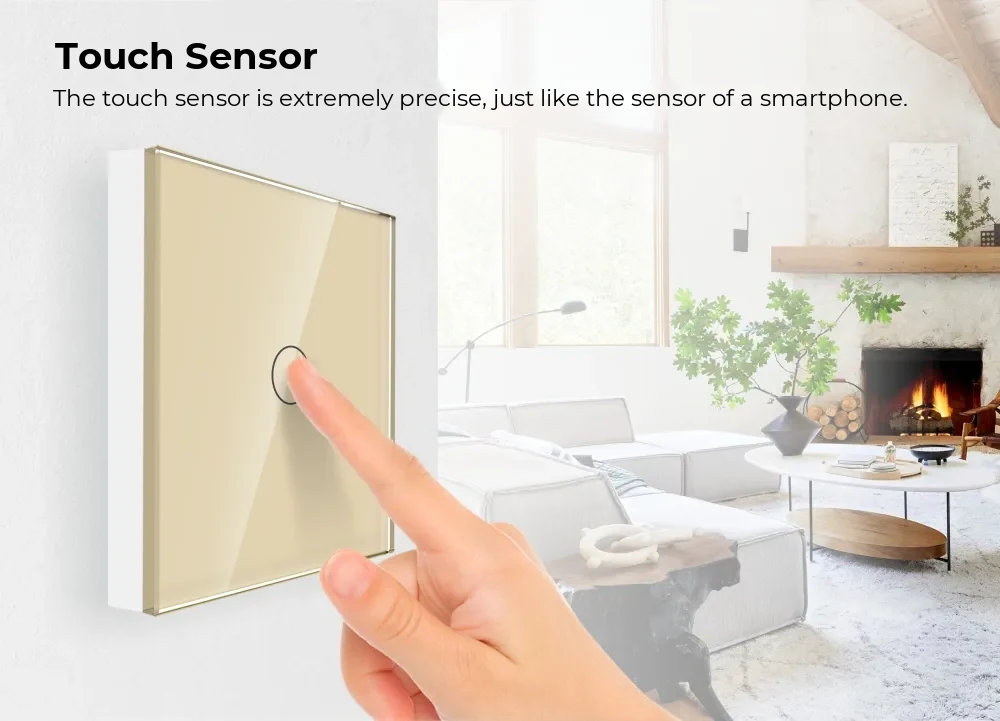
Luxion Touch Screen Remote Control – 1 Channel RF433 – Touch Sensor
02

Touch Sensor

The touch sensor is extremely precise, just like the sensor of a smartphone.

Luxion Touch Screen Remote Control – 1 Channel RF433 – Installation
03

Installation

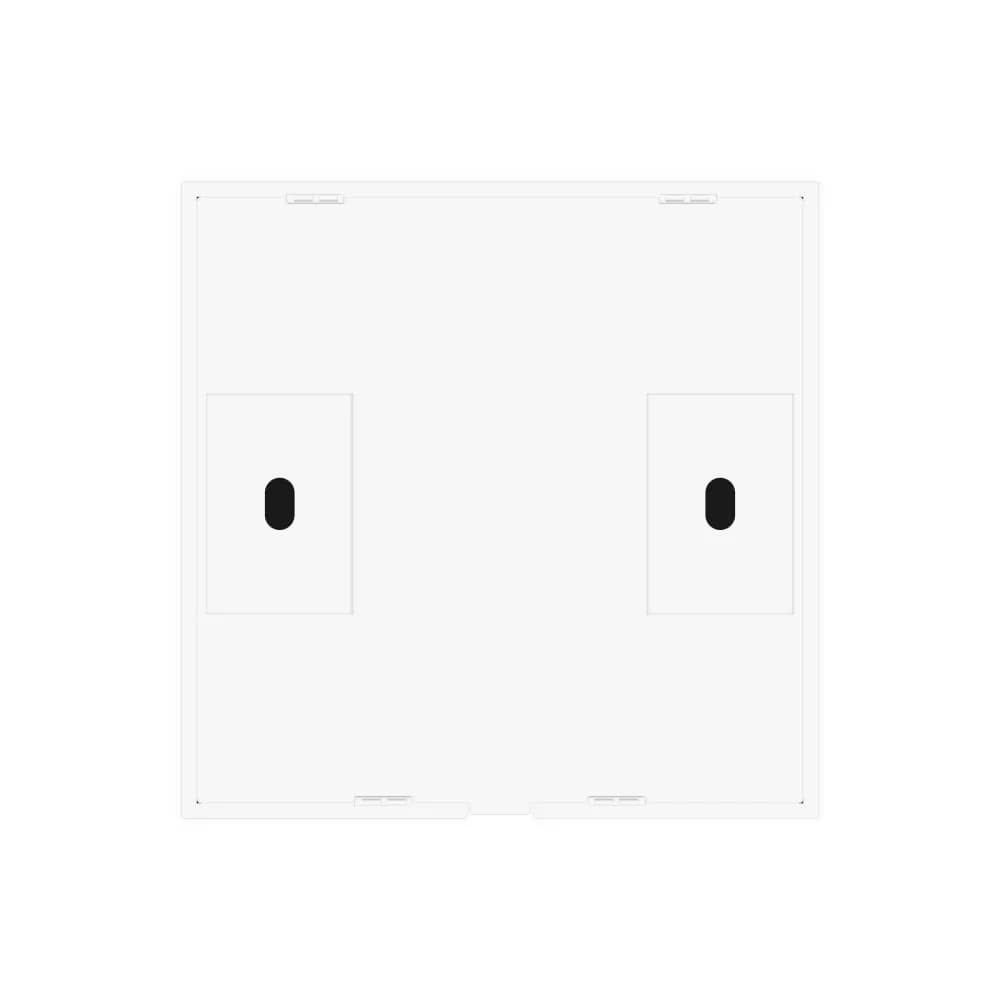
The remote is powered by a coin-cell battery and mounts on the wall with adhesive tape, with optional screw fixing.

  • 1 x CR2032 battery (NOT included in the package)
  • Adhesive tape mounting
  • Optional screw fixing system, 60 mm between fixing points
Luxion Touch Screen Remote Control – 1 Channel RF433 – Pairing Instructions
04

Pairing Instructions

  • Step 1: Hold your finger on the RF switch for 5 seconds until you hear a beep.
  • Step 2: Then press the RF remote control once to pair.
Luxion Touch Screen Remote Control – 1 Channel RF433 – Cancelling the Pairing
05

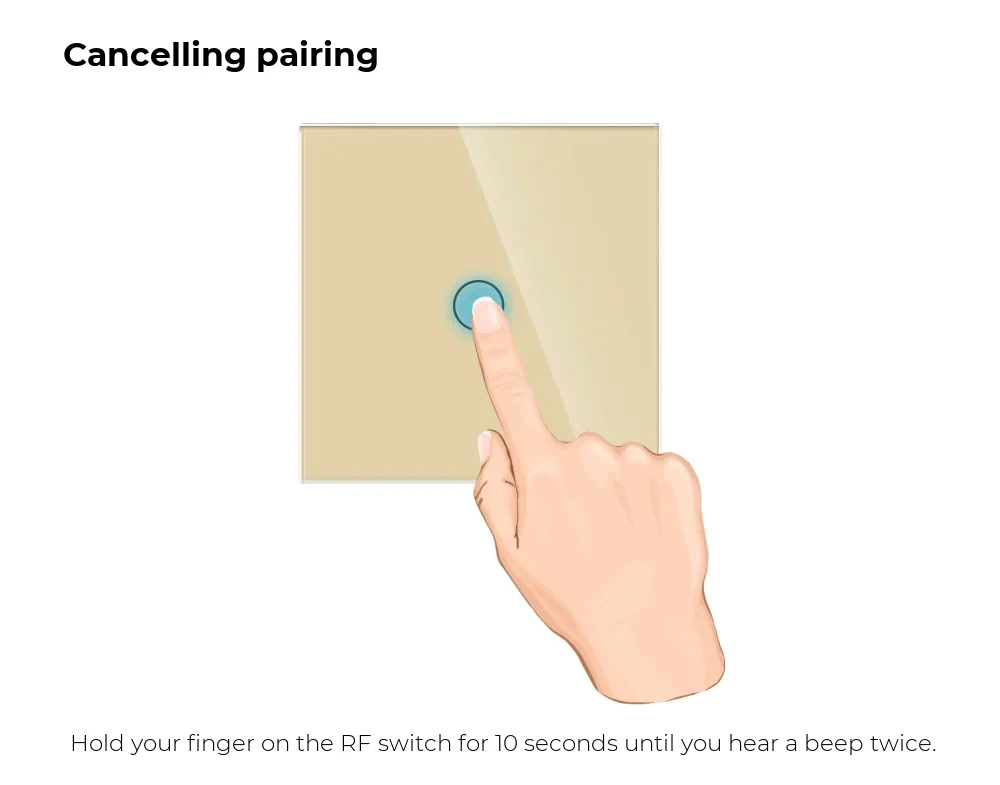
Cancelling the Pairing

Hold your finger on the RF switch for 10 seconds until you hear two beeps.

Luxion Touch Screen Remote Control – 1 Channel RF433 – Structure
06

Structure

  • Elegant glass panel
  • Plastic back support
  • Support for adhesive tape
  • Optional screw fixing system
07

Dimensions

  • Width: 86 mm
  • Height: 86 mm
  • Depth: 4 mm + 9 mm
  • Screw fixing spacing: 60 mm

In detail

Luxion Touch Screen Remote Control – 1 Channel RF433 – detail 1Luxion Touch Screen Remote Control – 1 Channel RF433 – detail 2