SmartHomesAE
Luxion Key Fob Remote Control for Dimmer and 2-Way Touch Light Switches – LX-BG-RC2014SD — image 1
Luxion Key Fob Remote Control for Dimmer and 2-Way Touch Light Switches – LX-BG-RC2014SD — image 2
Luxion Key Fob Remote Control for Dimmer and 2-Way Touch Light Switches – LX-BG-RC2014SD — image 3
Luxion Key Fob Remote Control for Dimmer and 2-Way Touch Light Switches – LX-BG-RC2014SD — image 4
Luxion Key Fob Remote Control for Dimmer and 2-Way Touch Light Switches – LX-BG-RC2014SD — image 5
Luxion Key Fob Remote Control for Dimmer and 2-Way Touch Light Switches – LX-BG-RC2014SD — image 6
Luxion Key Fob Remote Control for Dimmer and 2-Way Touch Light Switches – LX-BG-RC2014SD — image 7
1/7
Luxion

Luxion Key Fob Remote Control for Dimmer and 2-Way Touch Light Switches – LX-BG-RC2014SD

SKU: LX-BG-RC2014SD

AED 45

In stock

1
  • Delivery across all seven emirates. Free on orders over AED 750.
  • Order now, we confirm availability and delivery with you before you pay.

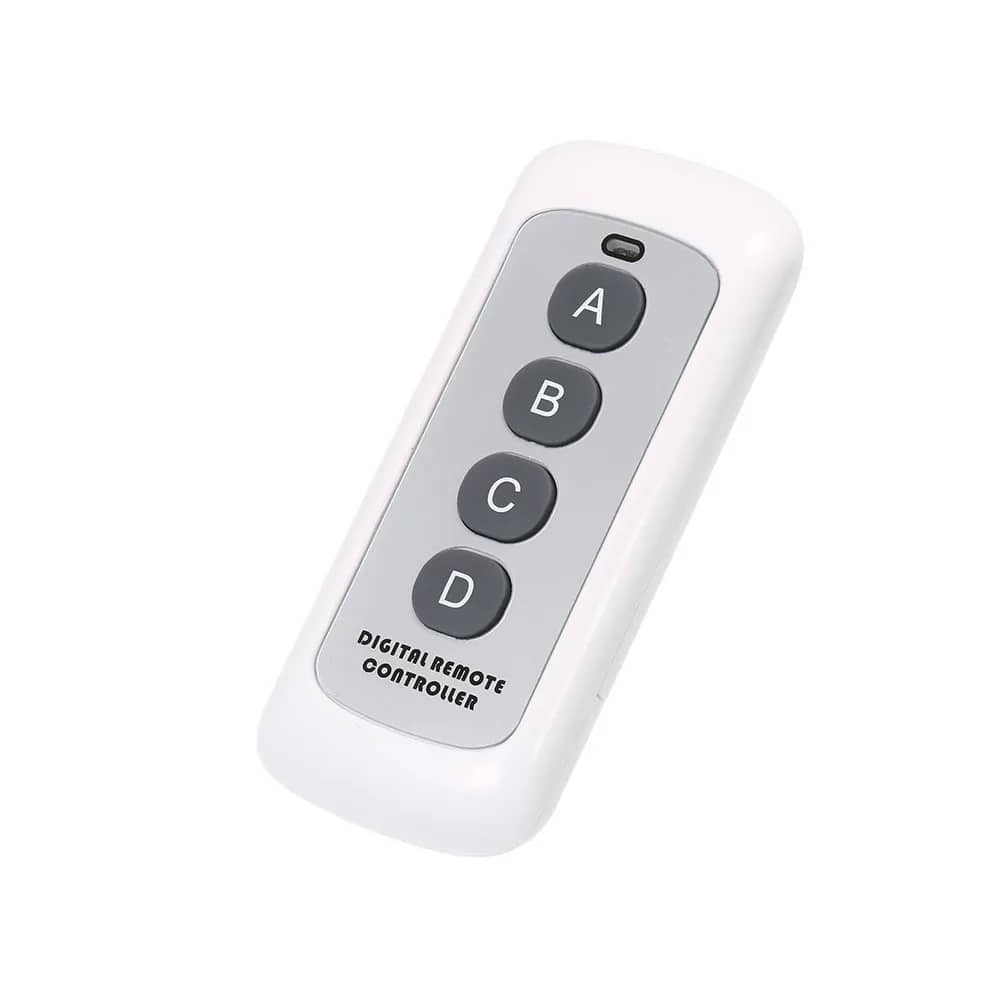
Luxion 4-button key fob remote for RF433 dimmer and 2-way switches: control 3 lights individually plus an all-off button.

Product details

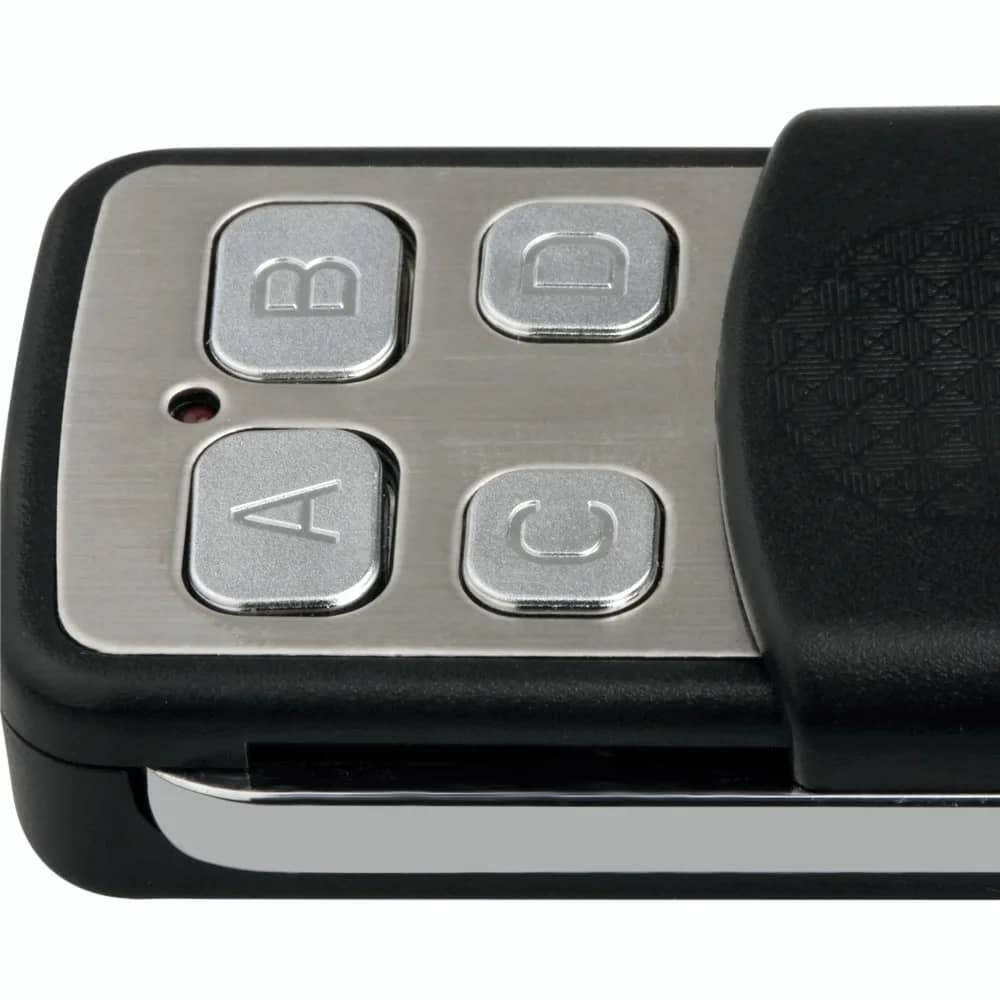
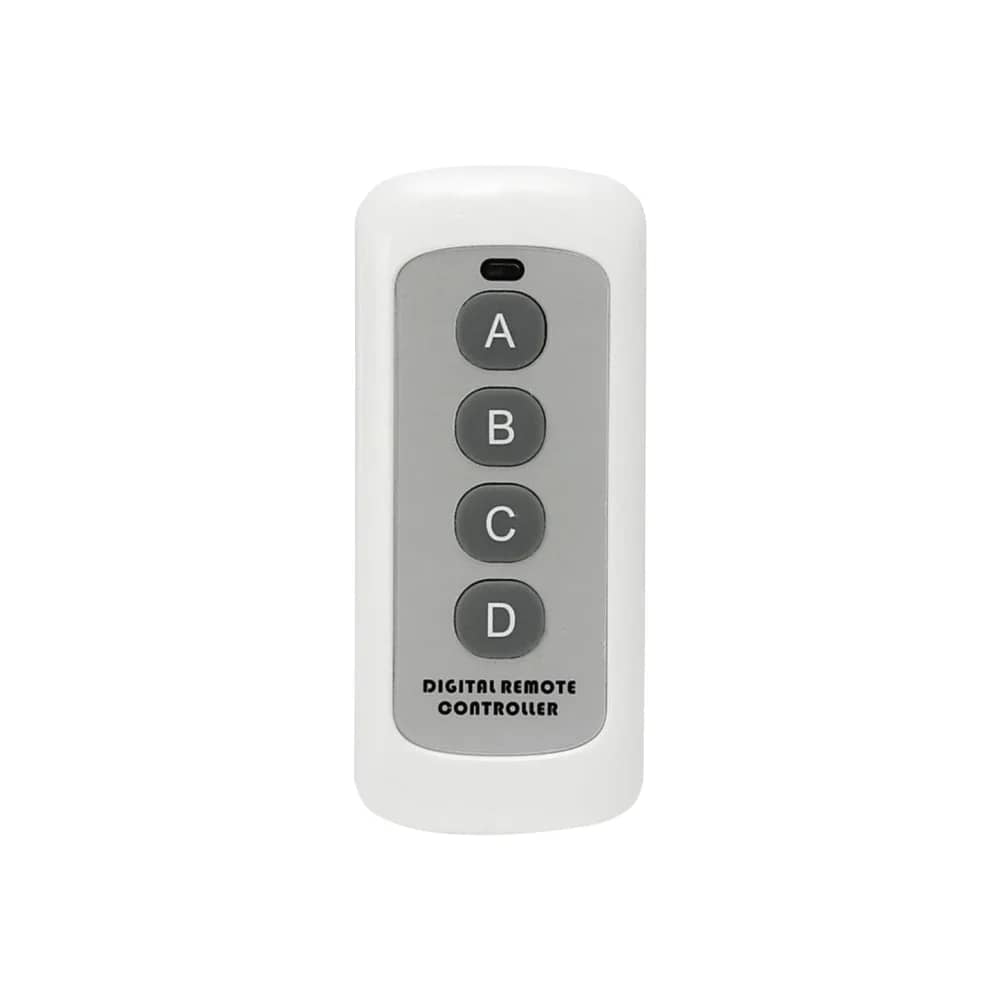
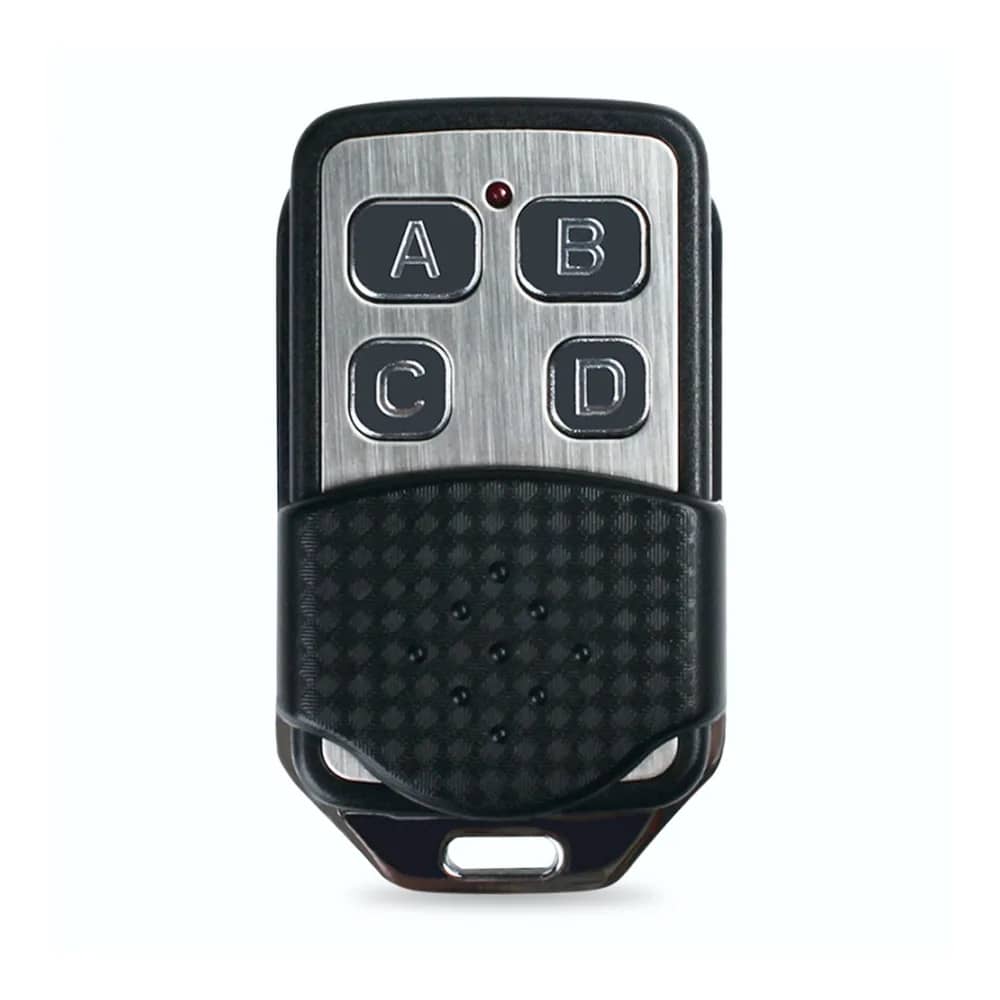
Luxion key fob remote control, compatible with Luxion RF433 dimmer and 2-way (staircase) light switches. You can operate 3 lights, and one button is dedicated to all-OFF. The key fob remote has 4 buttons: with it you can control 3 lights, one button for each light, plus an all-off button for all 3 lights.

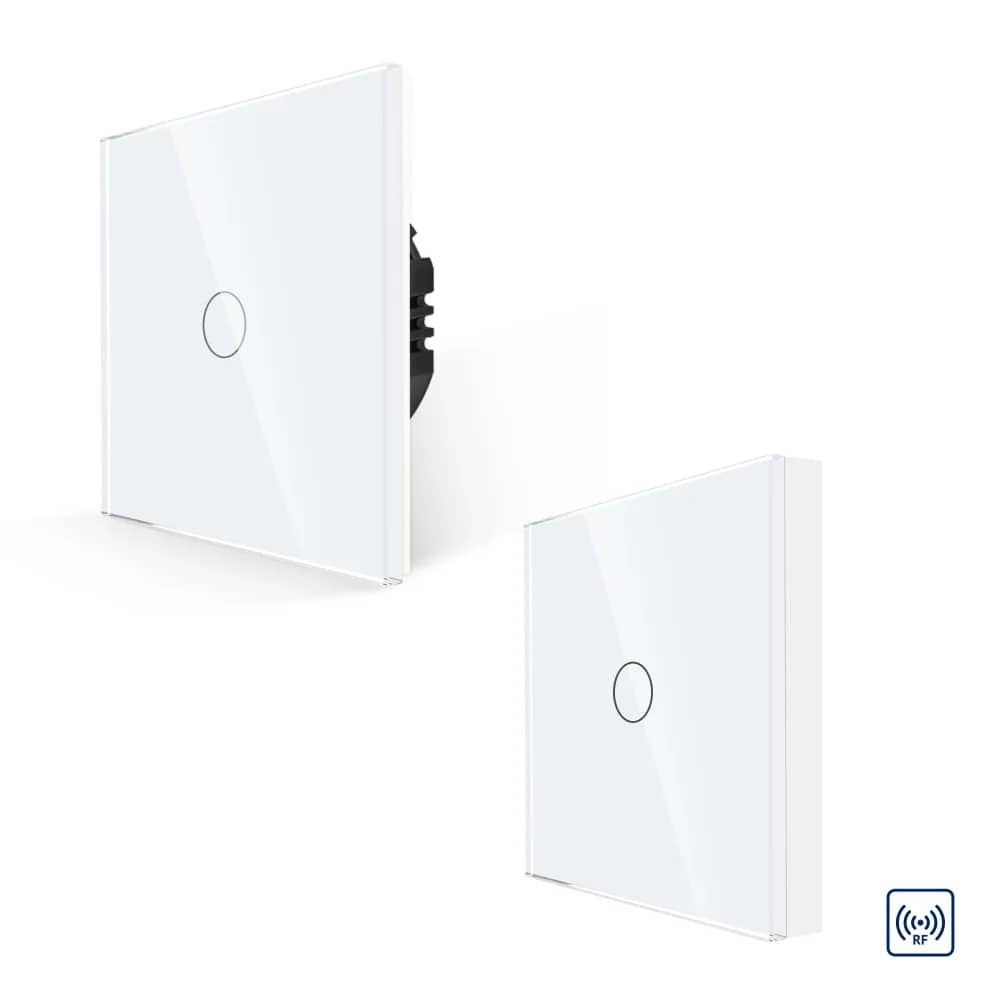
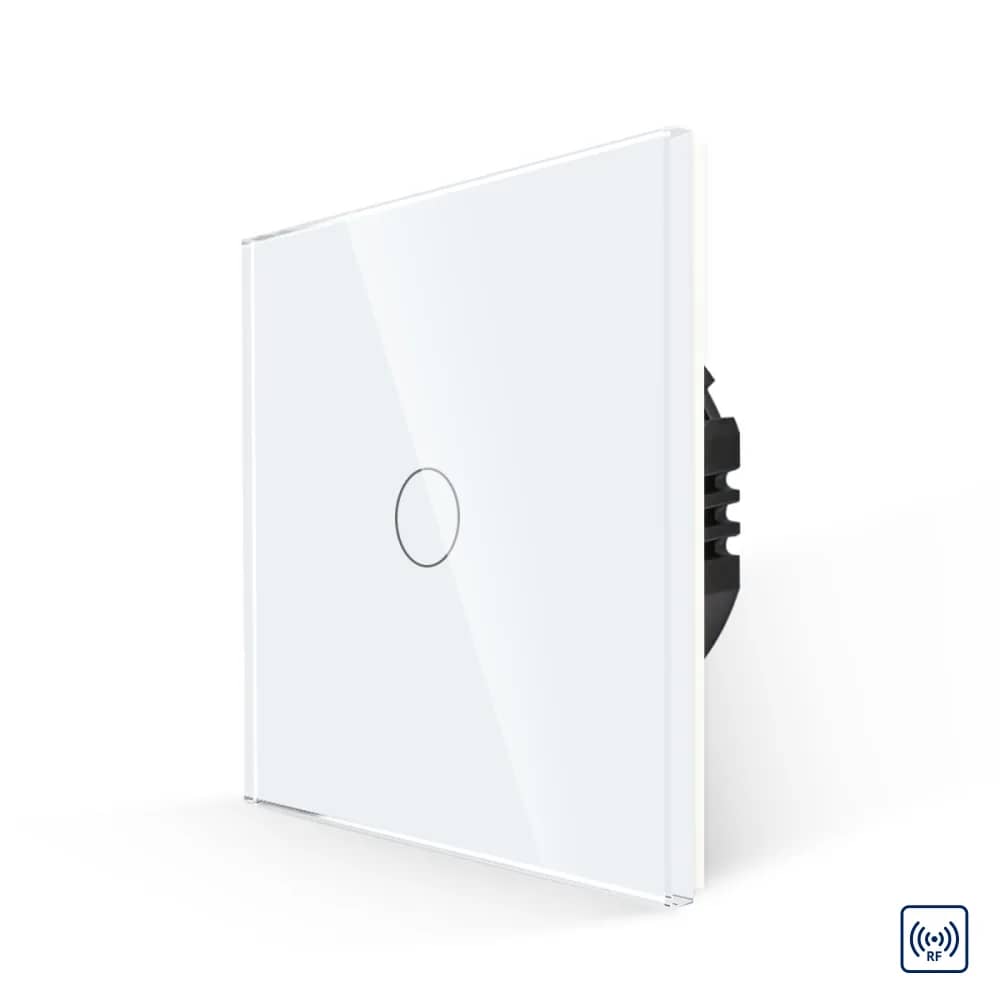
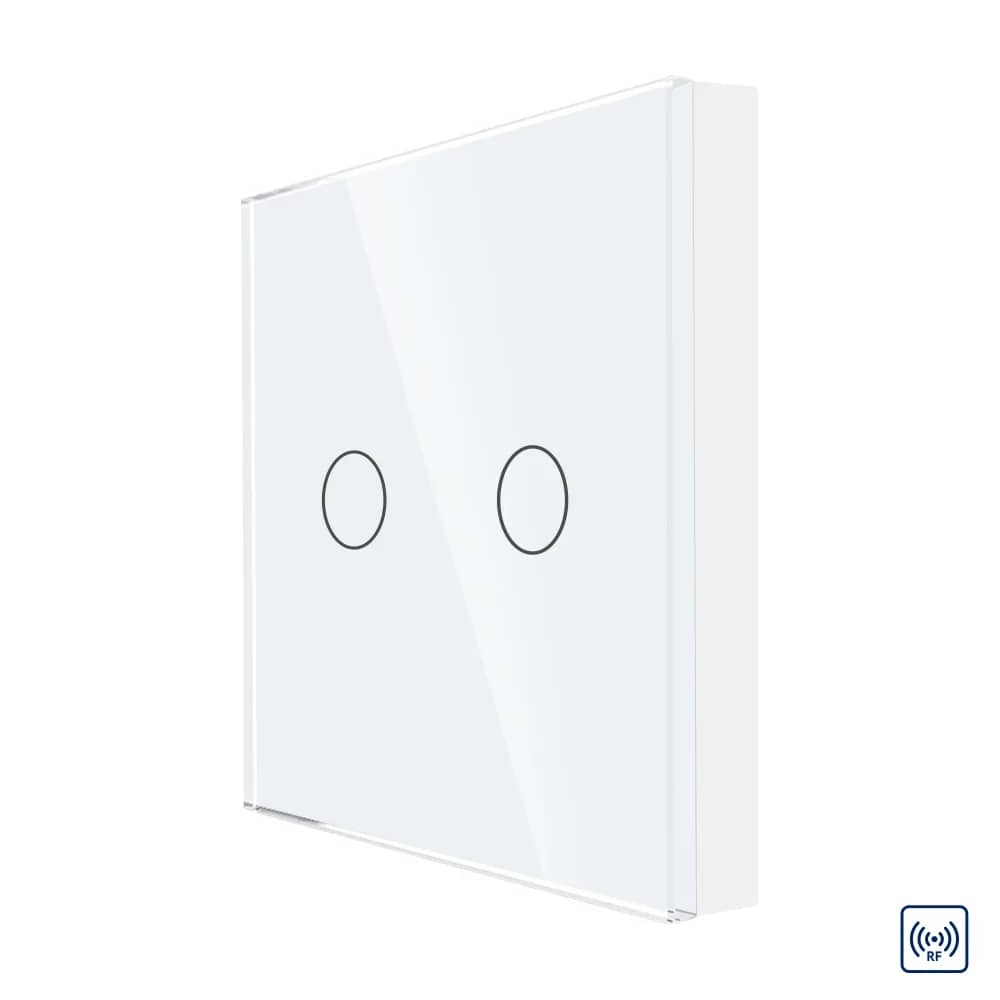
Works only with Luxion RF dimmer light switches and Luxion RF 2-way (staircase) light switches.

Highlights

Luxion Key Fob Remote Control for Dimmer and 2-Way Touch Light Switches – LX-BG-RC2014SD – Luxion Key Fob Remote Control LX-BG-RC2014SD
01

Luxion Key Fob Remote Control LX-BG-RC2014SD

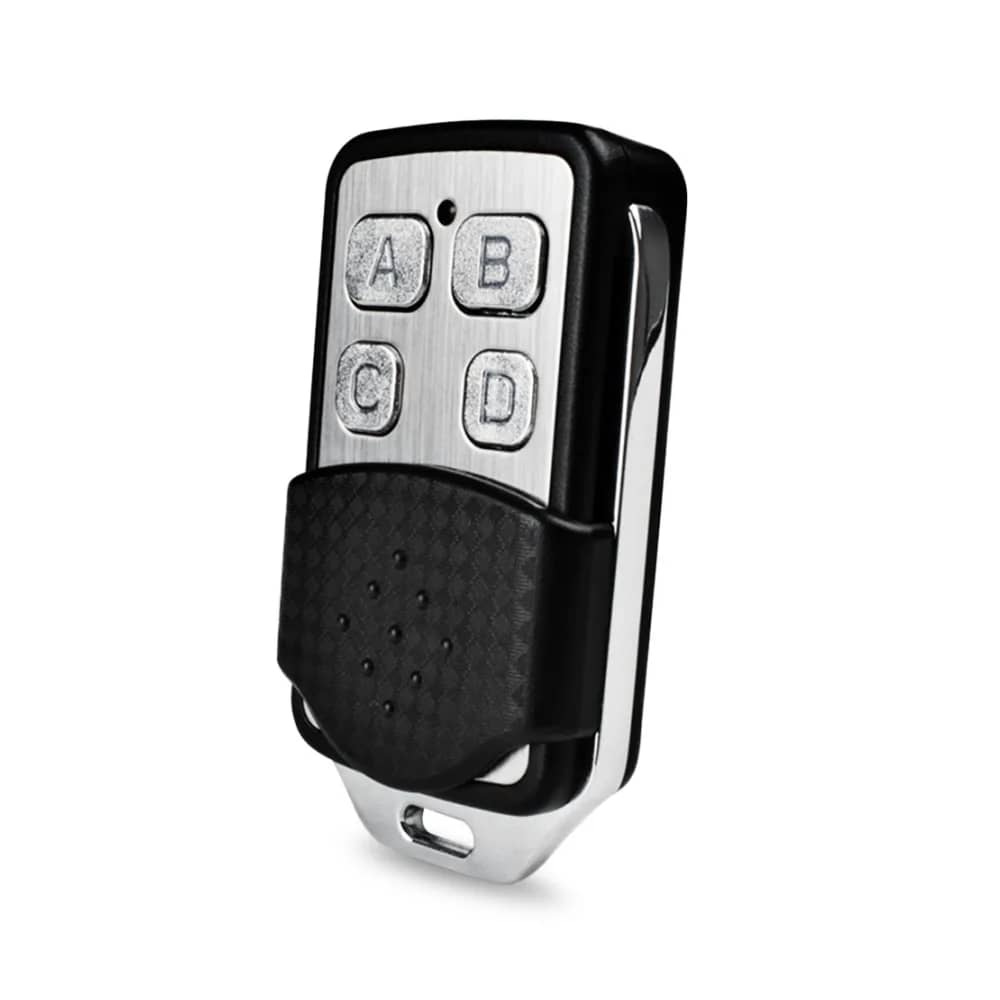
A compact key fob remote control for Luxion switches. Please note: this remote works only with LUXION RF dimmer switches and 2-way (staircase) switches.
Luxion Key Fob Remote Control for Dimmer and 2-Way Touch Light Switches – LX-BG-RC2014SD – On/Off Switch Function
02

On/Off Switch Function

When used with on/off switches, each button controls a separate switch.

  • Button A: Switch 1
  • Button B: Switch 2
  • Button C: Switch 3
  • Button D: Turn off all switches
  • LED indicator light
  • Key ring attachment
Luxion Key Fob Remote Control for Dimmer and 2-Way Touch Light Switches – LX-BG-RC2014SD – Remote Dimming Function
03

Remote Dimming Function

When used with dimmer switches, the buttons control the light remotely.

  • Button A: Light on
  • Button B: Increase light intensity
  • Button C: Decrease light intensity
  • Button D: Light off
  • LED indicator light
  • Key ring attachment
Luxion Key Fob Remote Control for Dimmer and 2-Way Touch Light Switches – LX-BG-RC2014SD – Pairing Instructions
04

Pairing Instructions

  • Step 1: Hold your finger on the switch for 5 seconds until you hear a beep.
  • Step 2: Press the button (A, B, C) until you hear a beep again. The remote is now successfully paired.
Luxion Key Fob Remote Control for Dimmer and 2-Way Touch Light Switches – LX-BG-RC2014SD – Cancelling Pairing
05

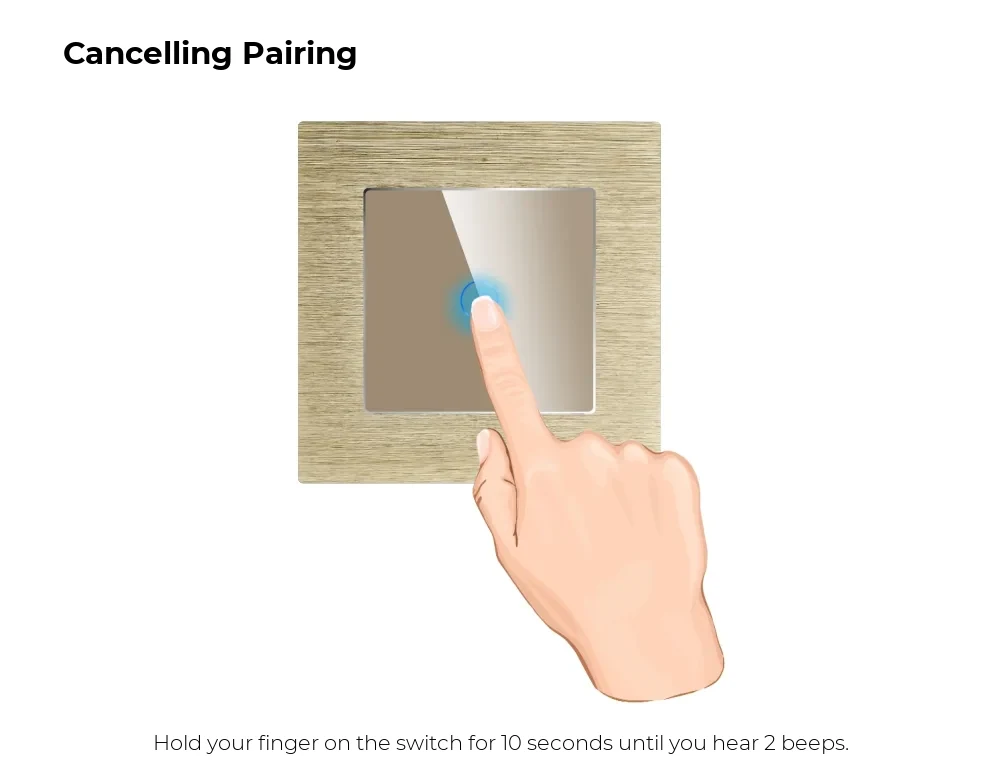
Cancelling Pairing

Hold your finger on the switch for 10 seconds until you hear 2 beeps.
Luxion Key Fob Remote Control for Dimmer and 2-Way Touch Light Switches – LX-BG-RC2014SD – Dimensions and Battery
06

Dimensions and Battery

  • Remote dimensions: 40 mm x 25 mm x 15 mm
  • Battery: 27A / 12V (not included)
  • Battery dimensions: 28 mm x 8 mm

In detail

Luxion Key Fob Remote Control for Dimmer and 2-Way Touch Light Switches – LX-BG-RC2014SD – detail 1