01
Minimalist, Elegant Design
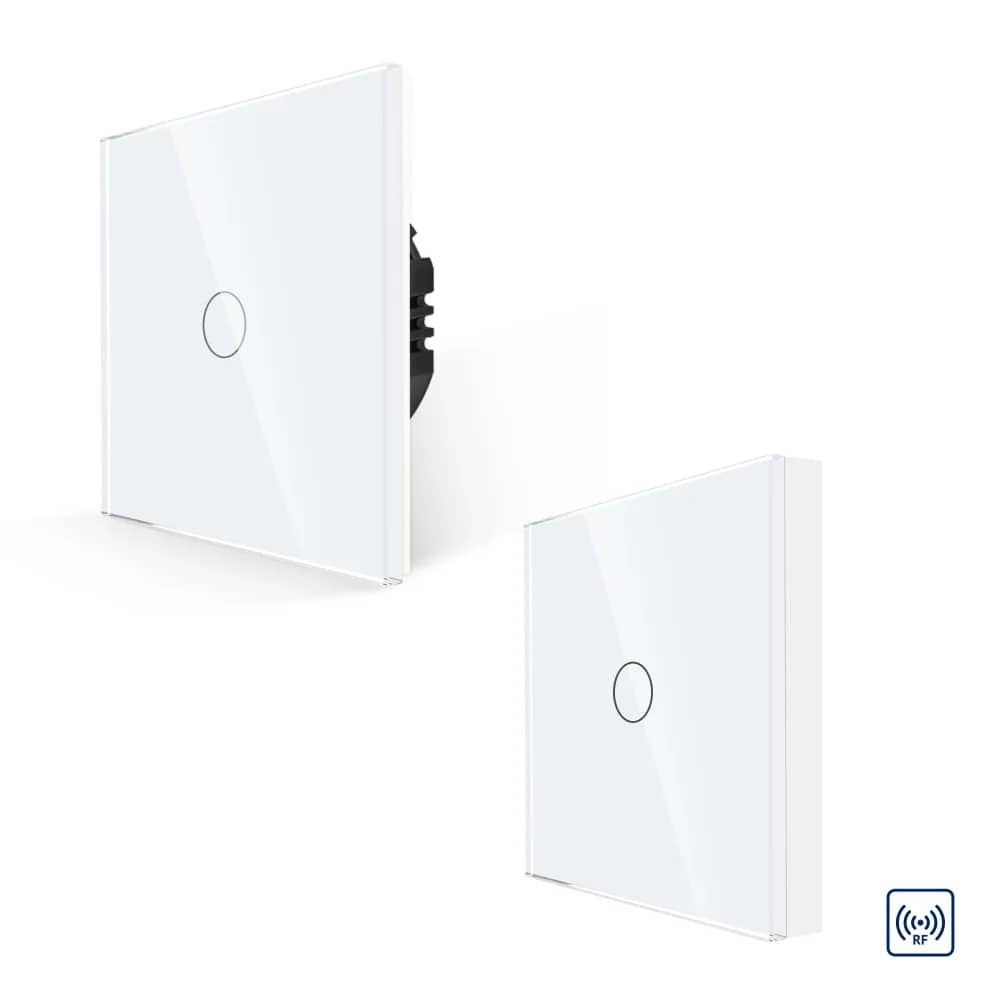
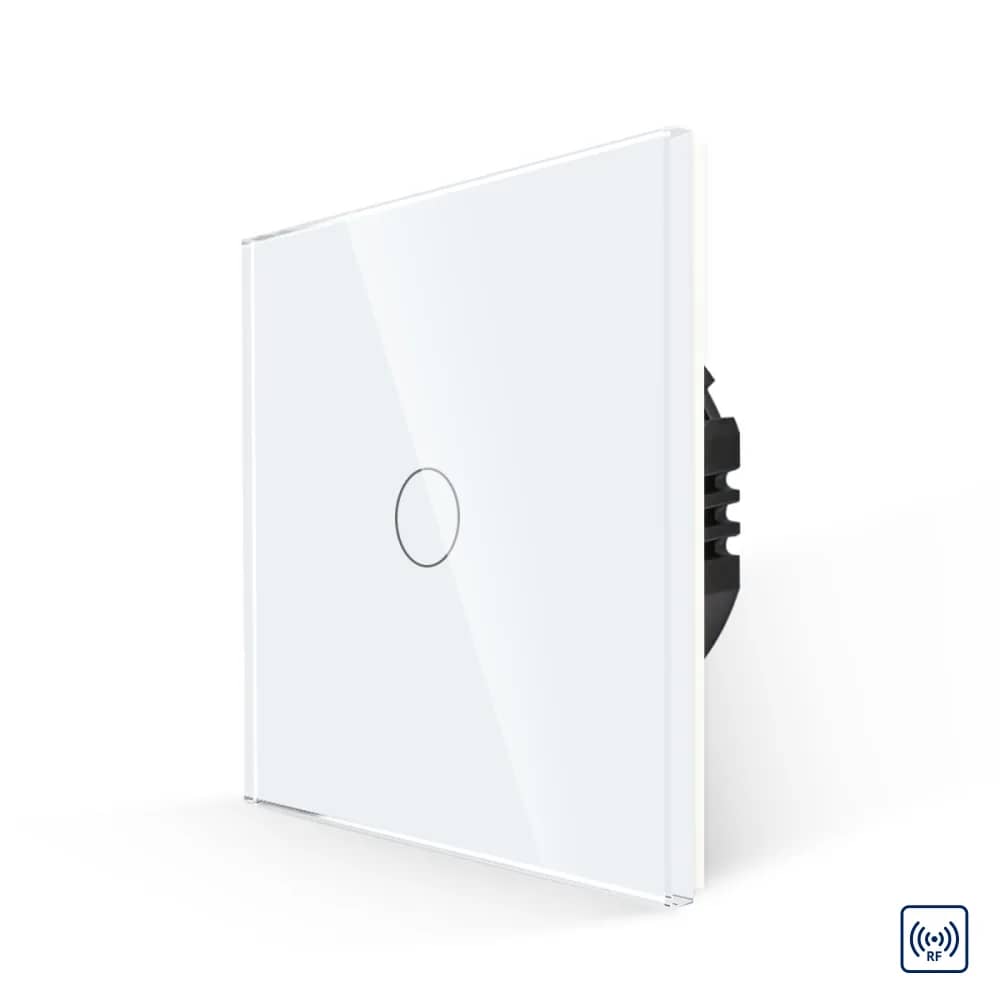
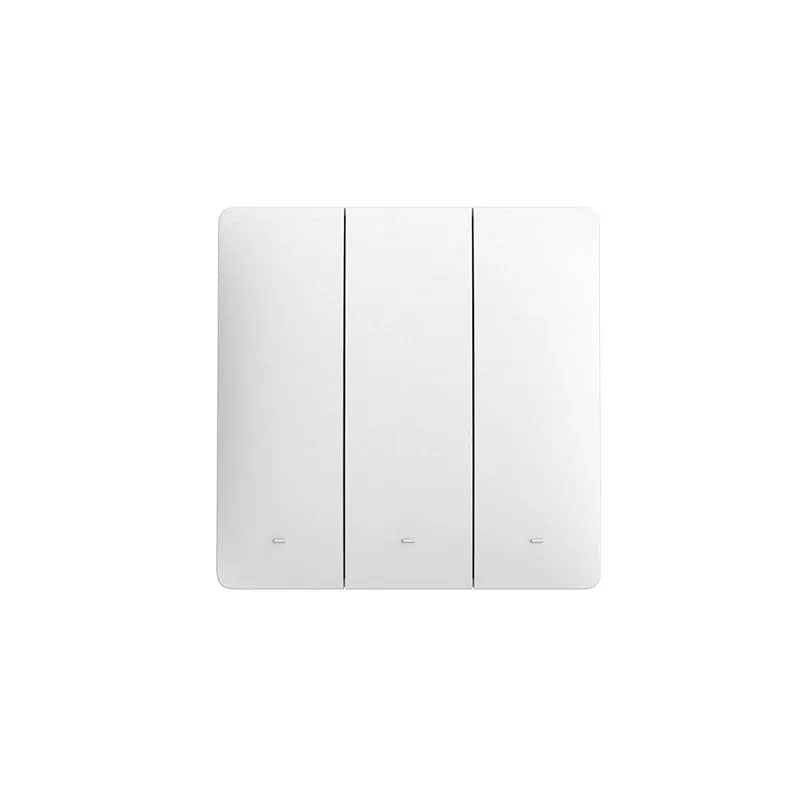
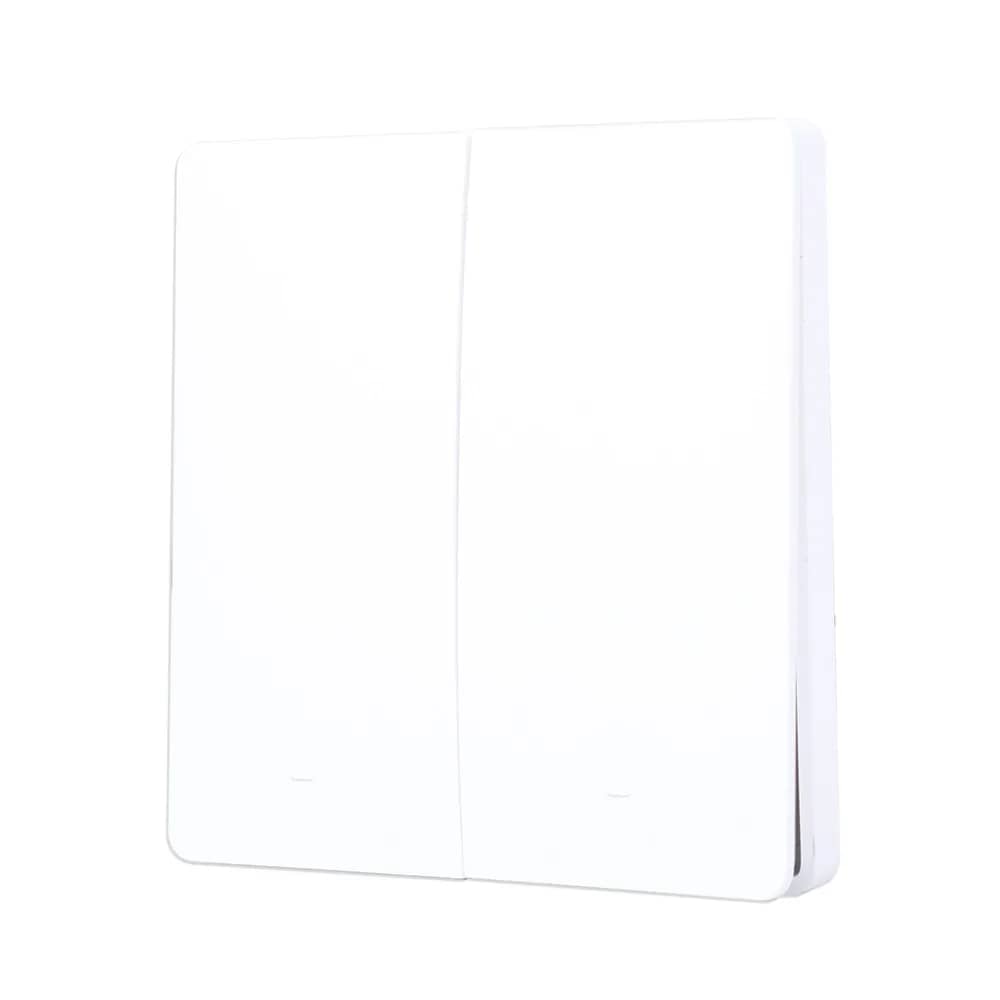
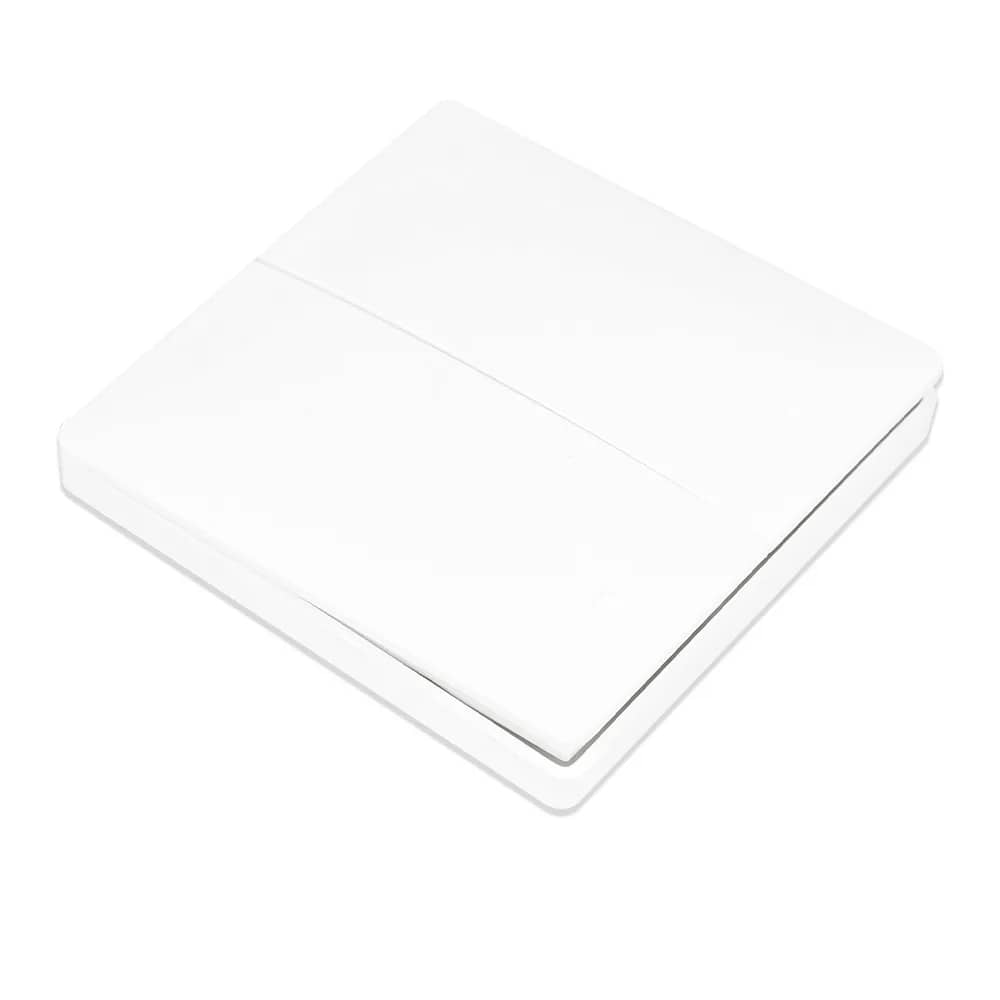
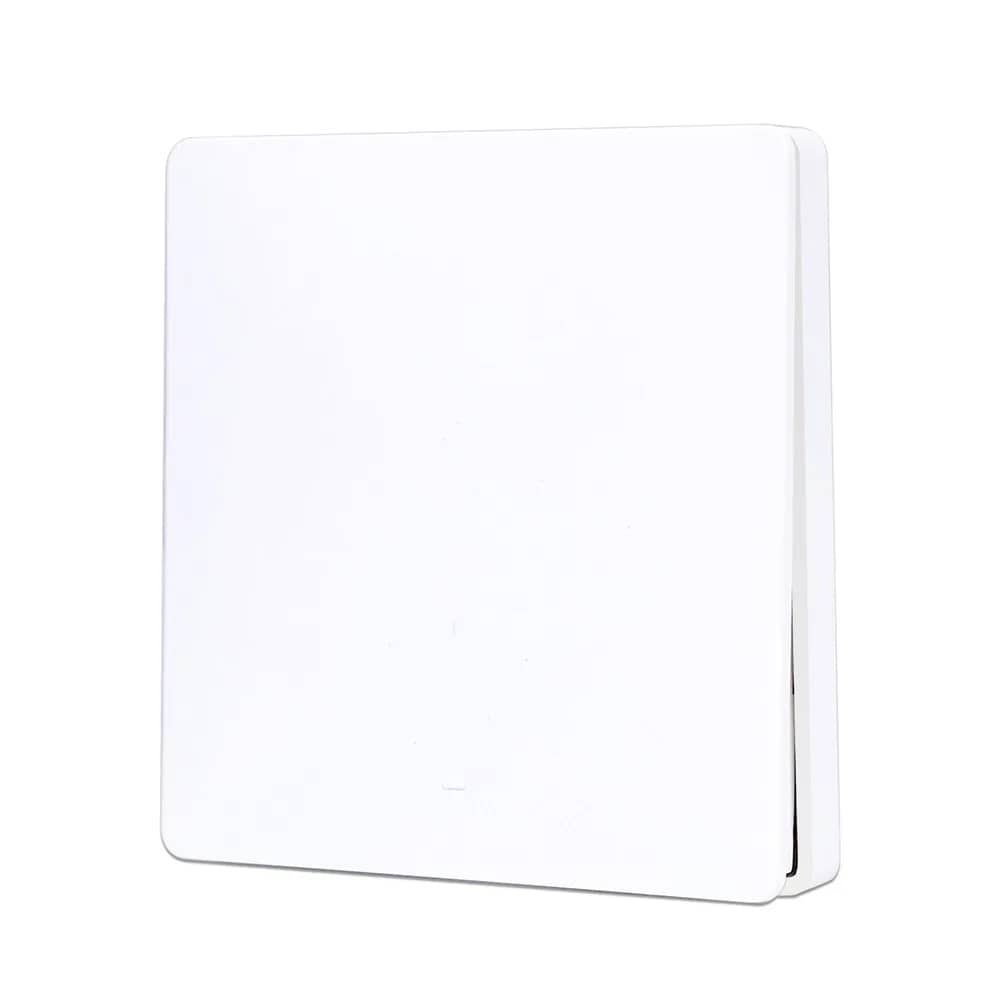
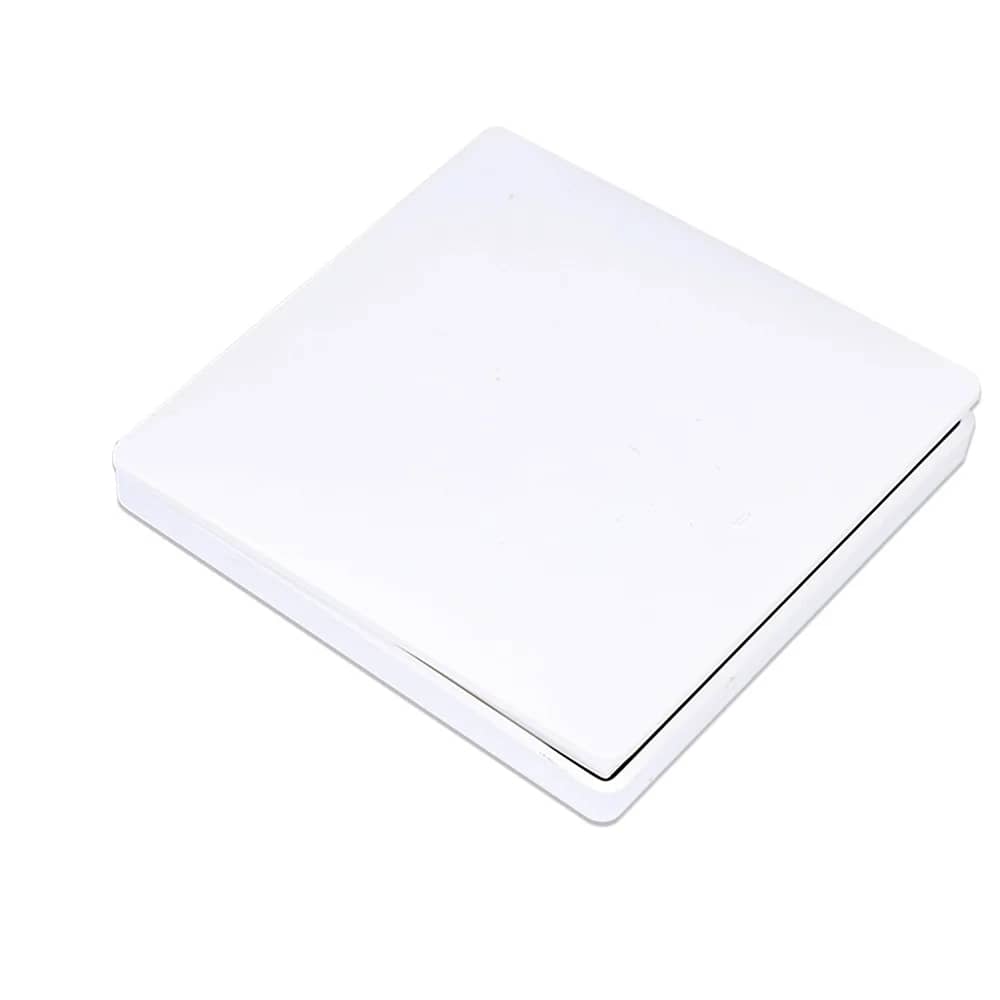
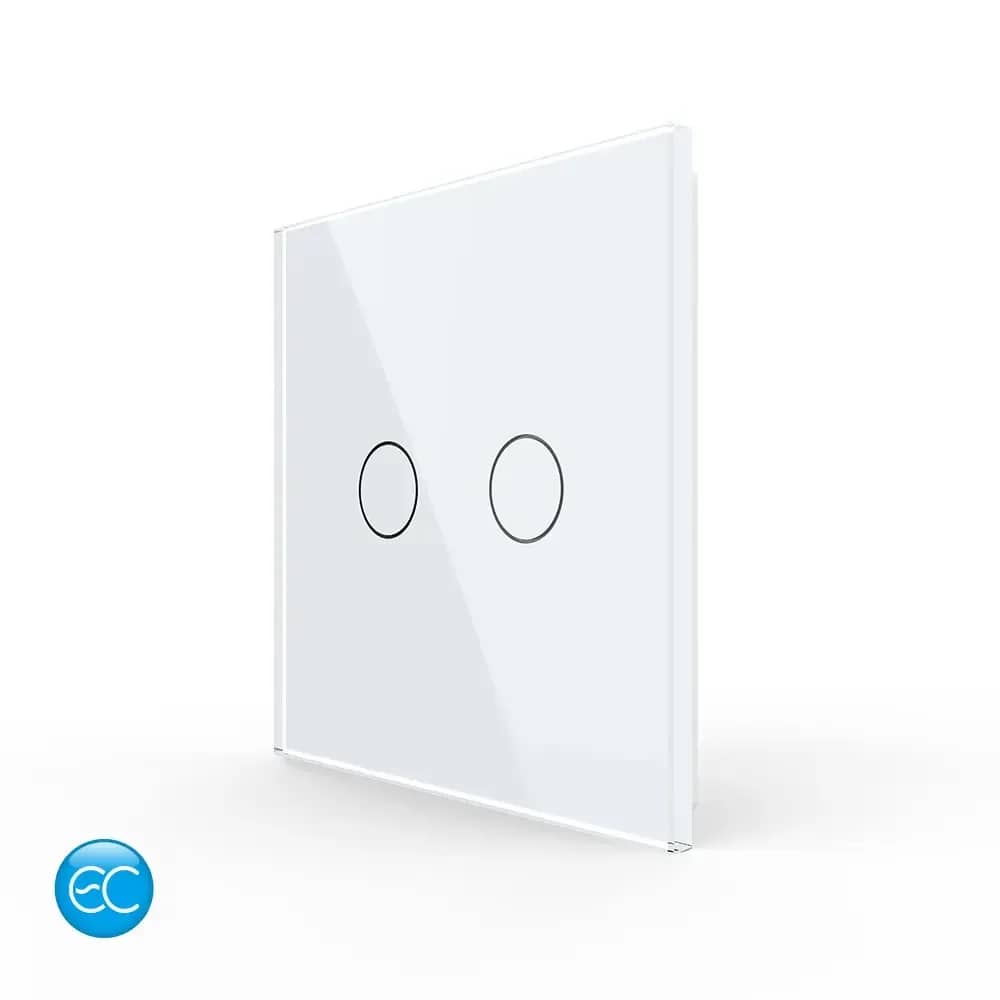
The elegant panel of the Geeklink scene switch fits into the interior of any home thanks to its modern, minimalist design. The ideal choice for a smart home.
SKU: Geeklink CM-4
In stock
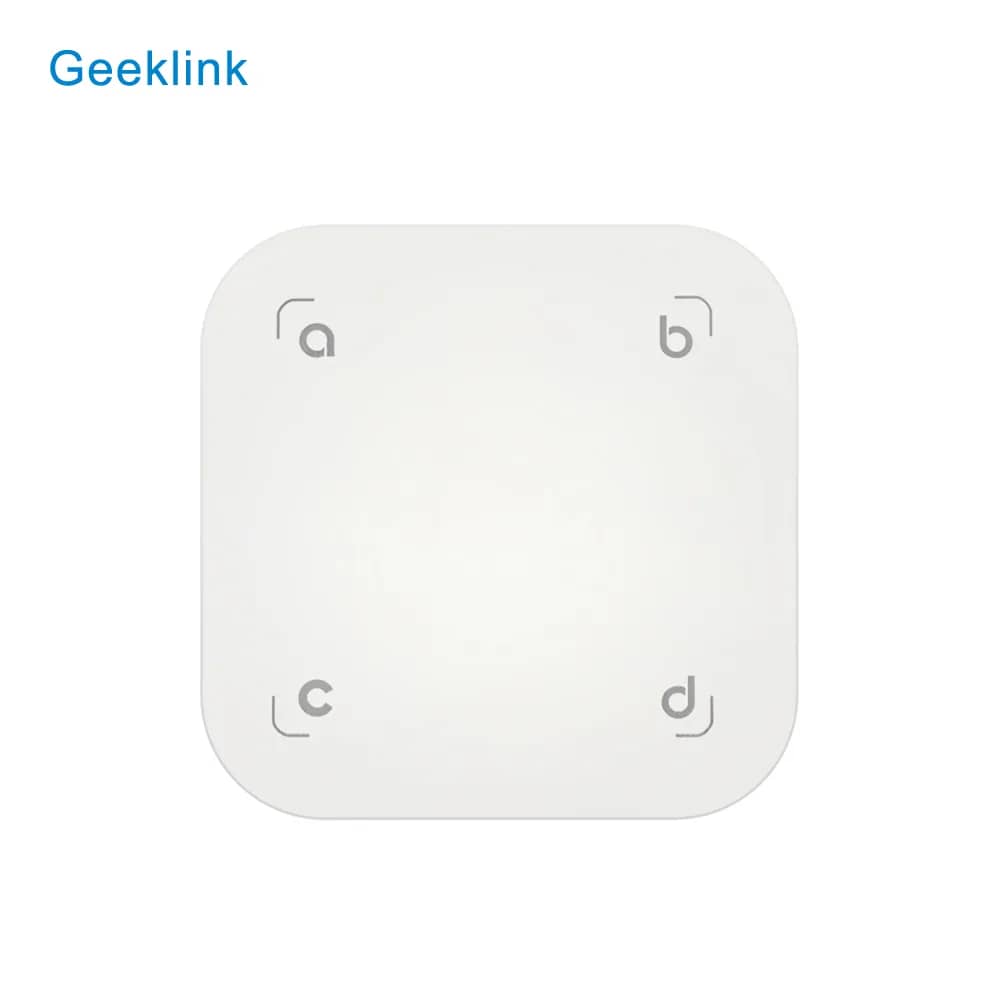
Four-button Geeklink touch scene controller that triggers multi-device scenes locally from a single button, no app required.
The Geeklink CM-4 is a four-key scene switch for launching linked scenes that combine several GeekLink devices. No app is needed to operate it, as it is used for local control of your devices. It lets you control multiple devices from a single button.
The switch keys can be easily “learnt” and assigned various functions: switching off all lights and selected sockets when you leave home, switching on selected lights and various appliances when you arrive home, and more.
The elegant panel of the Geeklink scene switch fits into the interior of any home thanks to its modern, minimalist design. The ideal choice for a smart home.
Control your home appliances with a simple touch. The Geeklink scene switch is quick and easy to use for the whole family – one touch activates the scene you want.
With the Geeklink hub and the scene switch you can:
This switch works together with the Geeklink alarm system and Geeklink switches, as well as with other home appliances such as the TV, air conditioner and many other household devices.
Combine the scene switch with Geeklink FB2 switches for convenient lighting control throughout your home.
Mount the switch by the front door to use the Geeklink alarm system as a doorbell. The alarm lets you choose your preferred ringtone and its volume.