SmartHomesAE
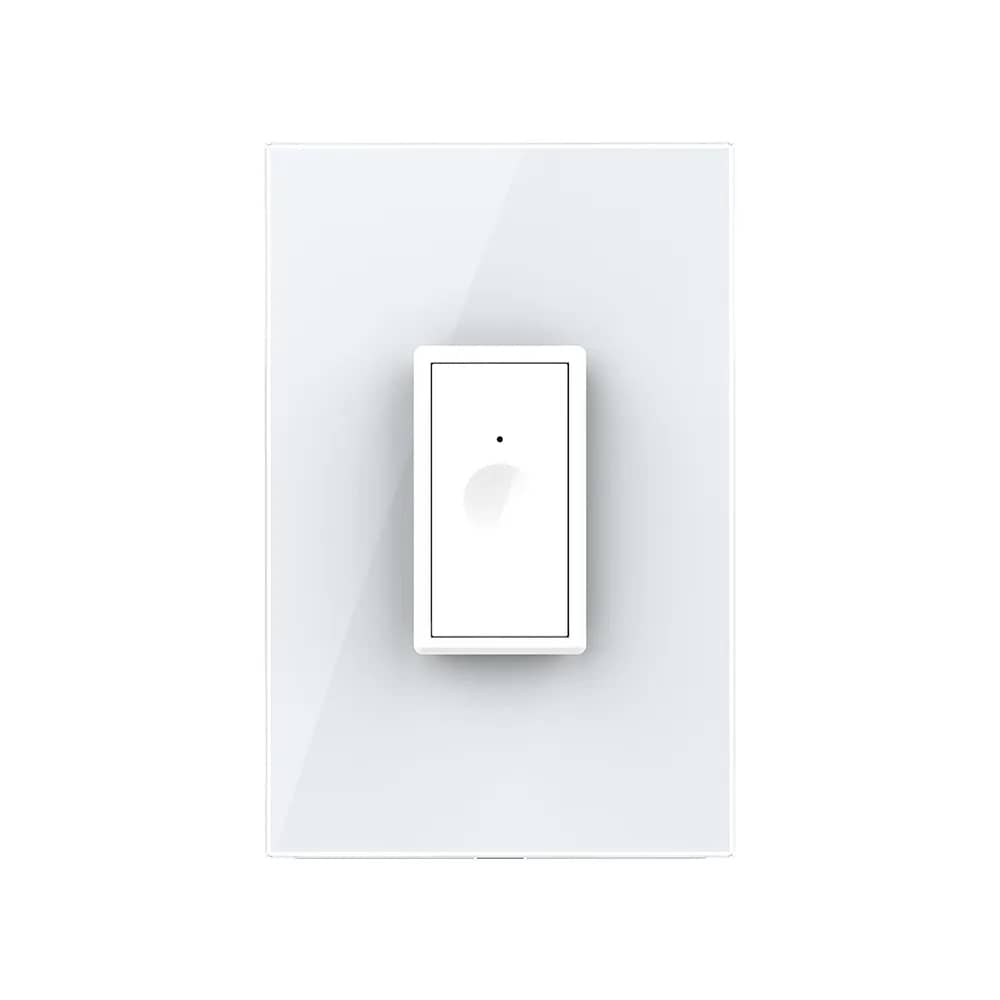
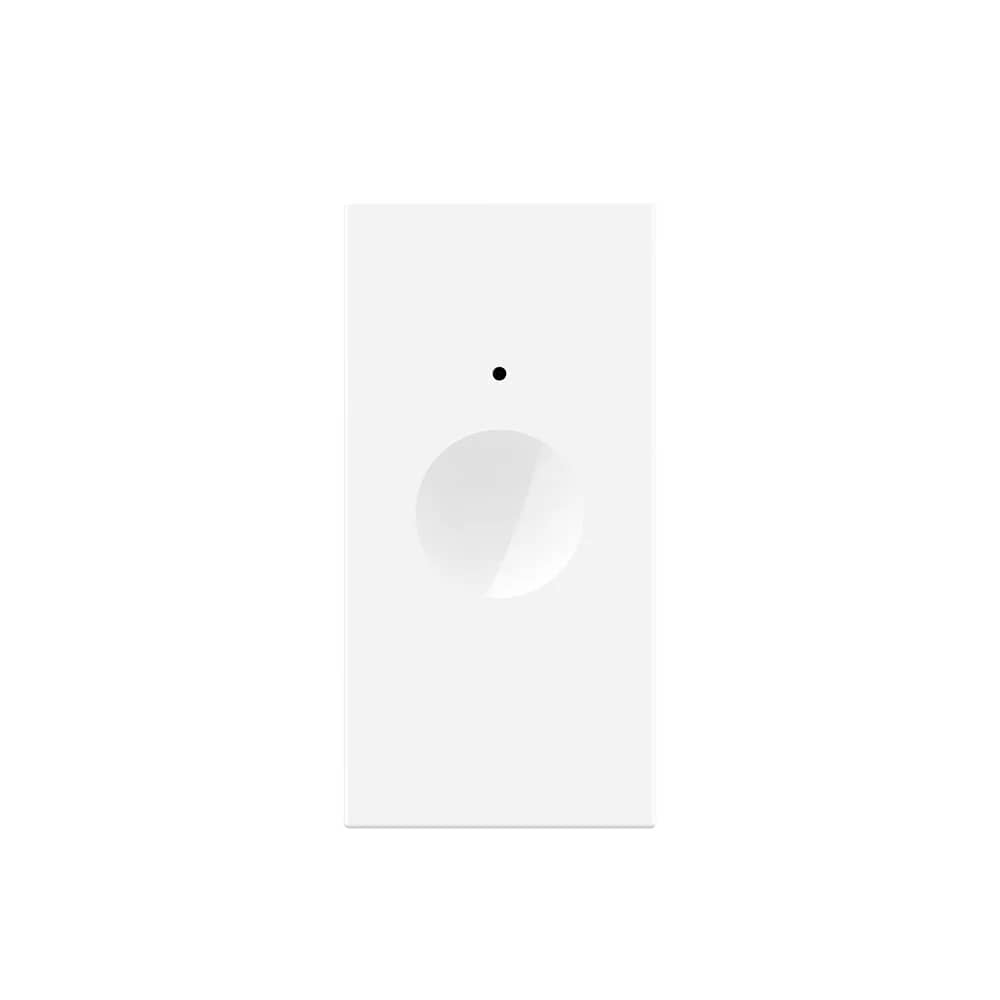
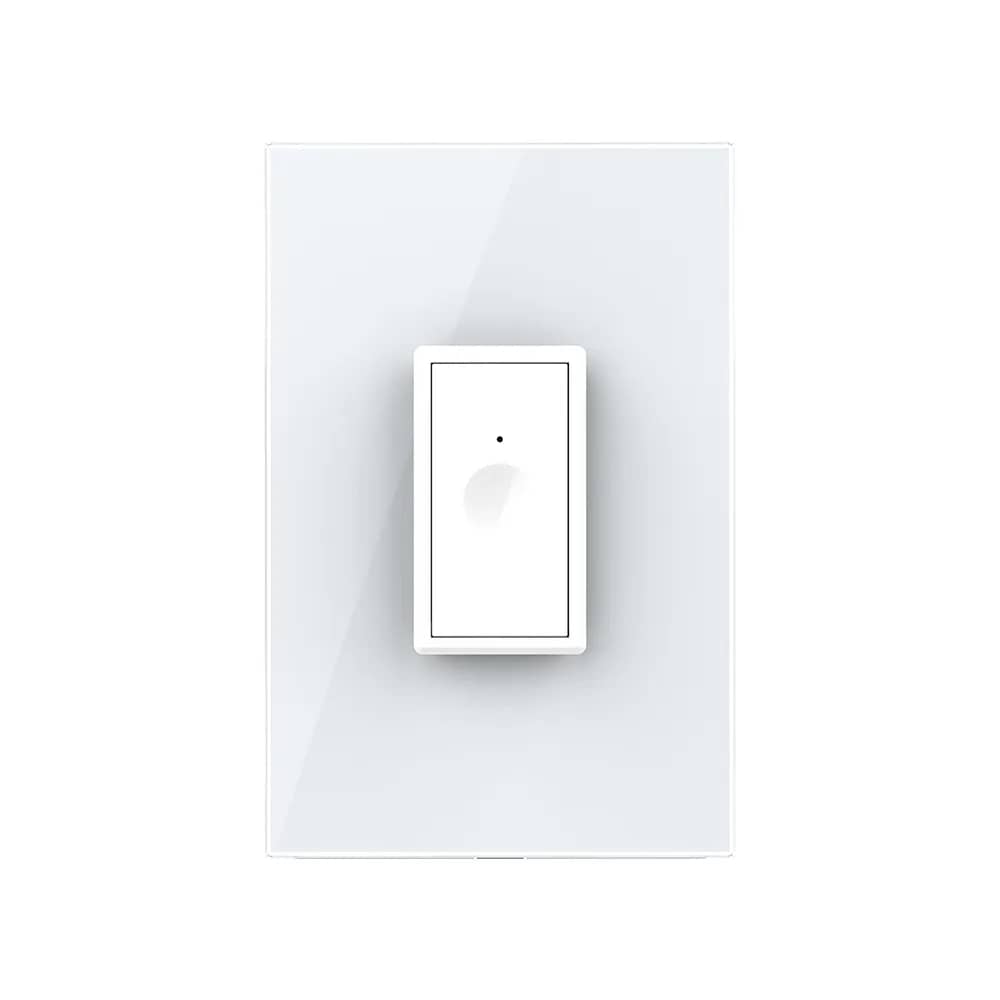
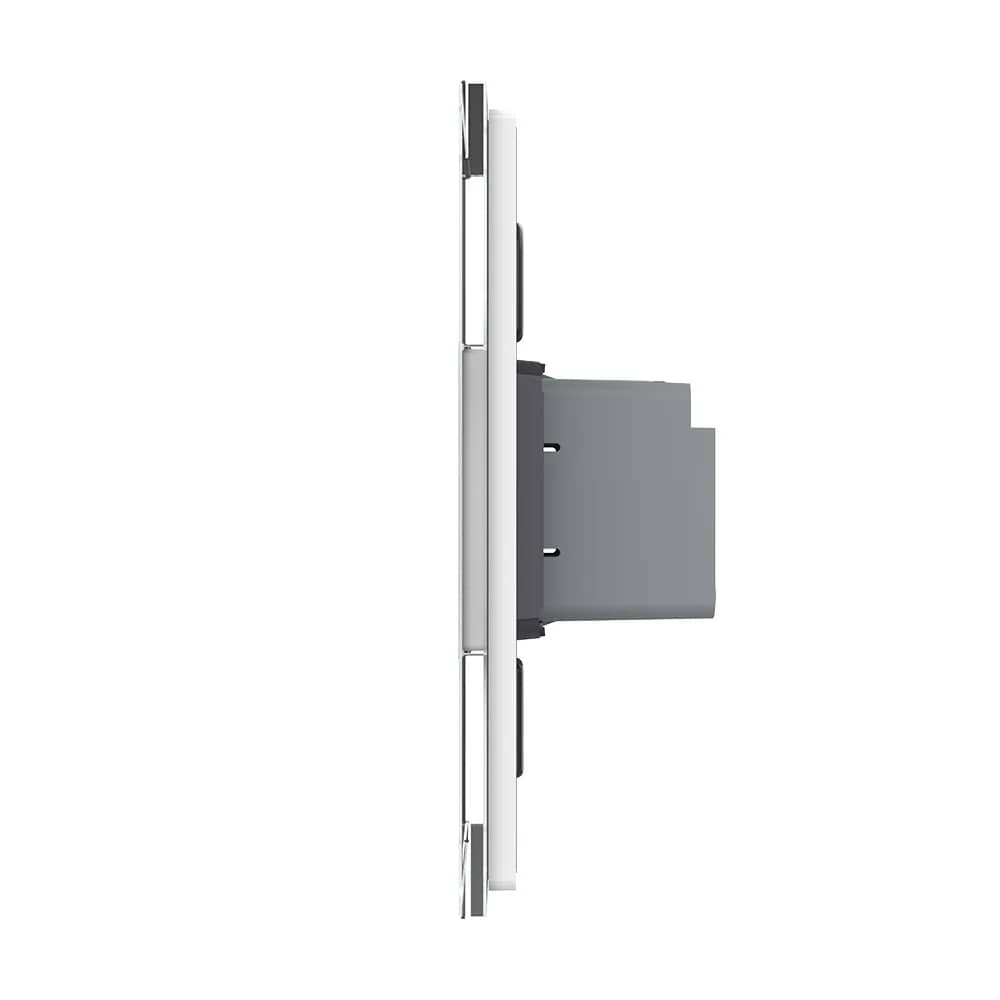
Geeklink CM-1 Smart Touch Scene Remote Control – 1 Button — image 1
Geeklink

Geeklink CM-1 Smart Touch Scene Remote Control – 1 Button

SKU: Geeklink CM-1

AED 49

In stock

1
  • Delivery across all seven emirates. Free on orders over AED 750.
  • Order now, we confirm availability and delivery with you before you pay.

One-button Geeklink touch scene switch that controls multiple Geeklink devices locally, no app needed. Works with Geeklink Thinker and Mini.

Product details

The Geeklink CM-1 is a single-button scene switch for triggering linked scenes that combine several GeekLink devices. No app is needed to operate it, as it is used for local control of your devices. It lets you control multiple devices from a single button. The switch keys can be easily "learned" and assigned various functions: switching off all lights and selected sockets when you leave home, turning on certain lights and various appliances when you arrive, and so on. Compatible with GeekLink Thinker and GeekLink Mini.

Highlights

Geeklink CM-1 Smart Touch Scene Remote Control – 1 Button – Minimalist, Elegant Design
01

Minimalist, Elegant Design

The elegant Geeklink scene switch panel suits the interior of any home thanks to its modern, minimalist design. Geeklink smart switches are always the ideal choice for a better life.

  • Simple, minimalist design
  • Elegant look, perfect for any home
  • The ideal choice for a smart home
Geeklink CM-1 Smart Touch Scene Remote Control – 1 Button – Easy to Use
02

Easy to Use

Control your home appliances with a single touch. The Geeklink scene switch is quick and easy for the whole family to use: one touch activates the scene you want.

  • Single button, controlled with a simple touch
  • Quick setup and installation
  • One button can control several home appliances
03

Works with Geeklink Devices and Appliances

This switch works together with the Geeklink alarm system and Geeklink switches, as well as other home appliances such as the TV, air conditioner and many other devices in the home.

04

Works with Geeklink FB2 Switches

Combine the scene switch with Geeklink FB2 switches for convenient lighting control around the home.

  • Use FB2 switches downstairs to turn on the lights, and a scene switch installed upstairs to turn them off
  • Turn on the light as you enter the bedroom, then switch it off before sleeping using the scene switch mounted beside the bed
05

Works with the Geeklink Alarm System

Mount the switch by the front door to use the Geeklink alarm system as a doorbell. The alarm lets you choose your preferred ringtone and its volume.

06

Quick Connection to the Geeklink Thinker Hub

With the Geeklink hub and the scene switch you can:

  • Arm the alarm system with a single touch when you leave home
  • Control several home appliances with just one button
07

What's in the Box

  • Macro Panel ×1
  • Bracket ×1
  • Screws pack ×1
  • User manual ×1