01
Smart Technology Made Simple
Smart technology should be easy and friendly to use. The ZigBee Mini Hub is compatible with a wide range of devices, brands and wireless communication technologies.
- Wi-Fi
- ZigBee
- Z-Wave
SKU: VS20ZW
In stock
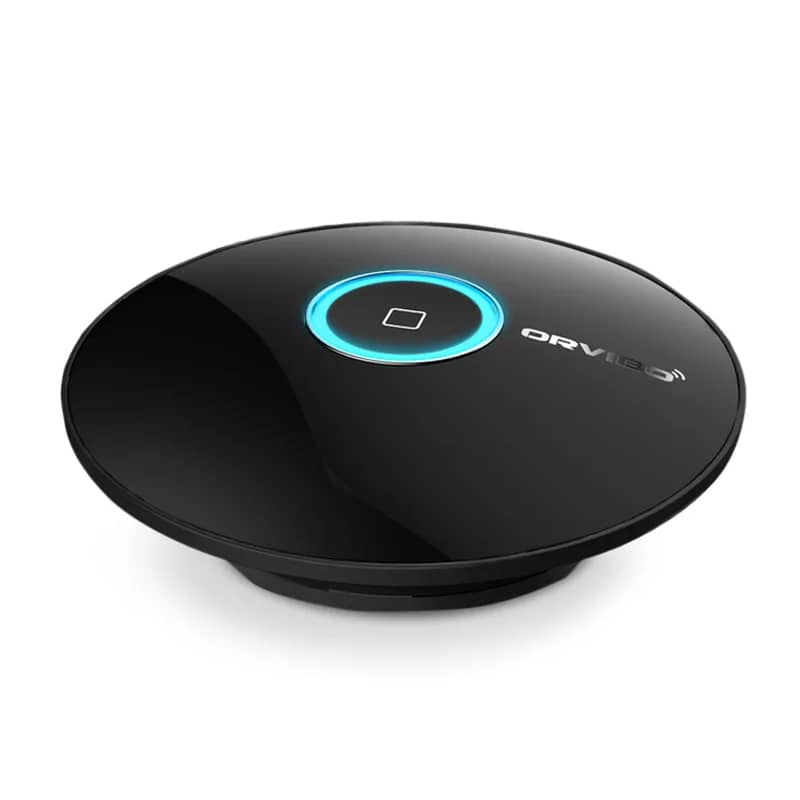
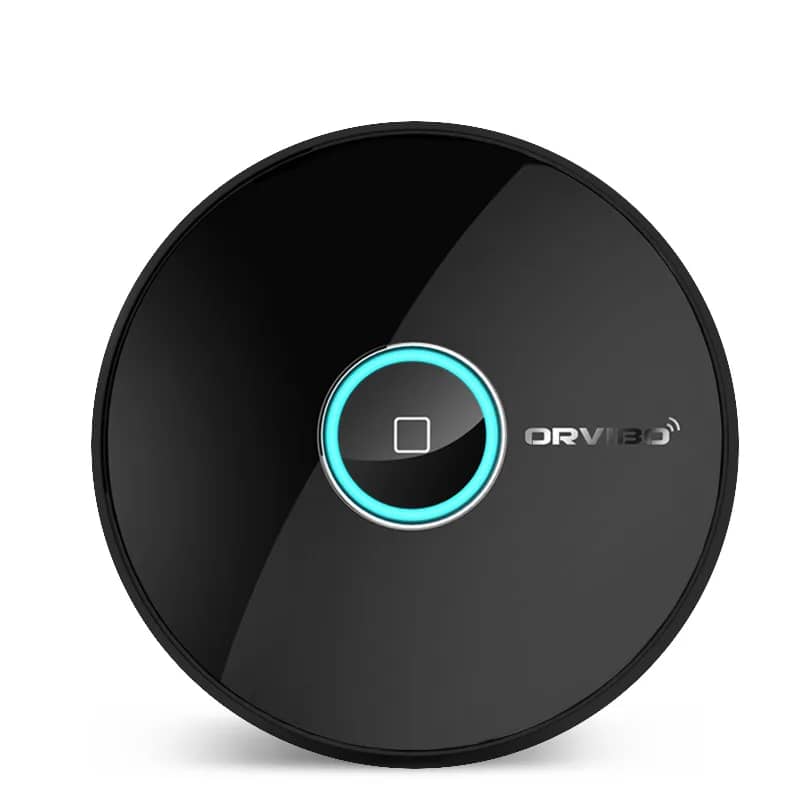
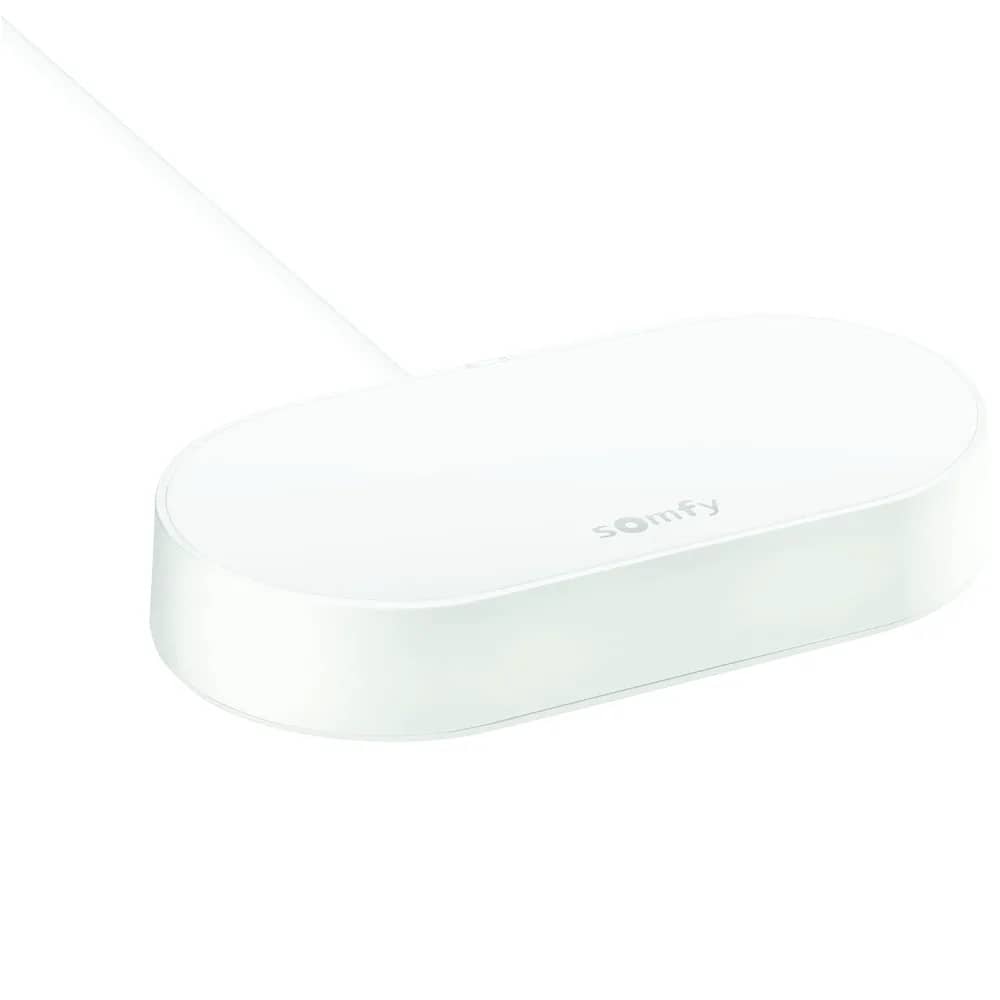
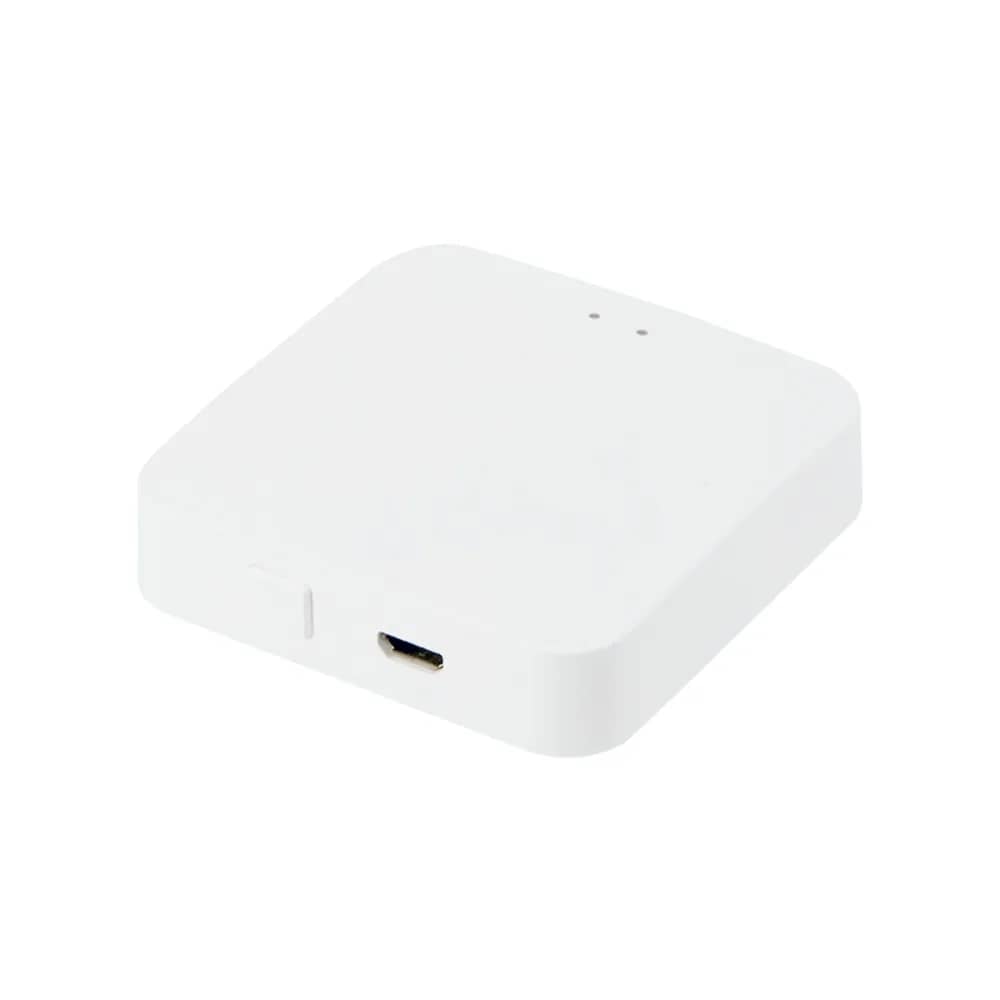
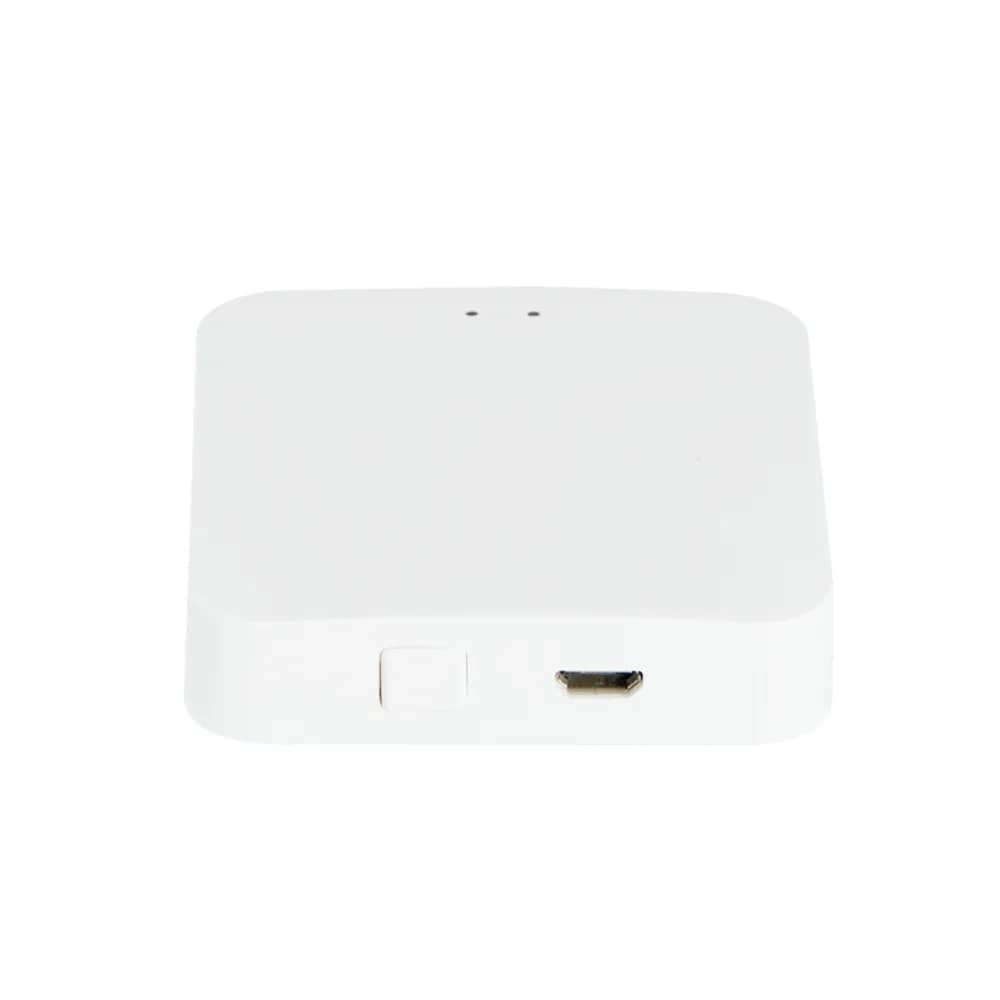
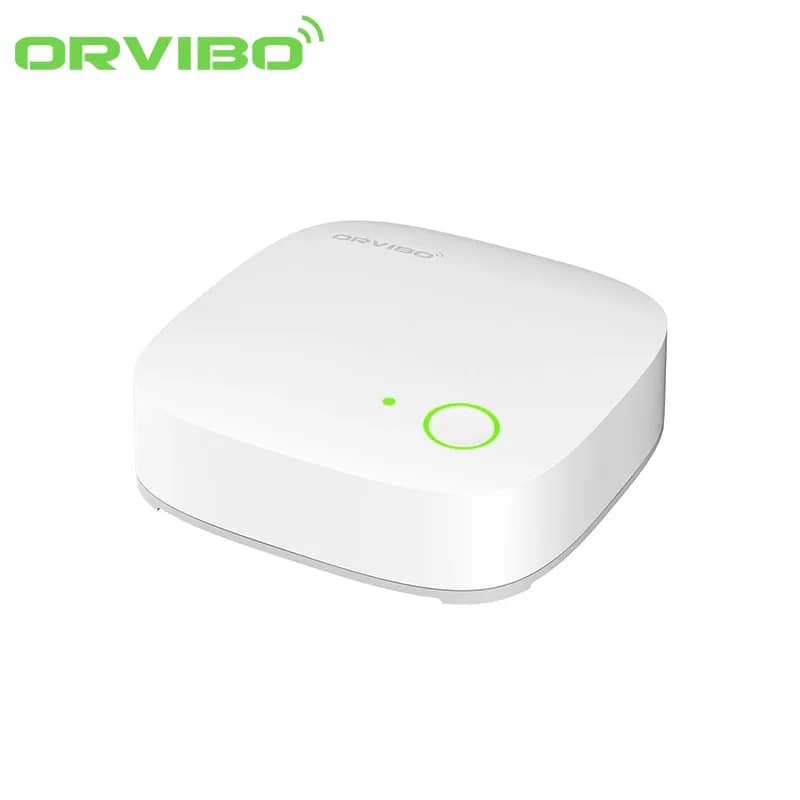
Orvibo Wi-Fi mini Zigbee hub VS20ZW – connects up to 50 sensors, controlled via the Orvibo HomeMate app. Compatible with Orvibo products only.
The Orvibo Wi-Fi Mini Hub with Zigbee protocol VS20ZW is the brain of your home, supporting the connection of up to 50 different sensors for greater comfort in your home. The hub is monitored and configured using the Orvibo HomeMate app.
Compatible with Orvibo products only!
Smart technology should be easy and friendly to use. The ZigBee Mini Hub is compatible with a wide range of devices, brands and wireless communication technologies.
Place a smart remote control next to your TV and, once the remote codes are entered in the HomeMate mobile app, you can control the TV or air conditioner from your phone. Imagine coming home to the TV already switched on to your favourite programme and the room at exactly the temperature you like.
Install door and window sensors together with a motion sensor and any intrusion can be detected automatically. If someone enters your home, you receive real-time alerts on your mobile device. With surveillance cameras, monitoring your flat becomes very easy.
Build your own smart home with smart wall switches that are easy to install and use, and look just like ordinary switches. Switch lights on or off whenever and wherever you are, even if you forgot to turn them off before leaving, with a single tap on your phone. No electrician is needed, so you can install it yourself.
Build your smart home with easy-to-install, programmable switches. Add up to 7 different lighting modes, such as "Home" or "Service". Group appliances by the selected mode and switch them all on or off with a single tap.
The ZigBee protocol is used for communication between sensors to extend battery life, which can reach up to 1 year. ZigBee devices used with the hub are effortless to use: simply connect the network cable to the hub and power it on, and the app completes the installation process automatically.
All the devices in your home can be connected to the HomeMate app and controlled with a single tap. HomeMate works on both iOS and Android phones.
The Mini Hub must work together with a router. Follow these 3 steps to connect the device.