SmartHomesAE
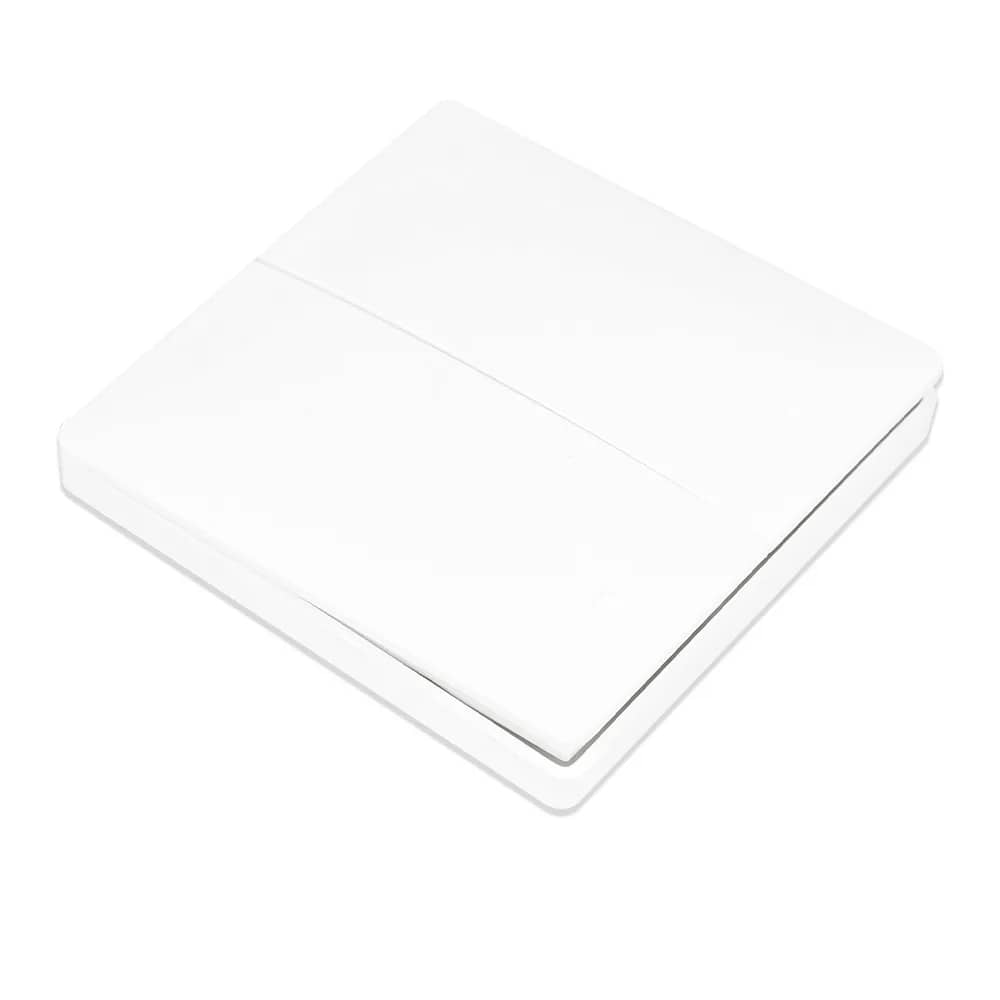
Livolo Zigbee EC Remote Control – VL-XR006 — image 1
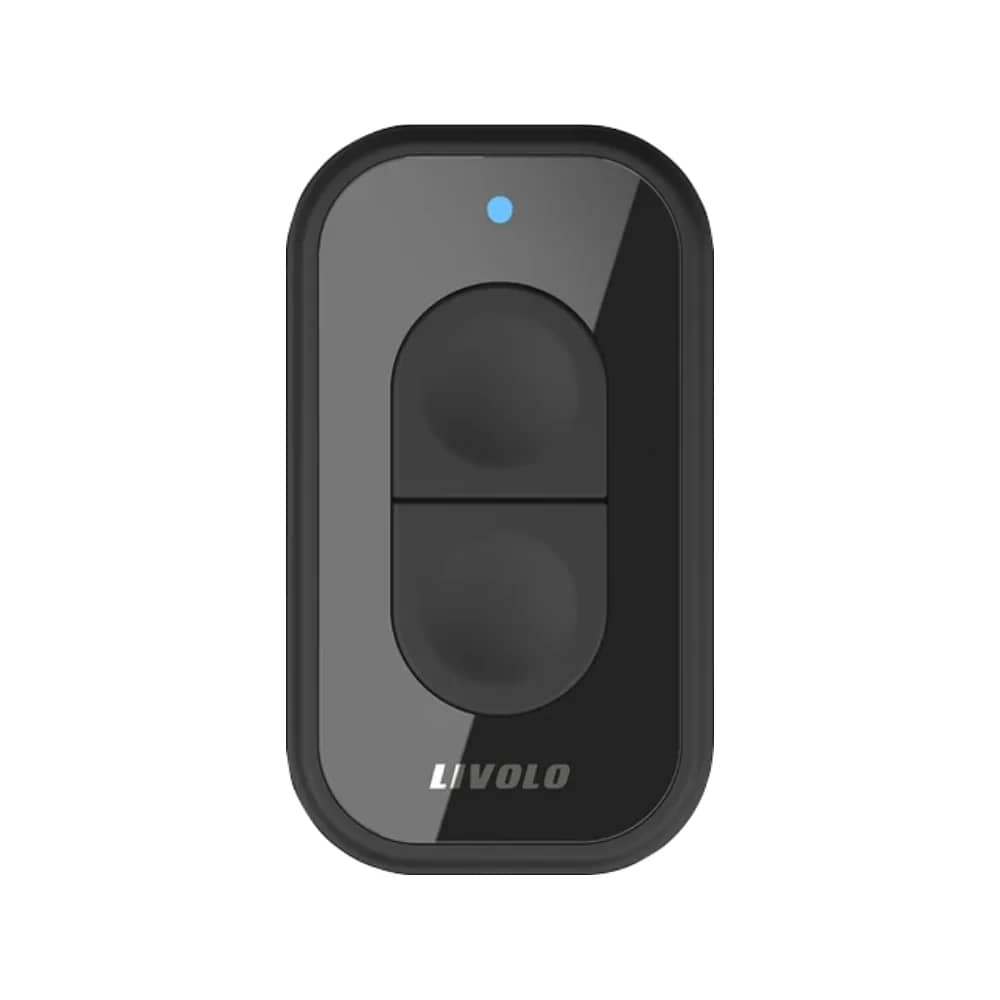
Livolo Zigbee EC Remote Control – VL-XR006 — image 2
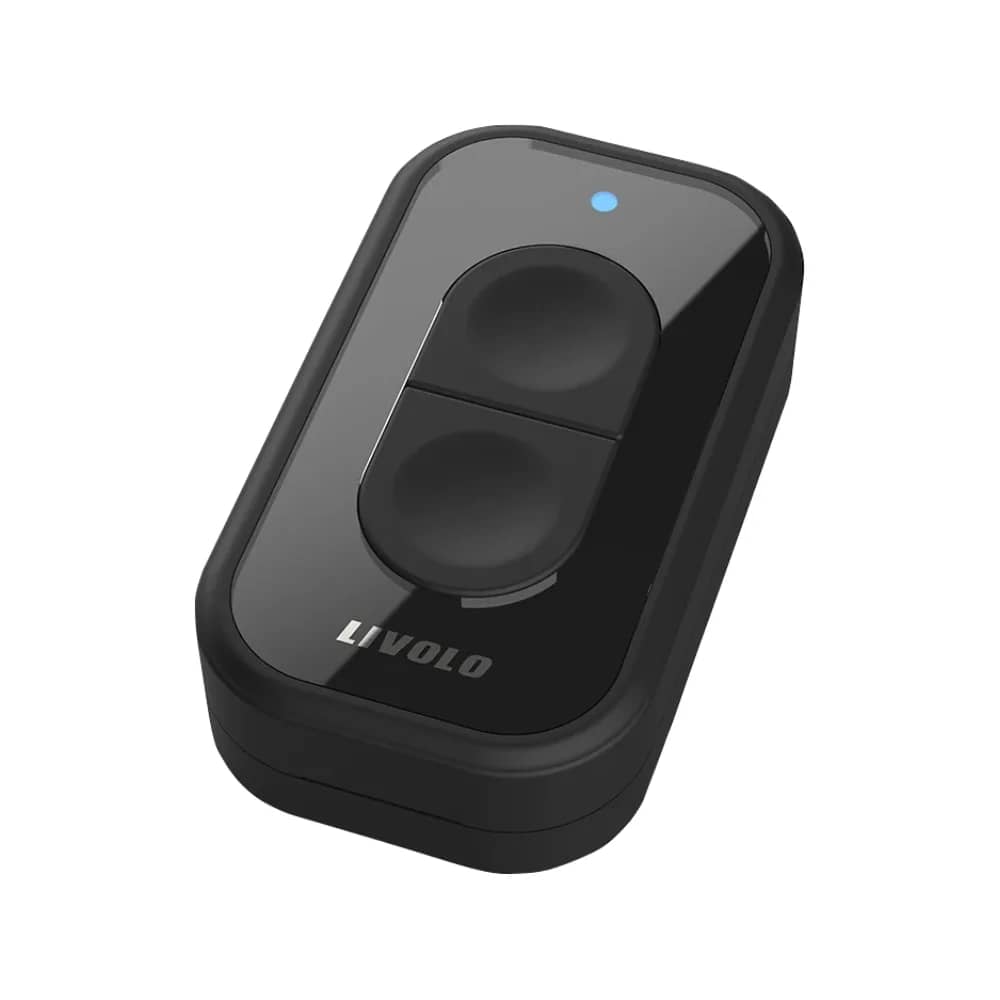
Livolo Zigbee EC Remote Control – VL-XR006 — image 3
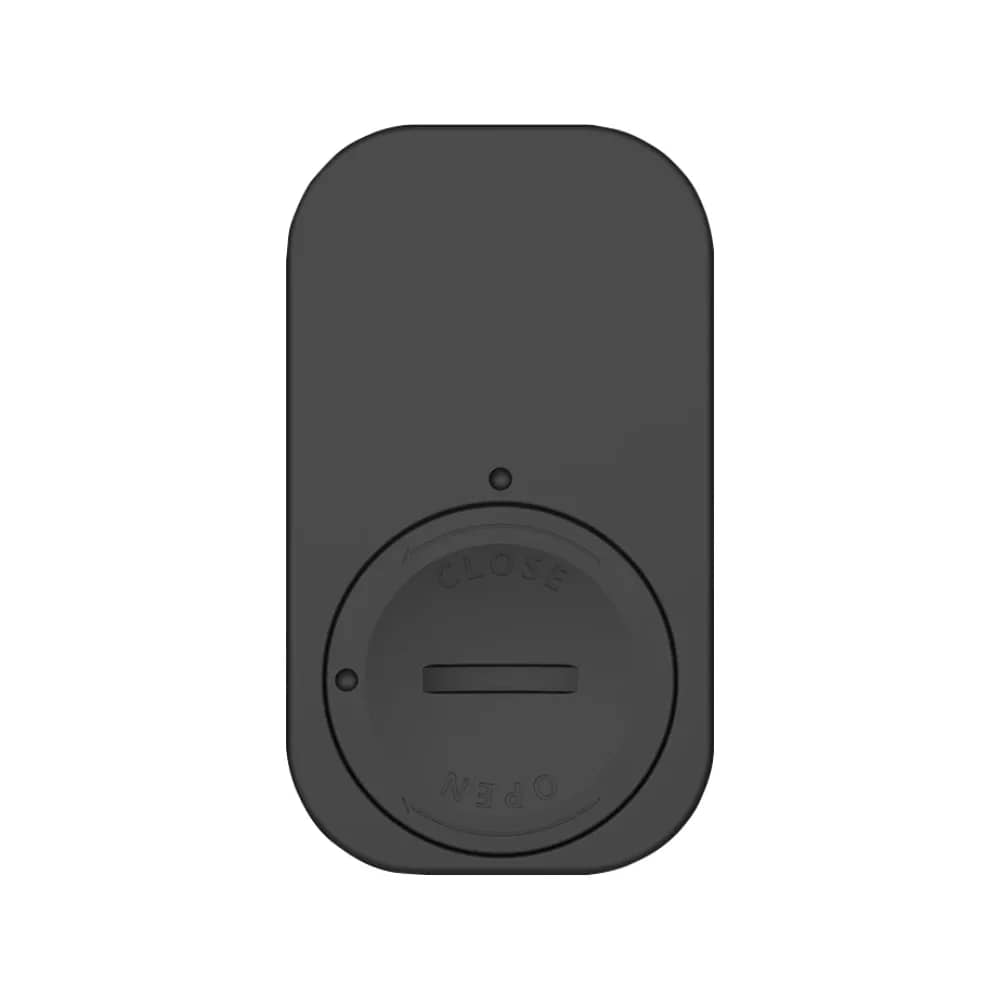
Livolo Zigbee EC Remote Control – VL-XR006 — image 4
Livolo Zigbee EC Remote Control – VL-XR006 — image 5
1/5
Livolo

Livolo Zigbee EC Remote Control – VL-XR006

SKU: VL-XR006

AED 54

In stock

1
  • Delivery across all seven emirates. Free on orders over AED 750.
  • Order now, we confirm availability and delivery with you before you pay.

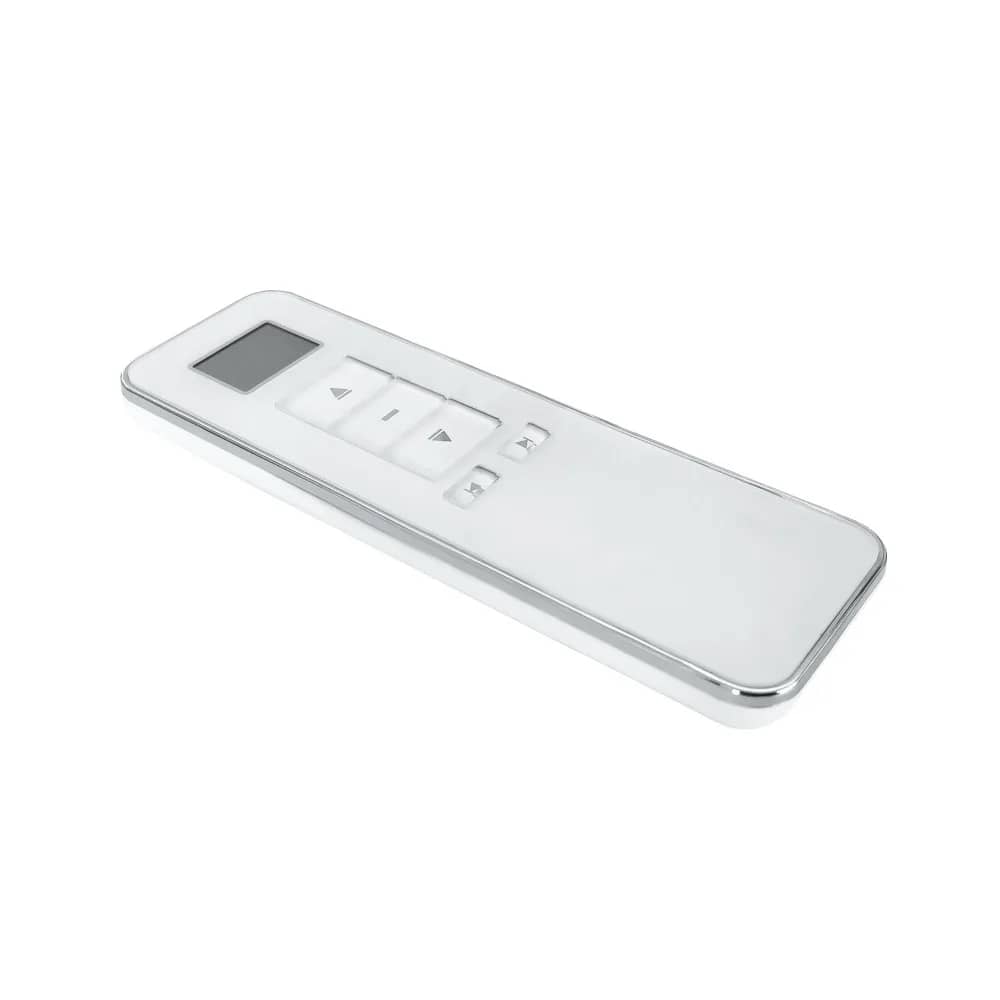
Livolo Zigbee EC remote control for Zigbee EC devices; works only with the Livolo Zigbee EC Hub. CR2032 battery not included.

Product details

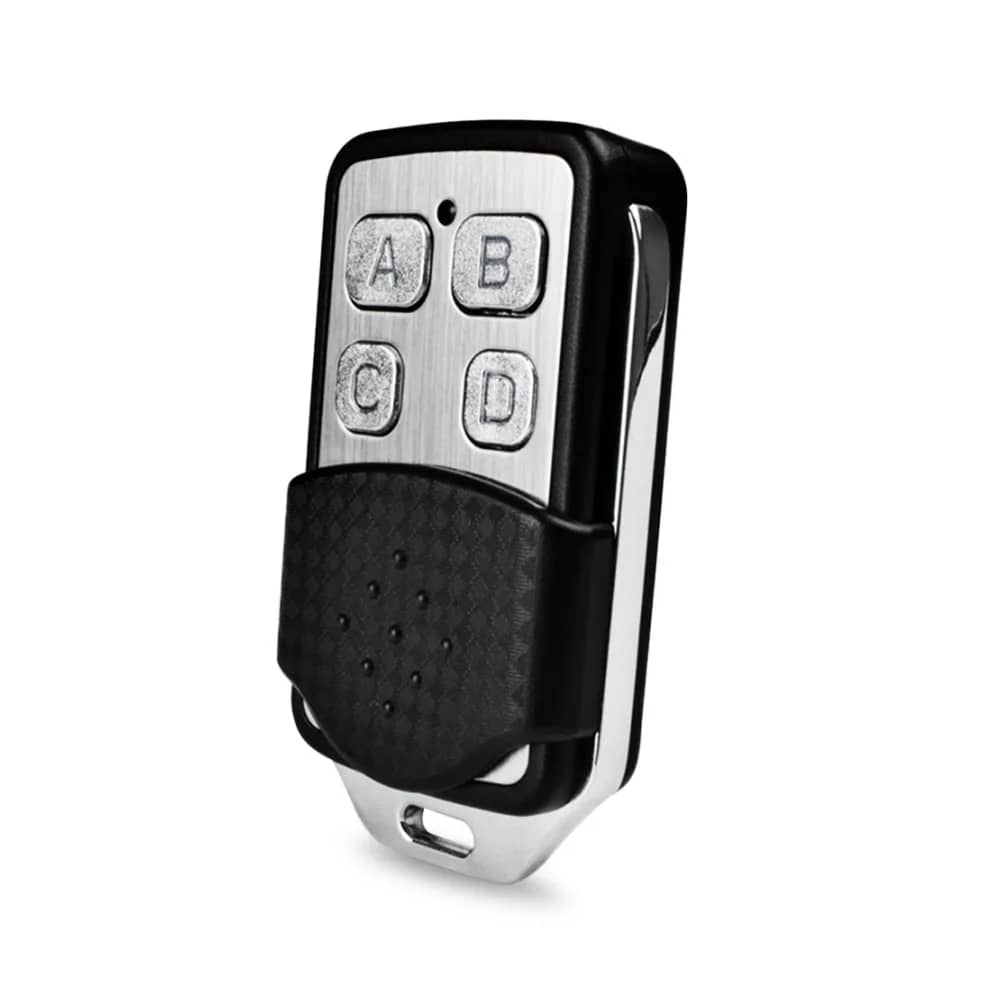
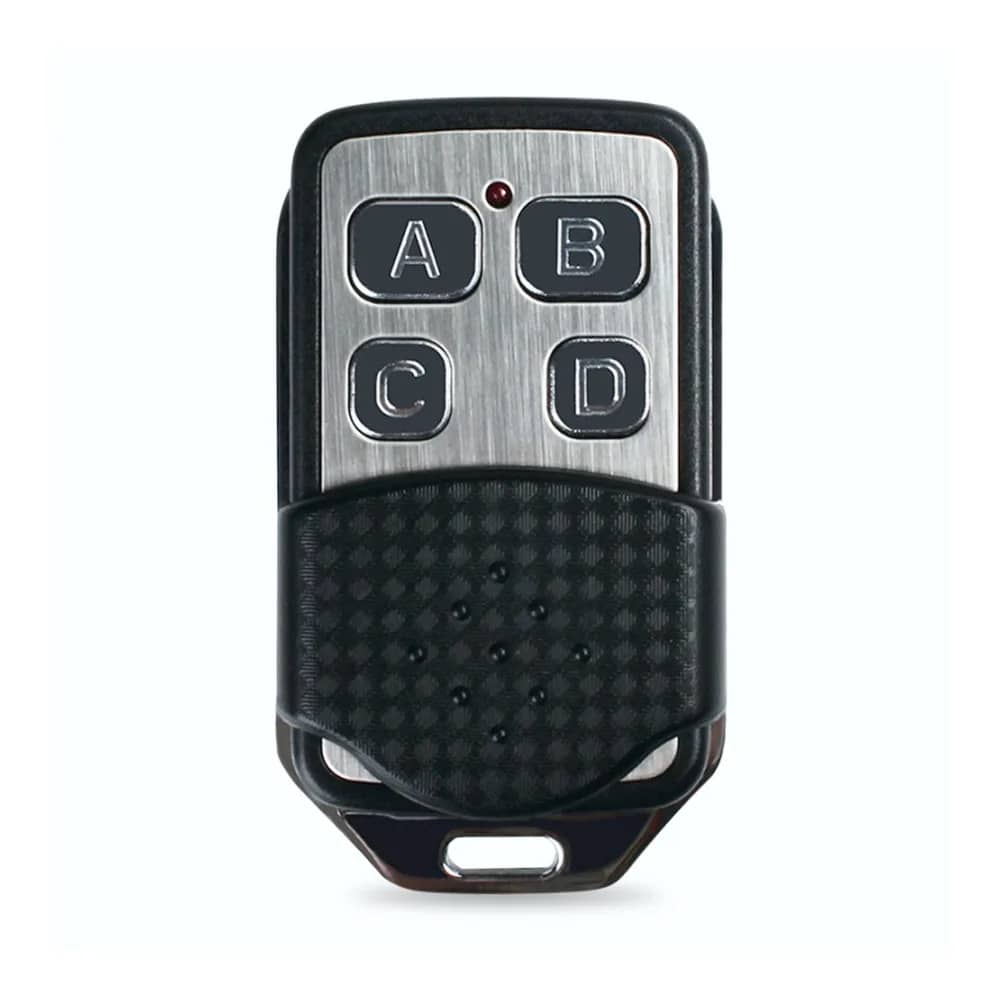
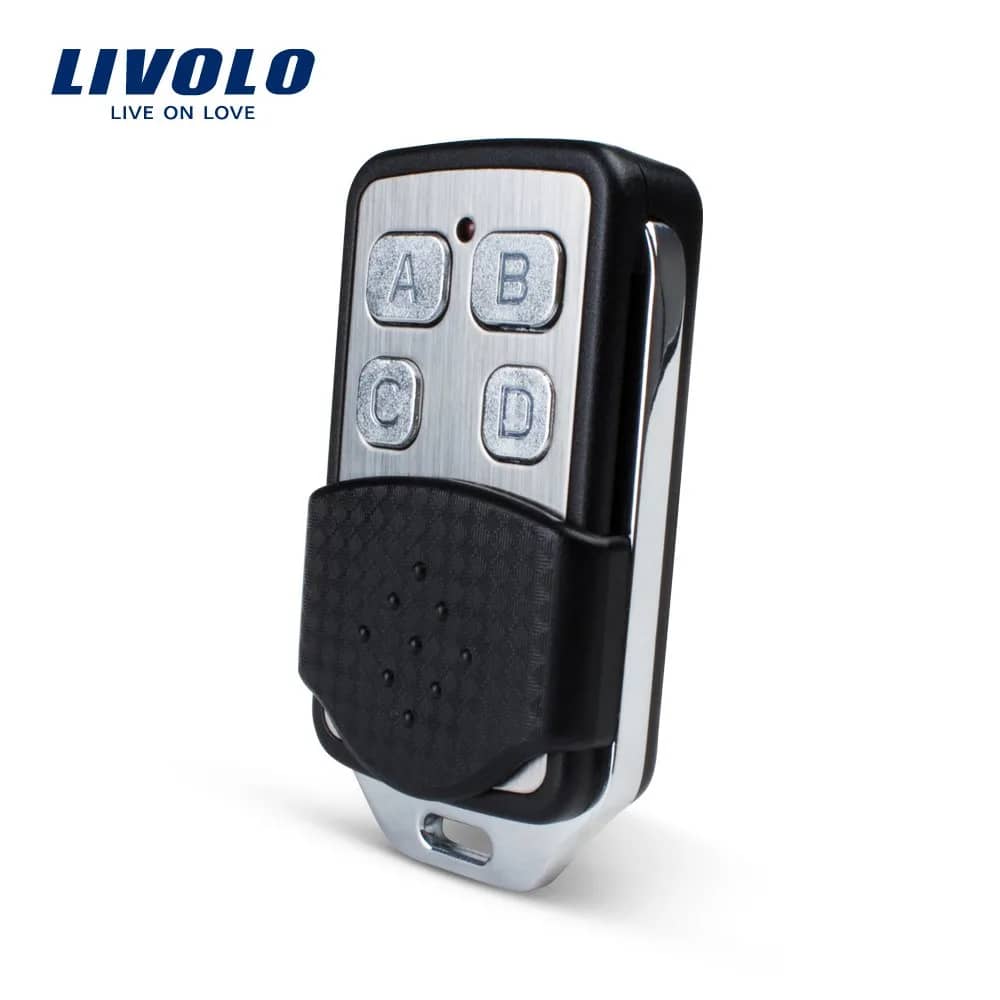
The Livolo Zigbee EC remote control is designed to control devices that use the Zigbee EC protocol. The remote control works only when connected to the Livolo Zigbee EC Hub.

CR2032 battery not included!

Highlights

Livolo Zigbee EC Remote Control – VL-XR006 – Livolo Remote Control – ZigBee EC Protocol
01

Livolo Remote Control – ZigBee EC Protocol

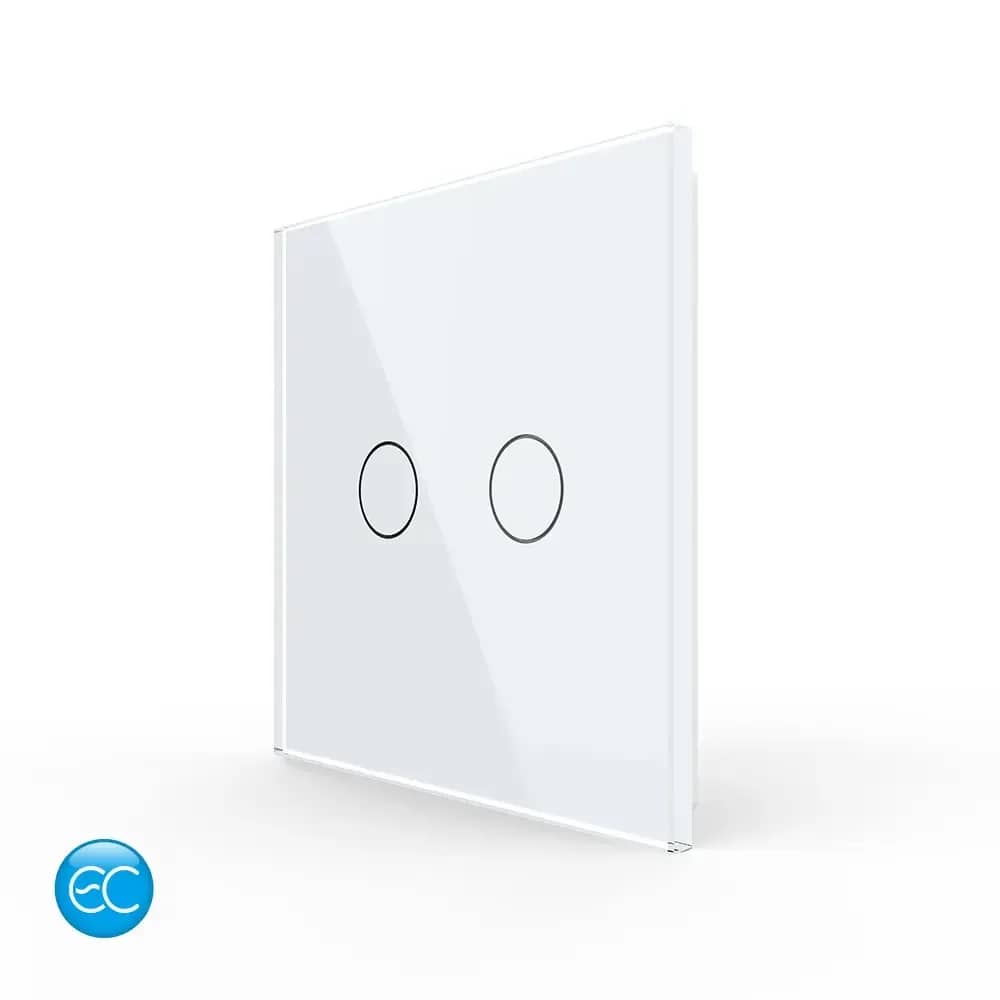
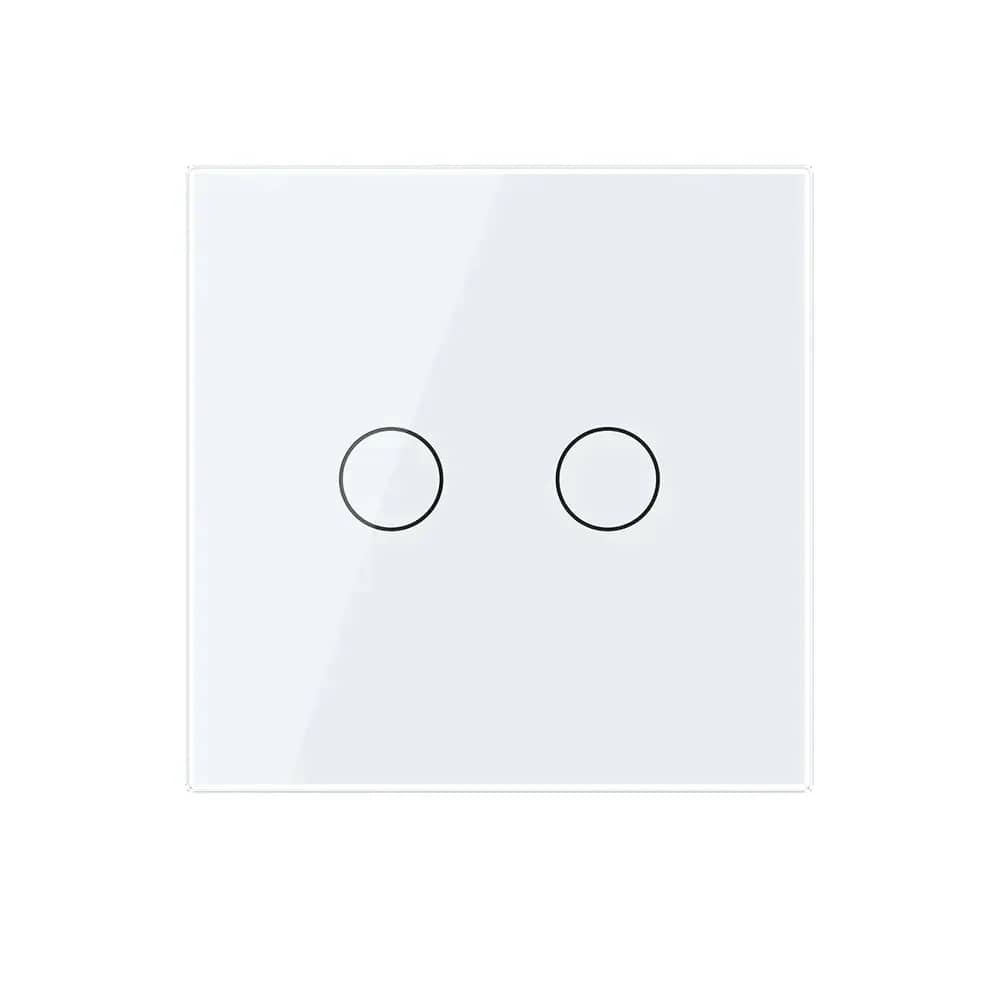
A compact two-button Livolo remote control using the ZigBee EC protocol, designed to work with Livolo ZigBee EC switches.
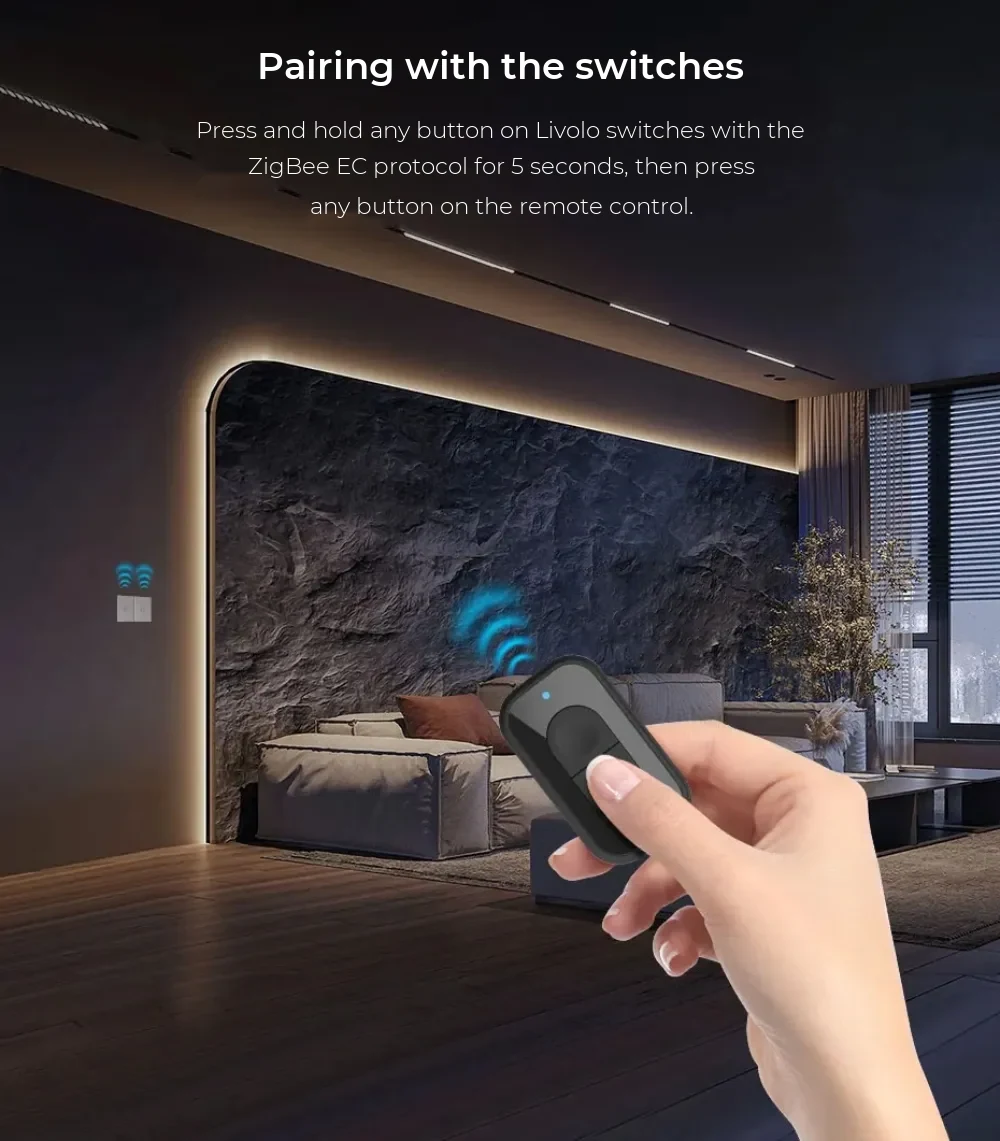
Livolo Zigbee EC Remote Control – VL-XR006 – Pairing with Your Switches
02

Pairing with Your Switches

Press and hold any button on a Livolo ZigBee EC switch for 5 seconds, then press any button on the remote control.

Livolo Zigbee EC Remote Control – VL-XR006 – App Control and Automations
03

App Control and Automations

Using the Livolo mobile app and the ZigBee EC hub, you can create automations for the ZigBee EC remote control.

  • The ZigBee EC hub is sold separately
Livolo Zigbee EC Remote Control – VL-XR006 – 6 Control Modes
04

6 Control Modes

In the Livolo mobile app, each of the remote's 2 buttons can be set to respond to a single, double or triple press.
  • Button 1: 1x, 2x, 3x press
  • Button 2: 1x, 2x, 3x press
Livolo Zigbee EC Remote Control – VL-XR006 – Structure
05

Structure

  • Crystal glass panel
  • Polycarbonate front housing
  • Buttons
  • EC module
  • Polycarbonate rear housing
  • Battery cover
Livolo Zigbee EC Remote Control – VL-XR006 – Dimensions
06

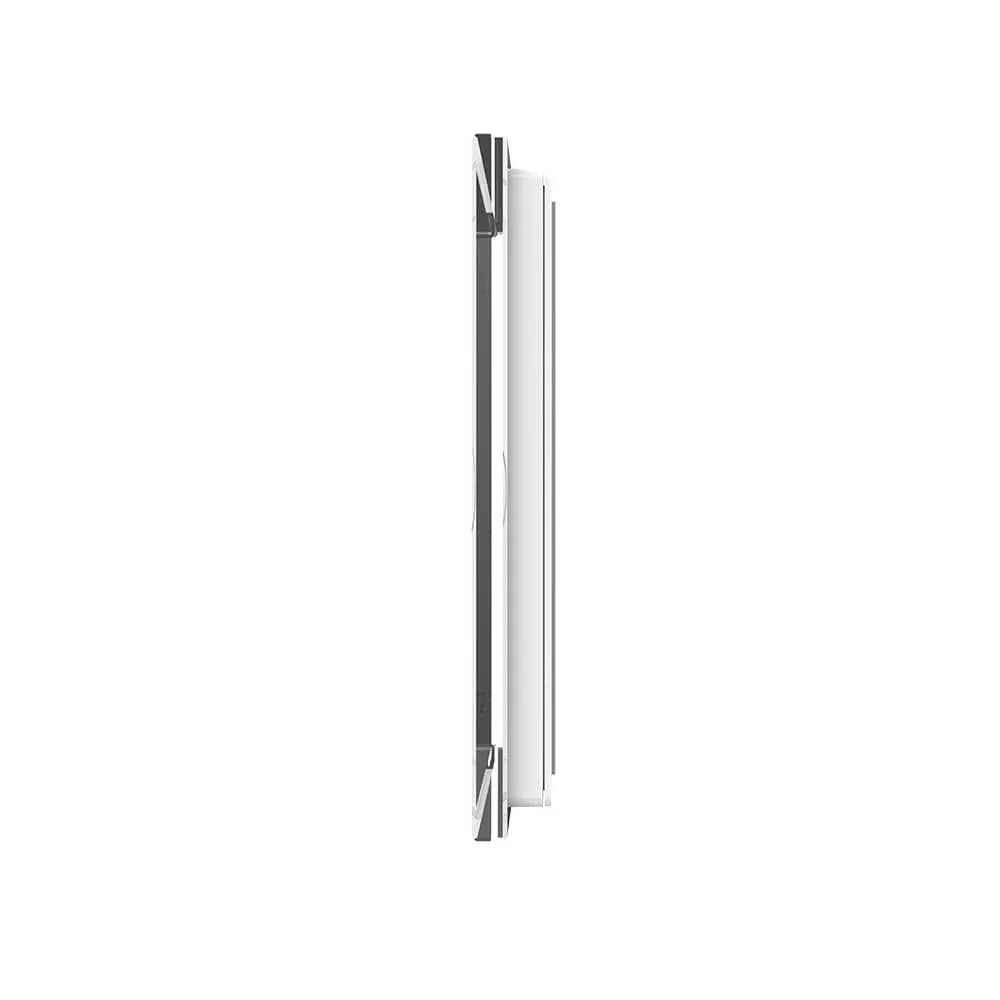
Dimensions

  • Width: 33mm
  • Height: 56mm
  • Depth: 14mm
Livolo Zigbee EC Remote Control – VL-XR006 – Installation
07

Installation

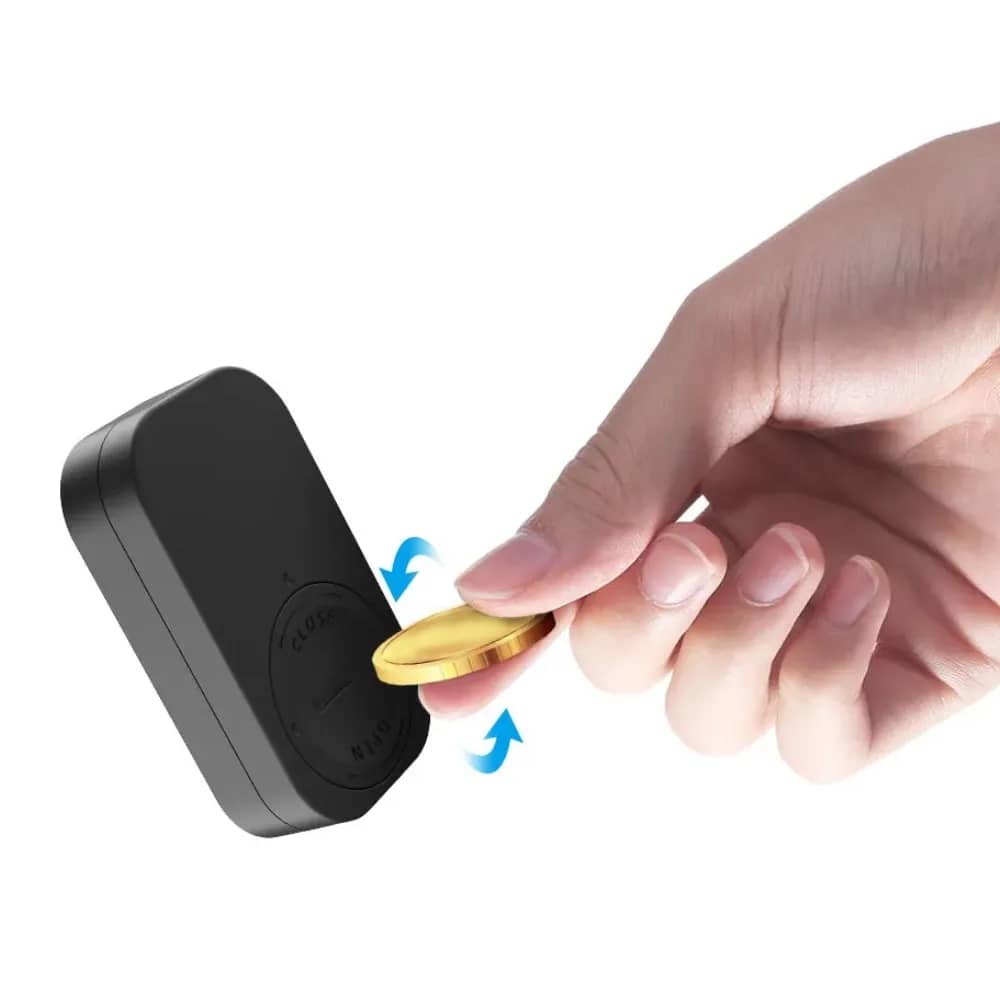
  • 1. Open the battery cover using a coin.
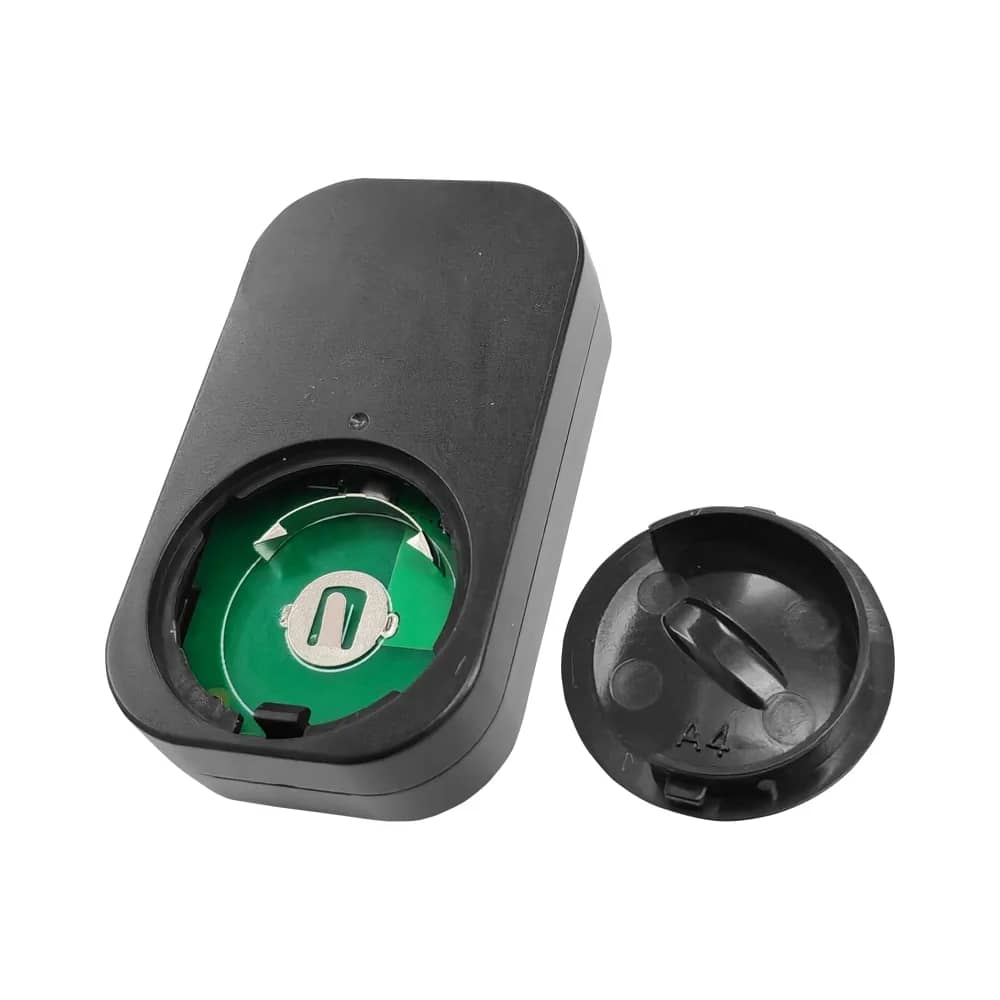
  • 2. Insert the correct battery (CR2032 3V shown).
  • 3. Refit the battery cover as shown in the diagram.
  • 4. Pair the remote control with the switch.

In detail

Livolo Zigbee EC Remote Control – VL-XR006 – detail 1