SmartHomesAE
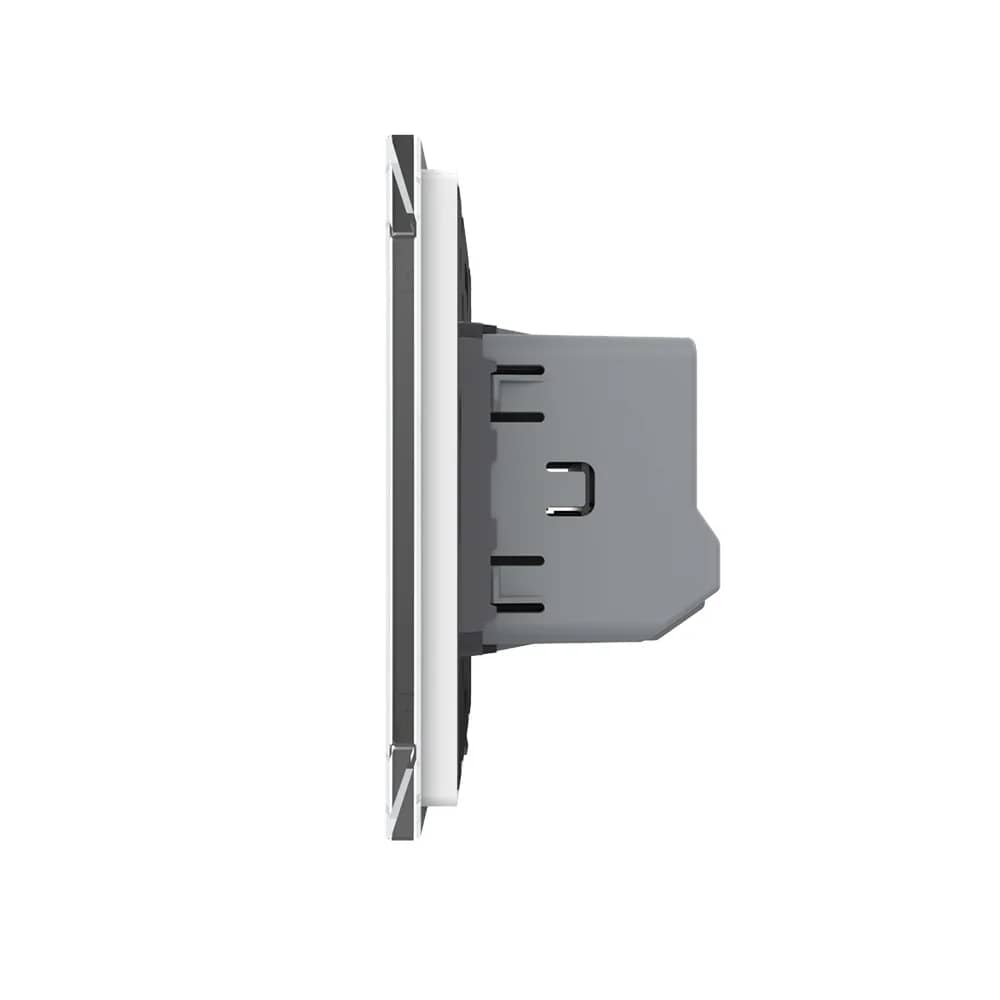
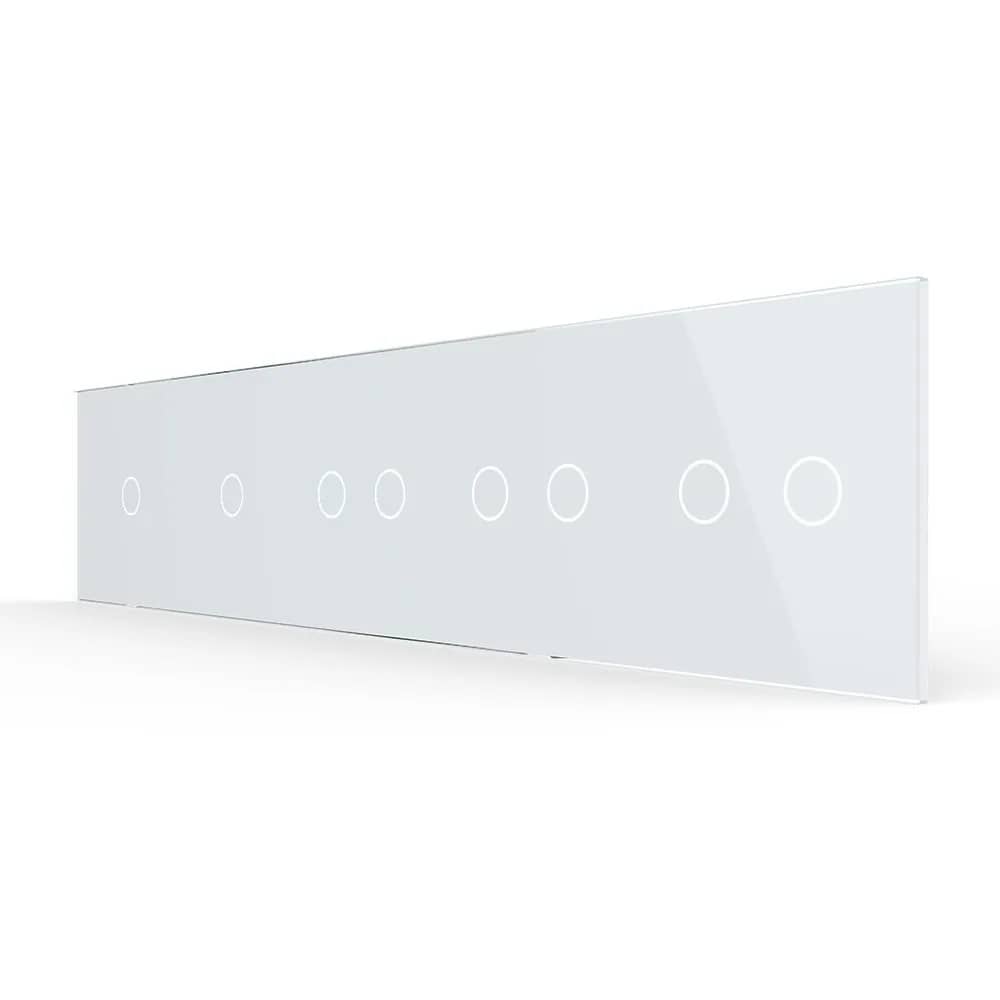
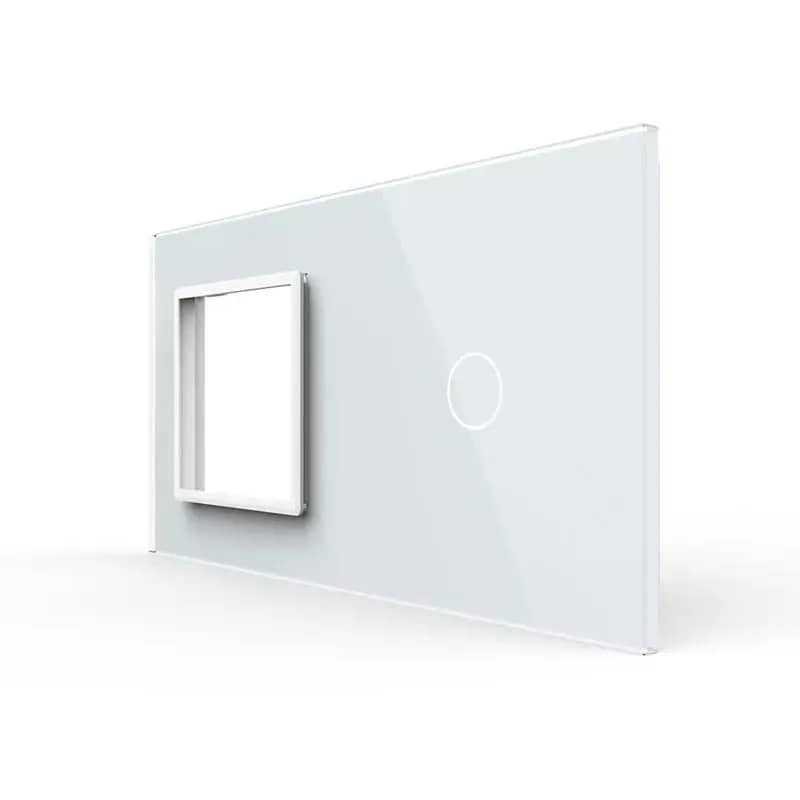
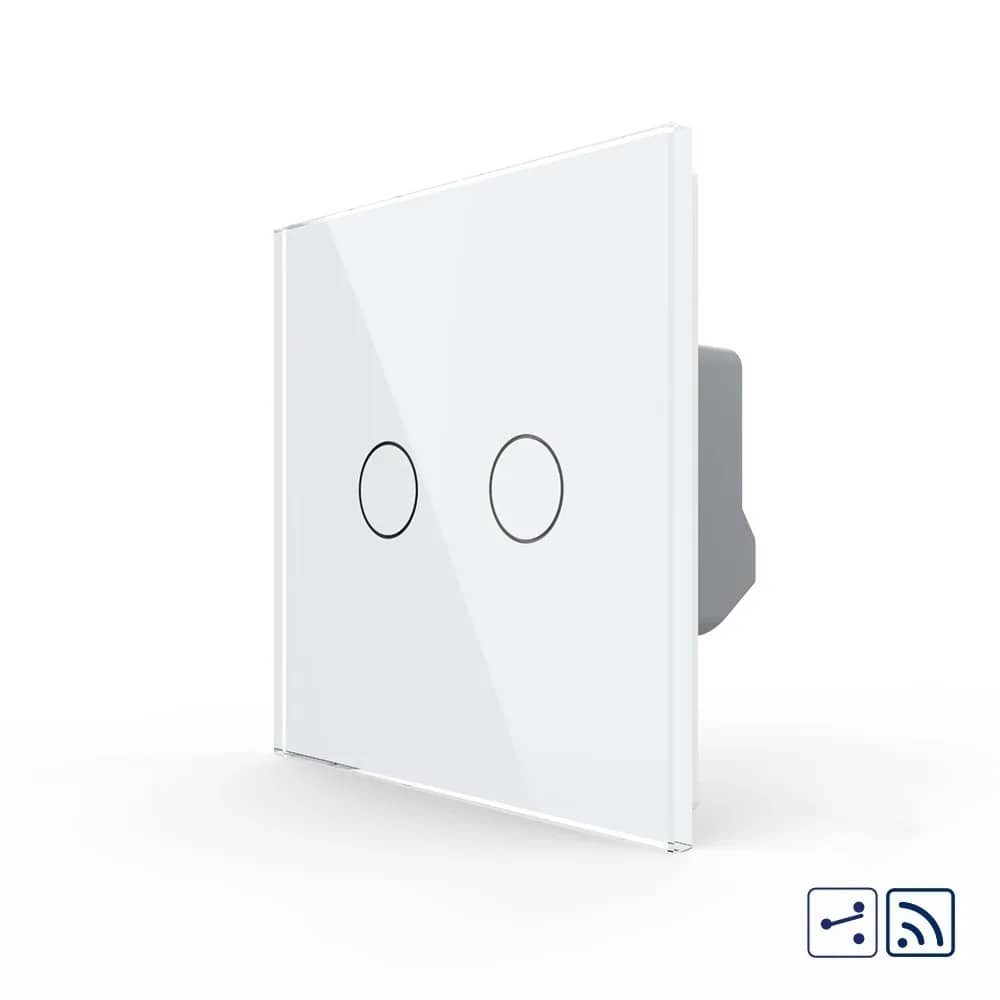
Livolo Wireless Touch Light Switch – 2 Gang 2-Way / Intermediate (New Series) – White — image 1
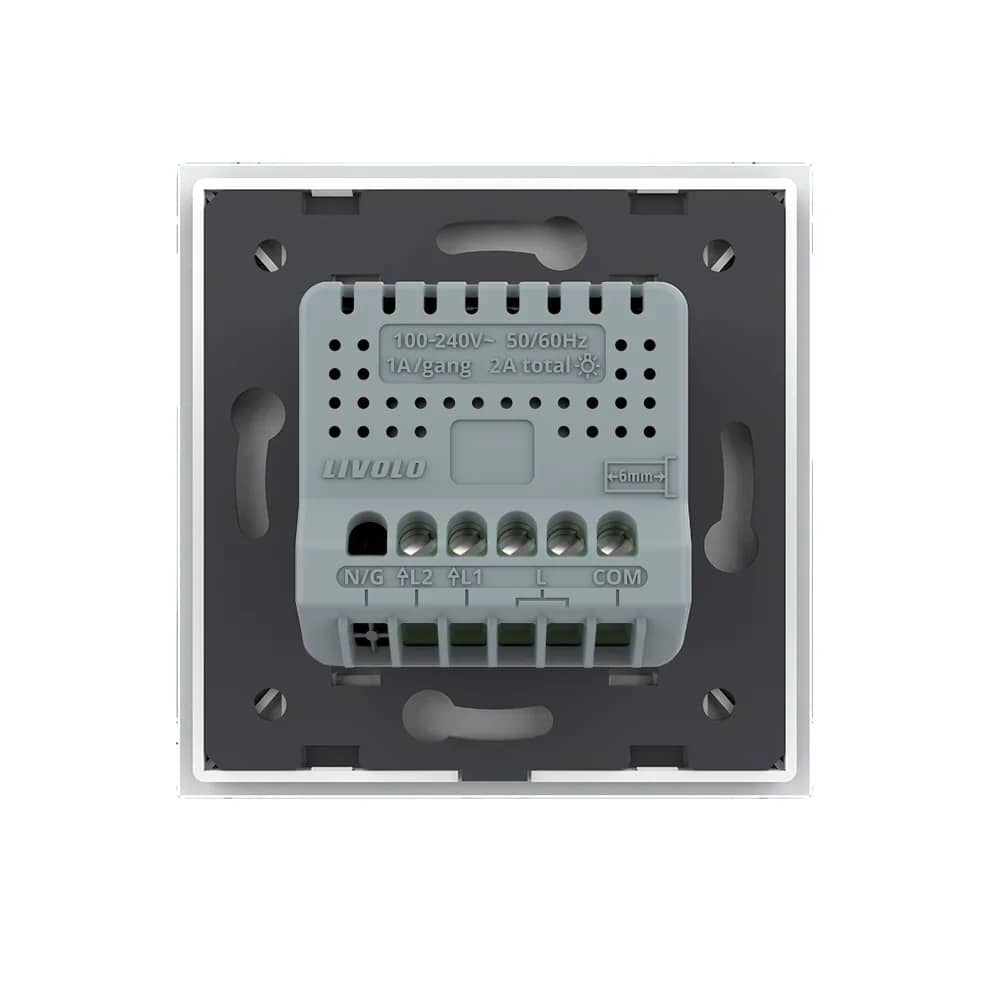
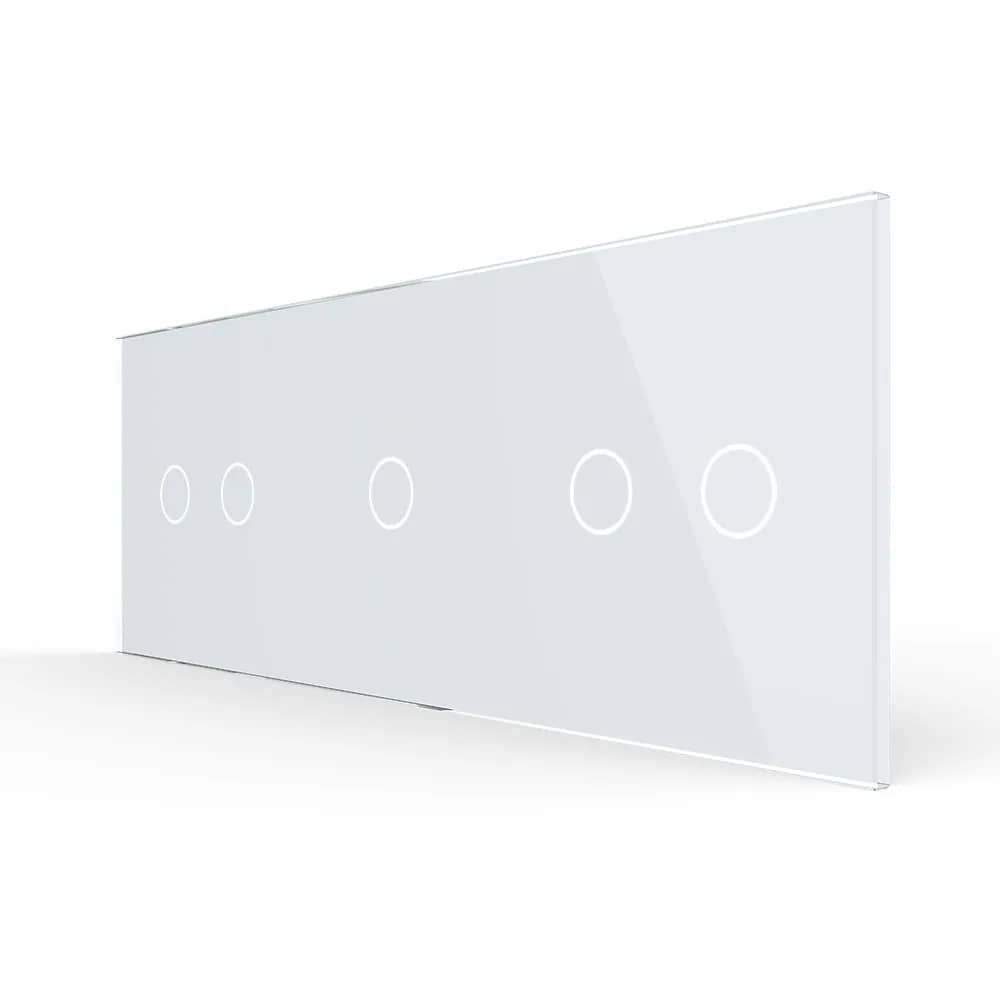
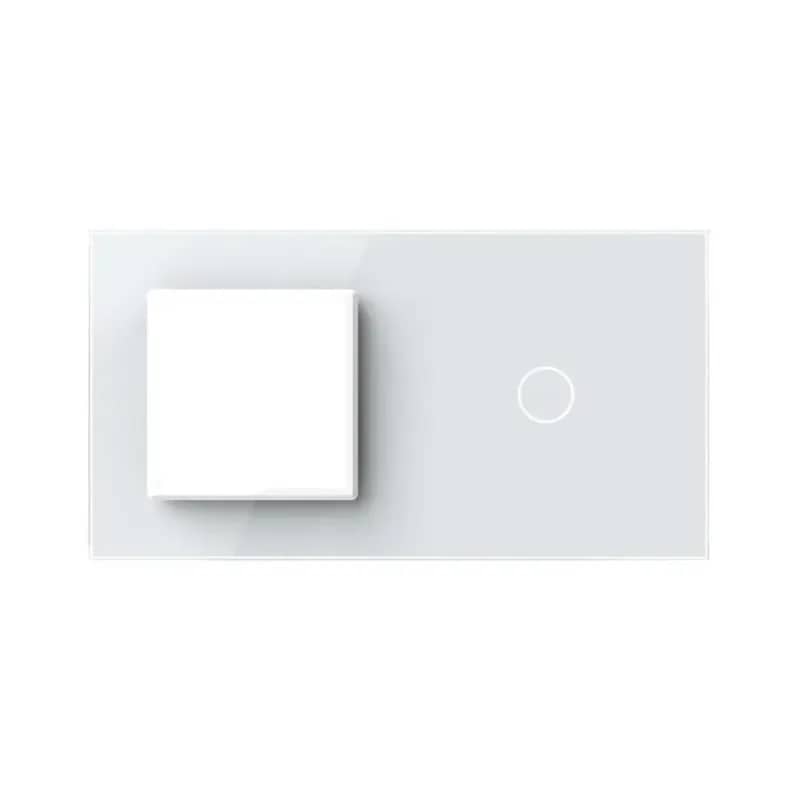
Livolo Wireless Touch Light Switch – 2 Gang 2-Way / Intermediate (New Series) – White — image 2
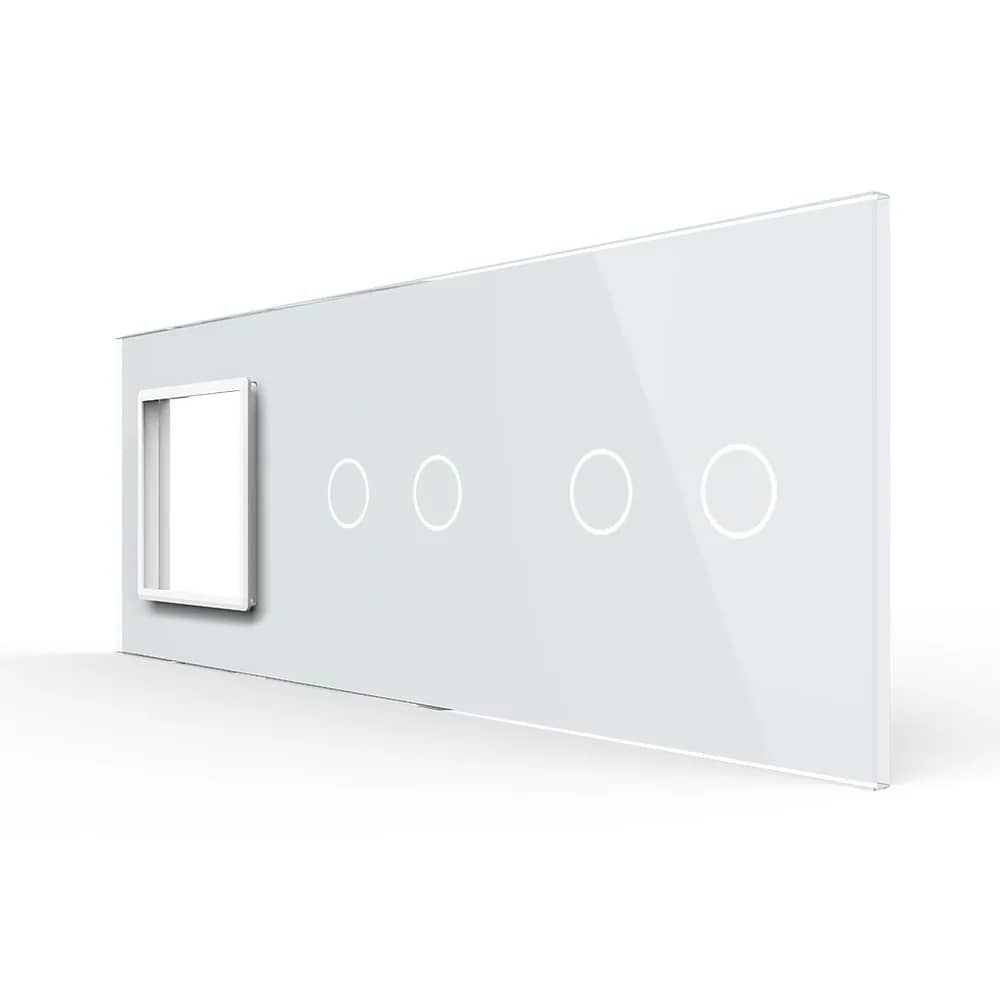
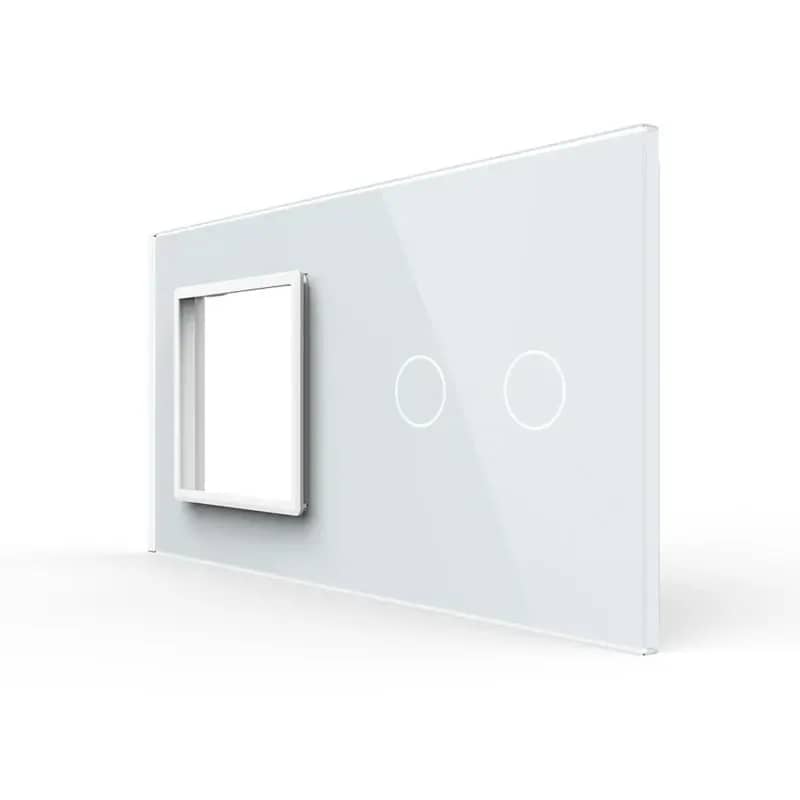
Livolo Wireless Touch Light Switch – 2 Gang 2-Way / Intermediate (New Series) – White — image 3
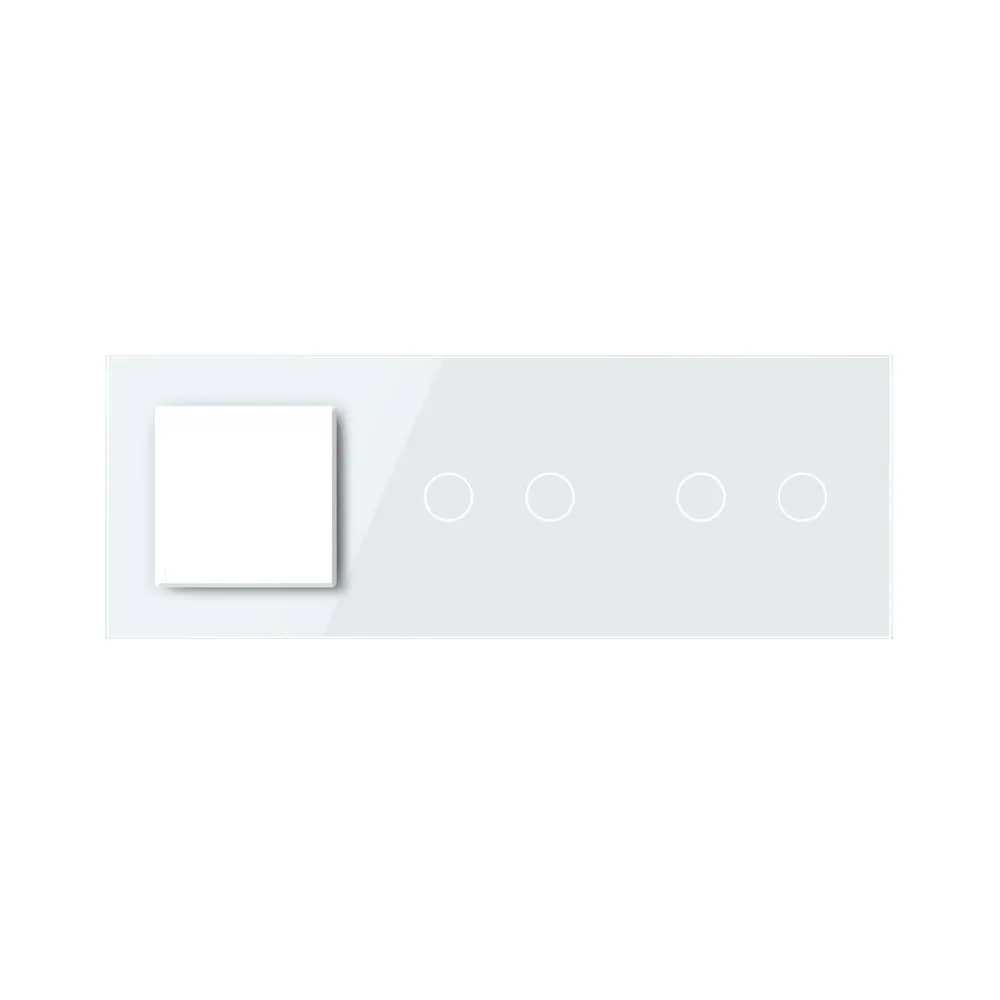
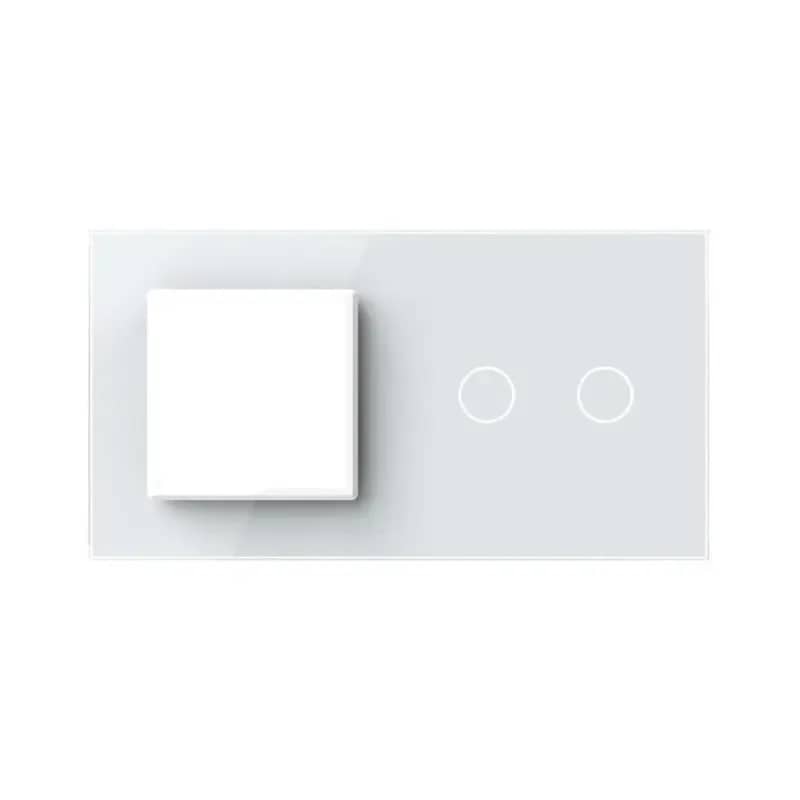
Livolo Wireless Touch Light Switch – 2 Gang 2-Way / Intermediate (New Series) – White — image 4
1/4
Livolo

Livolo Wireless Touch Light Switch – 2 Gang 2-Way / Intermediate (New Series)

SKU: VL-FC2SR-2G-2W

AED 143

In stock

Colour: White
1
  • Delivery across all seven emirates. Free on orders over AED 750.
  • Order now, we confirm availability and delivery with you before you pay.

Livolo new-series 2 gang 2-way/intermediate wireless touch switch with remote and app control, 5A per circuit, in White, Gold, Grey or Black.

Product details

The Livolo new-series 2 gang 2-way / intermediate wireless touch light switch is an improved, innovative product resulting from technology developed over years of study and research. It is a practical product, made from quality materials and built to last, bringing convenience and comfort to your home. It fits a round or square back box with 60mm screw spacing. The wireless function allows it to be operated remotely with the Livolo key fob remote control or the Livolo touch screen remote control, from your mobile phone with the Broadlink Hub or Orvibo Allone Pro, or directly at the switch by touch.

Improvements over the previous series:

  • → Compatible with more types of bulbs
  • → Faster response time when the touch panel is pressed
  • → More powerful and robust chip – made in Japan
  • → Reduced stand-by power consumption
  • → Compact design (smaller dimensions than the previous model)
  • → Maximum rated load of 5A per circuit

Up to 3 switches can be connected in the circuit (intermediate / cross switching)
Highlights

Livolo Wireless Touch Light Switch – 2 Gang 2-Way / Intermediate (New Series) – Double 2-Way / Intermediate Wireless Touch Switch
01

Double 2-Way / Intermediate Wireless Touch Switch

A Livolo double touch switch for 2-way and intermediate lighting circuits, with wireless control. Simple design, outstanding mechanism, available in a range of finishes.

  • 2-gang touch control
  • 2-way / intermediate operation
  • Wireless remote control capability
Livolo Wireless Touch Light Switch – 2 Gang 2-Way / Intermediate (New Series) – Important Compatibility Notice
02

Important Compatibility Notice

2-way switches work only when installed and synchronised with other Livolo 2-way products. Livolo products DO NOT WORK with other brands.

Livolo Wireless Touch Light Switch – 2 Gang 2-Way / Intermediate (New Series) – Wireless Control
03

Wireless Control

The wireless switch can be operated from any room using a remote control. The remote is not included in the package and must be purchased separately.

  • Compatible with the Livolo VL-RMT-02 key fob remote
  • Compatible with the VL-RMT-04 remote
Livolo Wireless Touch Light Switch – 2 Gang 2-Way / Intermediate (New Series) – Structure
04

Structure

The switch consists of three main parts and is secured with a screw fixing system.

  • Elegant glass panel
  • Switch module
  • Metal frame
Livolo Wireless Touch Light Switch – 2 Gang 2-Way / Intermediate (New Series) – Dimensions
05

Dimensions

  • Panel: 80 mm x 80 mm
  • Screw fixing spacing: 60 mm
  • Glass panel thickness: 4 mm
  • Module depth: 33 mm
  • 8 mm (side profile)
Livolo Wireless Touch Light Switch – 2 Gang 2-Way / Intermediate (New Series) – Wiring Diagram
06

Wiring Diagram

Two switches are connected in a 2-way / intermediate configuration, with both lamps connected to the L1 and L2 terminals of the first switch.

  • Neutral (N): connected to the lamps
  • Live (L): connected to the L terminal of both switches
  • COM terminals of both switches linked together
  • Terminals: N/G, L2, L1, L, COM
07

Installation Steps

  • 1. Open the package.
  • 2. Connect the wires and tighten the screws.
  • 3. Use the 2 screws to fix the frame.
  • 4. Fit the front panel (it clicks into place).

The Livolo touch panel in action

Official Livolo video