How Much Does a Smart Home Cost? A Room-by-Room Budget
Not a vague “from a few hundred”, but a breakdown you can add up yourself. This guide covers what each device costs relative to the others, then three complete budget levels for a one-bedroom apartment.
By the SmartHomes.ae team · Updated 17 October 2026
In short
The cheapest level is a glass touch upgrade. You replace your switches and sockets with glass touch fittings and add no smart features.
Smart switches everywhere costs up to around twice as much. The switches make the difference. A Wi-Fi switch costs nearly double a standard touch switch.
The best value is not “everything smart”. Put smart control only where you will use it: two or three circuits, plus a few smart bulbs and smart plugs. This costs roughly a third more than the basic level and gives you the same day-to-day benefit.
What each item costs
These are indicative list-price comparisons and do not include labour. They reflect typical mid-range models. Basic models come in below them, and models with special features cost more.
| Product | Relative cost | Note |
|---|---|---|
| Single touch switch | Baseline | One circuit |
| Double touch switch | A little more than a single | Two circuits in the same frame |
| Triple touch switch | About the same as a double | Small step up from a double |
| Single ZigBee switch | Nearly double a single touch switch | Needs a hub and a neutral wire |
| Single Wi-Fi switch | More than ZigBee, over twice a single touch switch | No hub needed, but needs a neutral wire |
| Glass-frame socket | Less than a touch switch | Power, single position |
| TV or data socket | Slightly more than a power socket | For media walls and home offices |
| Smart bulb | Similar to a TV/data socket | Moves house with you |
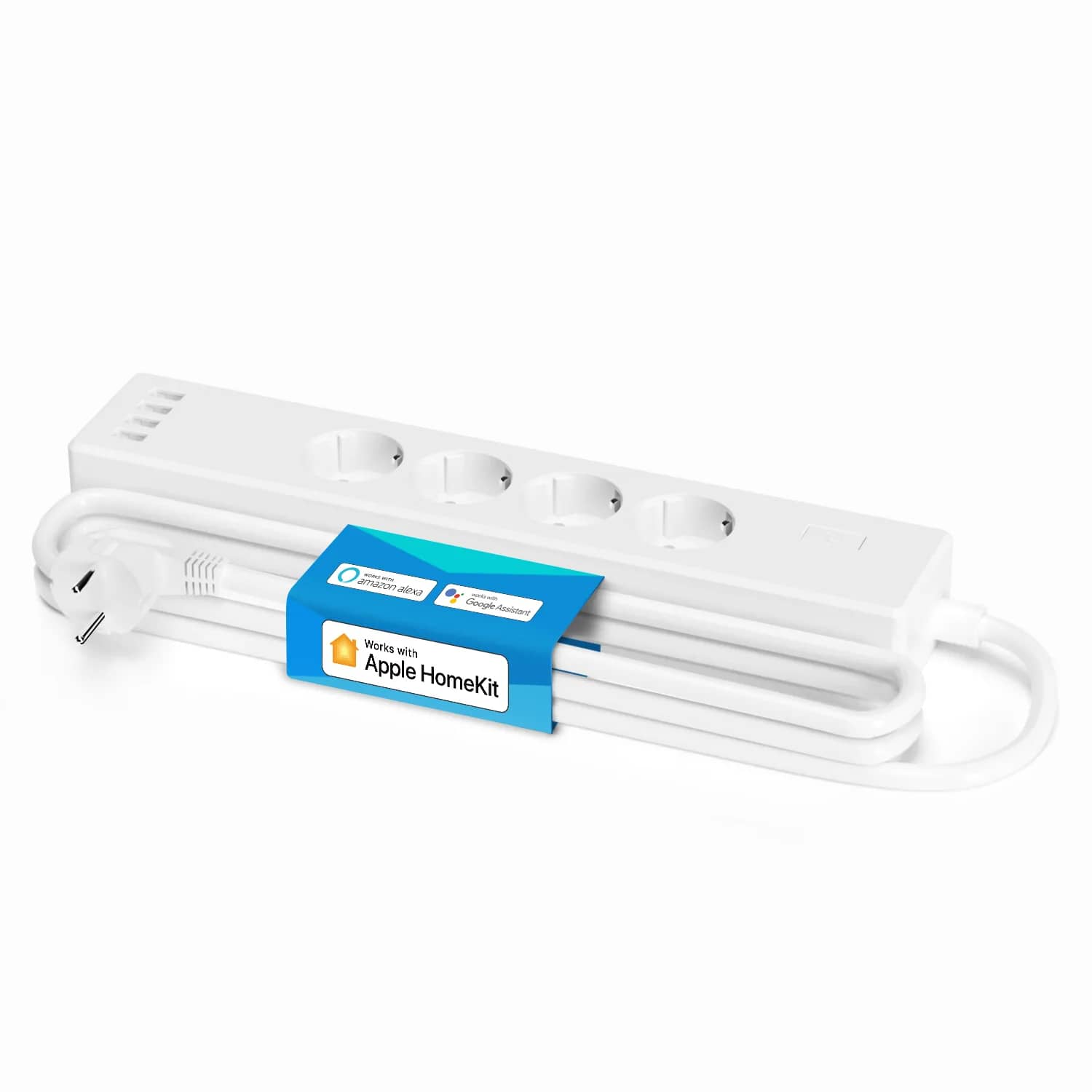
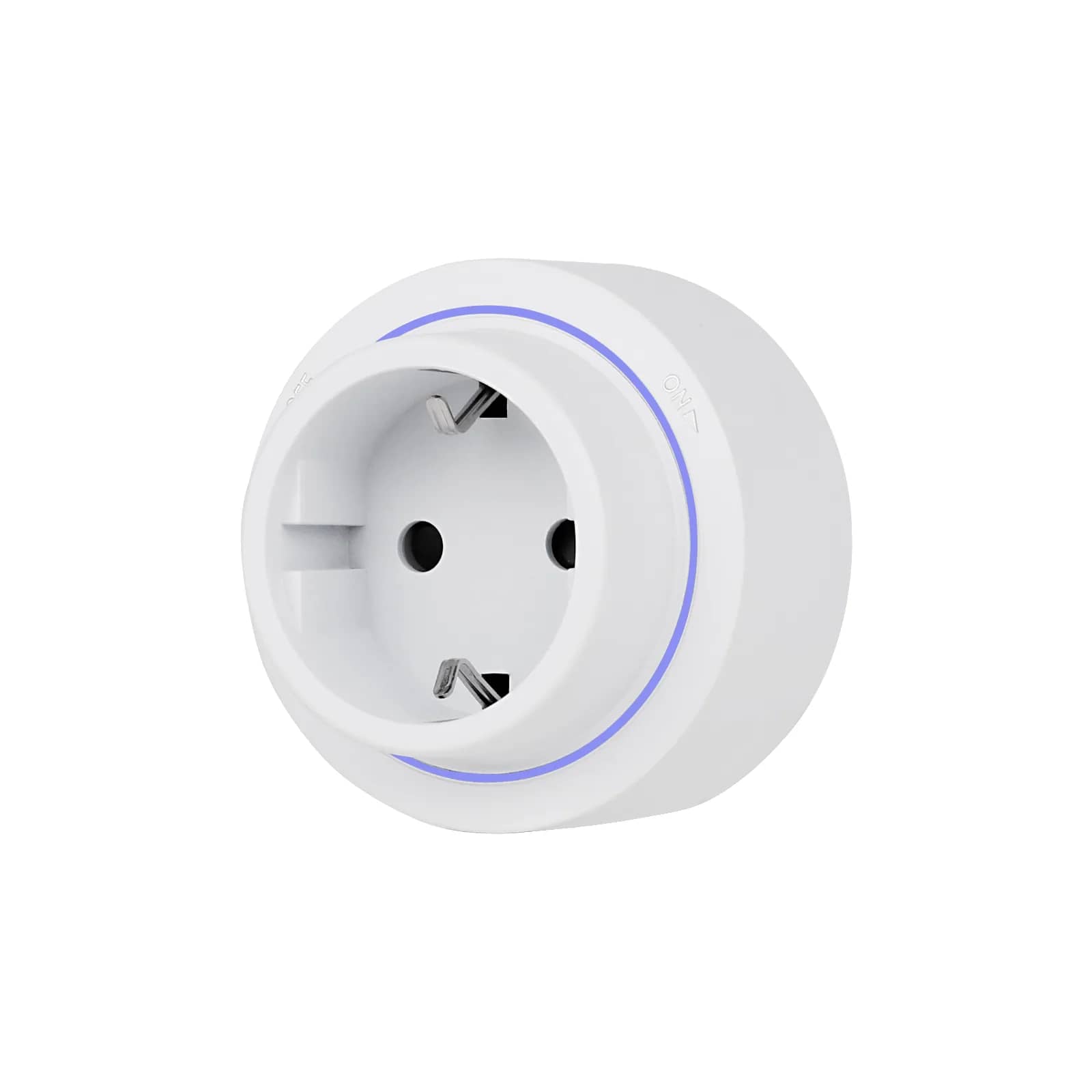
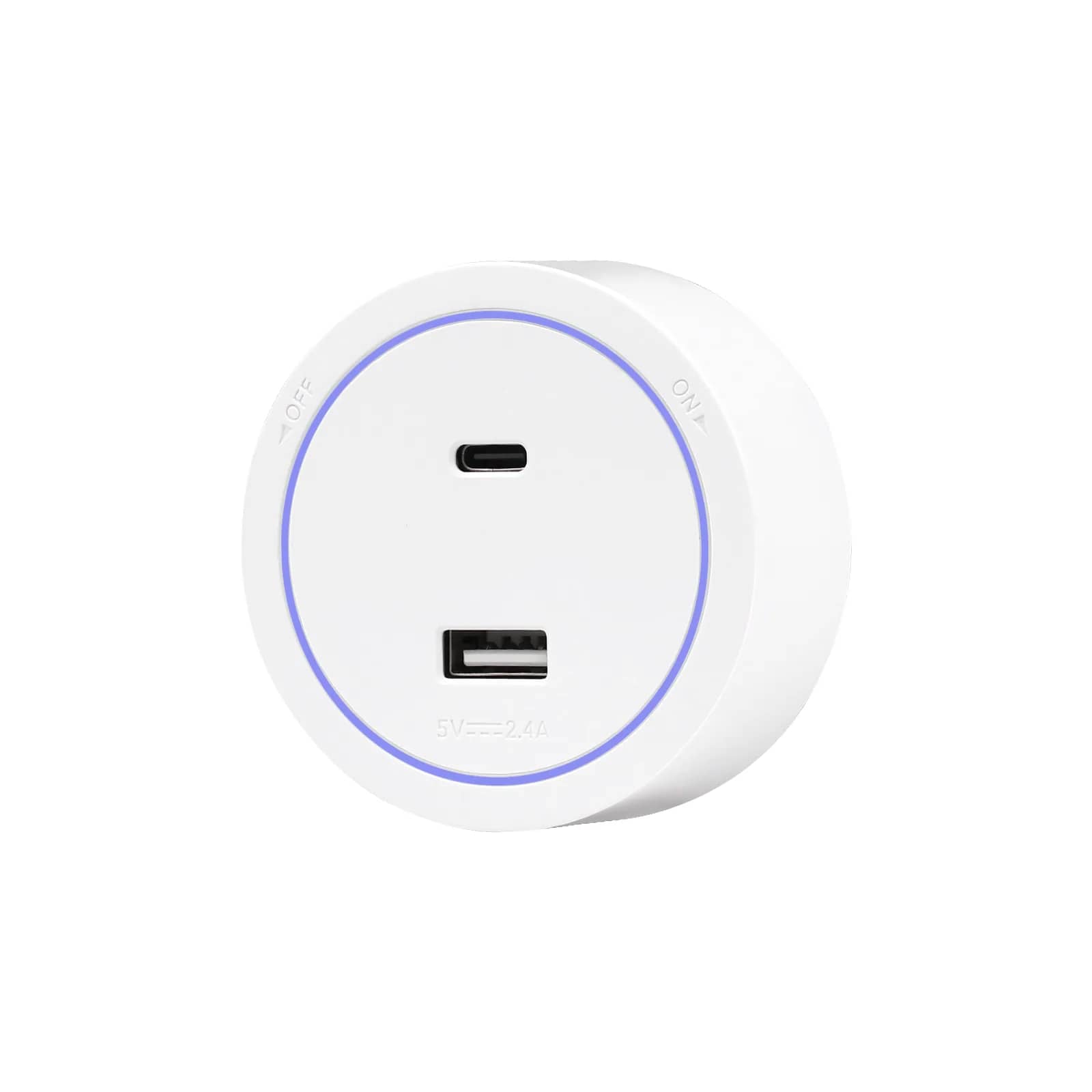
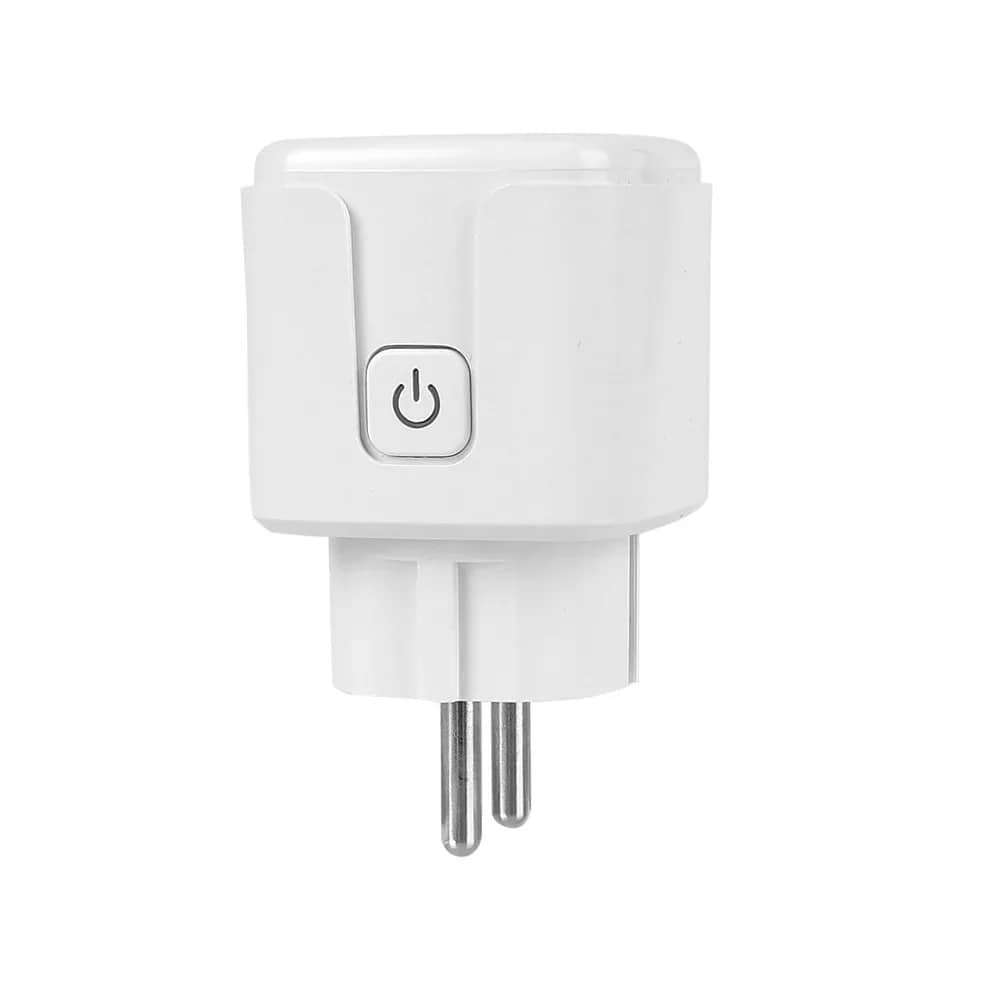
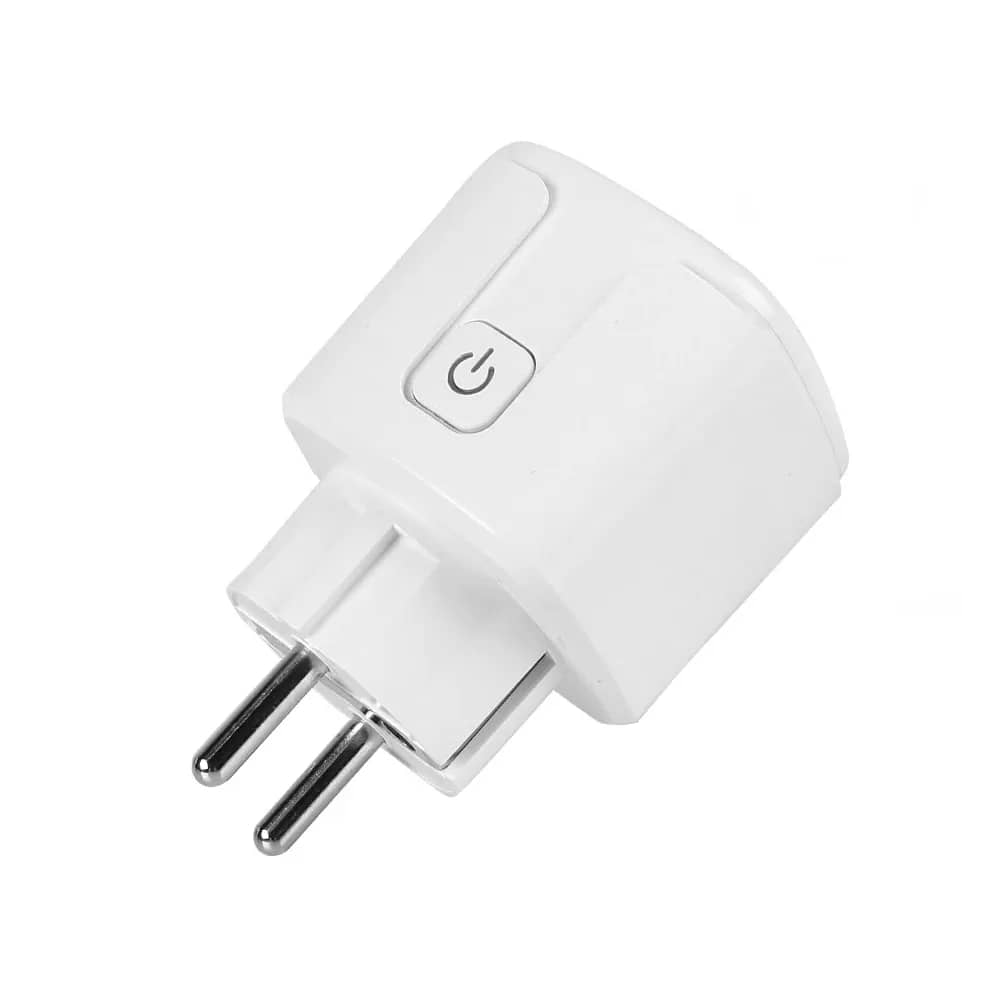
| Smart plug | About the same as a double touch switch | No changes to the wiring |
| Wi-Fi / ZigBee relay | Slightly less than a ZigBee switch | Fitted at the light fitting |
| Motion sensor | About the same as a double touch switch | Hallway, storage room, stairs |
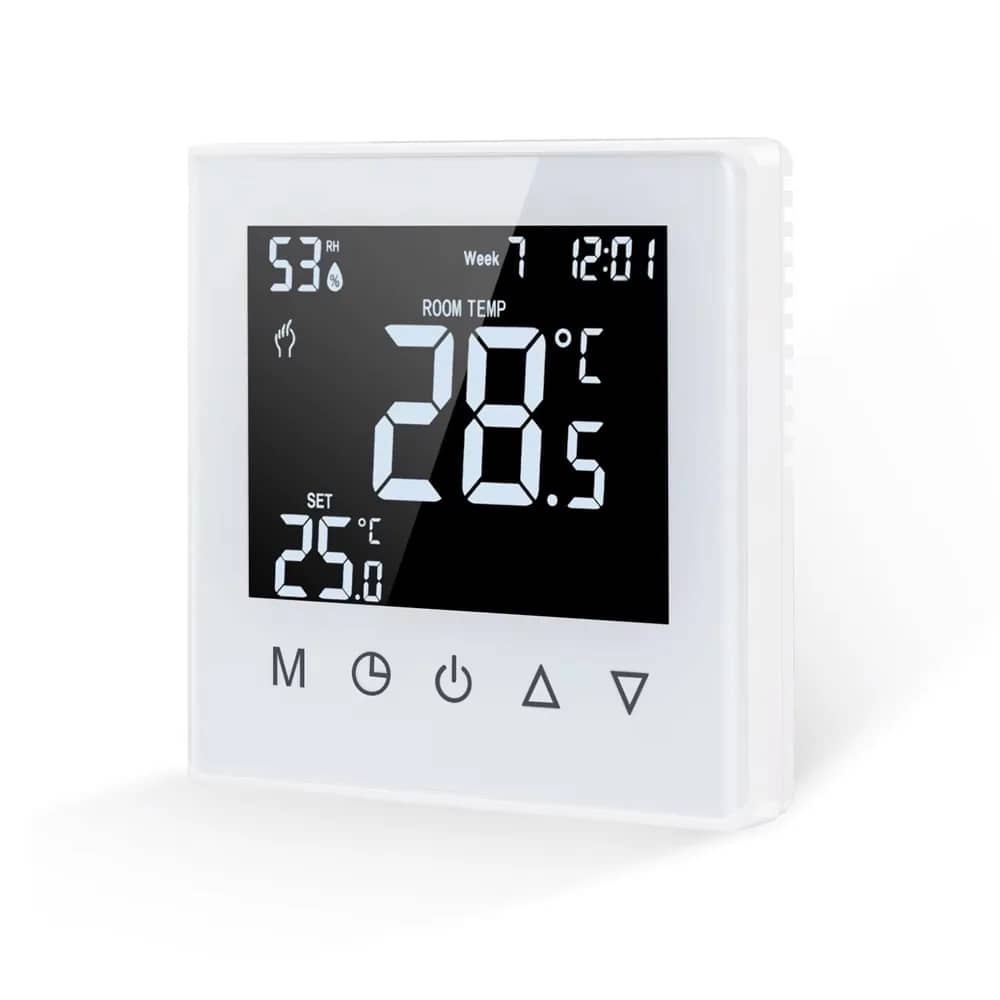
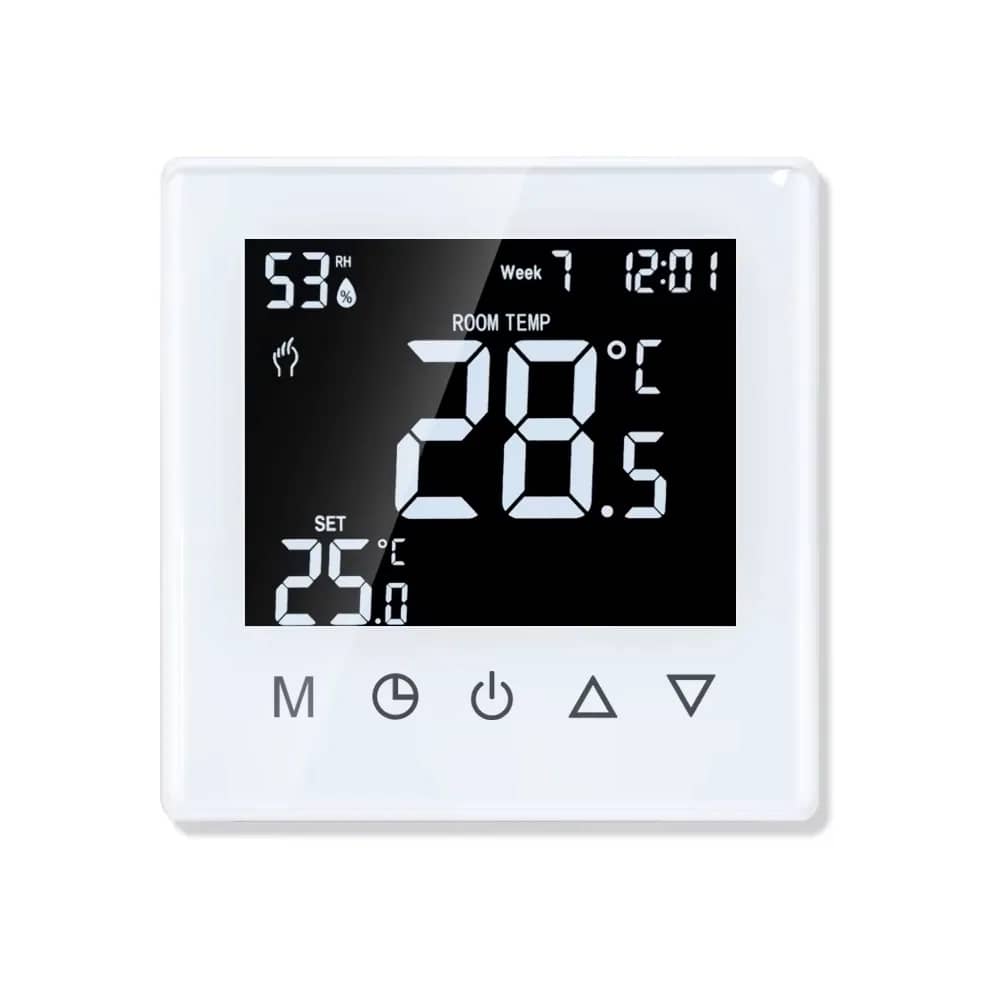
| Wi-Fi thermostat | The most expensive item on the list | The best-value smart device |
| ZigBee hub | About the same as a Wi-Fi switch | A one-off purchase for the whole home |
| Modular back box | A small fraction of the rest | Sold separately |
One-bedroom apartment: three levels
The example is a typical apartment with a living room, bedroom, kitchen, bathroom and hallway. It has six control points and around fourteen sockets.
| Level | What it includes | Relative total |
|---|---|---|
| 1. Glass fittings only | 6 standard touch switches, 14 sockets and back boxes | Baseline |
| 2. Smart where it matters | As Level 1, but with 3 Wi-Fi switches (living room, bedroom, hallway), 2 smart bulbs and 1 smart plug | Roughly a third more than Level 1 |
| 3. Everything smart | All 6 control points on ZigBee, plus a hub, 2 smart bulbs, 1 smart plug and a hallway motion sensor | Roughly 1.6 to 2 times Level 1 |
All three levels also need an electrician, and labour costs vary widely. Swapping fittings into existing back boxes costs far less than running new cable routes. A qualified electrician should carry out the installation.
Where to spend your money first
- The thermostat. This is the one smart device that pays for itself. Scheduling by hour and by day cuts your energy bill, and you see the difference from the first season.
- Hallways and stairs. A motion sensor here removes something you do dozens of times a day, often with your hands full.
- The living room. This room usually has the most circuits. You will notice a double or triple switch here, whether it is smart or not.
- The bedroom. You can switch off from bed, either with a standard two-way switch or from your phone.
- The kitchen and bathroom. These come last for smart features. The light goes on when you walk in and off when you leave, so you don't need scenes.
Honestly
An “everything smart” apartment costs about twice as much as one with standard touch fittings. The day-to-day difference is smaller than it looks. People use their phone to switch lights for the first few weeks, then go back to the wall switch. What lasts is scheduling: the thermostat, outdoor lighting and sensors. Start with those.
What the figures above do NOT include
- Labour. Agree this with your electrician, per point of work.
- New cable routes. Smart switches need a neutral wire. If your back boxes don't have one, you will need building work.
- Light fittings. Ordinary bulbs are not included in the totals, but smart bulbs are.
- Your network. The ZigBee level includes a hub. For Wi-Fi devices, your router needs to cover the whole home.
Plan your wall room by room
Build each wall room by room and see the total before you order.
All comparisons are indicative list prices and exclude labour. Prices can change, so check the product page for the current price.
Frequently asked questions
What is the cheapest way to start a smart home?
Buy two smart bulbs and a smart plug. They need no changes to your wiring and move house with you. Within two weeks you'll know whether you actually use automation.
Why does a smart switch cost nearly twice as much?
Besides the contact, a smart switch has a radio, a processor and its own power supply. That is also why it needs a neutral wire. Electrically, a standard touch switch is still just a contact.
Can I do it in stages?
Yes, as long as the in-wall part is ready from the start, with suitable back boxes and a neutral wire. You can change the fittings at any time without redecorating, but cable routes are much harder to change later.
How much more does a house cost than an apartment?
The cost rises with the number of control points and sockets, and the approach stays the same. A house usually adds outdoor areas, the gate and more lighting circuits, so switches make up a bigger share of the budget.
Should I buy everything at once?
For the fittings in each room, yes, so the frames and colours come from the same series. The smart side doesn't have to come all at once. You can add it over time if the wiring is ready.