SmartHomesAE
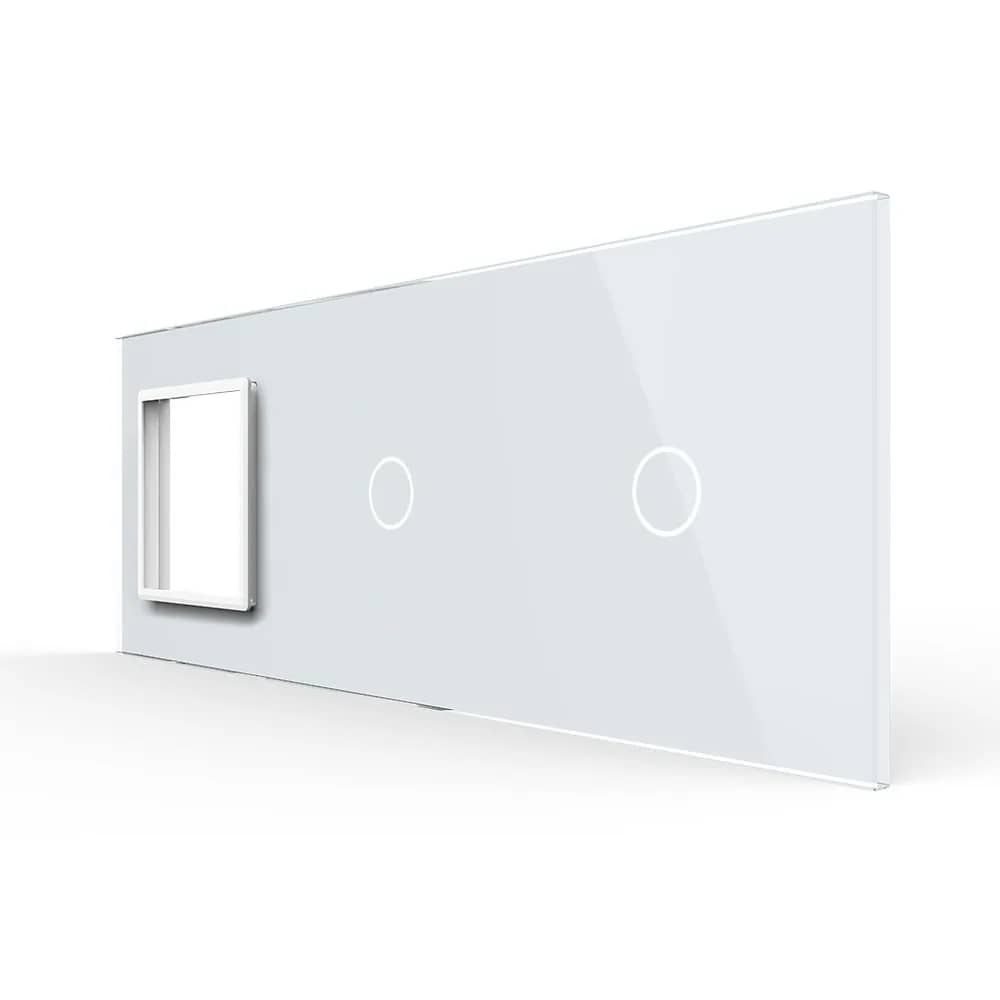
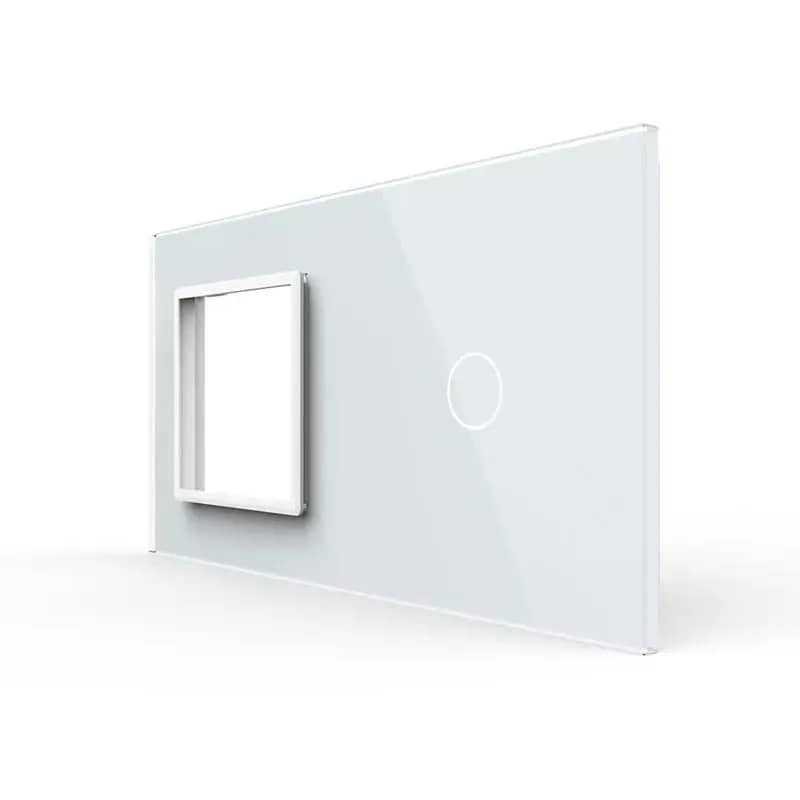
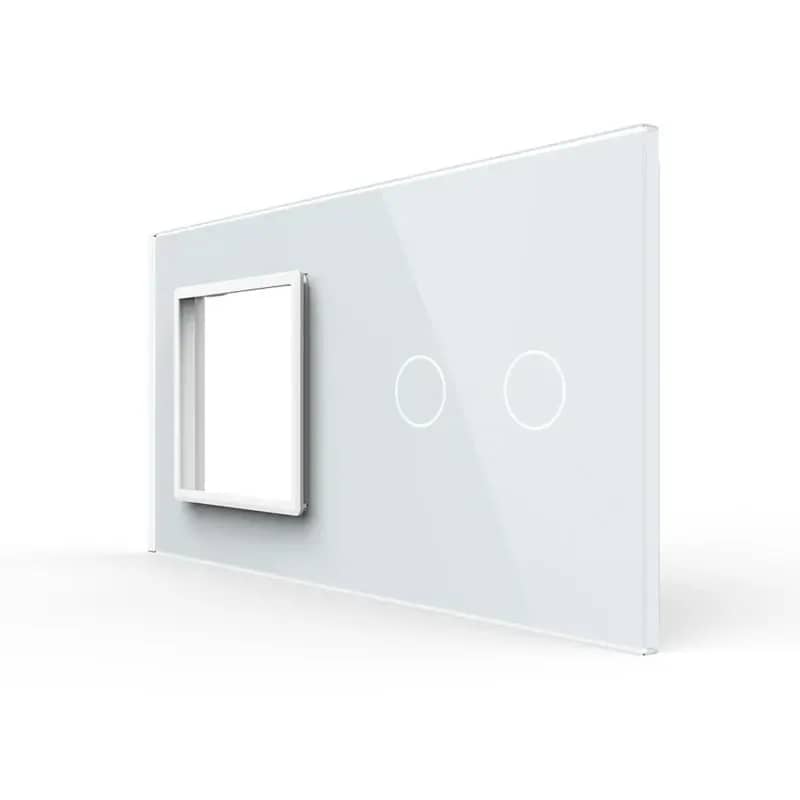
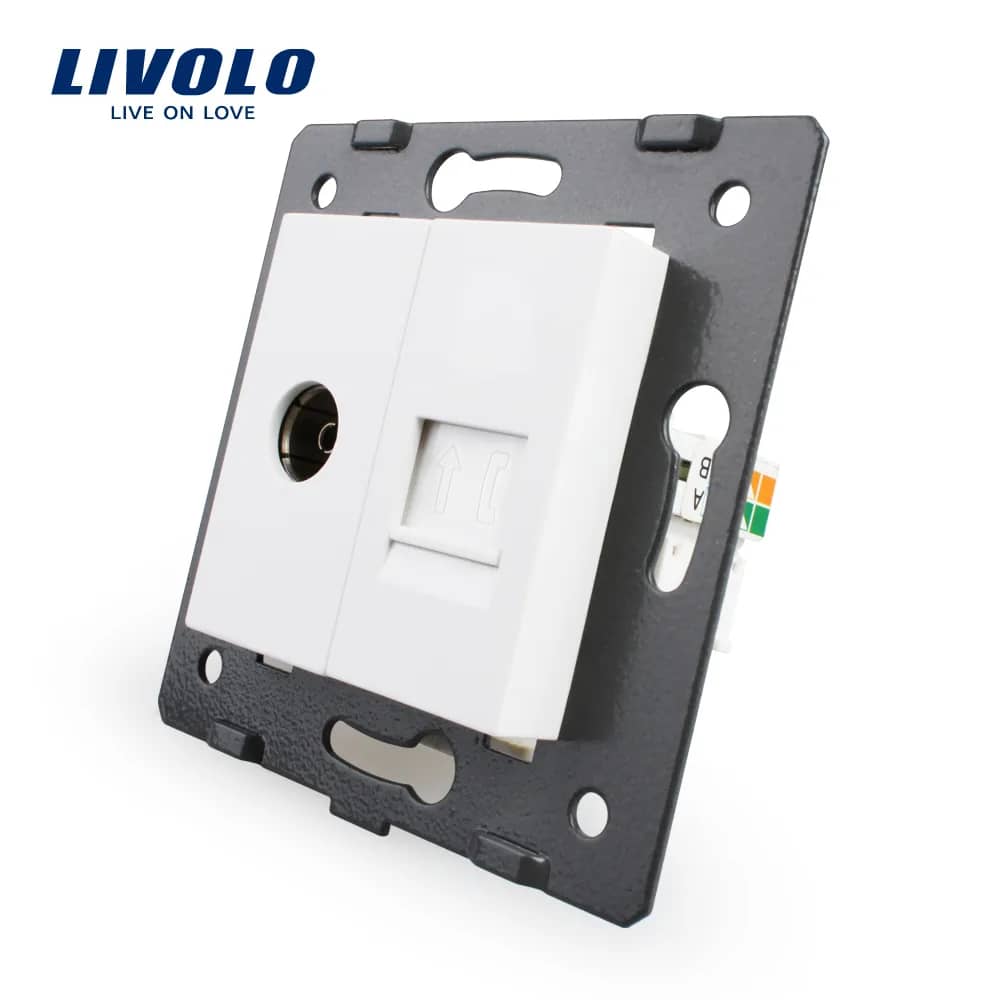
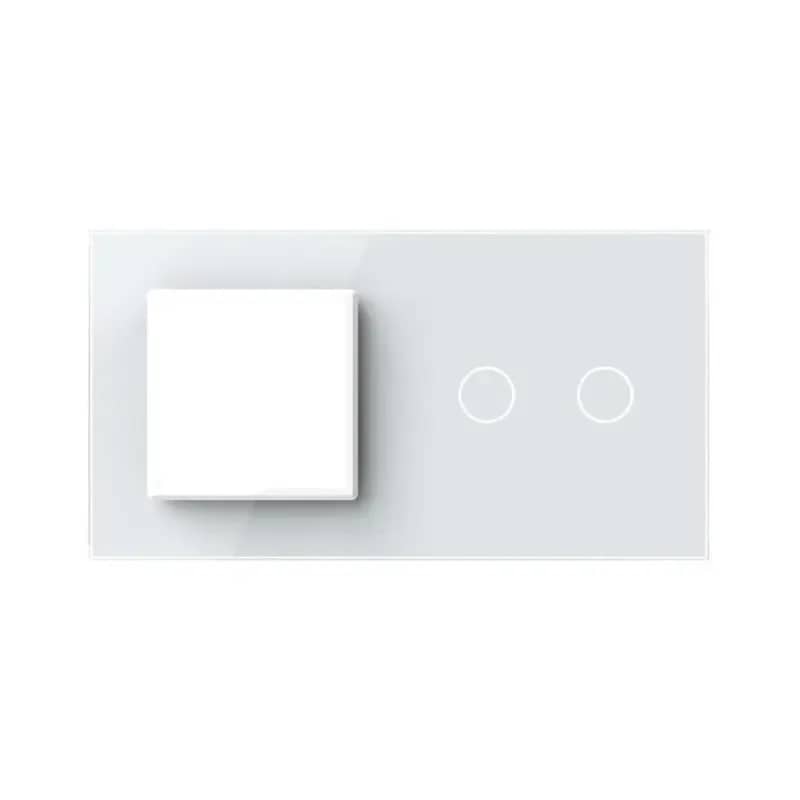
Livolo Double Media Socket – TV + Telephone – White — image 1
Livolo

Livolo Double Media Socket – TV + Telephone

SKU: C7-1VT-11

AED 25

In stock

Colour: White
1
  • Delivery across all seven emirates. Free on orders over AED 750.
  • Order now, we confirm availability and delivery with you before you pay.

Livolo double TV and telephone media socket that mounts on a glass frame in the wall box, keeping unsightly cables out of sight.

Product details

The Livolo double socket for TV and telephone mounts on the glass frame directly into the wall box, helping you avoid unsightly electrical cables.

Highlights

Livolo Double Media Socket – TV + Telephone – Product Views
01

Product Views

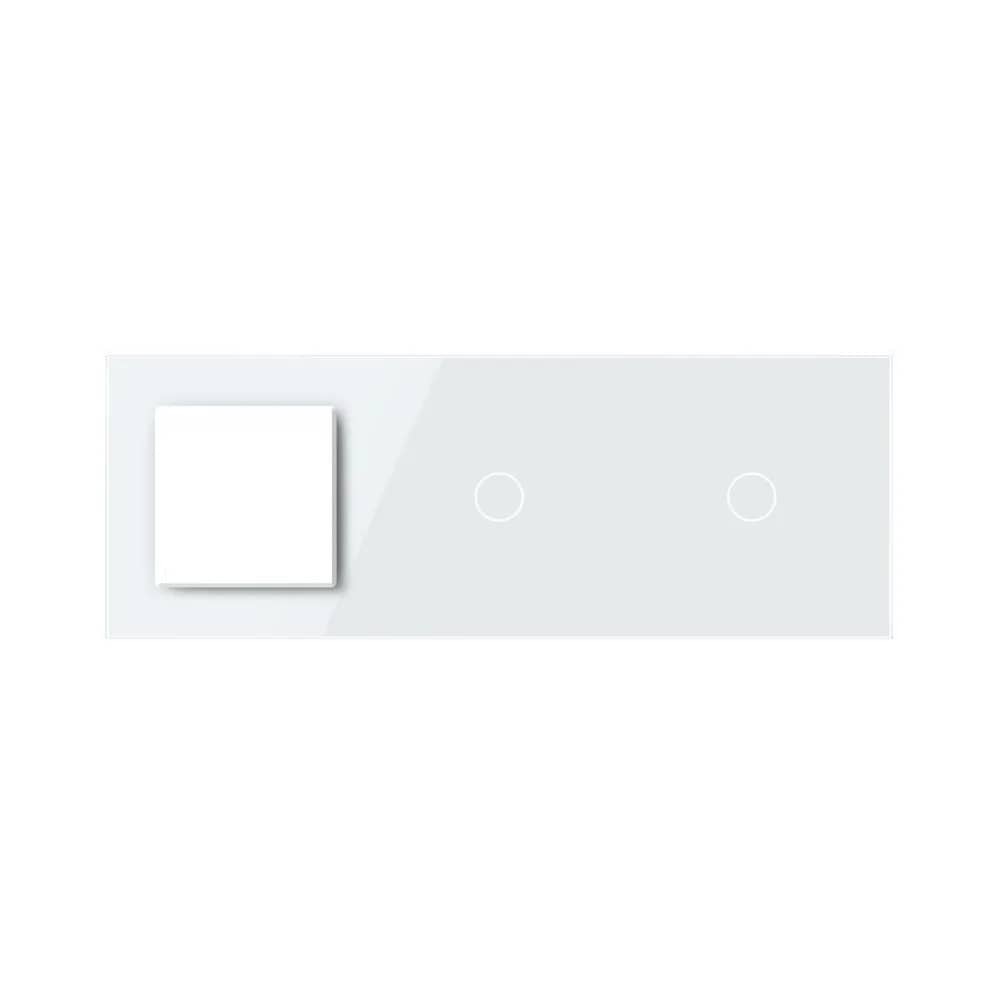
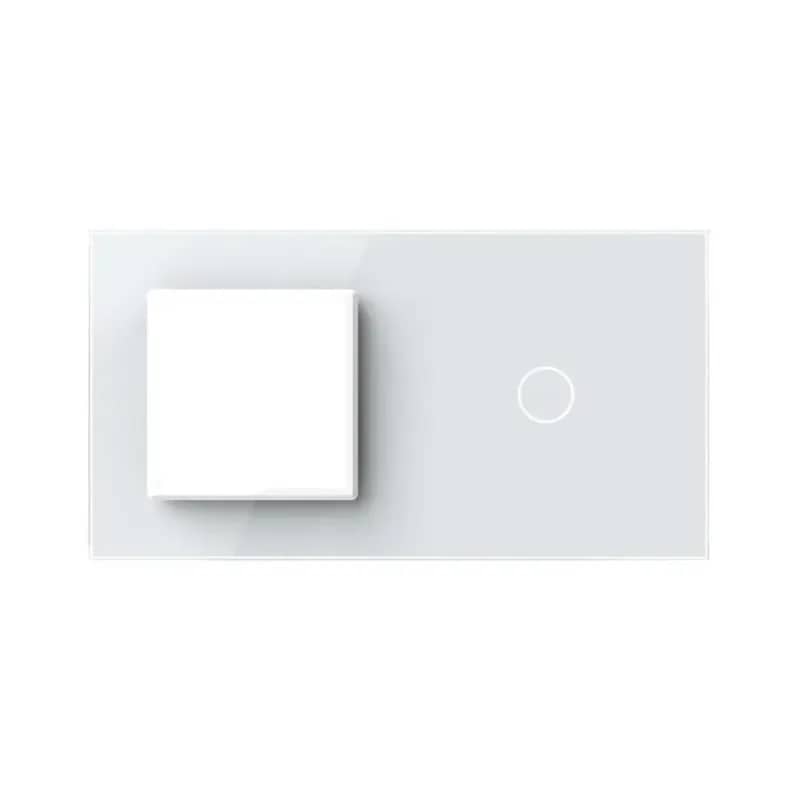
The Livolo double media socket module combines a TV (coaxial) socket and a telephone socket on one mounting frame. The banners show it from the front, side and back, including the rear of the Livolo socket.

  • Front view
  • Side view
  • Rear view
  • Back of the Livolo socket
Livolo Double Media Socket – TV + Telephone – TV Socket Wiring Diagram
02

TV Socket Wiring Diagram

Follow these steps to connect a coaxial cable to the TV socket.

  • 1. Strip 15mm from the outer sheath of the coaxial cable and fold back the wire braid around the cable.
  • 2. Strip 12mm of the insulation from the centre of the cable and fit the metal ring.
  • 3. Insert the joining piece between the braided wire and the insulating material, then use pliers to crimp the metal parts in place.
  • 4. Screw the wired connector into the TV socket.
03

Data/Telephone Socket Wiring Diagram

Follow these steps to connect the cable to the data-type socket module.

  • 1. Strip 20mm of insulation from the cable.
  • 2. Remove the dust protection cover.
  • 3. Insert the wires into the matching slots according to the wire colour code (A/B).
  • 4. Fit the protective cap.
04

Packaging

The banners show how Livolo products are packed.

05

Easy and Convenient

Livolo makes your life easier.