SmartHomesAE
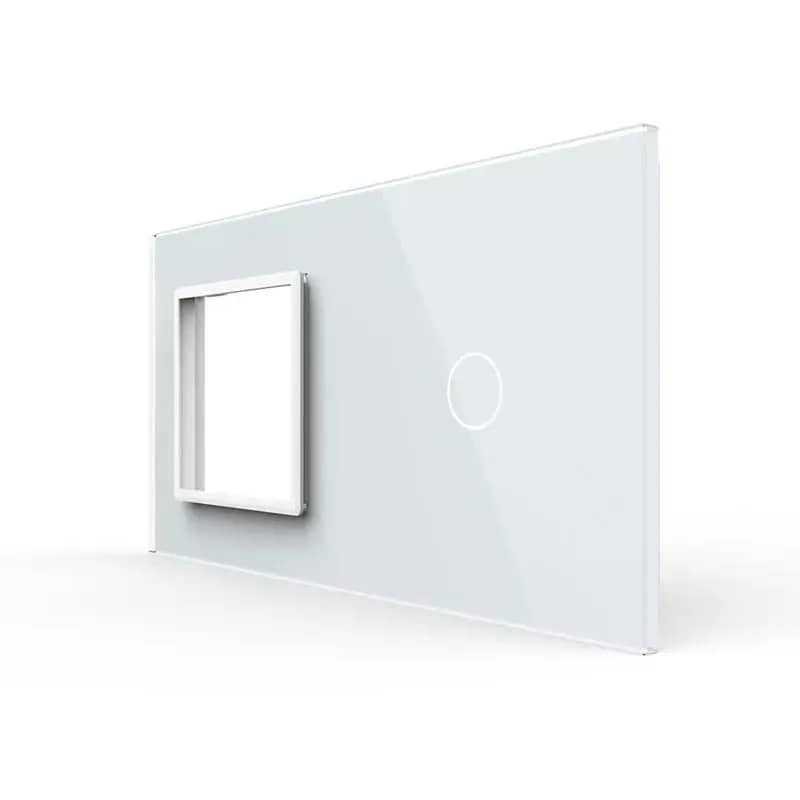
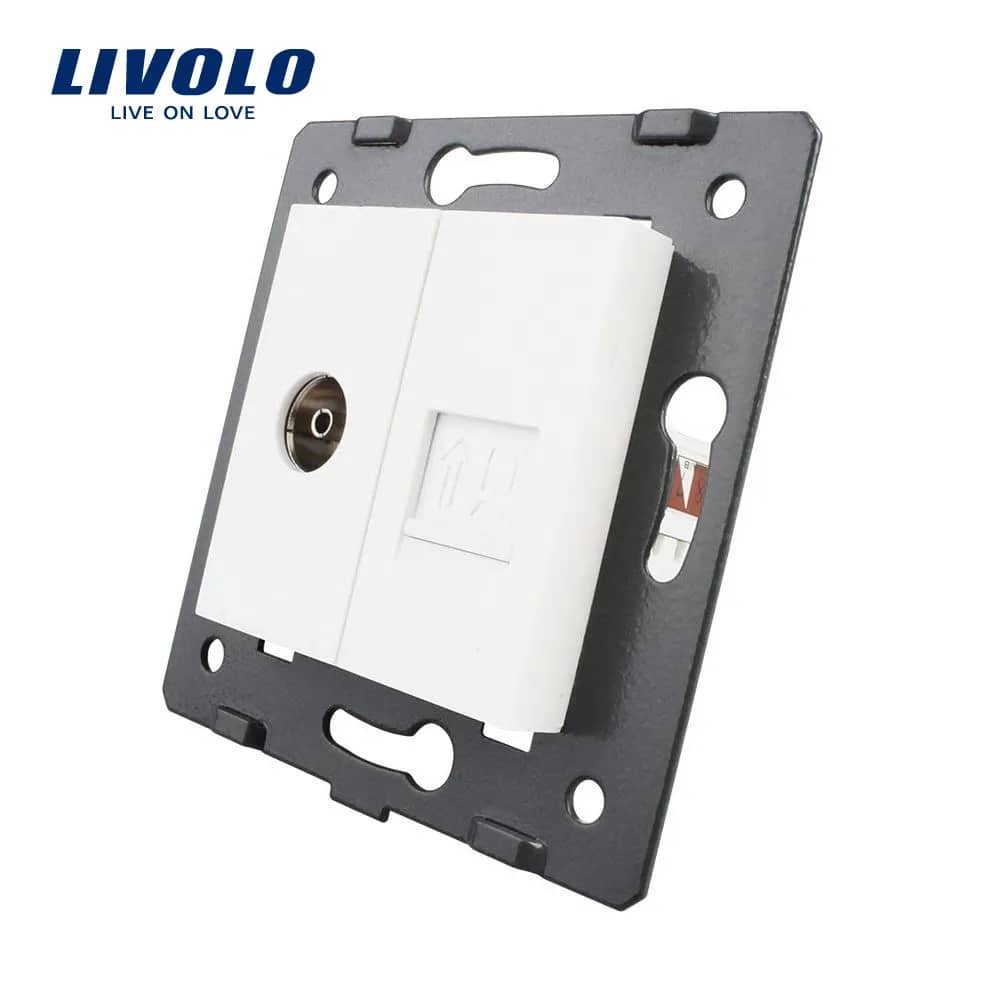
Livolo Double Media Socket – TV + Internet (Data) Socket – White — image 1
Livolo

Livolo Double Media Socket – TV + Internet (Data) Socket

SKU: C7-1VC-11

AED 30

In stock

Colour: White
1
  • Delivery across all seven emirates. Free on orders over AED 750.
  • Order now, we confirm availability and delivery with you before you pay.

Livolo double media socket combining a TV and an internet socket, mounted on a glass frame in a standard wall box for a tidy, cable-free look.

Product details

The Livolo double socket for TV and internet mounts on a glass frame directly in the wall box, helping you avoid unsightly cables.

Highlights

Livolo Double Media Socket – TV + Internet (Data) Socket – Overview
01

Overview

A Livolo double media socket combining a TV (coaxial) outlet and an internet (data) outlet in one module. The banners show the product from the front, side and rear, including the back of the Livolo socket.

  • TV socket and internet socket in one unit
  • Shown from front, side and rear views
Livolo Double Media Socket – TV + Internet (Data) Socket – Wiring the Internet Socket
02

Wiring the Internet Socket

Follow these steps to connect the network cable to the internet socket.

  • 1. Strip 20mm of insulation from the cable
  • 2. Remove the dust protection cover
  • 3. Insert the wires into the matching slots according to the wire colours (A/B colour codes shown on the socket)
  • 4. Fit the protective cap
03

Wiring the TV Socket

Follow these steps to connect the coaxial cable to the TV socket.

  • 1. Strip 15mm of the outer sheath of the coaxial cable and fold back the wire braid around the cable
  • 2. Strip 12mm of the inner insulation and fit the metal ring
  • 3. Insert the connector piece between the braided wire and the insulation, then crimp the metal parts with pliers to secure them
  • 4. Screw the wired connector into the TV socket
04

Easy and Convenient

Livolo makes life easier.