SmartHomesAE
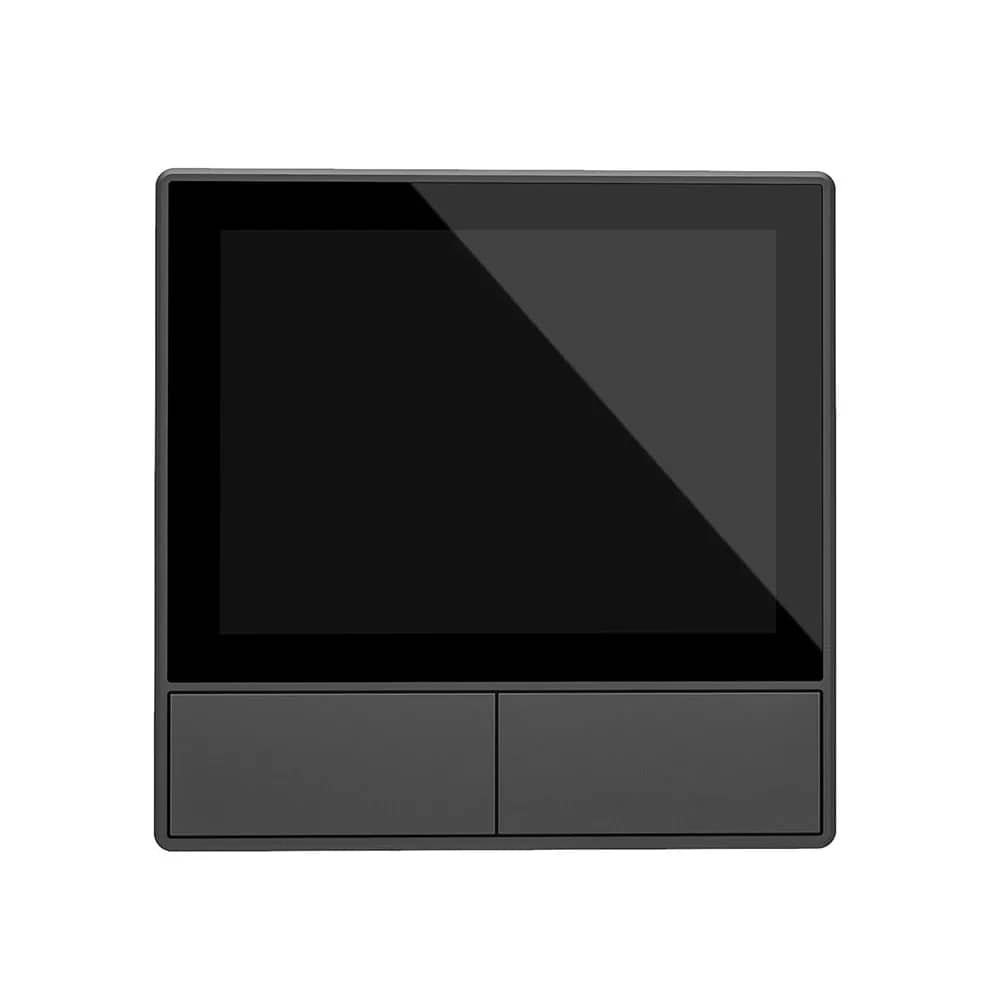
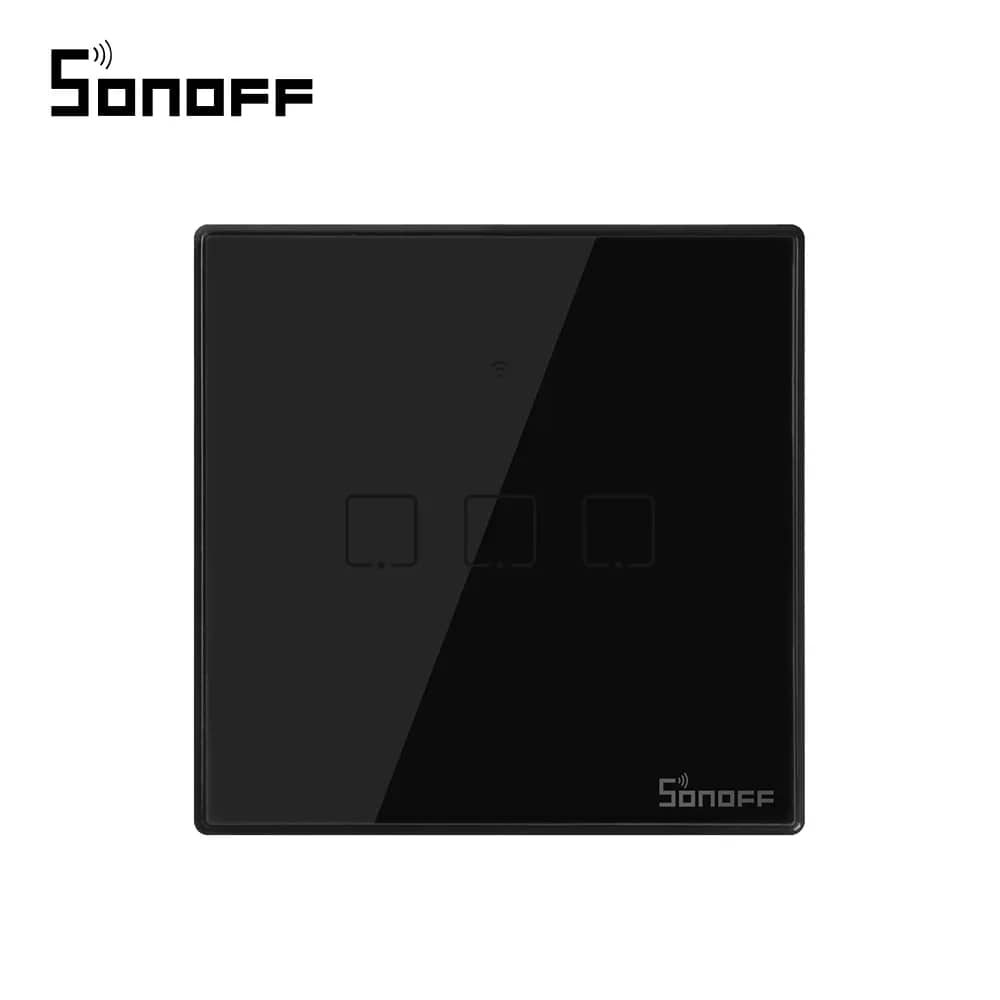
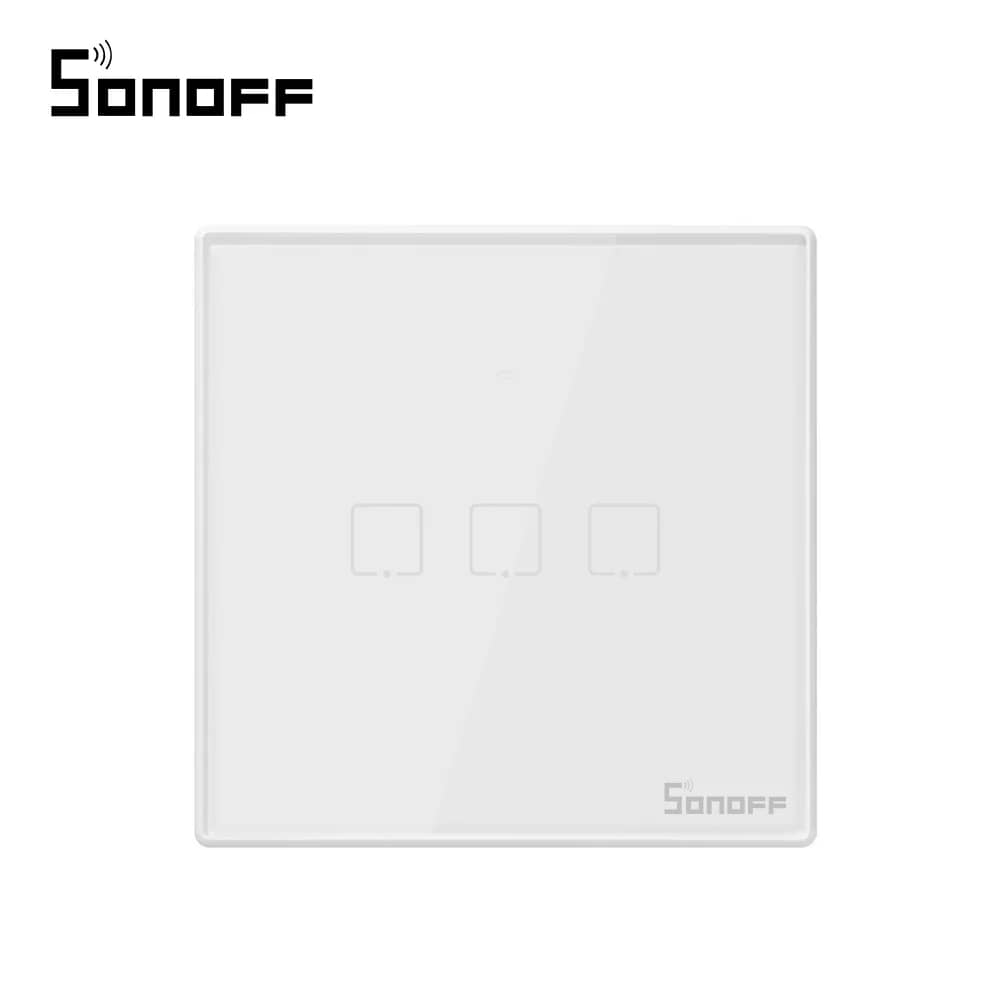
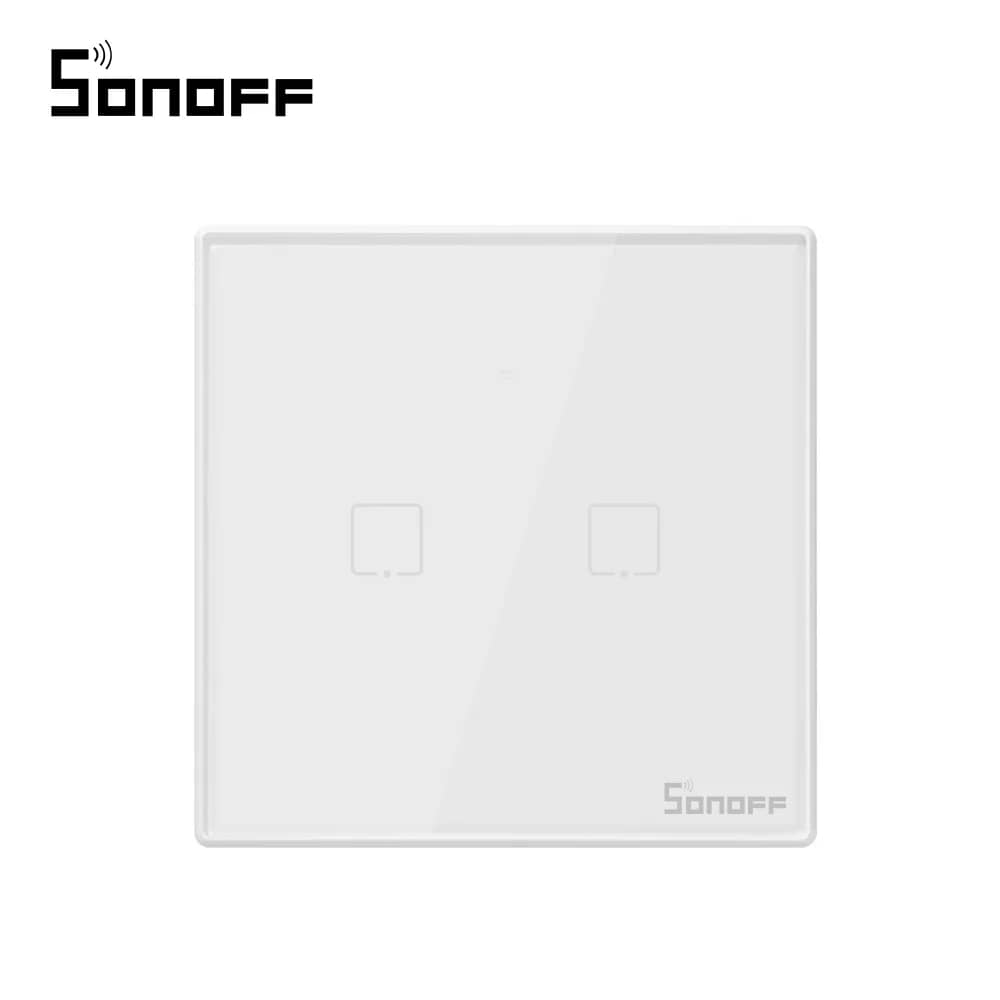
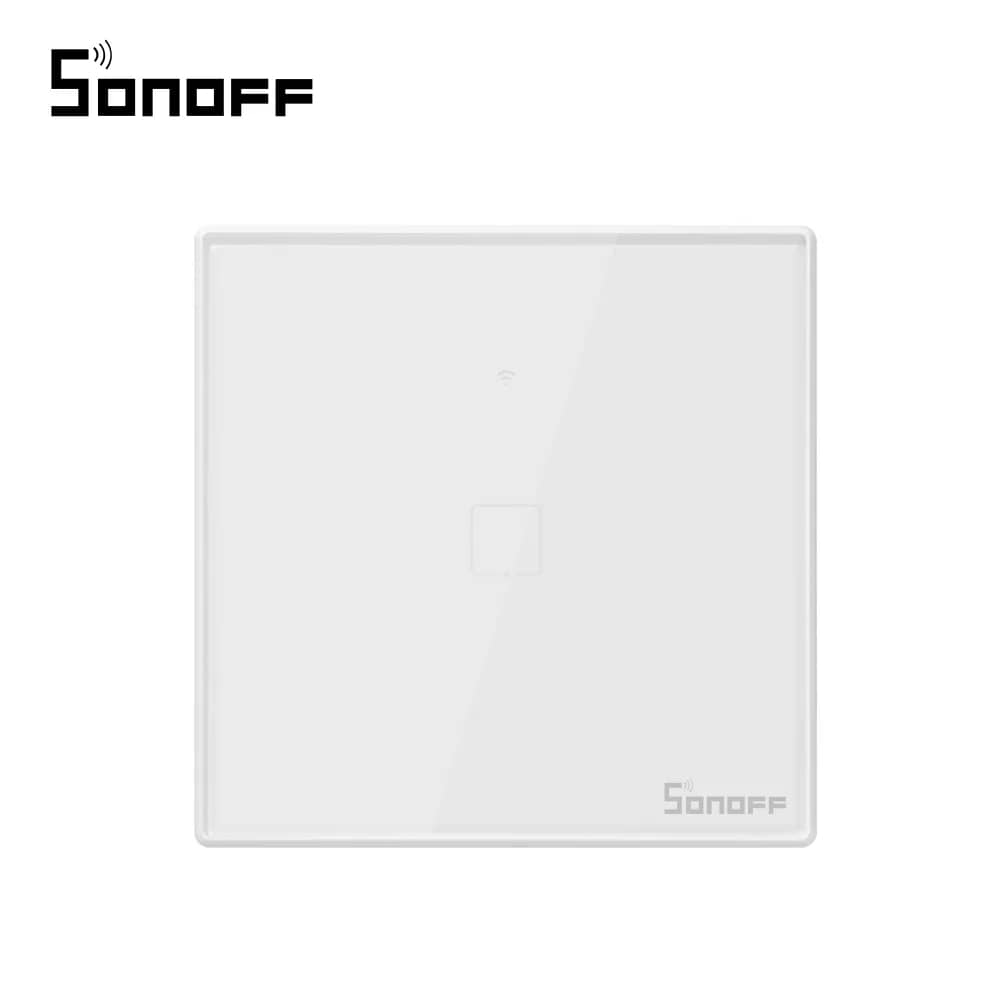
Sonoff T0EU1C Wi-Fi Touch Light Switch – 1 Gang, Smartphone Control — image 1
Sonoff

Sonoff T0EU1C Wi-Fi Touch Light Switch – 1 Gang, Smartphone Control

SKU: Sonoff T0 EU 1C

AED 76

In stock

1
  • Delivery across all seven emirates. Free on orders over AED 750.
  • Order now, we confirm availability and delivery with you before you pay.

Sonoff T0EU1C 1 gang glass touch light switch with Wi-Fi, controlled from anywhere via the eWeLink app, with no hub required.

Product details

Sonoff T0 EU switches are glass touch light switches that can be operated by touch or through the eWeLink smartphone app. The switches do not require an intermediate hub, as they connect directly to your wireless router. Once connected, they can be controlled from anywhere using your mobile phone.

Note: The Sonoff T0 EU light switch requires an additional NEUTRAL wire and must be connected to NEUTRAL and LIVE according to the wiring diagram.

Highlights

Sonoff T0EU1C Wi-Fi Touch Light Switch – 1 Gang, Smartphone Control – Sonoff T0EU1C Single Wi-Fi Touch Switch
01

Sonoff T0EU1C Single Wi-Fi Touch Switch

A single-gang Wi-Fi touch switch with an elegant glass panel.

  • Control via mobile app or touch
  • Repeat mode, countdown timer or scheduled automatic on/off
Sonoff T0EU1C Wi-Fi Touch Light Switch – 1 Gang, Smartphone Control – Control Your Switches from Anywhere
02

Control Your Switches from Anywhere

Forgot to turn off the lights before leaving home? No worries! With the eWeLink app and Sonoff switches, you can switch off any light left on.

03

Schedule All the Lights in Your Home

After a long day at work, why come back to a dark, cold home? Turn on the lights while you're on the way for a warm, welcoming atmosphere.

04

Set Smart Scenes

Set the smart switch to turn the lights in your home on or off automatically, according to your daily routine.

  • "Reading mode" – create the perfect ambience for reading
  • "Night mode" – switch the lights off automatically before bedtime
05

Works with Amazon Alexa and Google Assistant

Turn the lights in your home on or off with voice commands through Amazon Alexa or Google Assistant devices.

06

Download the eWeLink App

Search for "eWeLink" on the App Store for iOS or on Google Play for Android, or scan the QR code.

07

Installation

Note: the switch must be powered via the Live (L) and Neutral (N) terminals.

  • 1. Use a screwdriver to open the switch
  • 2. Wire the switch
  • 3. Use the screws to fix the back cover
  • 4. Close the switch and power on the installation