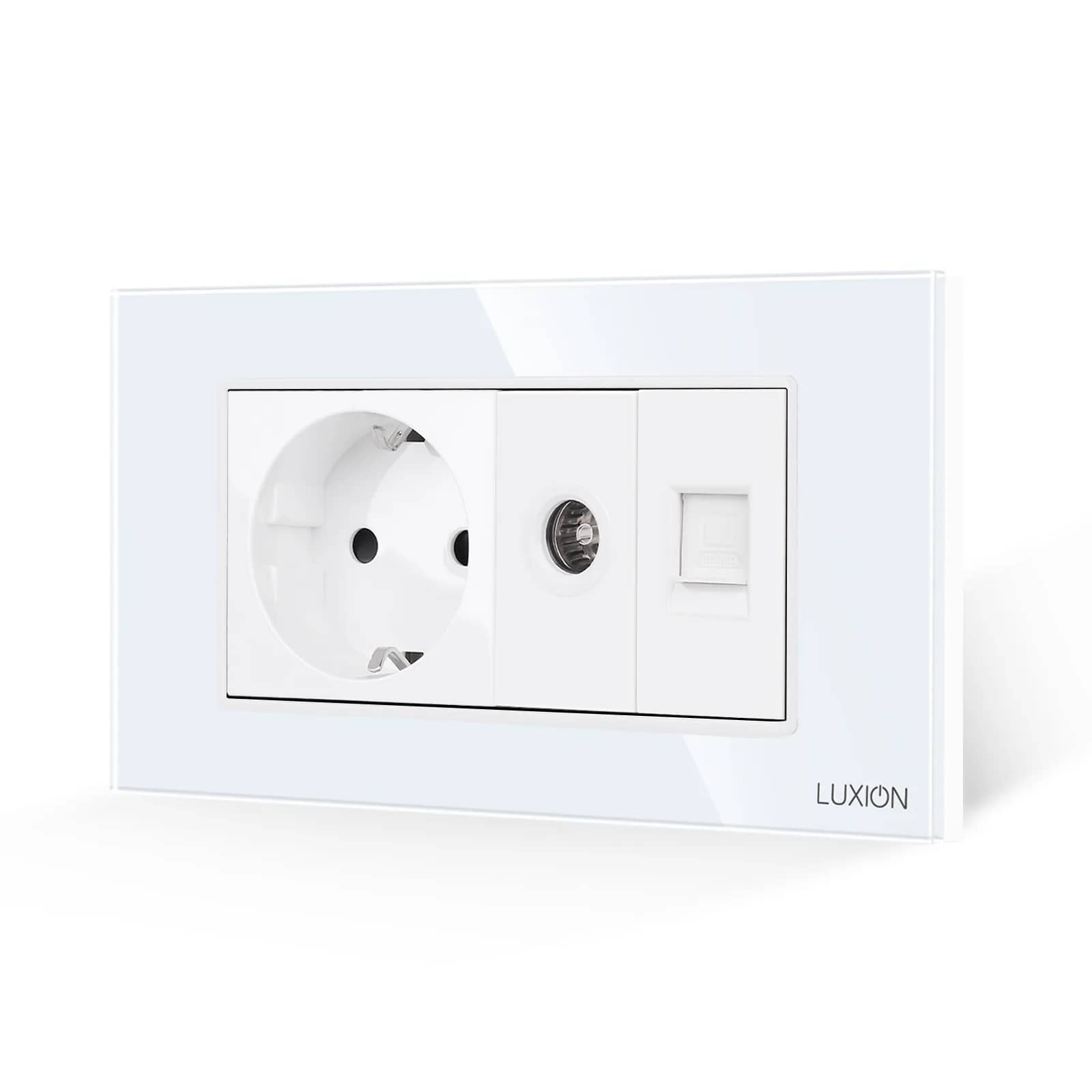
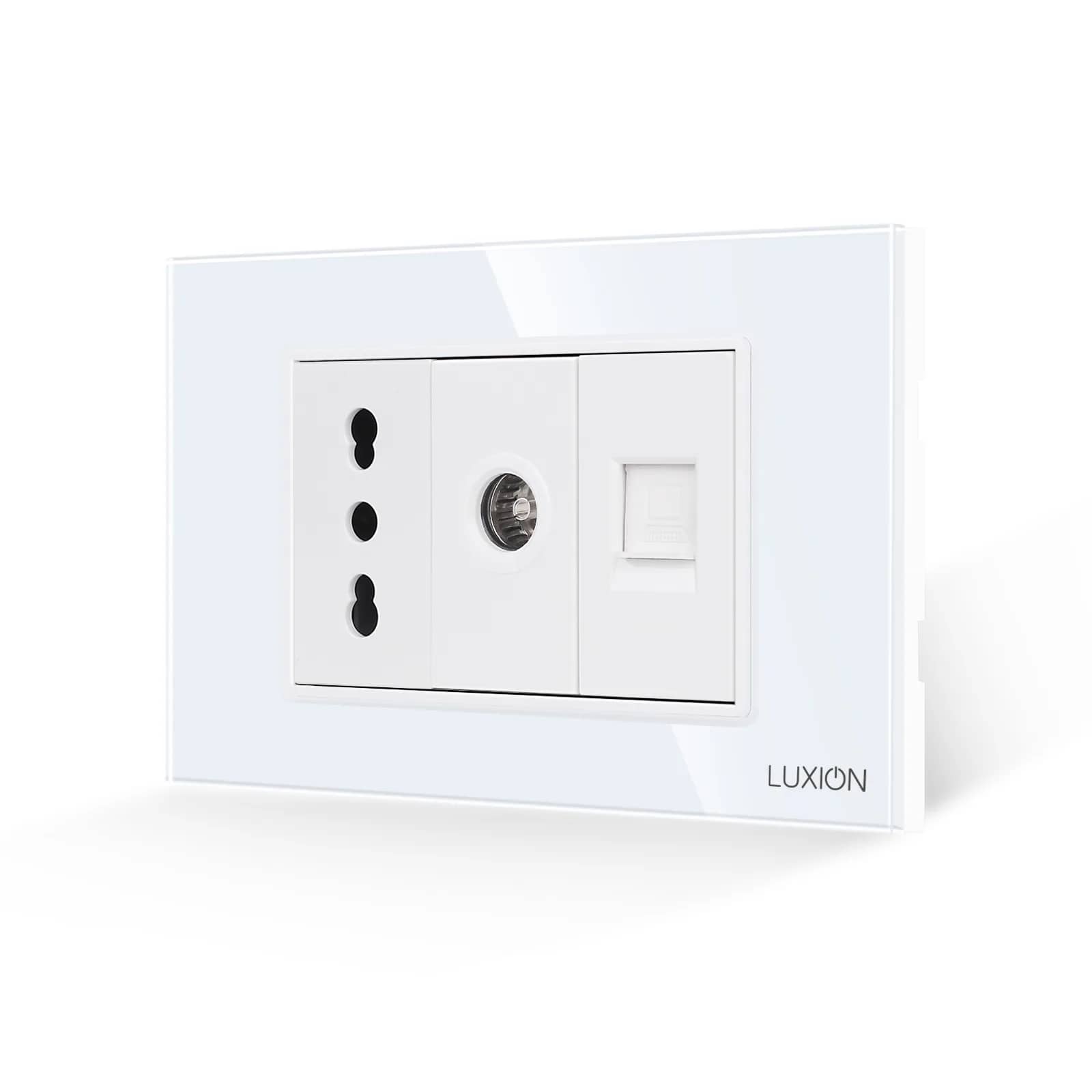
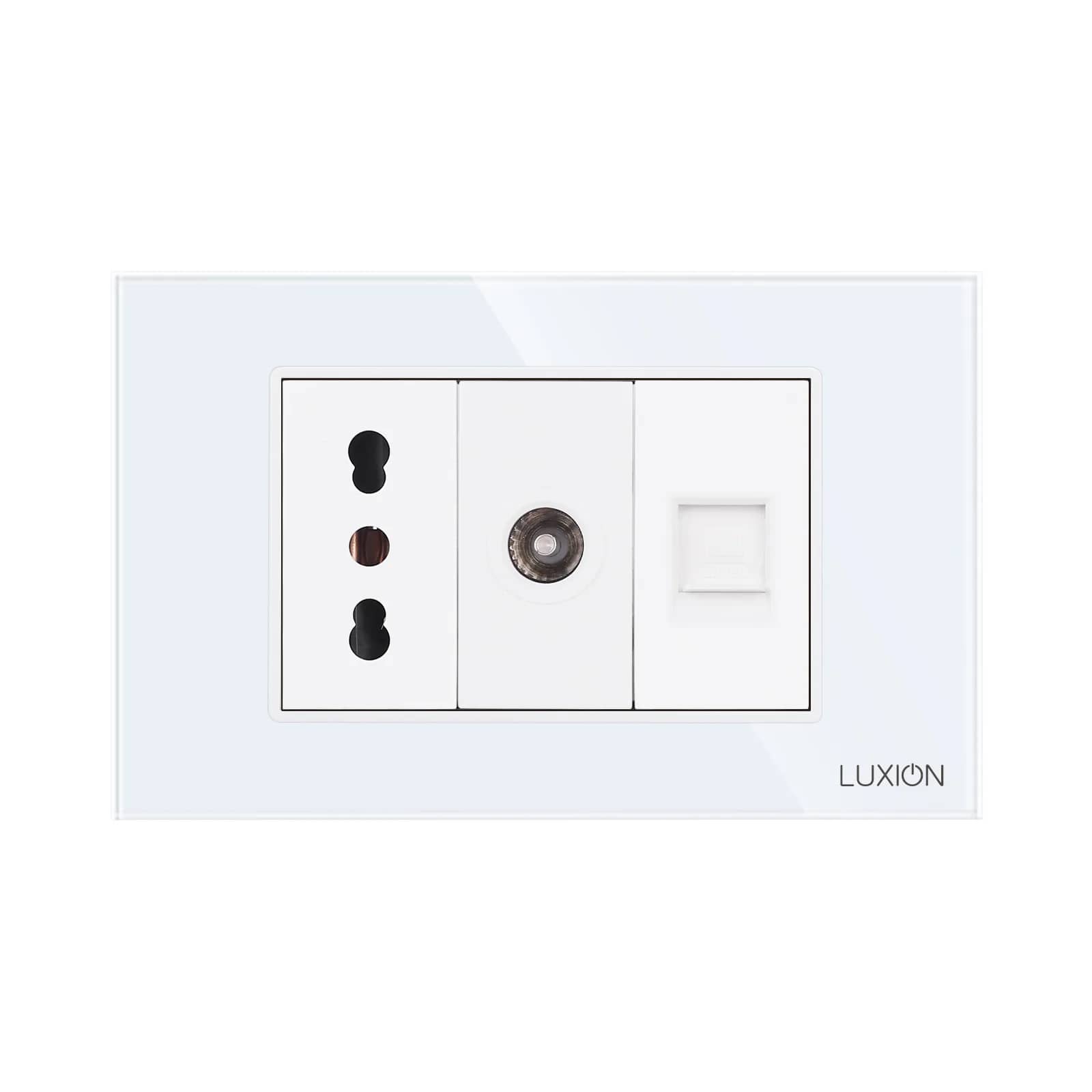
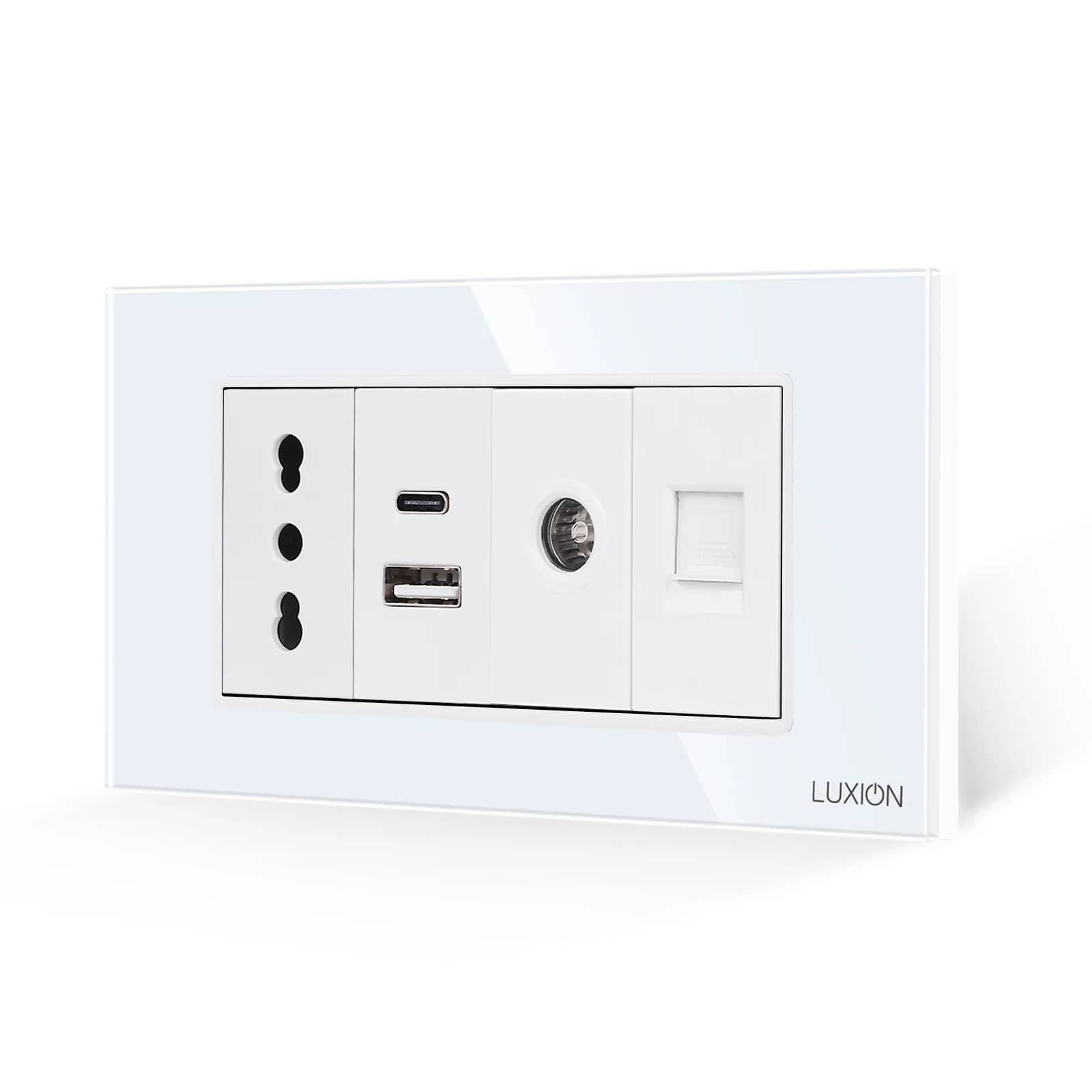
Media Sockets: TV, Internet, HDMI and USB in One Frame
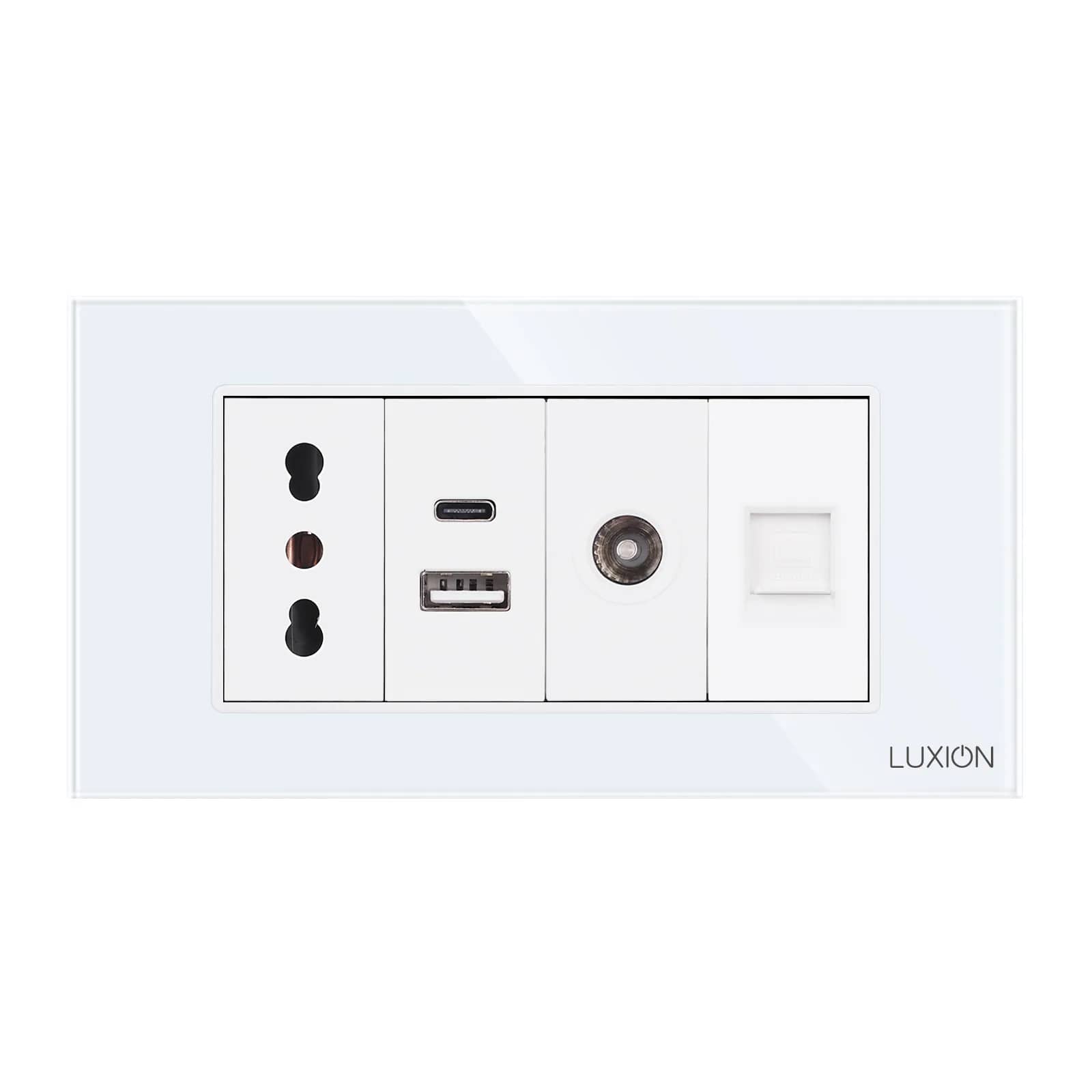
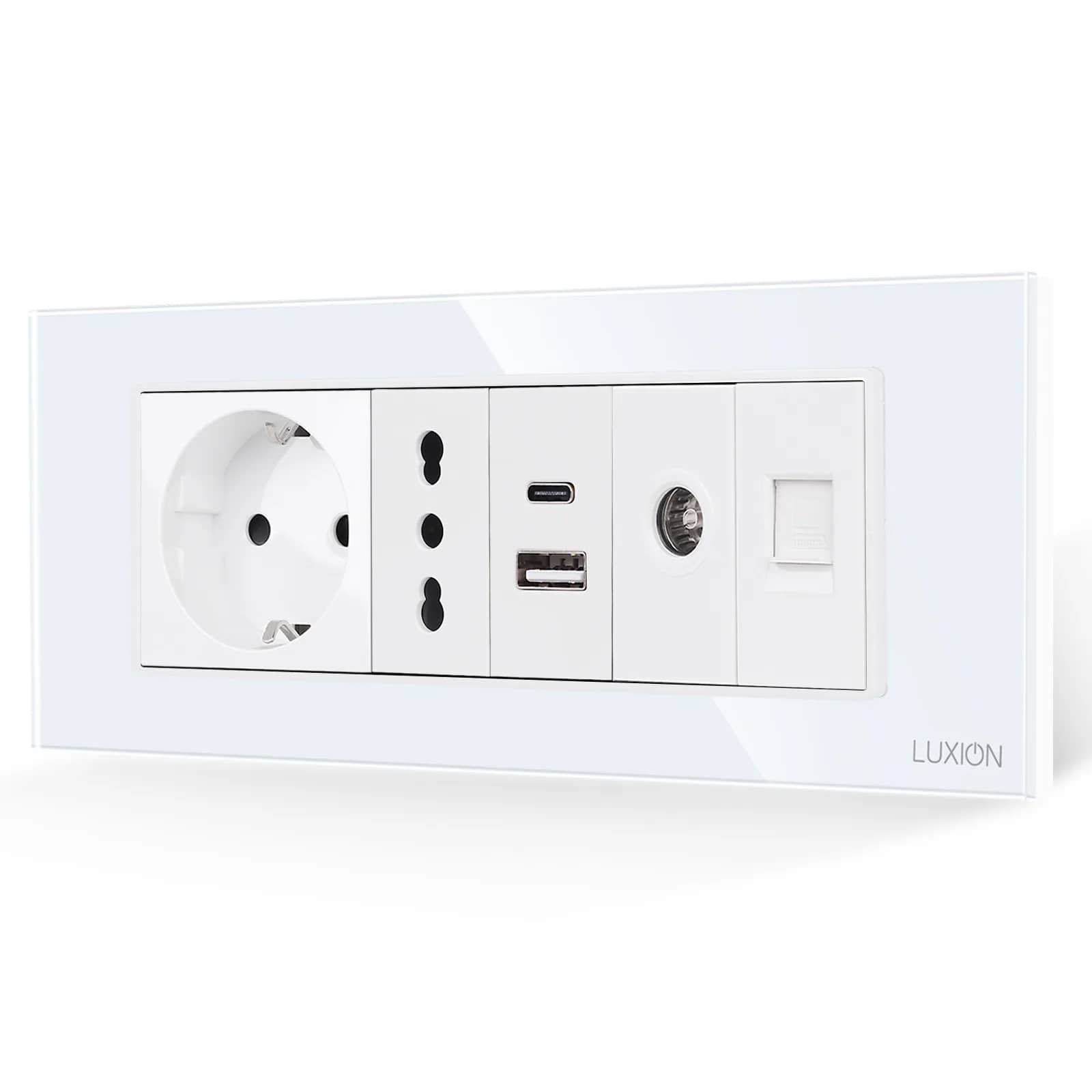
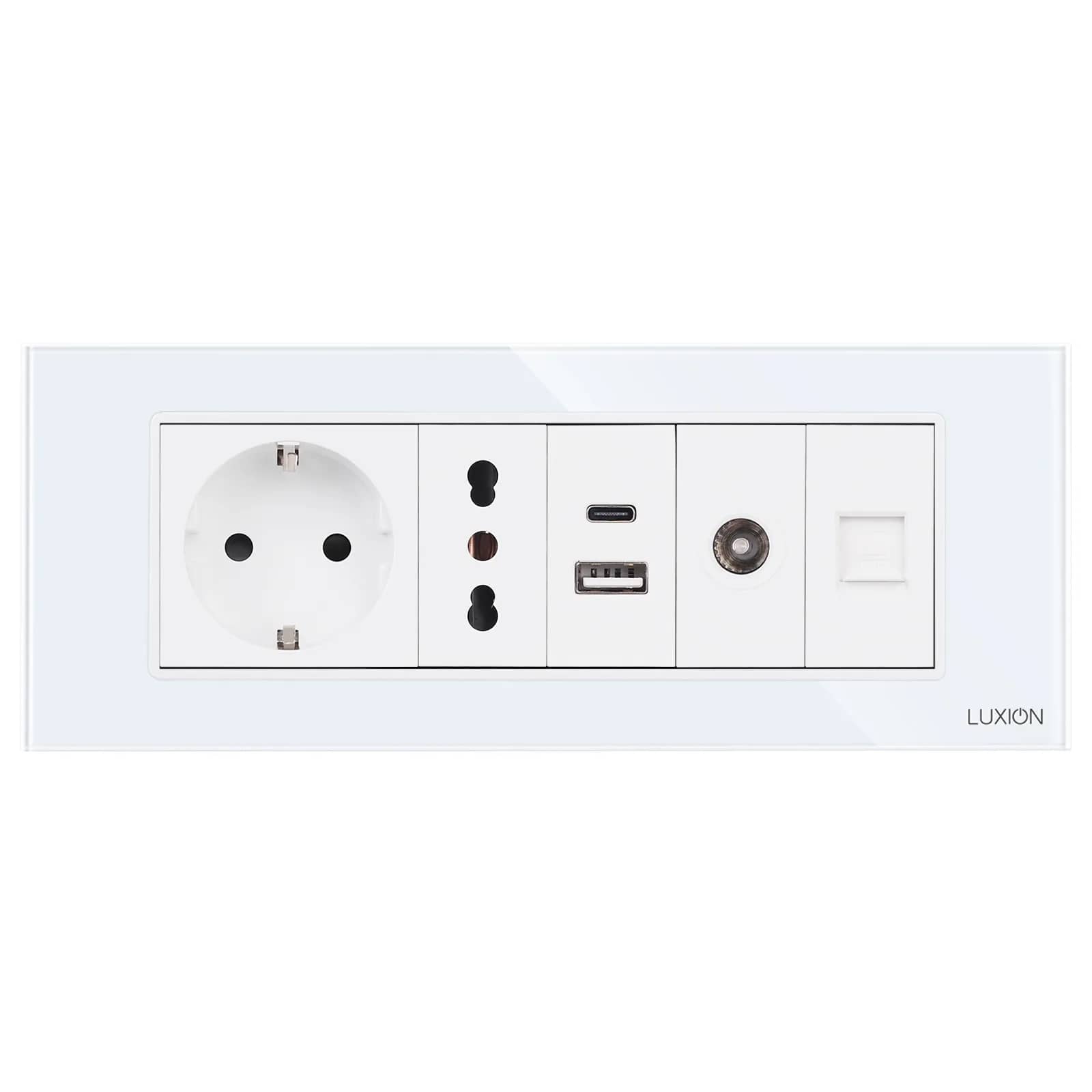
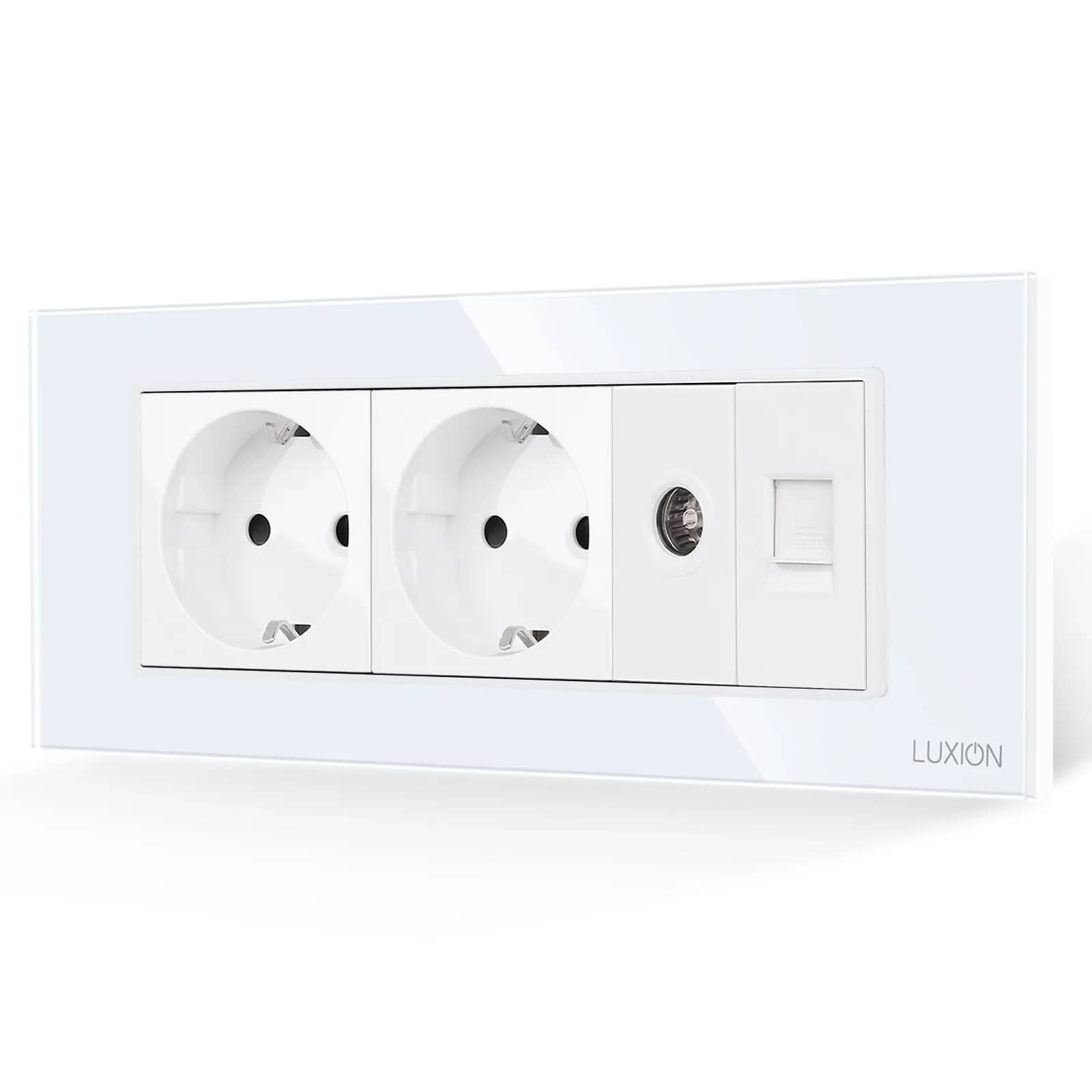
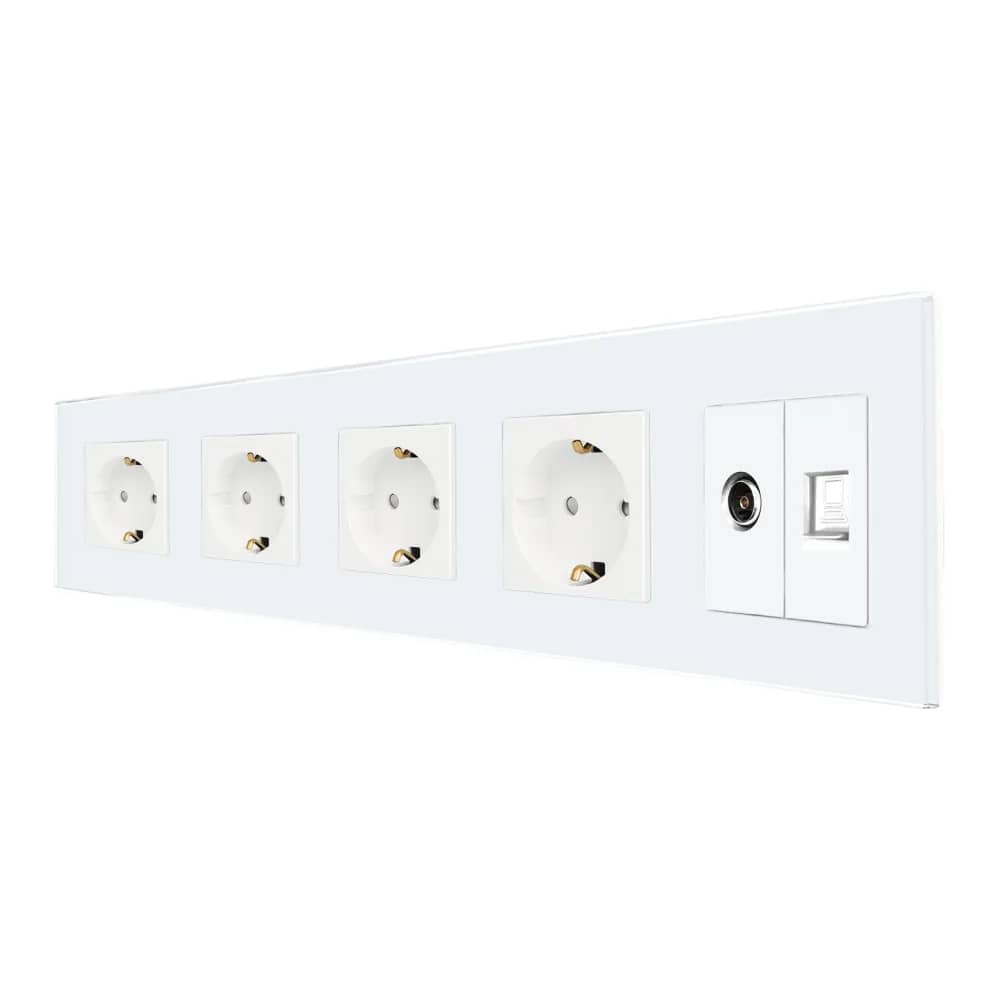
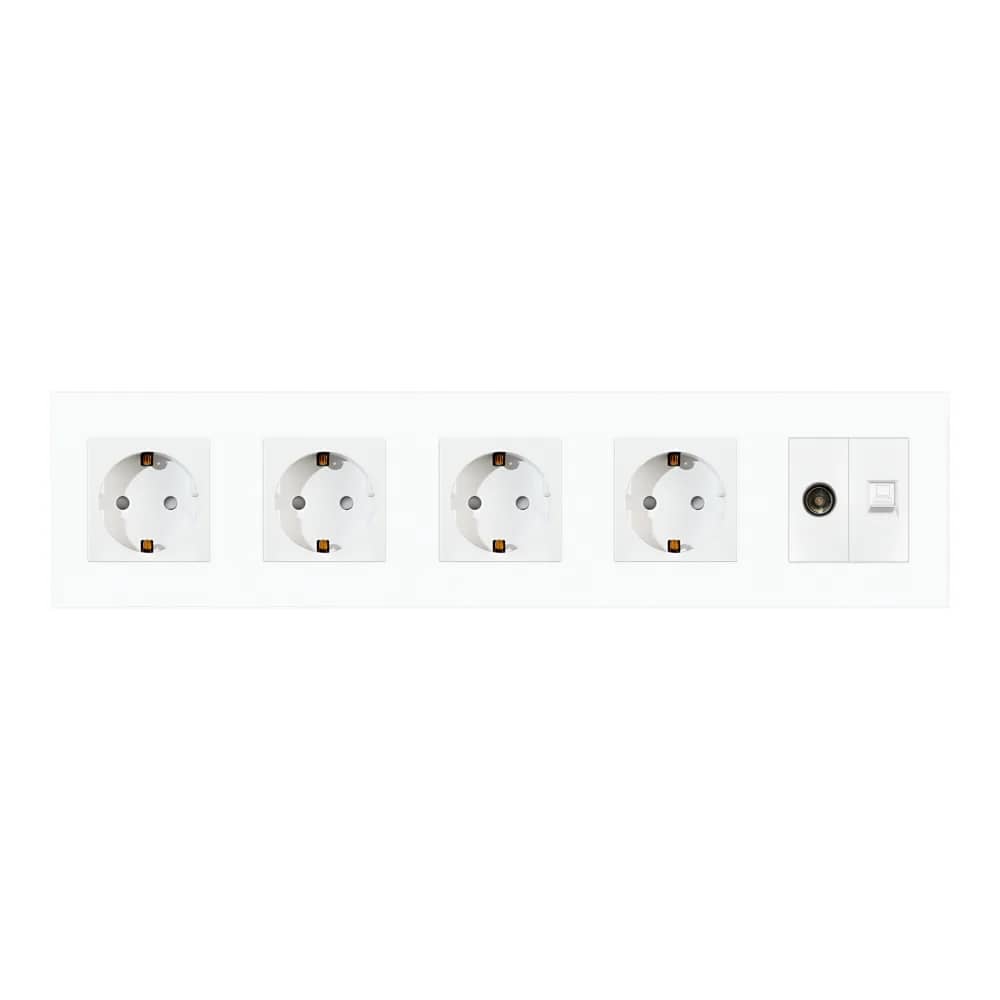
Behind the TV or at your desk you don't need one socket, you need four. A modular system puts them all under the same glass frame, at the same height, with no extension lead hanging down the wall.
By the SmartHomes.ae team · Updated 17 October 2026
In short
You don't choose media sockets one by one; you choose them by frame. Decide which connectors you need at that point, add up their widths in modules, and pick the frame and back box to match the total. Any remaining positions are covered with blank plates.
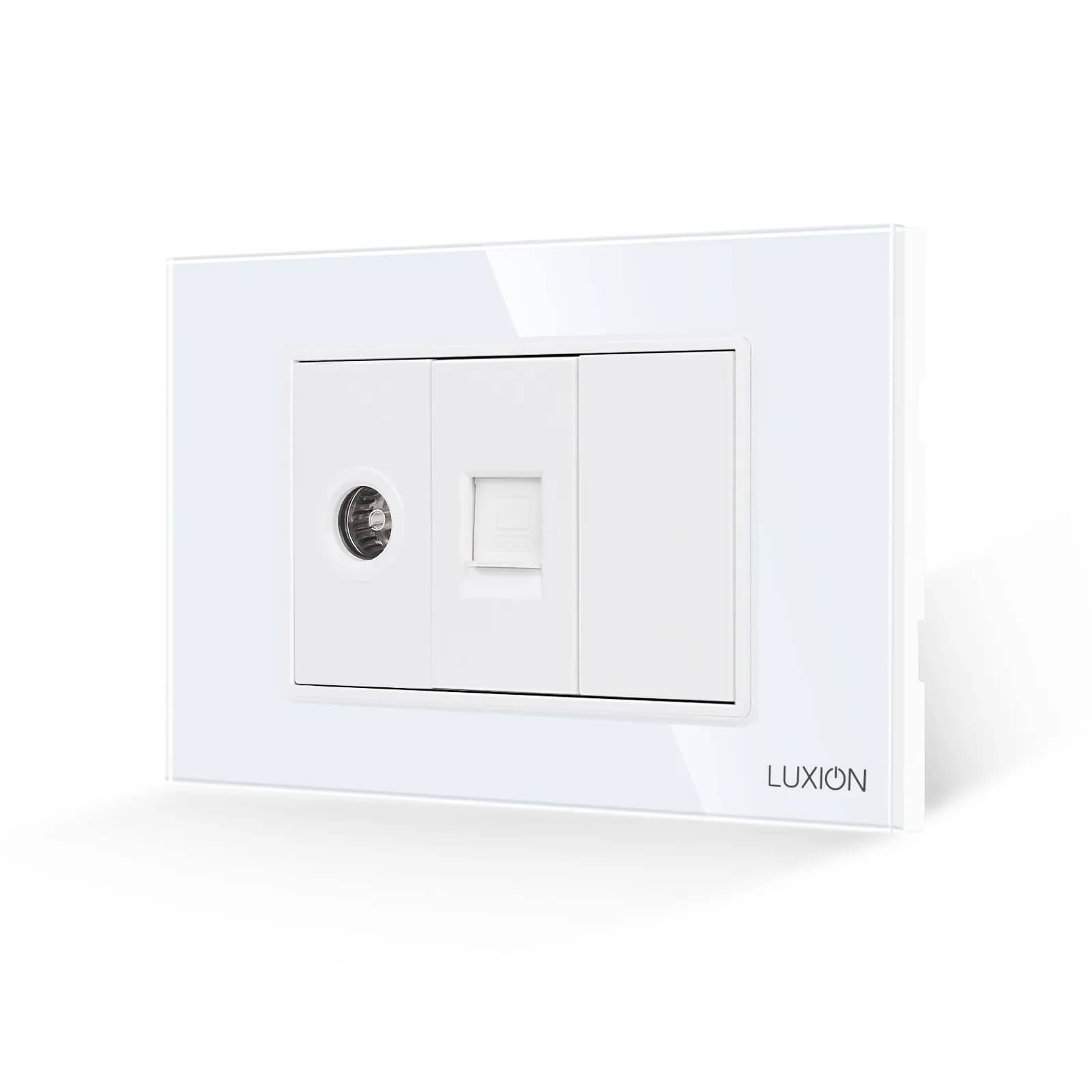
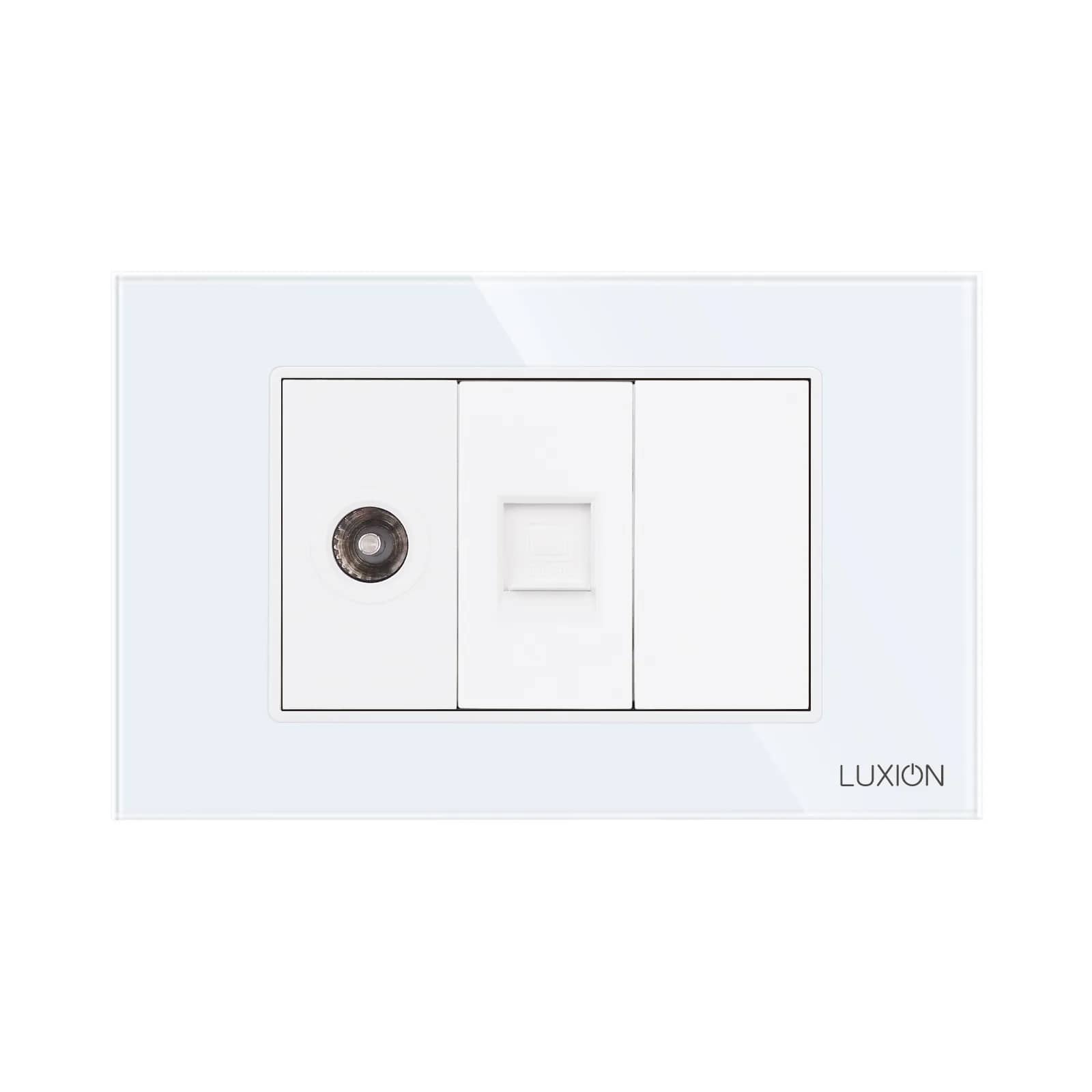
The most popular combinations are TV + internet (behind the television) and internet + USB (at the desk). These are also available ready-made as a single product, not only built up from modules.
Which connectors are available
| Connector | Used for | What to check |
|---|---|---|
| TV (coaxial) | Aerial, cable TV | There is also a TV + satellite version with two outputs |
| Internet / RJ45 | Wired network | The cable category determines the speed, not the socket |
| Telephone / RJ11 | Phone line | The jack is narrower than RJ45; they are not interchangeable |
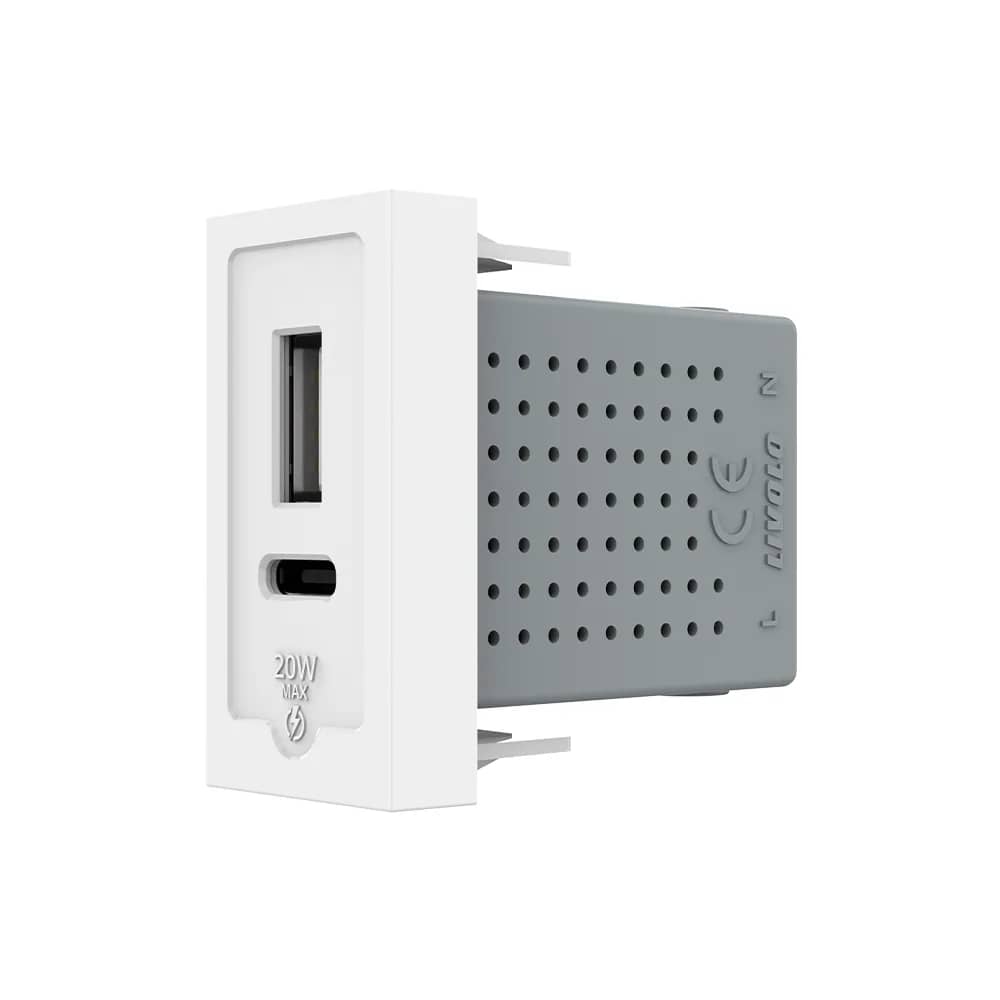
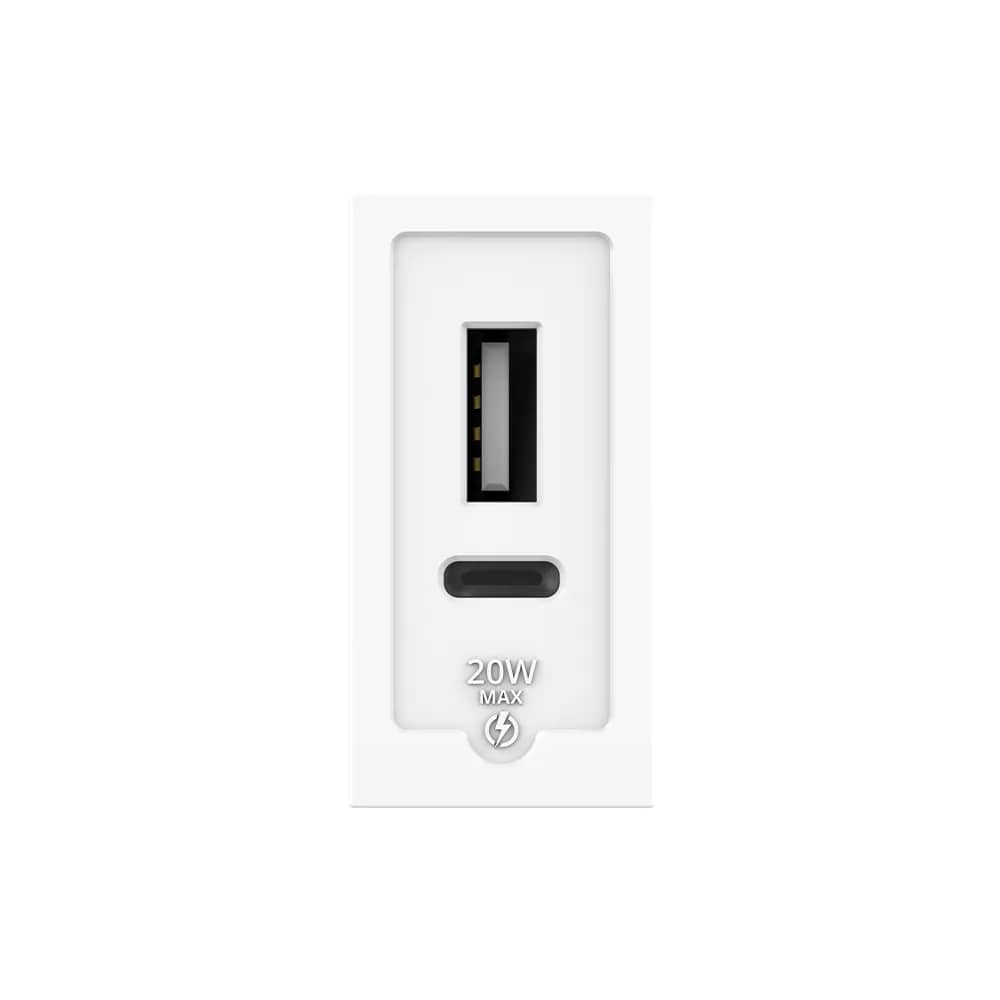
| USB | Charging | A USB Type-C version is also available |
| HDMI | Video signal | Connected with a cable run through the wall, not with wires |
| Audio | Speakers, sound playback | There is also a dedicated sound playback socket with its own jack |
| Blank plate | Unused positions | Never leave positions empty — the mechanism shows |
How to plan the wall
The rule is simple and applies everywhere: each module takes up a number of positions, and the frame must cover all of them. A 3M frame covers three positions, a 4M frame four, a 6M frame six. The back box in the wall is chosen to suit the frame, not the number of connectors.
- Behind the TV: power socket + TV + internet. If the television is wall-mounted, add a free position for the HDMI cable.
- At the desk: two power sockets + internet + USB. Charging your phone no longer takes up a mains socket.
- In the bedroom, by the bedside table: power socket + USB. The cheapest upgrade of them all.
- In the kitchen: power only. Data connectors have no place next to the hob and the sink.
Three mistakes that cost you at installation
1. Running the cable after choosing the socket
An internet socket doesn't make your network faster — the cable in the wall does. If you're running cable, run the right one first time: replacing it means breaking into the wall, whereas the socket can be swapped in five minutes.
2. Treating HDMI like an electrical wire
An HDMI socket isn't wired into terminals: a complete HDMI cable runs through the wall, and the socket simply presents its end neatly. That means the conduit in the wall must be wide enough for the plug to pass through — something to decide before plastering.
3. Leaving free positions empty
A 4M frame with only three modules fitted looks unfinished, and the mechanism stays visible. A blank plate costs little and finishes the job.
Honestly
If all you need at that point is power, don't build a media panel. Data sockets make sense where they're actually used: TV, desk, rack. Elsewhere, a good power socket and a free position for the future are more useful than four jacks you never connect.
Plan the wall behind your TV
Media sockets in the same series and colours as your light switches — or individual modules if you'd rather build the frame yourself.
Module widths and connector types vary between series; check the product page before ordering. Electrical work should be carried out by a qualified electrician.
Frequently asked questions
Can I put an internet socket next to a power socket in the same frame?
Yes, that's exactly what the modular system is for: power modules and data modules fit under the same frame, each in its own position. The cables stay separate behind, each going to its own module.
What's the difference between an internet socket and a telephone socket?
The jack: RJ45 for internet and the narrower RJ11 for telephone. A phone cable will physically fit into an internet socket, but not the other way round — and one shouldn't be used in place of the other.
Does a wall USB socket charge as fast as a charger?
Usually more slowly than a modern fast charger. It's ideal for the bedside and the desk — charging overnight or while you work — rather than a quick top-up before heading out.
How many modules do I need for TV + internet + power?
It depends on the width of each module in your chosen series. In practice a 4M or 6M frame is used; check the module widths in your series, choose the frame that covers them all, then the back box to suit the frame.
Will media sockets match the switches in the same room?
Yes, if they're from the same series and in the same colour. That's why it's worth choosing the finish first and then the contents of each frame: one series' white isn't necessarily the same as another's.
Are there ready-combined sockets so I don't have to build my own?
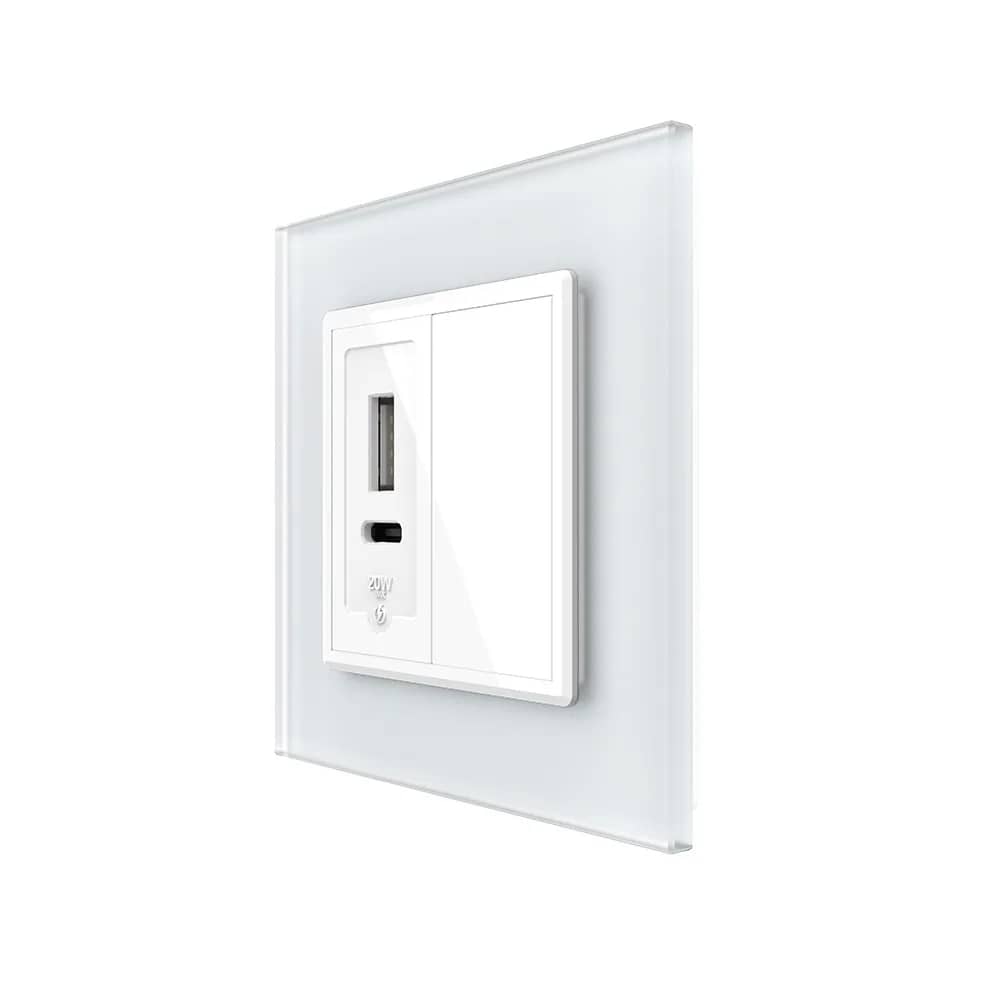
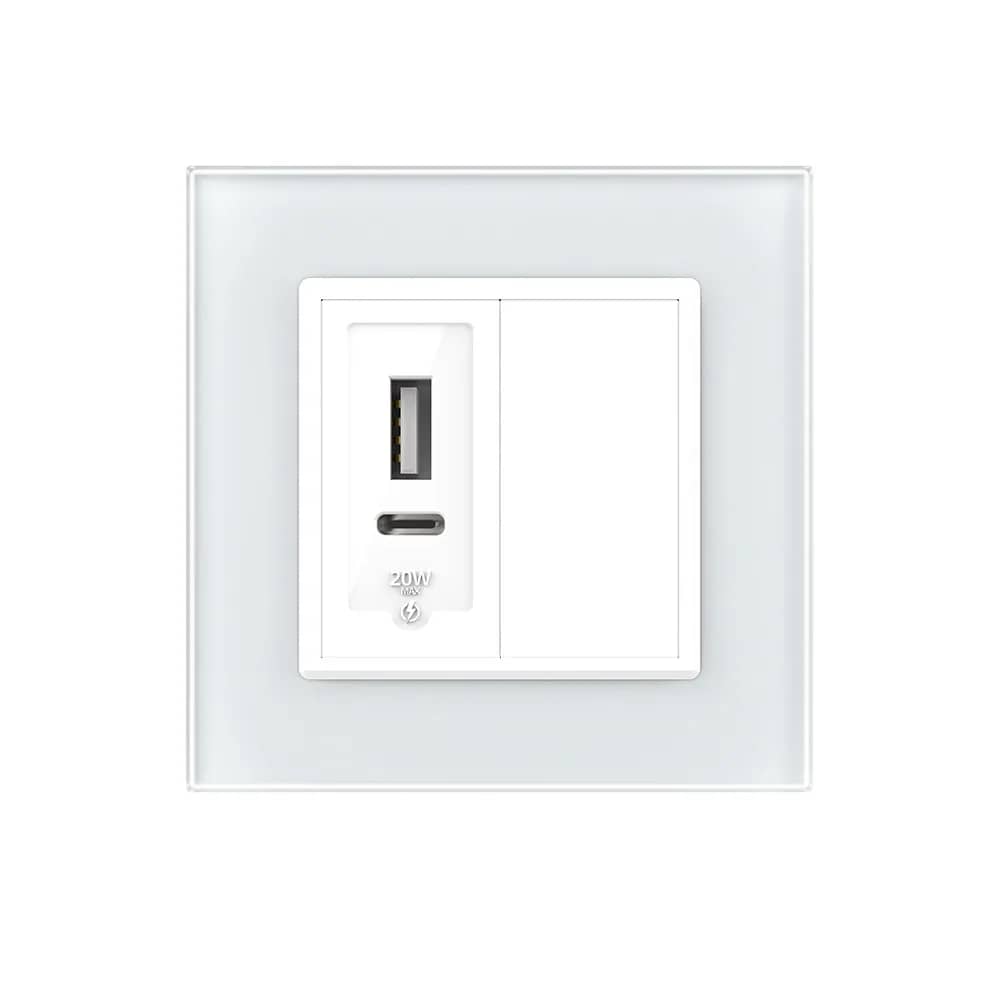
Yes. Popular combinations — TV + internet, TV + telephone, telephone + internet, USB + blank plate — are available as a single product with the frame included.