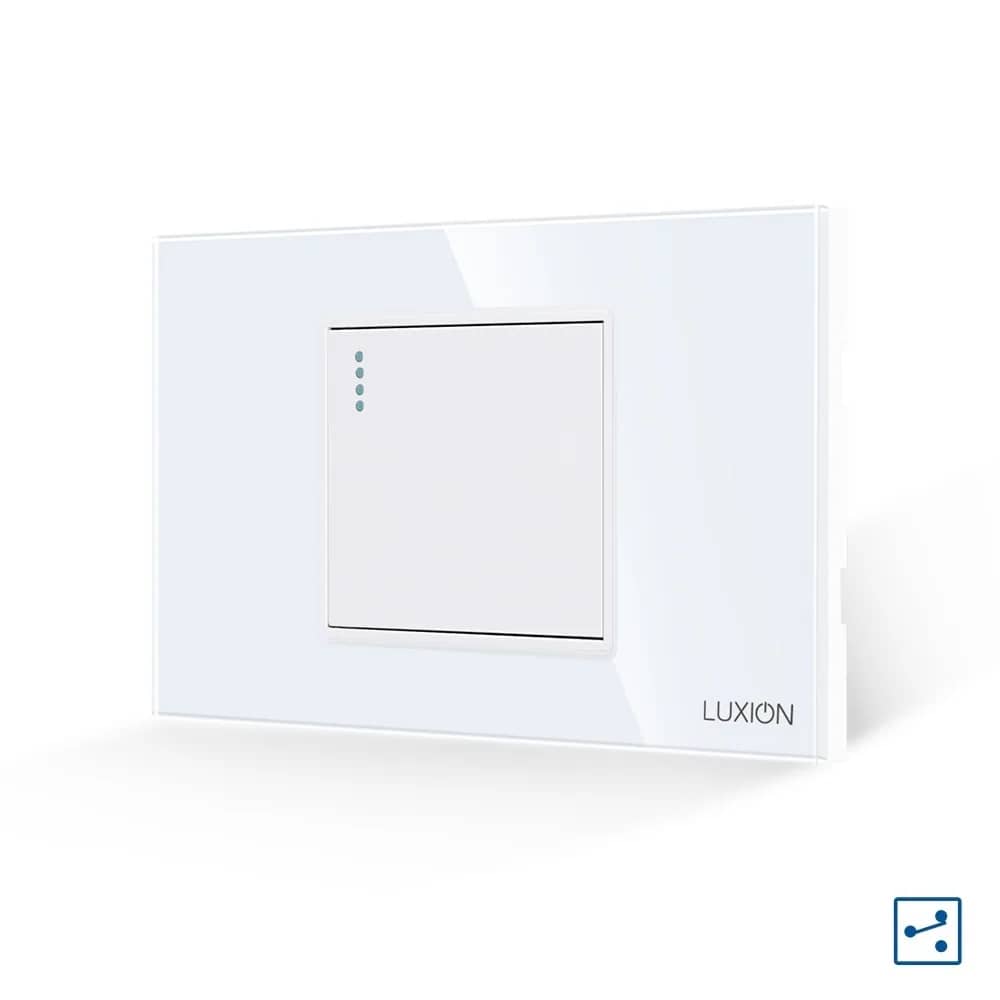
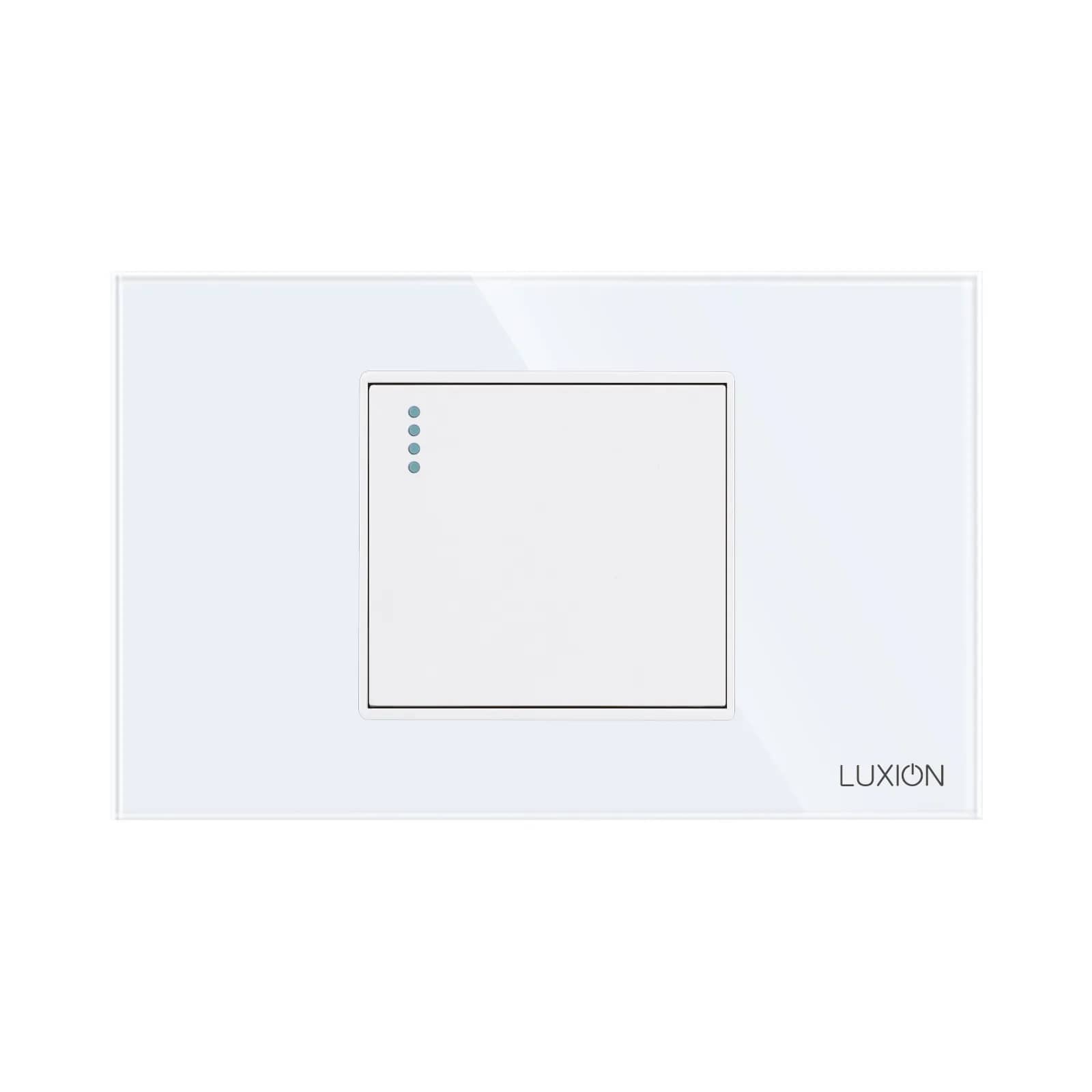
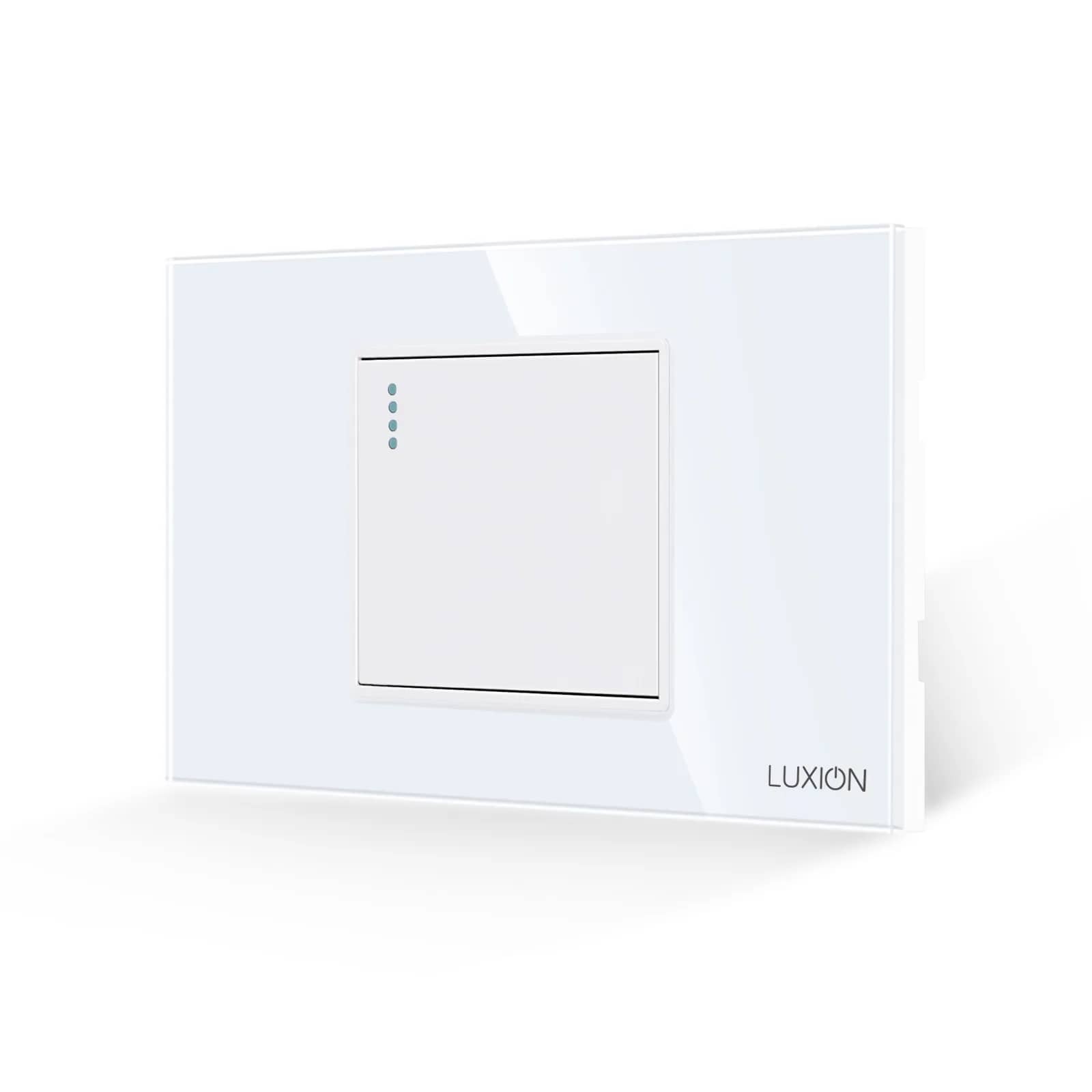
Do Touch Light Switches Need a Neutral Wire?
This is the most common question before ordering, and the one behind the most returns. The short answer: it depends on whether the switch is simply touch-operated or also smart.
By the SmartHomes.ae team · Updated 17 October 2026
In short
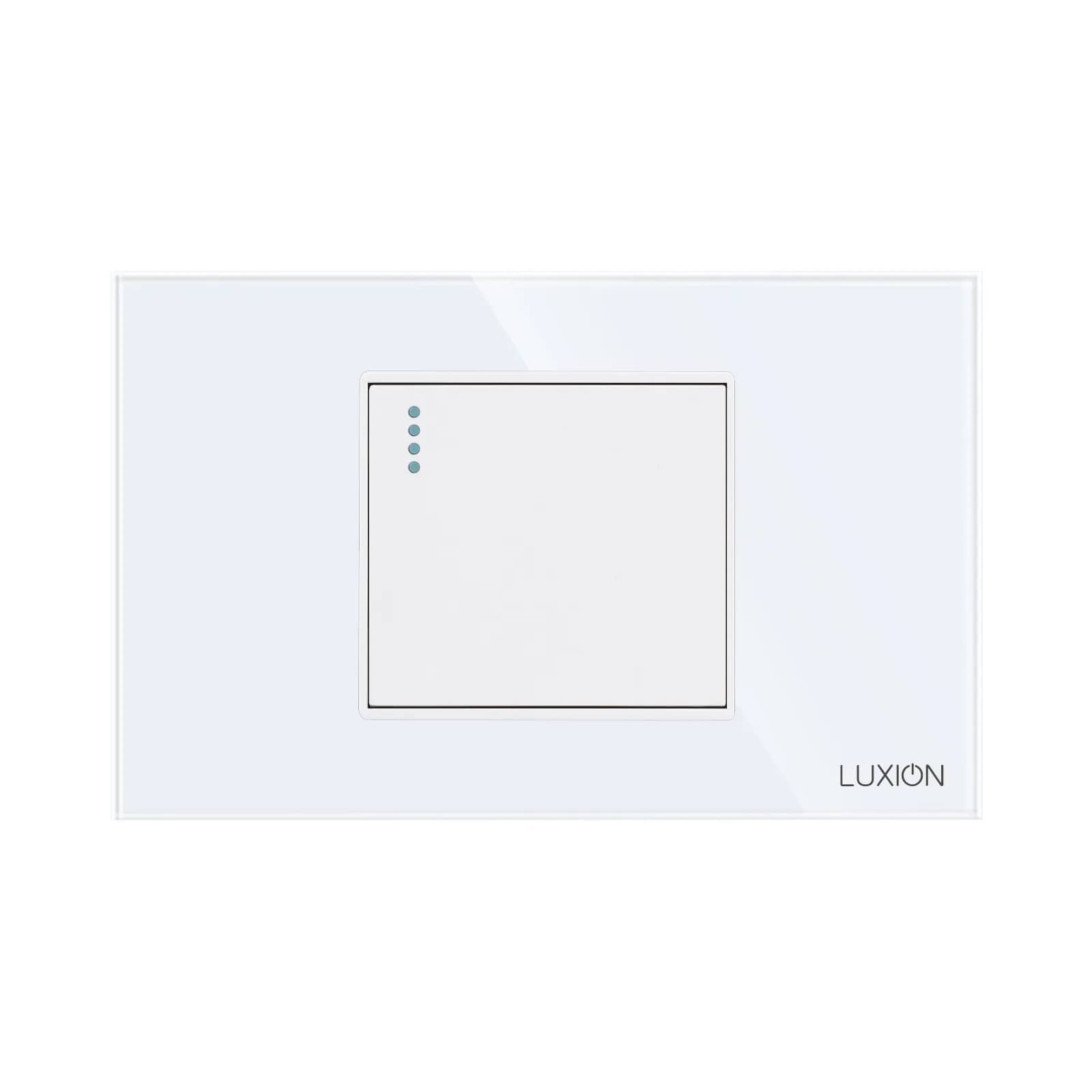
A standard touch switch, without Wi-Fi or ZigBee, does NOT need a neutral. It connects on two wires, exactly like a conventional switch: the live goes into the L terminal, the switched feed to the light leaves from L1, and the neutral runs directly to the light fitting without passing through the switch box.
A SMART switch does need a neutral: the new-series Livolo Wi-Fi, all ZigBee versions (Livolo and Luxion) and the Sonoff T0/T1/T2/T3. Their electronics must be powered permanently, even when the light is off.
The useful exception: Luxion Wi-Fi + RF433 switches can also be fitted on a conventional installation without a neutral, if you use the Wi-Fi adapter wired in parallel with the light.
Where the difference comes from
A mechanical switch is just a contact: it breaks the live and nothing more. It consumes nothing, so it does not need a closed circuit when it is off.
A touch switch does need a little current to sense your touch and keep its position LED lit. It draws this through the light fitting, in series, and the current is so small that the bulb stays off. That is why it works on two wires, and also why it needs a minimum load of 5 W: below that, an LED bulb may flicker or glow faintly.
A smart switch keeps its Wi-Fi or ZigBee radio, its processor and its connection to the app running at all times. That consumption is too high to pass through the bulb without lighting it, so it needs its own circuit: live and neutral.
Table: what each type requires
| Switch type | Neutral in the box | Wires needed | Notes |
|---|---|---|---|
| Standard Livolo / Luxion touch | No | 2 (L, L1) | Neutral goes directly to the light. LED bulb of at least 5 W. |
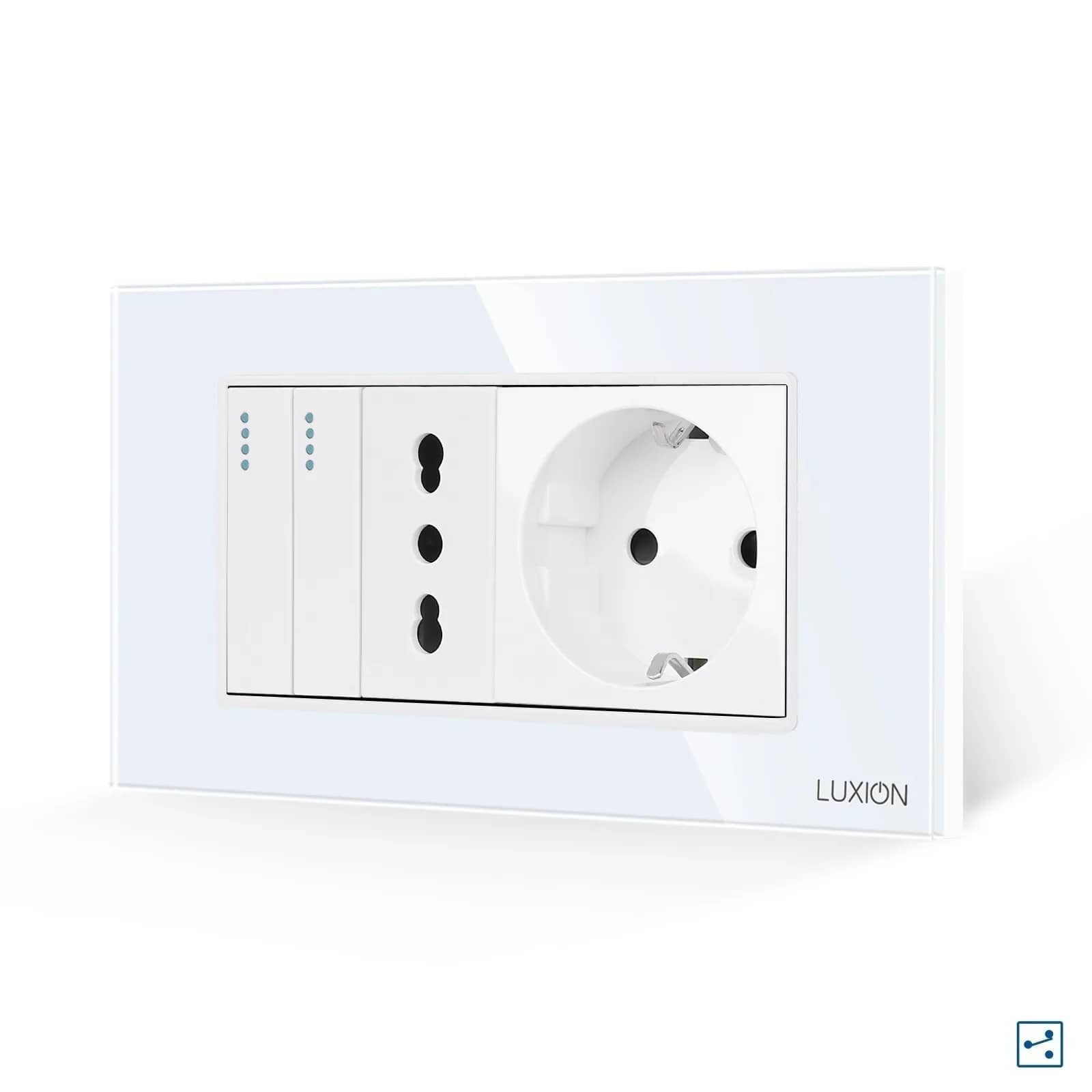
| Standard touch two-way / intermediate | No | 2 + sync wire | Every switching point receives live; the COM terminals are linked together. |
| Livolo Wi-Fi, new series | Yes | 3 (L, N, L1) | Stated explicitly on the product sheet. |
| ZigBee (Livolo and Luxion) | Yes | 3 (L, N, L1) | Works only together with the brand's hub. |
| Luxion Wi-Fi + RF433 | Optional | 2 or 3 | Without a neutral, only with the Wi-Fi adapter wired in parallel with the light. |
| Sonoff T0 / T1 / T2 / T3 | Yes | 3 (L, N, L1) | Additional neutral, as per the manufacturer's wiring diagram. |
| Curtain / blind switch | Yes | 4 (L, N + 2 to the motor) | It powers a motor, not a light. |
| Thermostat, motion sensor, relay | Yes | 3+ | These are consumers, not contacts. |
How to check for a neutral in two minutes
- Switch off the circuit breaker for the circuit. Never work on live wiring, however simple the job looks.
- Remove the existing switch from the box and count the wires coming into the box, not the ones connected to the switch.
- Two wires (usually one from the supply and one to the light) means a conventional installation with no neutral.
- Three or more wires, one of them unused (often blue), means you have a neutral in the box.
- Don't treat colour as final proof. Older installations don't always follow the convention; confirmation should come from an electrician with a tester.
No neutral in the box? Your options
1. Standard touch switch
The simplest choice. It looks identical to the smart version (the same glass panel, the same touch feel) and fits on your existing wires. You only give up control from your phone.
2. Luxion Wi-Fi + RF433, with adapter
You keep app control without chasing into the wall: the adapter is fitted in parallel with the light, at the light fitting, where a neutral is almost always present.
3. RF433 remote control
The switch stays on two wires, and remote operation comes via radio rather than your network. There is no app, but you get wireless control, which is useful for a second switching point where you can't run cables.
4. Relay in the ceiling, at the light fitting
A Wi-Fi or ZigBee relay fitted in the ceiling box makes the light smart, while your existing wall switch stays in place. The neutral is already there at the light fitting.
5. Run a neutral
Correct in every respect, but it means chasing the wall and redecorating. It only makes sense if you are renovating anyway.
Honestly
If you have no neutral and aren't renovating, nobody can sell you a ZigBee switch that will work. Check the box before you order: two minutes there saves a return and a redecoration. And if you do have a neutral, every option is open to you.
Bonus: the light flickers after installation
This is the other side of the same coin. A two-wire touch switch lets a small current pass through the bulb even in the "off" state. With low-wattage LEDs or sensitive drivers, this becomes visible: the bulb flickers or glows faintly. The solution is an anti-flicker adapter fitted in parallel with the light, at the light fitting; you don't need to change the switch.
Find what suits your installation
Two-wire touch switches, smart versions that use a neutral, and adapters: browse our touch light switches and the wiring diagrams on each product page.
Installation requirements are those given on the product sheets and in the manufacturers' wiring diagrams; check the page of your chosen product before ordering. Any work on your electrical installation should be carried out by a qualified electrician, with the power switched off.
Frequently asked questions
Does the basic Livolo touch switch need a neutral?
No. The standard version, without Wi-Fi or ZigBee, connects on two wires: the live into the L terminal and the light into the L1 terminal. The neutral runs directly to the light fitting. The new-series Wi-Fi version, however, does need a neutral.
What happens if I install a smart switch without a neutral?
It won't work, or it will work erratically: it resets, loses its connection to the app, and the bulb may glow faintly. It isn't a settings problem; the electronics simply have nowhere to draw power from.
How do I recognise the neutral wire in the box?
It is usually blue and, in a conventional switch box, it is unused or joined in a connector with other neutrals. In older installations the colour convention may not be followed, so the final check should be done by an electrician with a tester, after switching off the circuit breaker.
Can I have phone control without a neutral wire?
Yes, in three ways: Luxion Wi-Fi + RF433 switches with the adapter fitted in parallel with the light, a smart relay fitted at the light fitting, or control via an RF433 remote without an app.
Do I need a neutral for two-way switching?
Not with the standard touch versions. Every switching point receives live, and the COM terminals are linked together by a sync wire. A neutral is only needed if you choose the Wi-Fi or ZigBee versions of the same switches.
Why are LED bulbs of at least 5 W required?
Because a two-wire touch switch draws its power through the bulb. Below 5 W, that small current becomes visible: the LED flickers or glows faintly. An anti-flicker adapter fitted at the light fitting solves this.