Ten Common Mistakes When Making Your Home Smart
Almost all of these mistakes cost you at installation, not at checkout. They are typically made by people who ordered the right products, but in the wrong order.
By the SmartHomes.ae team · Updated 17 October 2026
In short
The most expensive mistakes are the ones made before plastering: the wrong back box, no neutral wire and network cable that is too weak. All three can only be fixed with building work. The rest are annoying, but can be solved without breaking into the wall.
1. Choosing the switches before the back box
The right order is the reverse: the back box in the wall decides which switches and sockets you can fit. A 3-module Italian-standard plate will not fit a 60 mm round back box, and enlarging the recess means building work, dust and repainting. Decide on the standard before any holes are cut.
2. Not running a neutral wire to the switch boxes
Ordinary touch switches work on two wires. Smart switches — Wi-Fi or ZigBee — need a neutral, because their electronics must be powered permanently. If there is even the slightest chance you will go smart in the future, ask your electrician to leave a neutral in every switch box. It costs a few metres of cable now, and saves a broken wall later.
3. Buying LED bulbs that are too small
Below 5 W, a touch switch can make a bulb flicker or stay dimly lit. It is not a fault: the small current the switch draws to power itself becomes visible on low loads. The fix is an anti-flicker adapter fitted at the light fitting.
4. Treating an "intermediate switch" as a product
With mechanical switches, yes: two-way switches at the ends, intermediate switches in the middle. With touch switches, there is no intermediate module — the same two-way switch is fitted at every point, linked by the sync wire. Anyone who orders "a touch intermediate switch" is buying something other than what they need.
5. Putting everything on Wi-Fi
Five devices on Wi-Fi work without trouble. Forty do not — a typical home router is not built for that many permanent connections. For large installations, ZigBee forms its own network in which every mains-powered device relays the signal, and leaves your router alone.
6. Buying devices that use different apps
Every brand comes with its own app. Five brands mean five apps, five accounts and no automations between them. Choose one platform and stick to it, or build around a system that brings them all together.
7. Running network cable "because it will do"
The data socket does not make your network faster; the cable in the wall does. The cable can only be replaced by breaking into the wall, while the socket can be changed in five minutes. If you are running cable now, run the right one.
8. Automating things that bother no one
The most common disappointment: complicated scenes that nobody uses, while the things that genuinely annoy — the staircase light, the socket for the iron, the gate — stay manual. Start from what bothers you every day, not from what is possible.
9. Forgetting the wall switch
Your home has to work for anyone who walks in without the app: a guest, a nanny, a parent. If the lights only turn on from a phone, you have made the house harder to use, not easier. A wall control remains essential.
10. Leaving everything dependent on the internet
When the internet goes down, voice control, the app and cloud automations disappear. The wall switch keeps working — it is an electrical control. If you want your automations to keep running too, you need a system that runs locally, in your home.
The rule that covers them all
First the wall (back box, neutral, cable), then the product, and the app last. Doing it the other way round costs you a repaint.
Start with the wall
Back box guidance, wiring diagrams and the right switches for each standard. Browse our smart home range.
Any work on the electrical installation should be carried out by a qualified electrician, with the power switched off.
Frequently asked questions
What is the first decision to make when renovating?
The switch standard, because it decides the back boxes. Straight after that: a neutral wire in every switch box and the routes for network cable. All three must be decided before plastering.
Can I make my home smart without renovating?
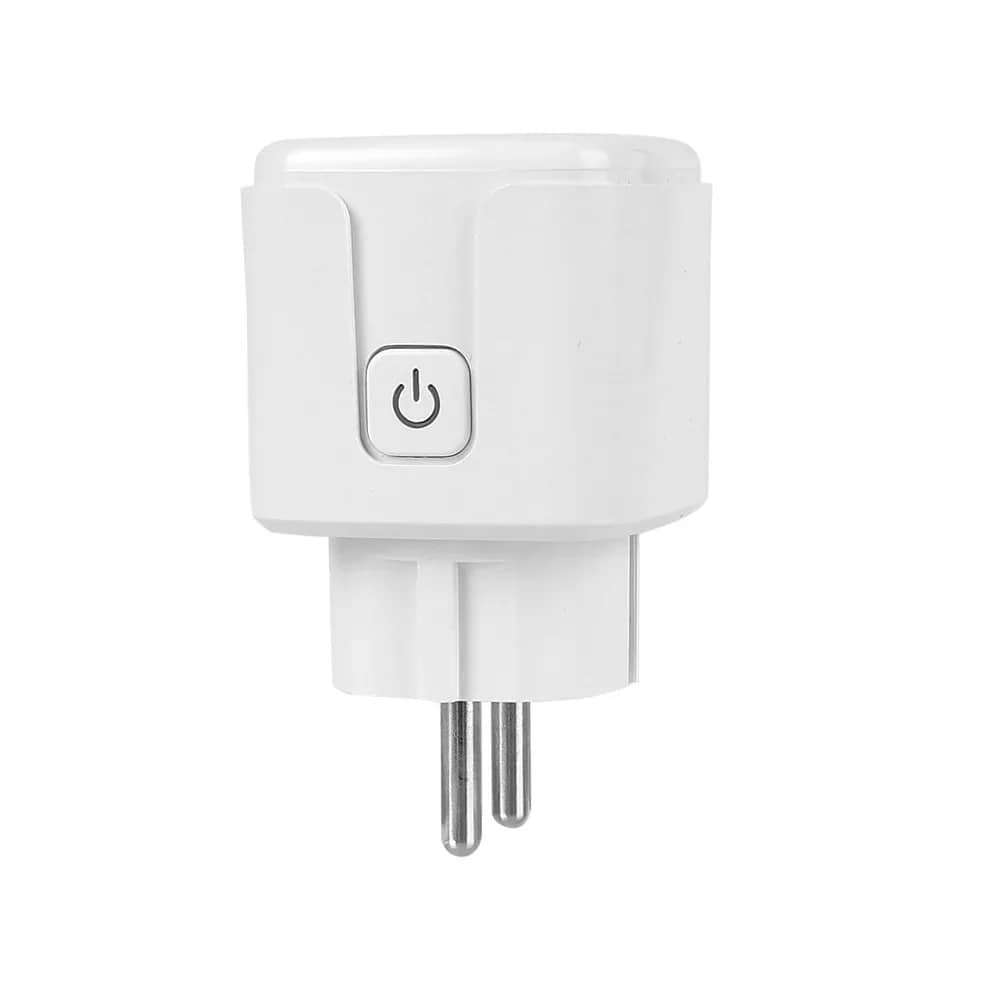
Yes, to a large extent. Smart bulbs, smart plugs and relays fitted at the light fitting need no changes to the wiring, and there is almost always a neutral at the light fitting.
Wi-Fi or ZigBee, if I don't know how many devices I'll have?
Under ten devices, Wi-Fi is simpler and needs no hub. If you suspect you will go beyond twenty, start with ZigBee straight away: switching later means replacing the devices, not just adding a hub.
What can I do if I have no neutral and want smart switches?
Three options without breaking the wall: models that work on two wires with an adapter fitted in parallel with the bulb, a smart relay fitted at the light fitting, or radio control with a remote.
Is it worth buying everything from the same brand?
Not necessarily the same brand, but the same platform. Several brands using the same app behave as a single system; the same brand across two different apps does not.
How much of the installation needs planning from the start?
The part in the wall: back boxes, neutral and cable routes. Switches and devices can be changed at any time without consequences, so it pays to leave room for growth where you can no longer easily intervene.