What Works with Alexa, Google Home and Home Assistant
Compatibility isn't determined by the brand on the box, but by the app the device uses. Once you know this rule, you can tell in advance whether a device will respond to voice commands — without buying it to find out.
By the SmartHomes.ae team · Updated 17 October 2026
In short
The app matters, not the logo. A device links to Alexa or Google Home through its app account: you connect the app (Smart Life, Livolo Home, eWeLink, HomeMate…) to the voice assistant once, and every device in it appears automatically.
Home Assistant works the other way round: it prefers a local connection. The cleanest route is via the protocol — a ZigBee device can be picked up directly by a ZigBee coordinator in Home Assistant, with no brand hub and no cloud.
The practical rule: choose the protocol first (Wi-Fi, ZigBee or RF433), the app second, and only then the brand.
The three routes to voice control
1. Wi-Fi + the app's cloud
The device connects directly to your router and talks to the manufacturer's servers. Alexa and Google Home link to that account through a "skill" or a "service". It's the simplest way to get started — you don't buy a hub — but it depends on the internet: if the connection drops, voice control stops working (the switch on the wall still works).
2. ZigBee + hub
ZigBee devices aren't visible directly on your network. They need a hub that gathers them and translates for them. In return, they form their own stable network that doesn't load your router, and in which every mains-powered device relays the signal further. In large installations — dozens of switches and sensors — you'll feel the difference.
3. RF433 without a network
Simple radio, between a remote control and a switch. There's no app and no voice control, but it works without internet, without an account and without a hub. It's the solution for a second control point where you can't run a cable.
Table: which app each brand uses
| Brand | App | Hub required | Voice control |
|---|---|---|---|
| Livolo | Livolo Home | Only for ZigBee models (Livolo ZigBee hub) | Via the Livolo Home account |
| Luxion | Smart Life / Tuya | Only for ZigBee models (Luxion ZigBee hub) | Via the Smart Life account |
| Sonoff | eWeLink | No for Wi-Fi models; yes for ZigBee models | Via the eWeLink account |
| Orvibo | HomeMate | For the ZigBee range | Via the HomeMate account |
| BroadLink | BroadLink | No — the hub is the product (RM4 Pro) | Via the BroadLink account |
| Shelly | Shelly Smart Control | No | Via the Shelly account |
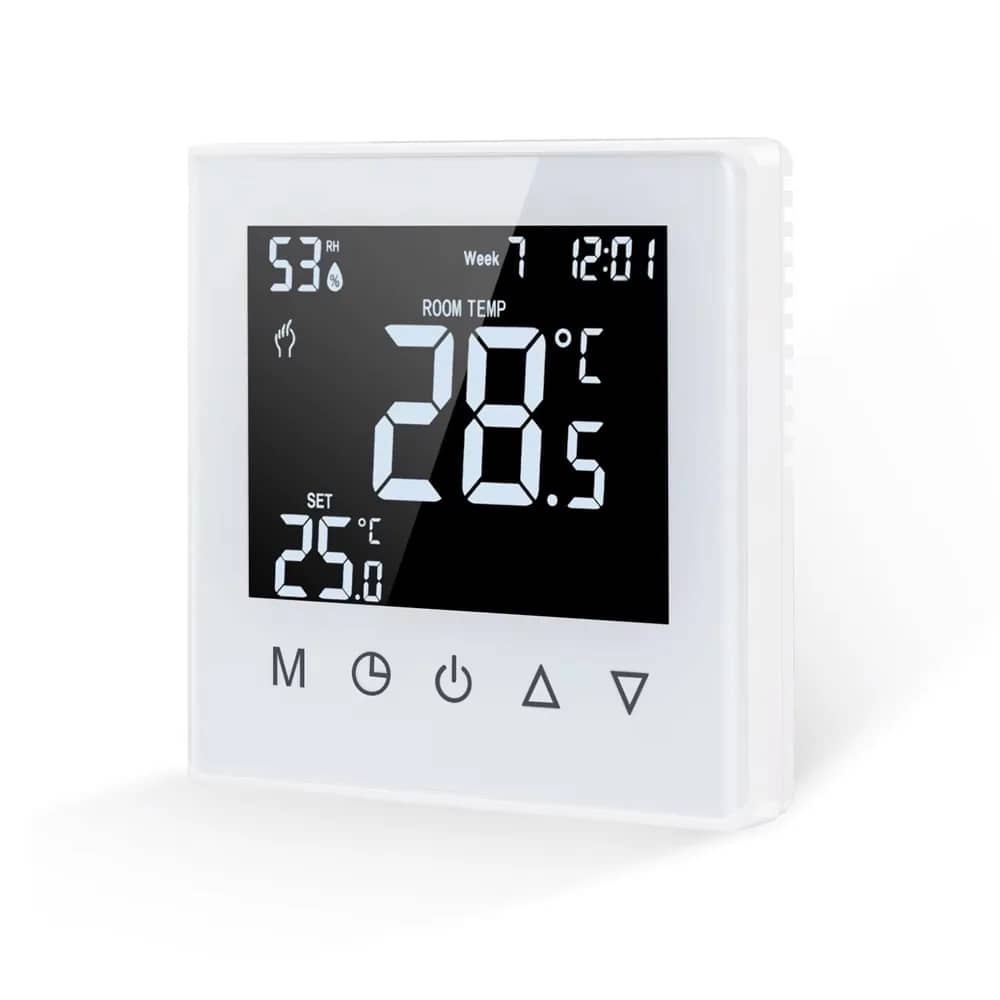
| Beok | Smart Life / Tuya | No, for Wi-Fi versions | Via the Smart Life account |
| Yale | Yale Access | Yes, for remote control (Connect Wi-Fi Bridge) | Via the Yale account |
The Smart Life and Tuya Smart apps are essentially the same platform under two names: a device added in one shows up in the other. That's why products from different brands end up on the same screen — and why a single link to Alexa brings them all in.
Home Assistant: what's different
Home Assistant runs in your home, not in the cloud. That changes the order of priorities: you're not asking "is it compatible with HA?", but "can I reach it without the cloud?".
- ZigBee — the cleanest route. With a ZigBee coordinator connected to Home Assistant, devices can usually be paired directly, without the brand's hub and without an account. Not every model behaves the same way, so it's worth testing one unit before buying thirty.
- Wi-Fi via Tuya / Smart Life — works through the official integration, but goes via the cloud: no internet, no control.
- Sonoff — has an eWeLink integration; some models also allow control over the local network.
- Shelly — designed for local control, with no mandatory cloud. The simplest choice if Home Assistant is your goal.
- RF433 — doesn't join Home Assistant on its own; you need an RF bridge (for example the Sonoff RF Bridge) that translates the radio signal.
To be honest
Not every product in our range is officially certified for every assistant, and Home Assistant integrations change from one version to the next. What's written above is how things work in principle, not a promise of certification: before a large order, check the product page and, if you can, test a single unit.
Mistakes that break integration
- A 5 GHz network. Almost all smart home devices work only on 2.4 GHz. If your router uses the same name for both bands, pairing fails for no visible reason.
- Two apps for the same device. A device belongs to a single account. If you add it on another phone, do it from the same account, not from a fresh installation.
- A hub from another brand. ZigBee is a common protocol, but brand hubs are usually locked to their own range. A Livolo hub isn't a universal solution for ZigBee devices from other manufacturers.
- A smart switch without a neutral wire. No integration can fix missing power. Check the back box before you order — and have a qualified electrician carry out the installation.
- Room names. Voice control depends on names: "kitchen light" works, "switch 3 channel 2" doesn't. Name devices in the app, not in the assistant.
How to choose, depending on where you want to end up
- I just want simple voice control: any Wi-Fi model, with its app linked once to Alexa or Google Home.
- A whole home, many control points: ZigBee with the brand's hub — a stable network and an unburdened router.
- I want local control, without the cloud: ZigBee with a coordinator in Home Assistant, or devices designed for local control.
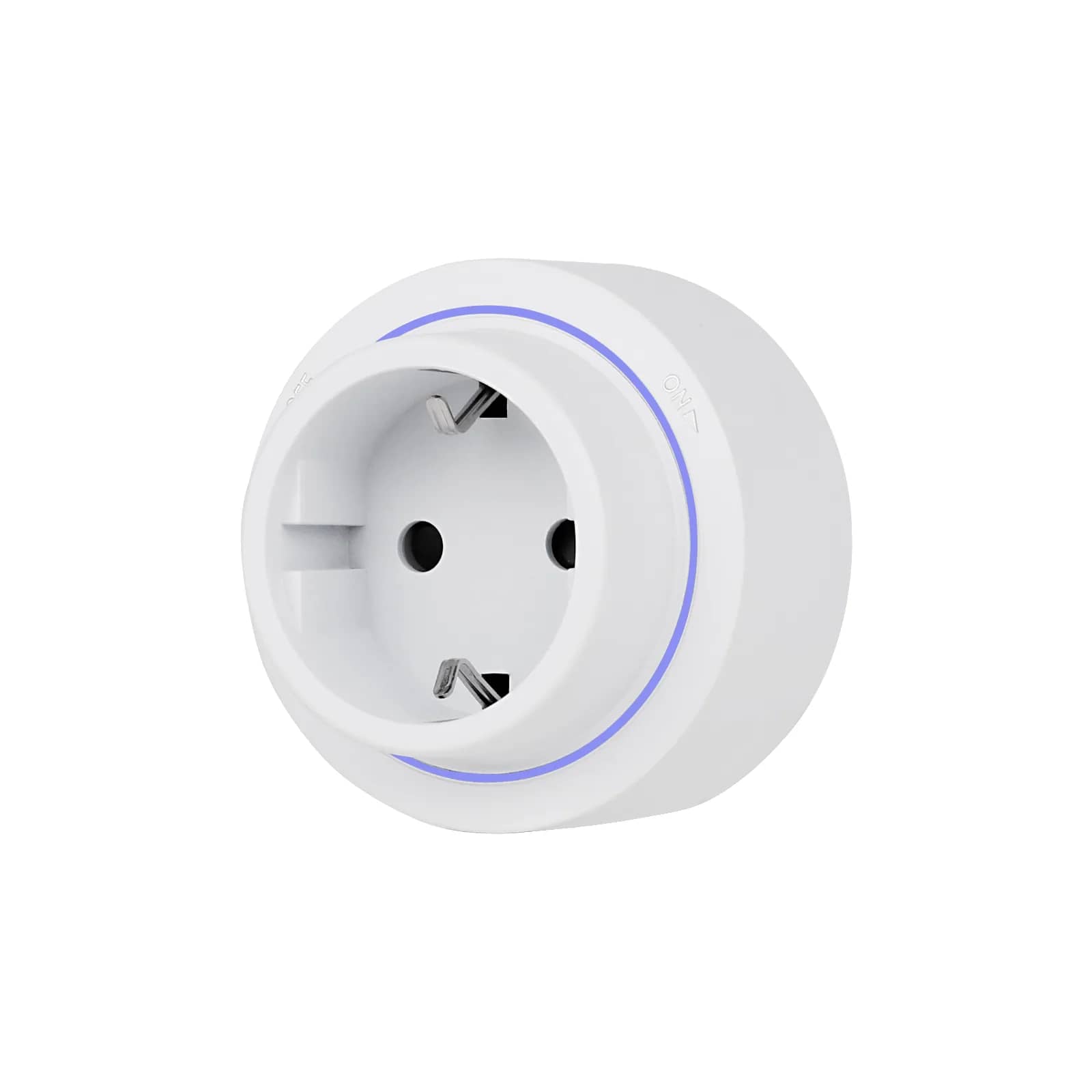
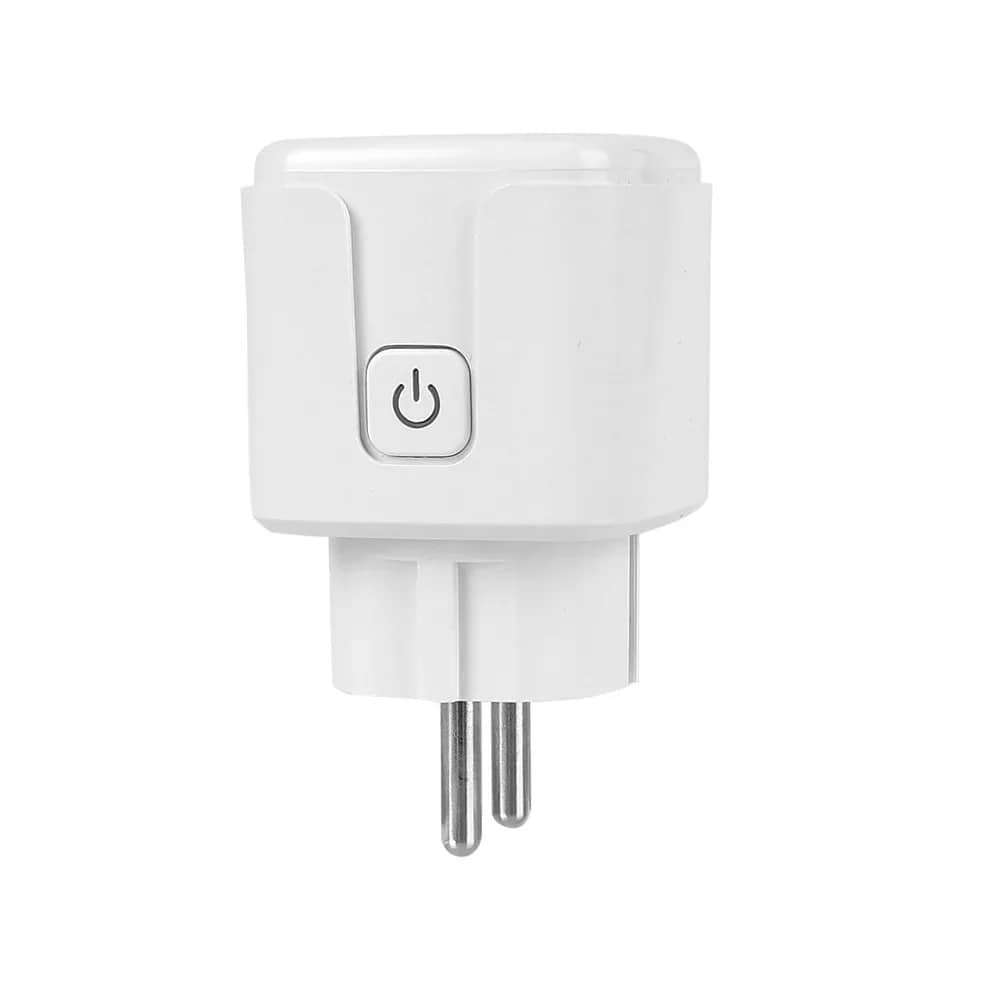
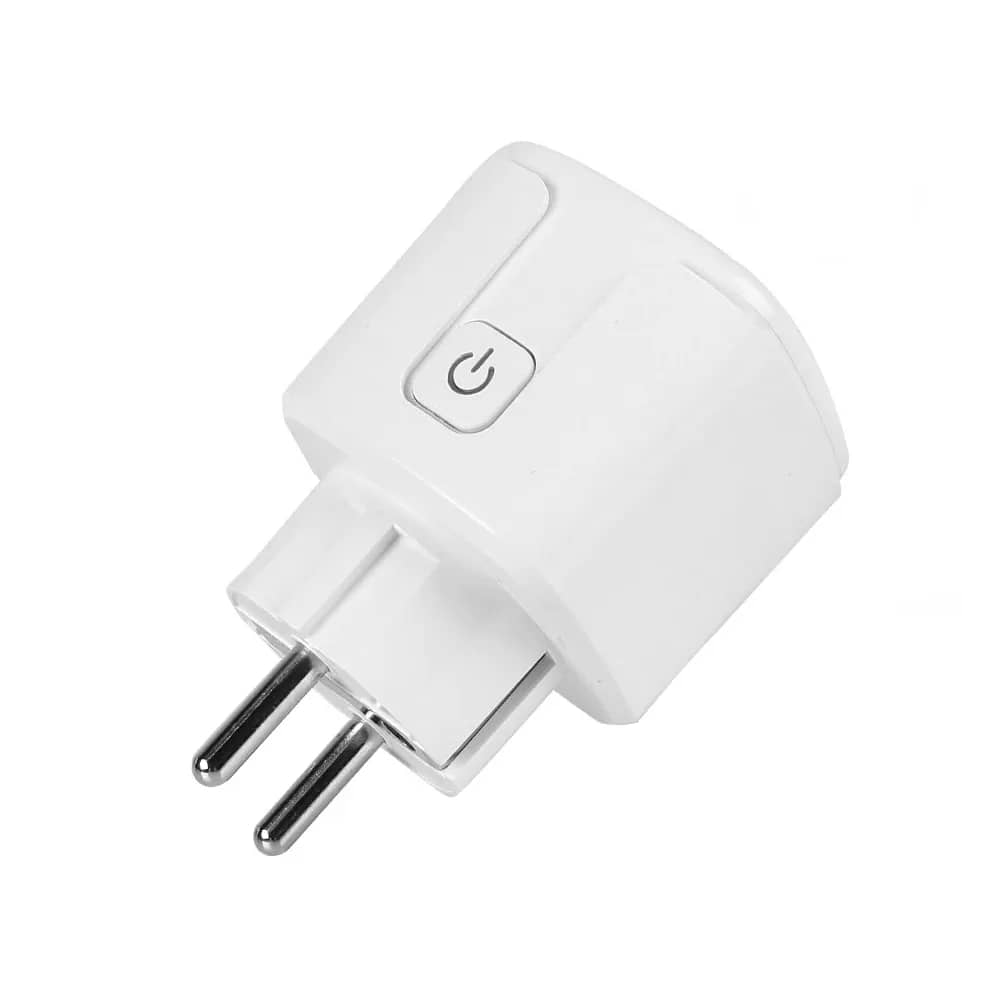
- I rent and can't change the wiring: smart bulbs and smart plugs — they move with you.
- No internet and no account: RF433 with a remote control.
Choose by protocol, not by logo
Wi-Fi, ZigBee or RF433 — filter directly by protocol and see what suits your installation. Browse Smart Home or touch light switches.
Voice assistant and Home Assistant integrations are provided by the manufacturers and may change through updates; check the product page before ordering.
Frequently asked questions
Do I need a hub for voice control?
Not for Wi-Fi devices: they connect directly to your router, and the link to Alexa or Google Home is made from their app. A hub is needed for ZigBee devices, because they aren't visible directly on your network.
Why won't my device connect to Wi-Fi?
In the vast majority of cases, because your phone is on the 5 GHz network. Smart home devices use the 2.4 GHz band. Temporarily separate the bands in your router, pair the device, then you can switch back.
Are Smart Life and Tuya different apps?
They are the same platform under two names. A device added in one appears in the other with the same account, and a single link to your voice assistant covers them all.
Can I use ZigBee devices without the brand's hub?
Usually yes, if you have a ZigBee coordinator connected to Home Assistant — the protocol is common. Behaviour varies from model to model, though, so test one unit before a large order.
What happens to smart switches if the internet goes down?
The wall control keeps working — it's an electrical command, not a network one. You only lose app control, voice control and cloud-based automations. Local setups such as Home Assistant remain functional.
Do they work with Apple HomeKit?
Only a few products in the range explicitly mention HomeKit, so it isn't a safe assumption for the rest. Check the product page: where it isn't stated, assume it doesn't.