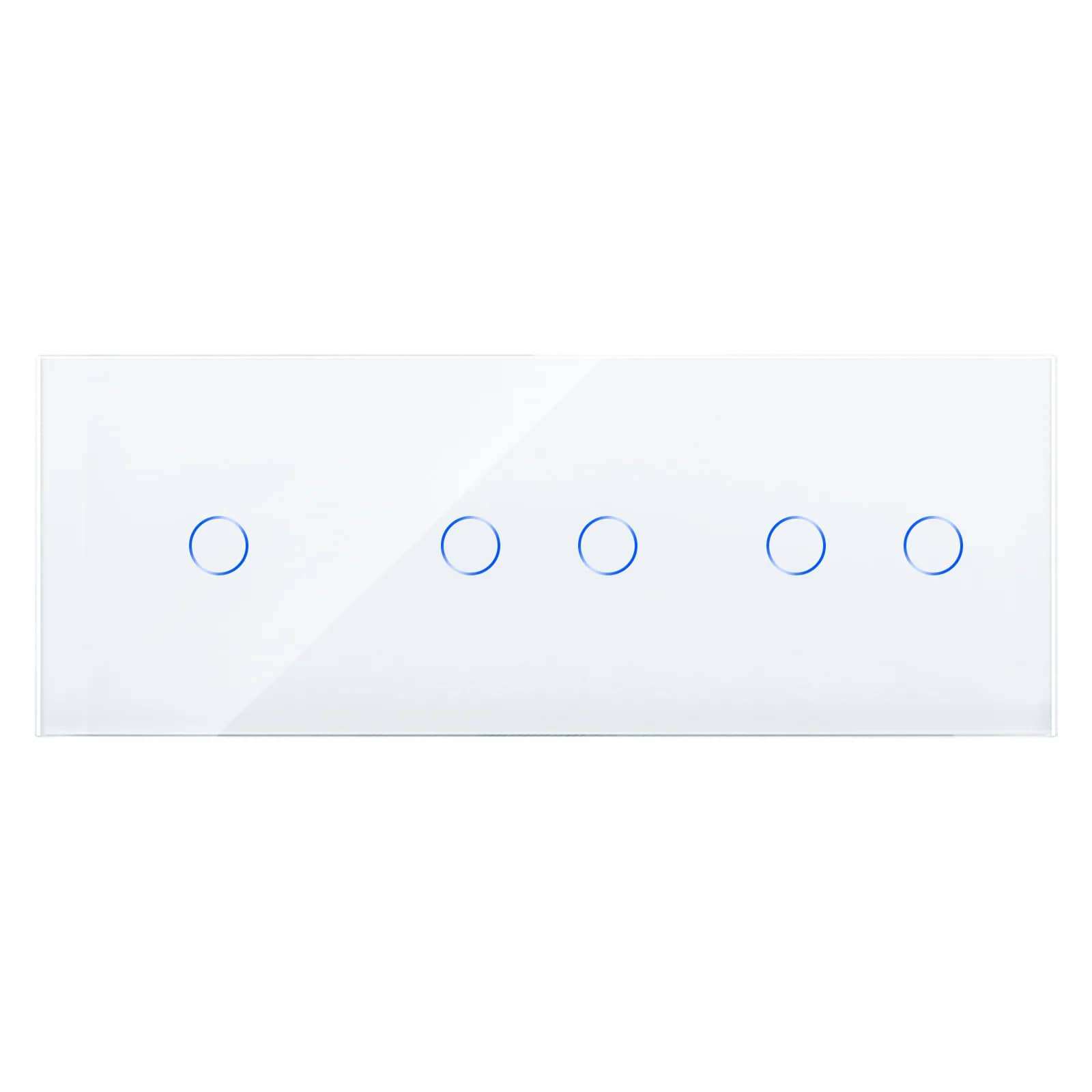
How to Choose Glass Frames and Modules: A Complete Guide
The frame is the 'picture' on your wall; the modules are the functions inside it. Here's how to choose both correctly, room by room, so you only have to order once.
By the SmartHomes.ae team · Updated 17 October 2026
In short
Choosing comes down to 4 steps: count how many functions you want at one point on the wall → choose a frame with that many modules (from 1 to 5) → choose the modules that go into it (switch, socket, USB, TV, internet, HDMI) → choose a single colour for the whole wall. The golden rule: the frame and modules must come from the same series, and the number of back boxes in the wall must match the size of the frame.
Frame and module: what each one does
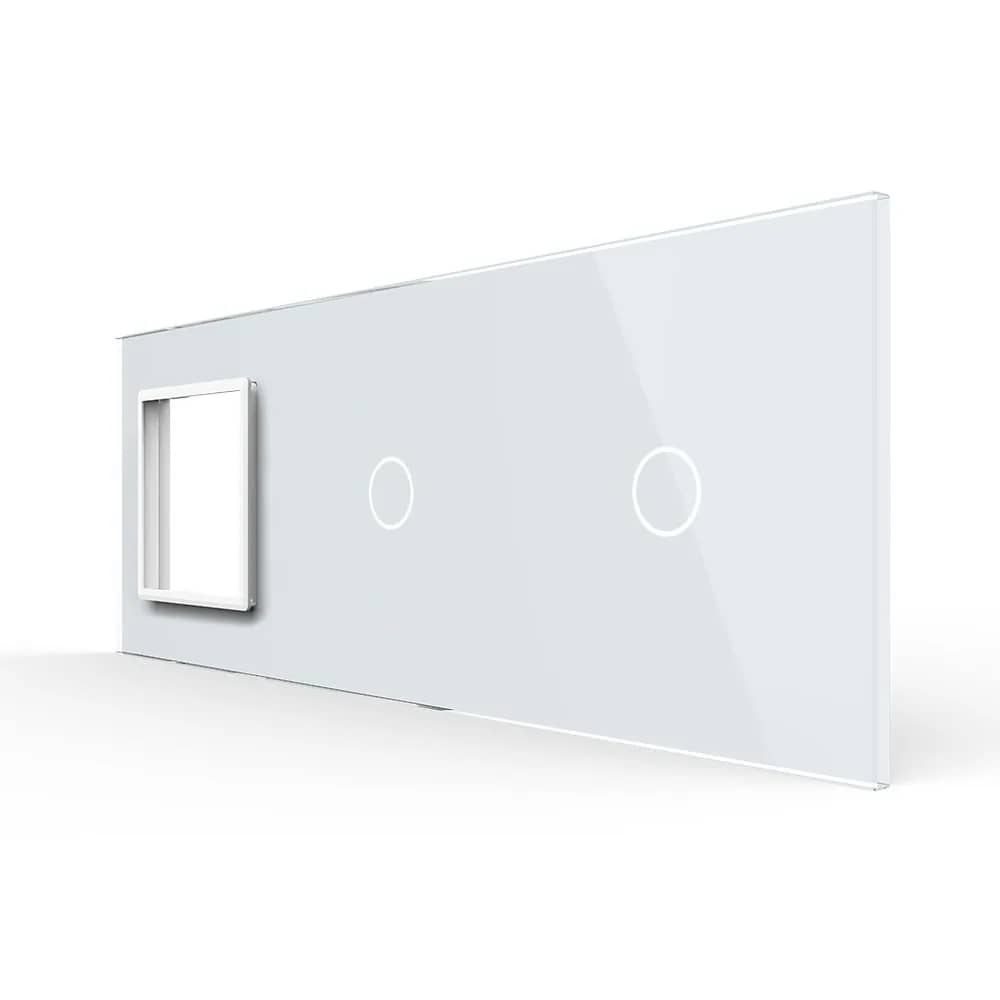
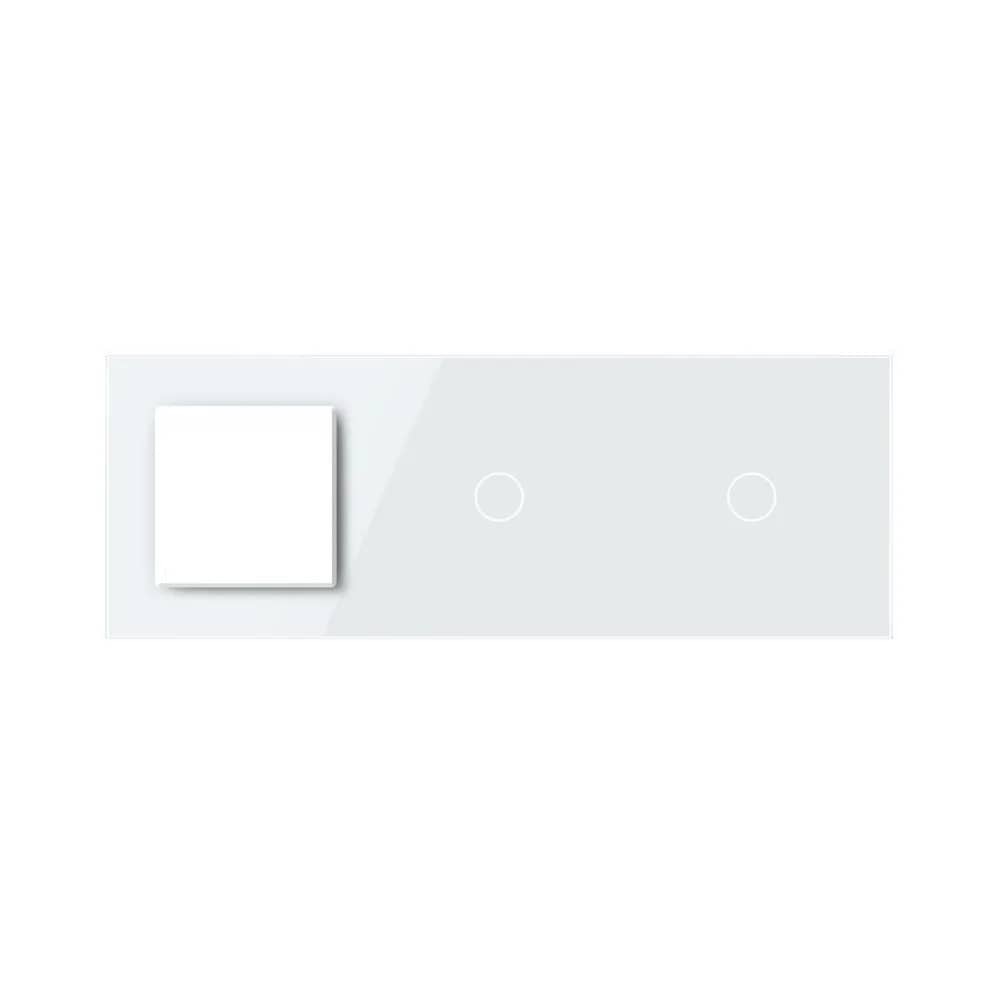
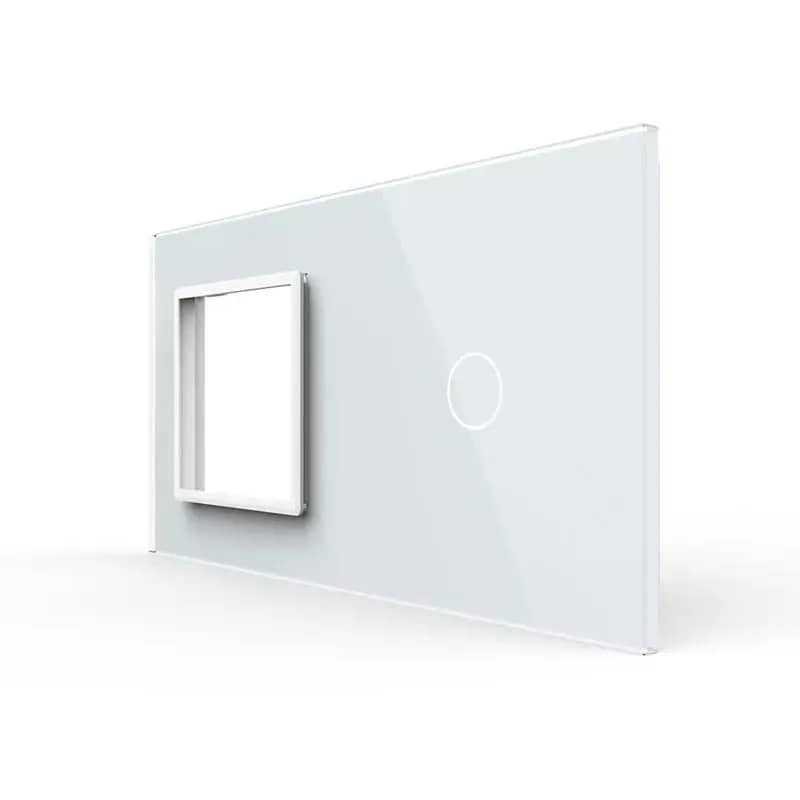
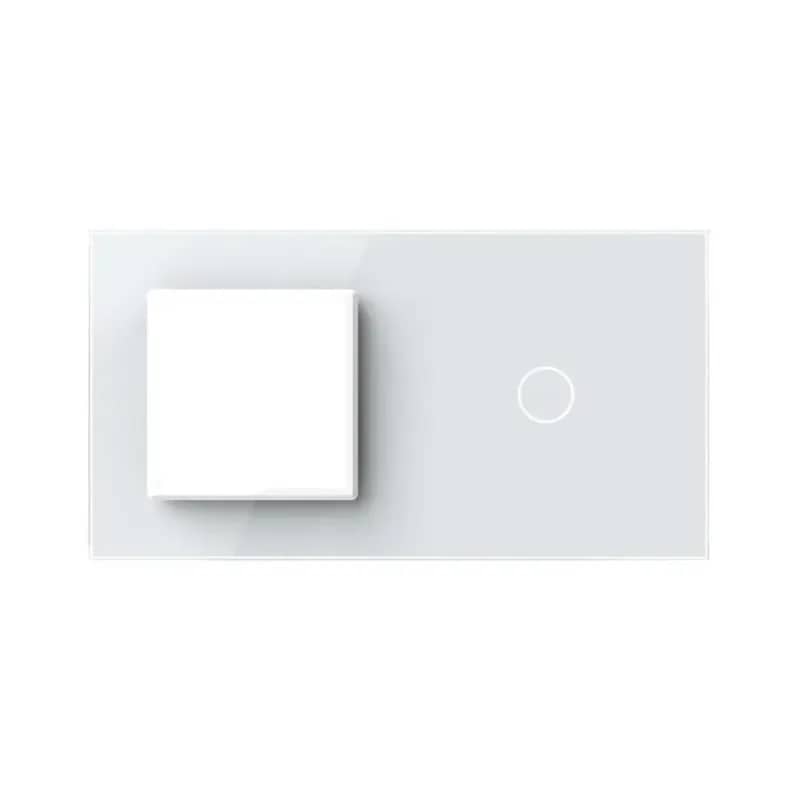
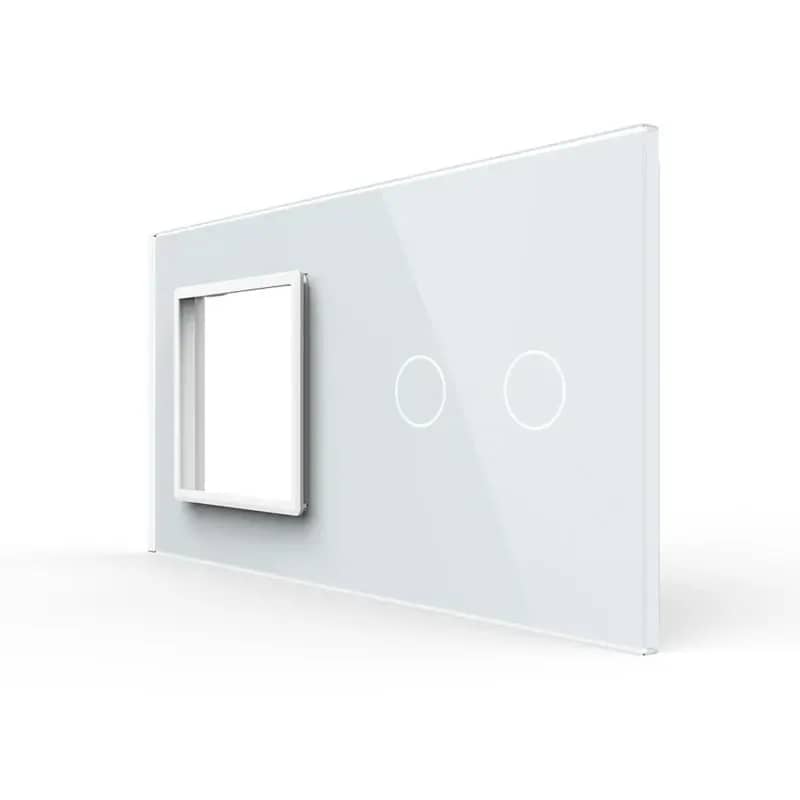
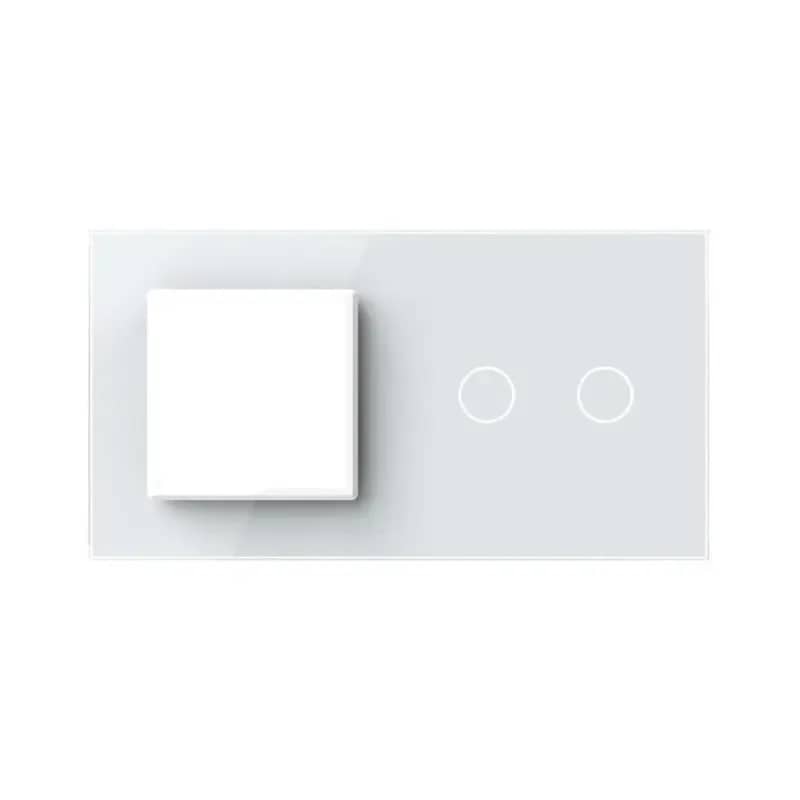
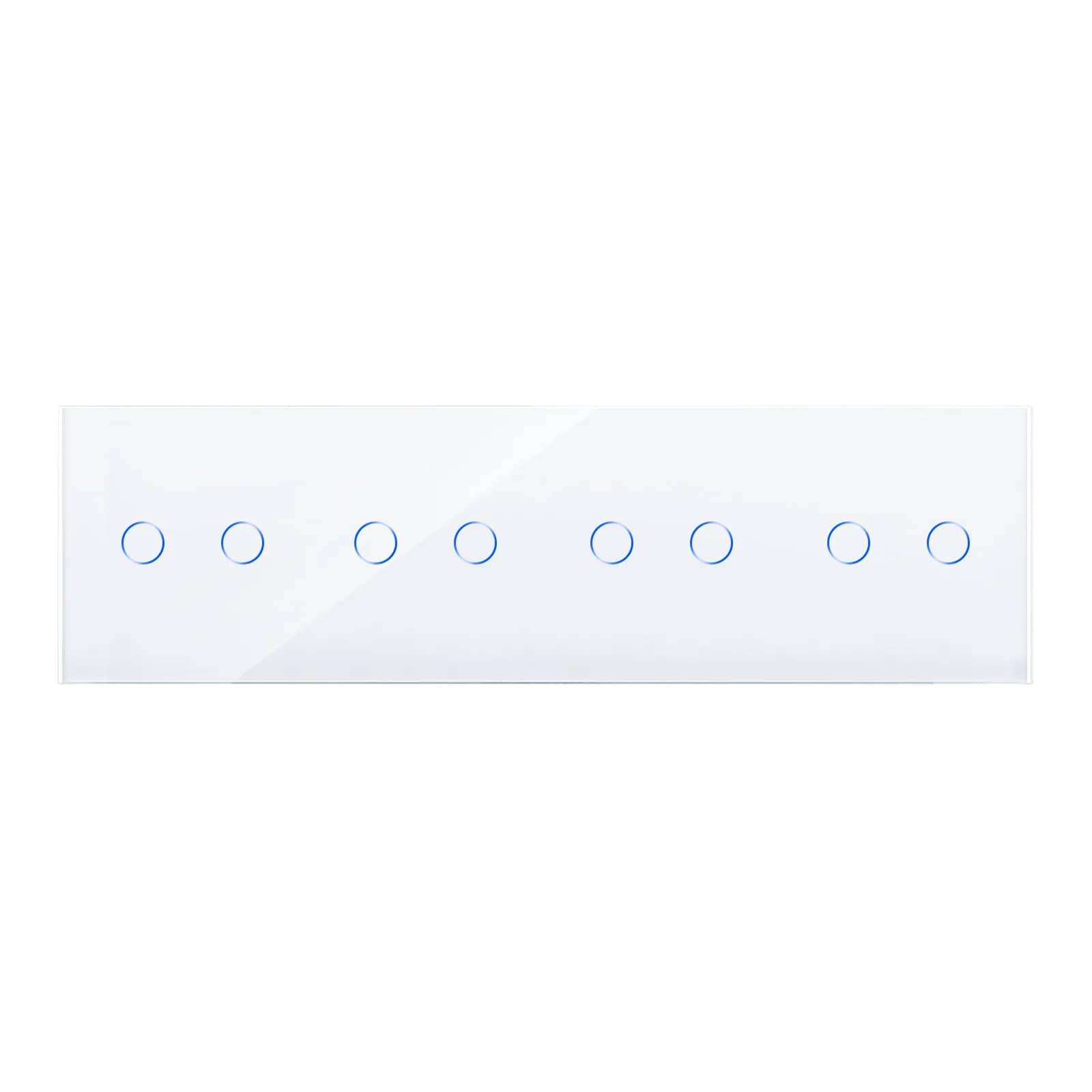
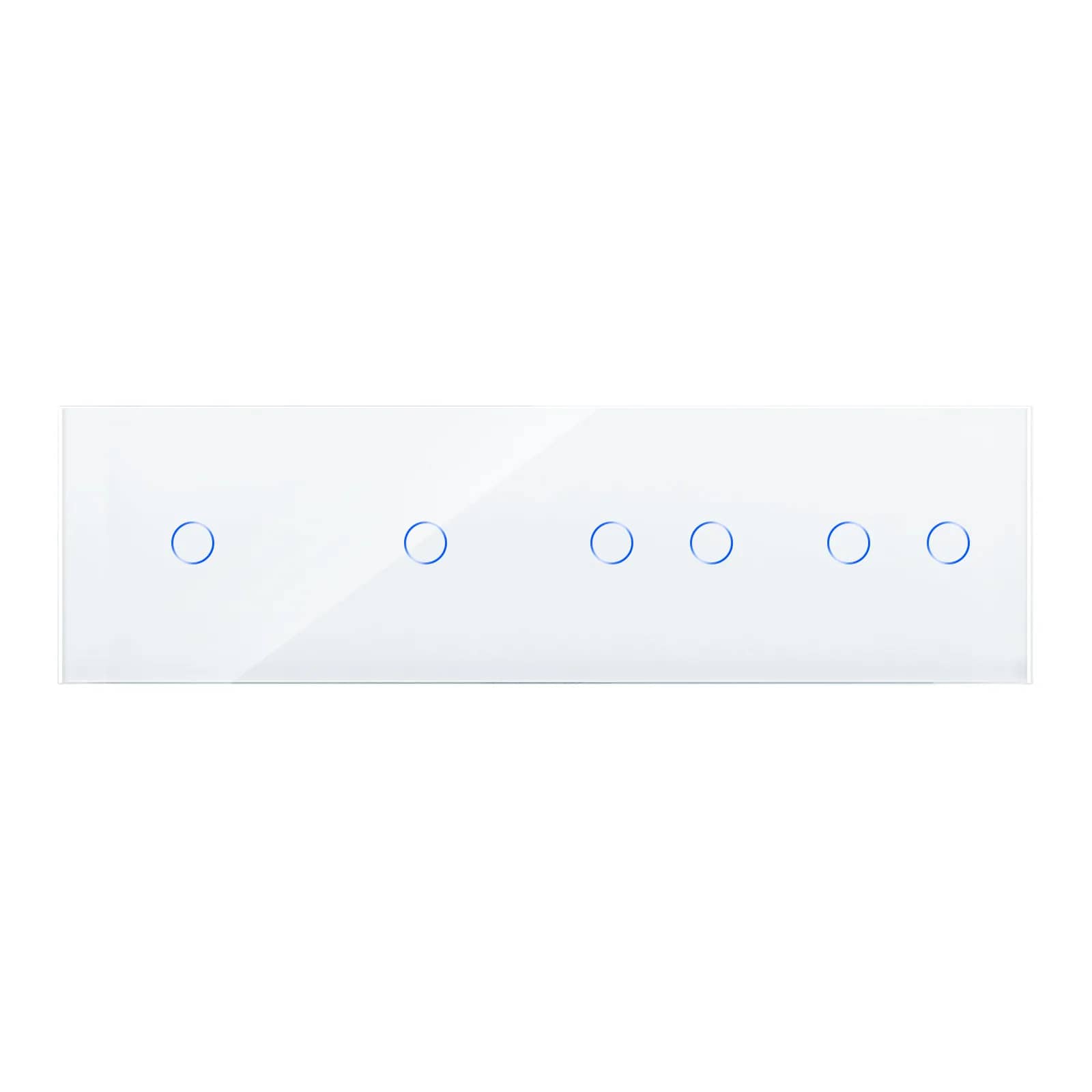
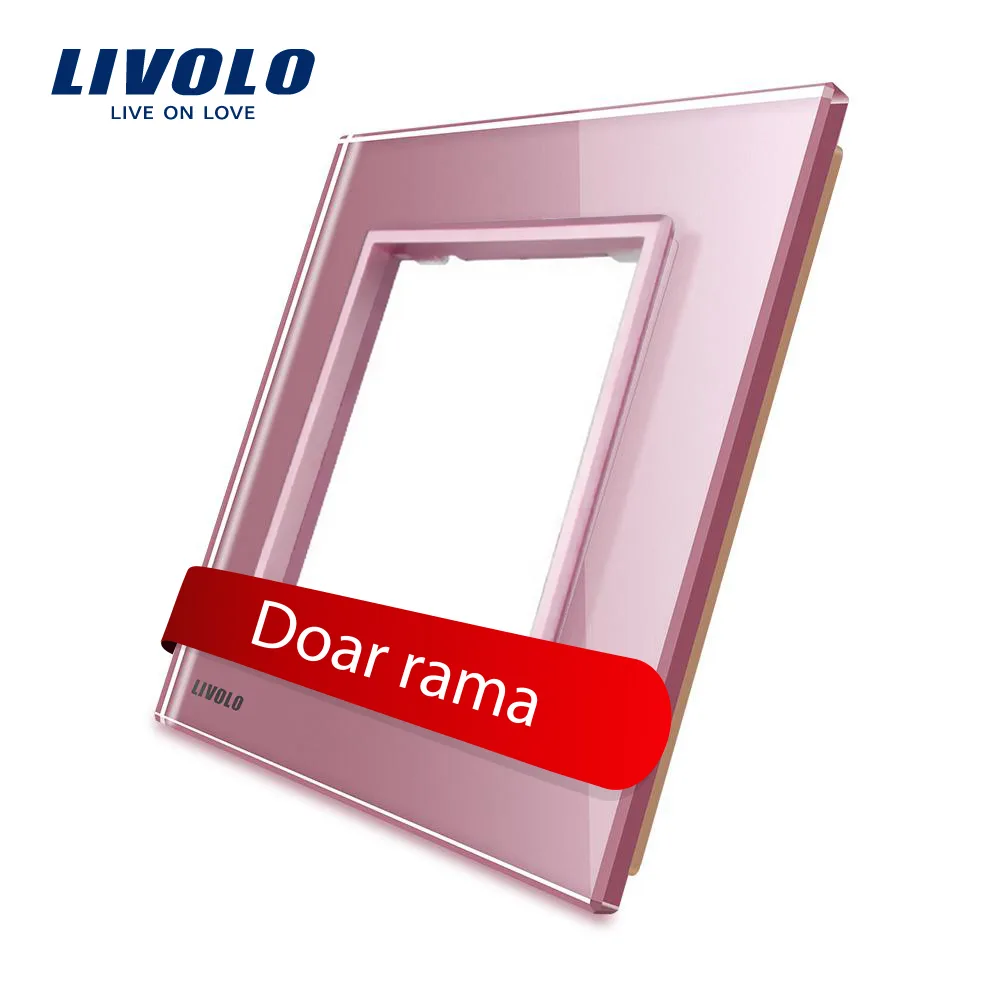
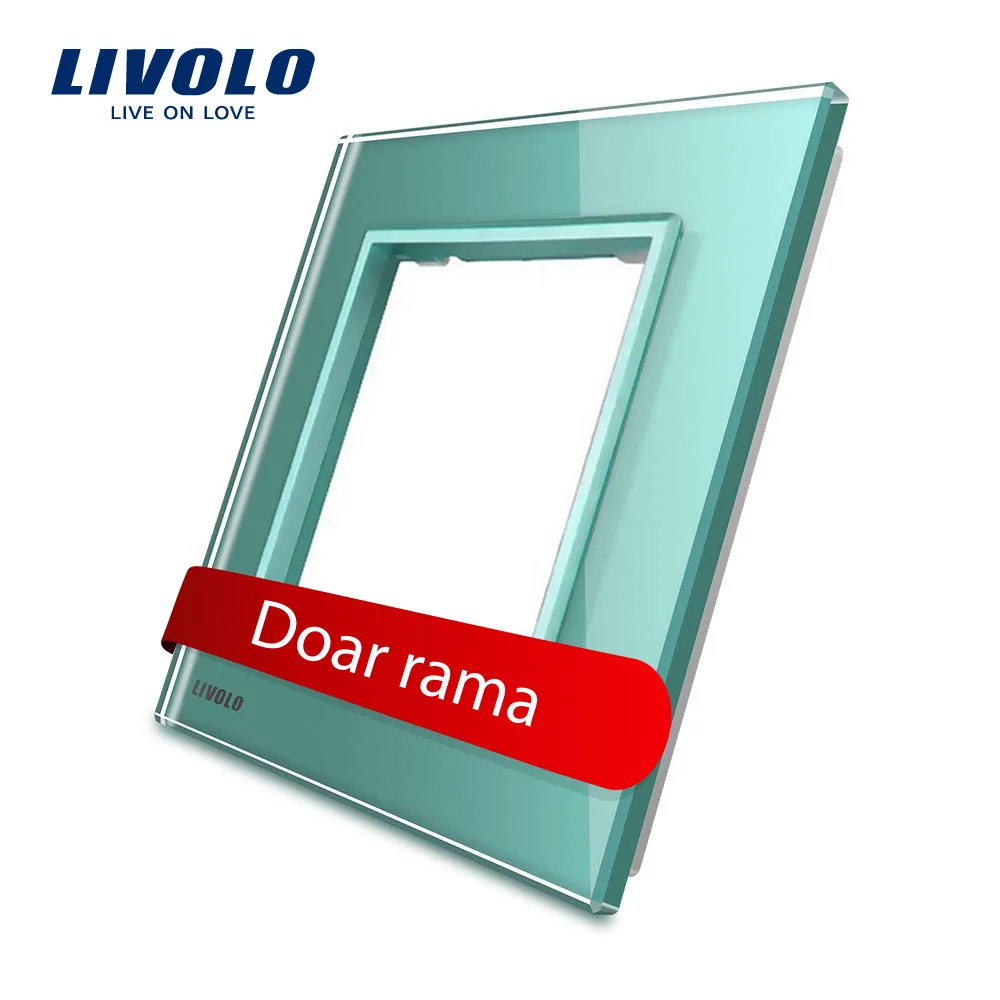
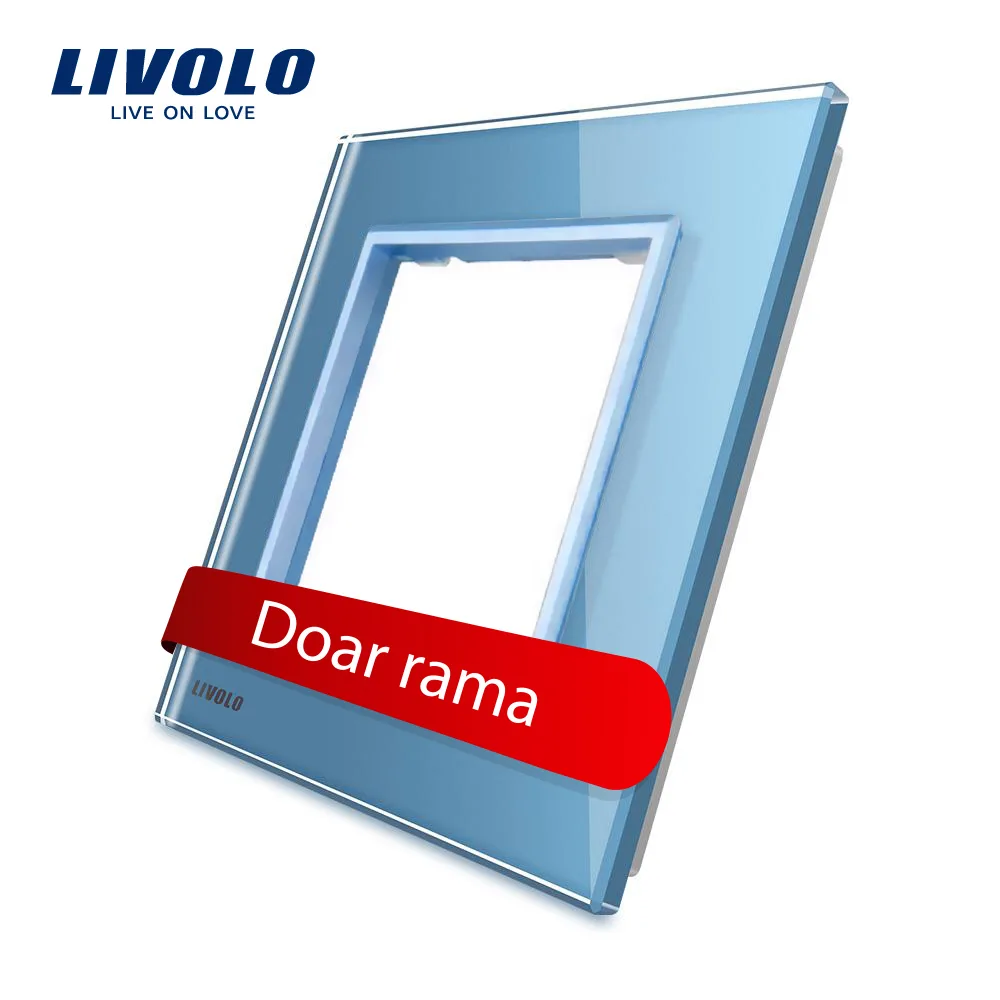
The frame is the glass panel you see on the wall. It has no electrical function — its role is aesthetic and structural. You choose it by how many modules it holds and by colour.
The module is the functional part fitted into the frame: a switch, a socket, a USB port, a TV or internet socket. One module = one function.
This separation is the real advantage of a modular system: you fit exactly the combination you need into a single frame, instead of installing three separate devices spaced out across the wall.
Step 1: count the functions at each point
Go through the rooms one at a time and, for each spot on the wall, note what you want to do there. Concrete examples:
- Next to the bedroom door: ceiling light on + bedside lamp on = 2 functions
- Above the kitchen worktop: two sockets + one USB = 3 functions
- Behind the TV: socket + TV socket + internet + HDMI = 4 functions
- At the end of the hallway: just on/off = 1 function
The number of functions at a point gives you the frame size directly.
Step 2: choose the frame size
| Frame | Typical use |
|---|---|
| Single frame — 1 module | Hallway, storage room, simple light point |
| Double frame — 2 modules | Bedroom: ceiling light + bedside lamp. Or socket + USB |
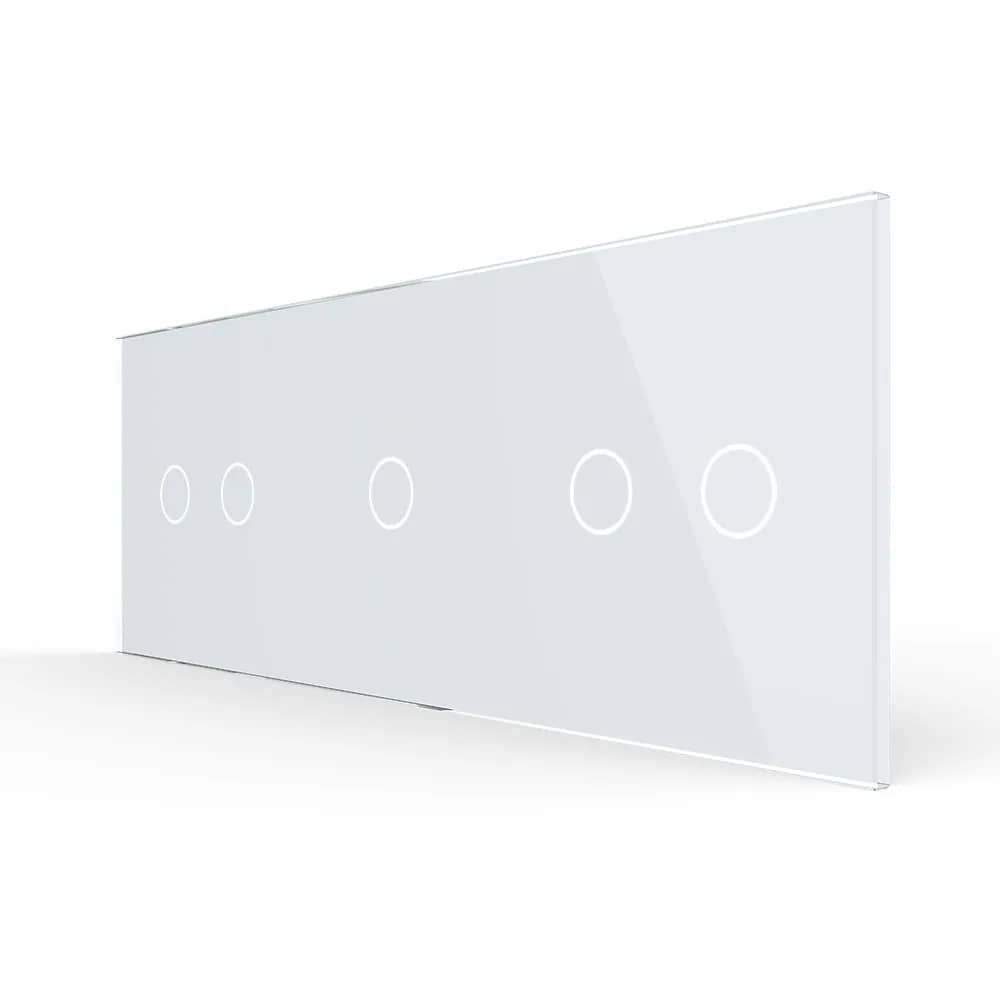
| Triple frame — 3 modules | Kitchen: two sockets + USB. Living room: three lighting zones |
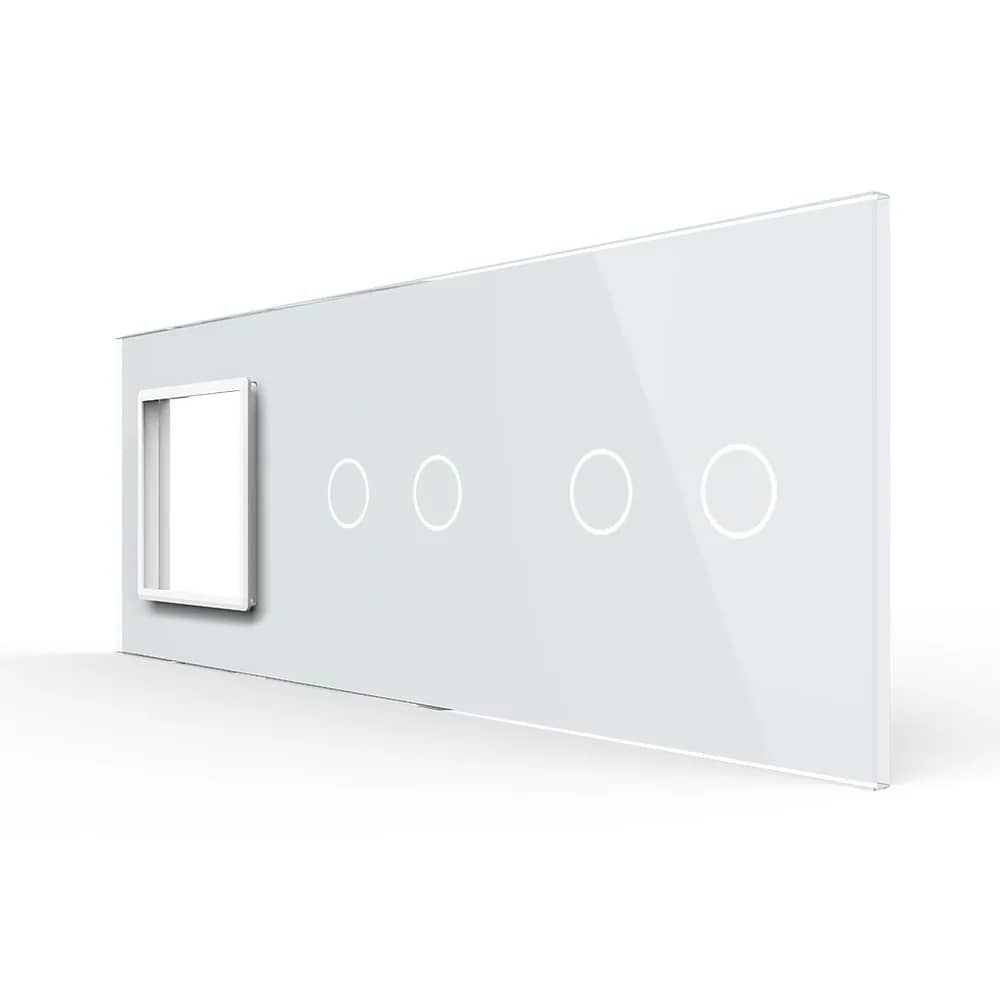
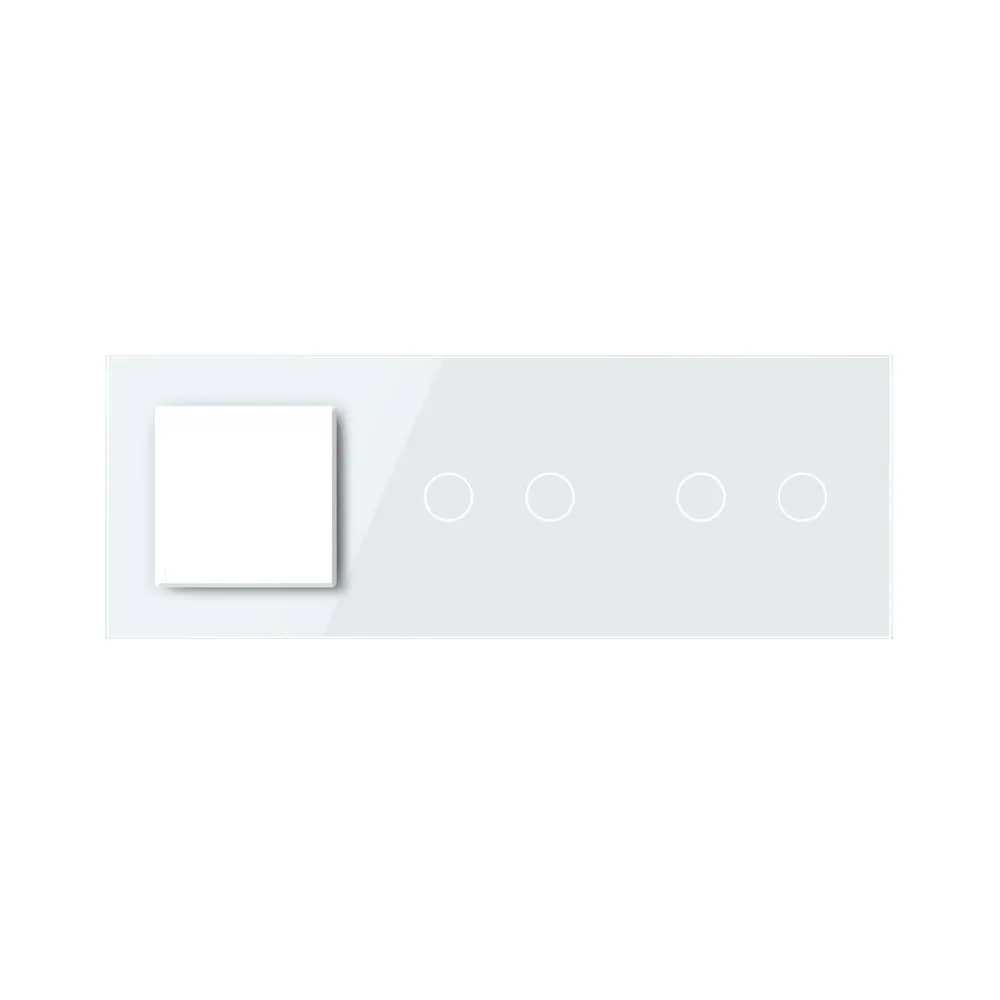
| Quadruple frame — 4 modules | TV area: socket + TV + internet + HDMI |
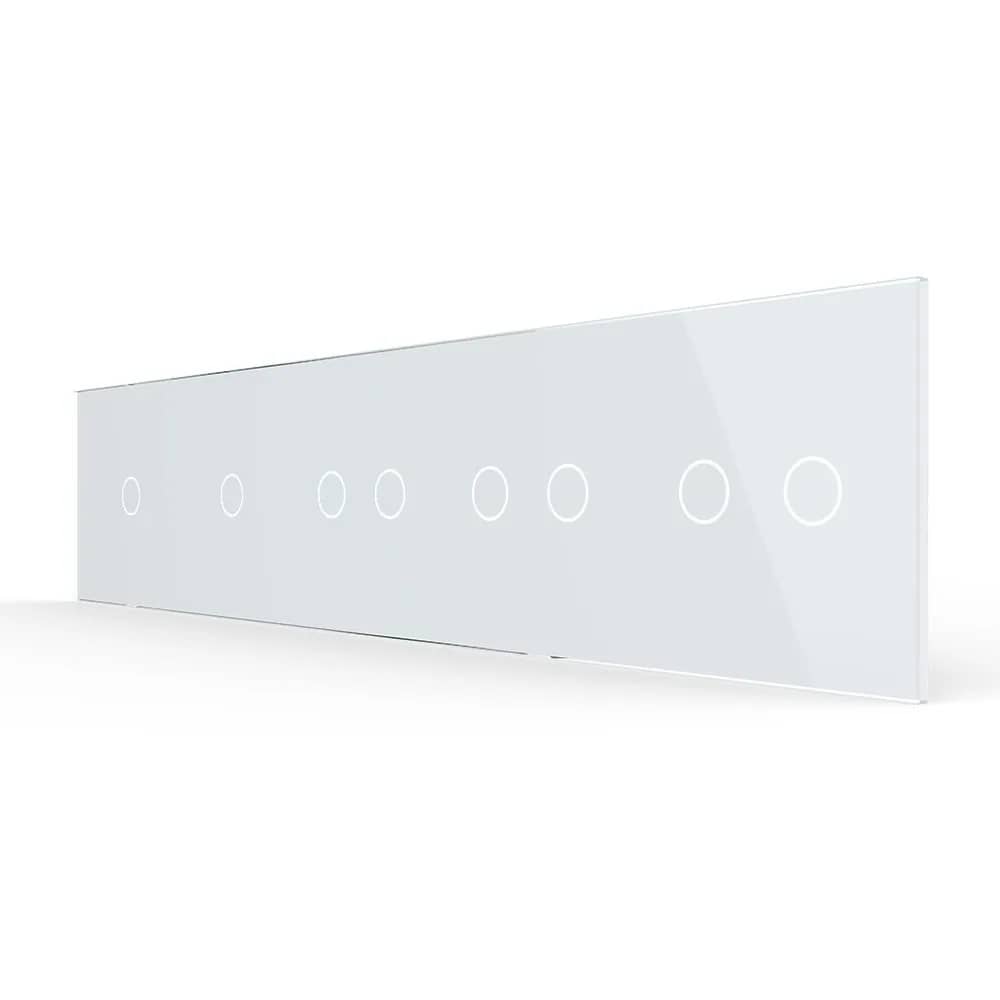
| Quintuple frame — 5 modules | Home office or complete media centre |
Watch the back boxes
A 3-module frame needs real space in the wall. Some frames mount on a single back box, others require two or more boxes side by side. Check which back boxes you already have in the wall before ordering — otherwise the frame has nothing to fix to.
Step 3: choose the modules
Once the frame is decided, you choose what goes into it. You can pick from the modules below, covering almost any need in the home:
| Module type | What it's for | Where it usually goes |
|---|---|---|
| Touch switch | Turning lights on/off (1, 2 or 3 gang) | Next to doors, at the room entrance |
| Dimmer | Adjusting light intensity | Living room, bedroom |
| Socket | Powering appliances | Everywhere |
| USB / Type-C socket | Charging a phone without an adapter | Bedside, desk, kitchen worktop |
| TV / satellite socket | Television signal | TV area |
| Internet (LAN) socket | Wired connection | Office, TV area |
| HDMI / VGA | Video connection | TV area, office |
| Audio / telephone | Sound, phone line | Living room, office |
| Blind control | Operating motorised blinds | Next to the window |
| Blank module | Fills an unused space in the frame | Wherever symmetry is needed |
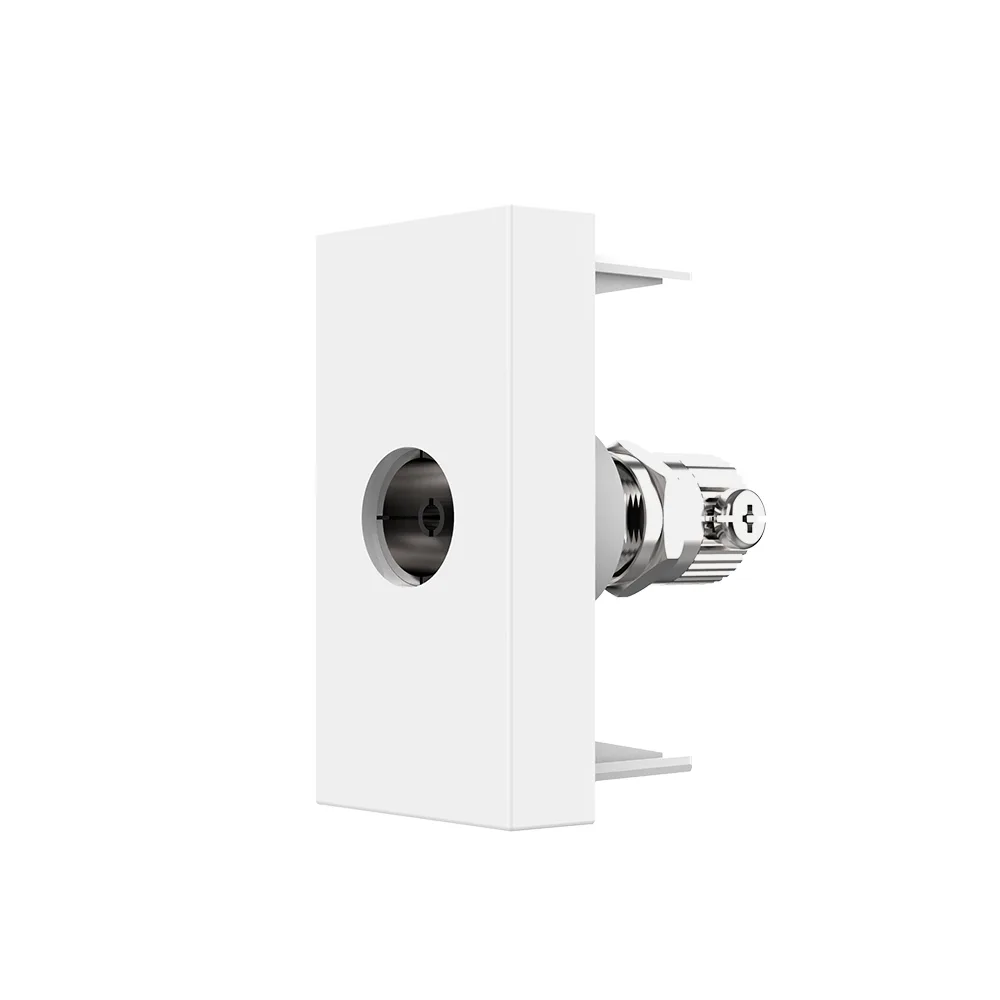
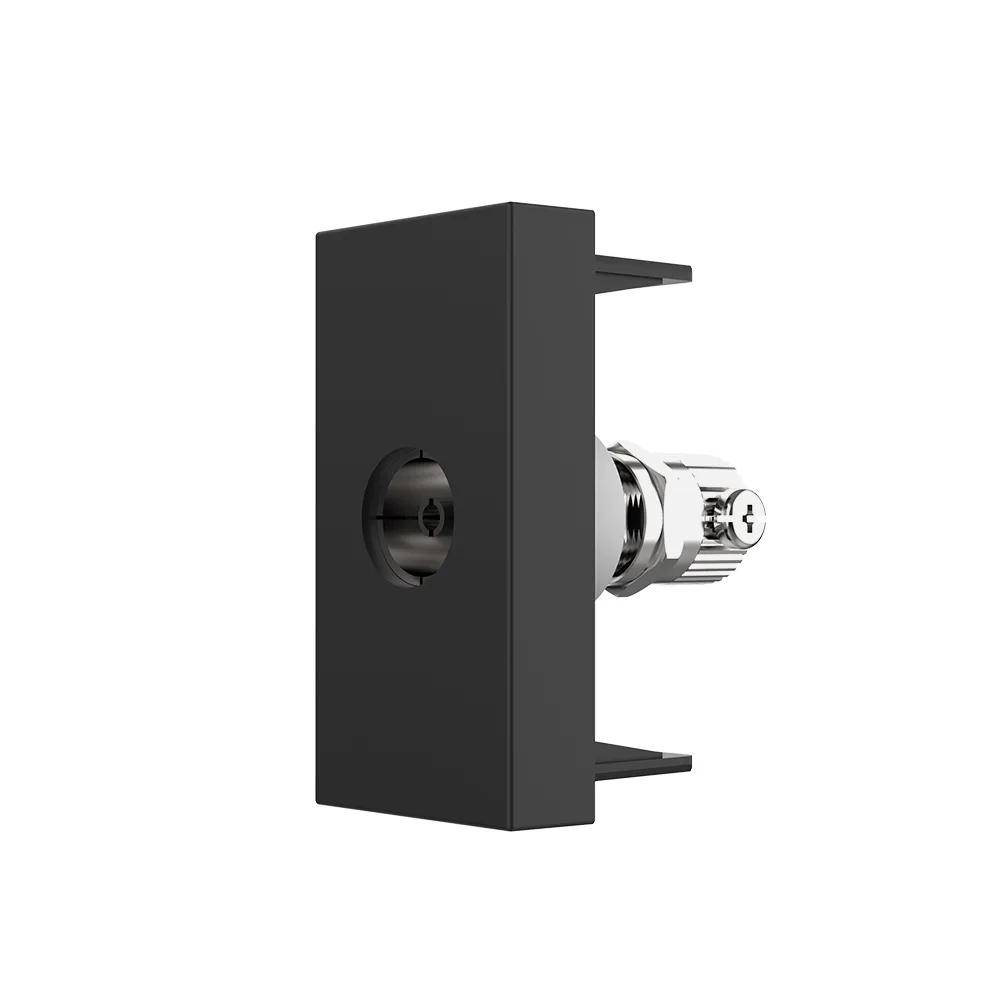
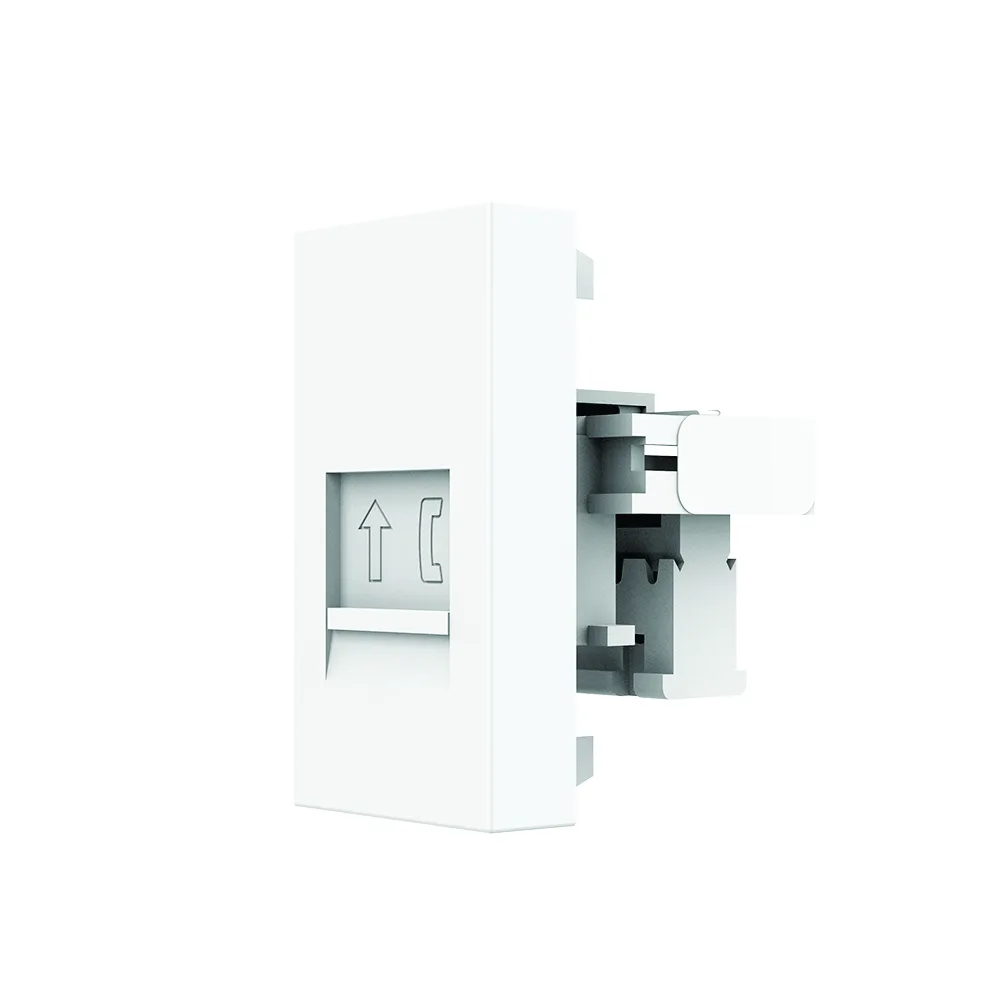
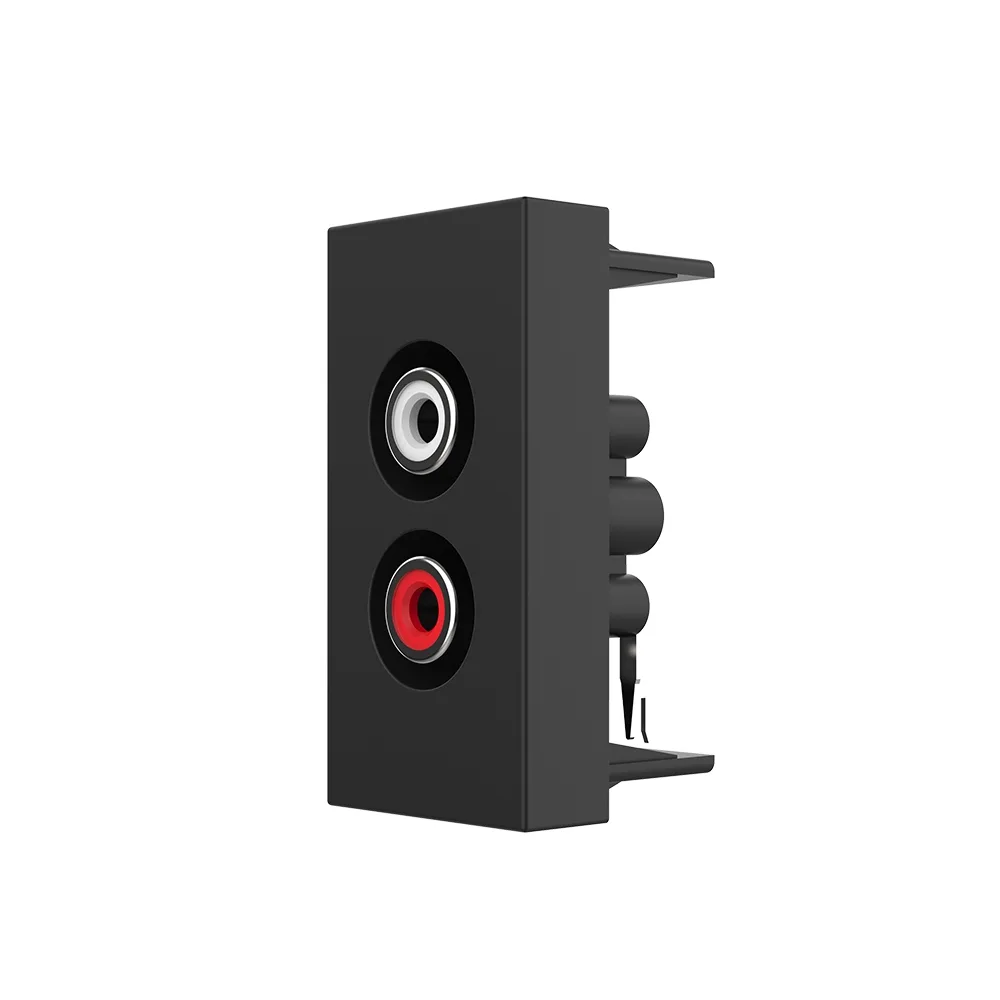
Practical tip: if you don't fill the whole frame, use a blank module. It costs little, looks clean and leaves the space free for a function you add later.
Step 4: choose a single colour
You can choose from seven colours — the frame and modules always share the same colour, so they match automatically:
- White
- Black
- Grey
- Gold
- Pink
- Green
- Blue
Our recommendation: choose one dominant colour for the whole home (white and black are the most versatile) and use accent colours only in a specific room — a child's bedroom, a feature wall. A wall with three different frame colours looks untidy, however good the products are.
Room-by-room configurations
| Room | Frame | Recommended modules |
|---|---|---|
| Hallway / entrance | Single or double | Switch (two-way if you have two entrances) |
| Living room | Triple + quadruple at the TV | Triple switch / dimmer; at the TV: socket + TV + internet + HDMI |
| Bedroom | Double by the door, double at the bedside | Double switch; at the bedside: socket + USB |
| Kitchen | Triple above the worktop | Two sockets + USB |
| Home office | Quadruple or quintuple | Sockets + internet + USB Type-C + HDMI |
| Bathroom | Single (switch outside) | Switch mounted outside the wet zone |
Common mistakes (and how to avoid them)
- Ordering the frame without checking the back box. This is the most common one. Measure and count the boxes first.
- Mixing different series. Modules from one series don't always fit another series' frame. Stay within the same series.
- Forgetting the neutral wire. Touch and smart switches often need a neutral in the back box. Have a qualified electrician check your wiring and carry out the installation.
- Too few sockets in the TV area. Think about what you'll add in two years' time: soundbar, console, streaming device.
- Leaving gaps in the frame. Use blank modules for a clean look.
Final check before ordering
Have you counted the functions at each point? Have you checked the type and number of back boxes in the wall? Are the frame and modules from the same series and in the same colour? Is there a neutral in the box where you're fitting touch or smart switches? If the answer is 'yes' to all four, you can order with confidence.
Configure your wall
Choose the frame, add the modules and see how your combination looks.
Frequently asked questions
What is the difference between a frame and a module?
The frame is the glass panel visible on the wall and has no electrical function — you choose it by how many modules it holds and by colour. The module is the functional part fitted into the frame: switch, socket, USB, TV, internet or HDMI. One module means one function.
How many modules fit in a frame?
Frames are available from 1 up to 5 modules. You choose the size based on how many functions you want at a single point on the wall: a double frame for a ceiling light plus bedside lamp, a quadruple one for the TV area with socket, TV, internet and HDMI.
Can I combine a switch and a socket in the same frame?
Yes, that is the whole advantage of the modular system. In a double or triple frame you can combine a switch, socket, USB and media modules, as long as they all come from the same series.
What back box do I need for a triple frame?
It depends on the series: some frames mount on a single back box, others need two or more boxes side by side. Check the existing boxes in your wall before ordering, because the frame needs something to fix to.
What if I don't fill every space in the frame?
Use a blank module to fill the empty space. It costs little, keeps the look clean and leaves you the option of adding a new function later.
Do the frames match the touch switches?
Yes. Frames and modules are available in the same seven colours — white, black, grey, gold, pink, green and blue — so the whole wall looks consistent.